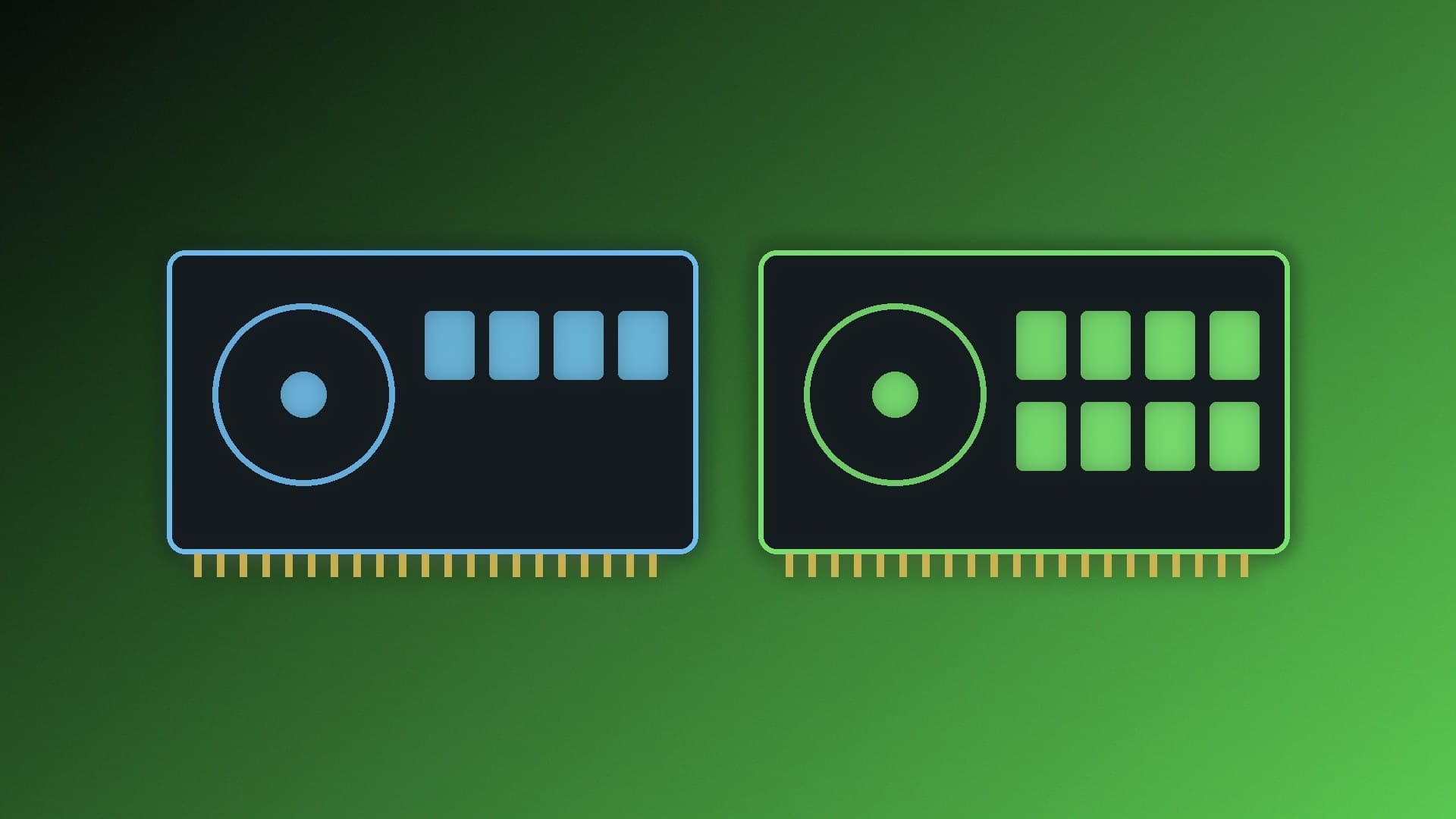
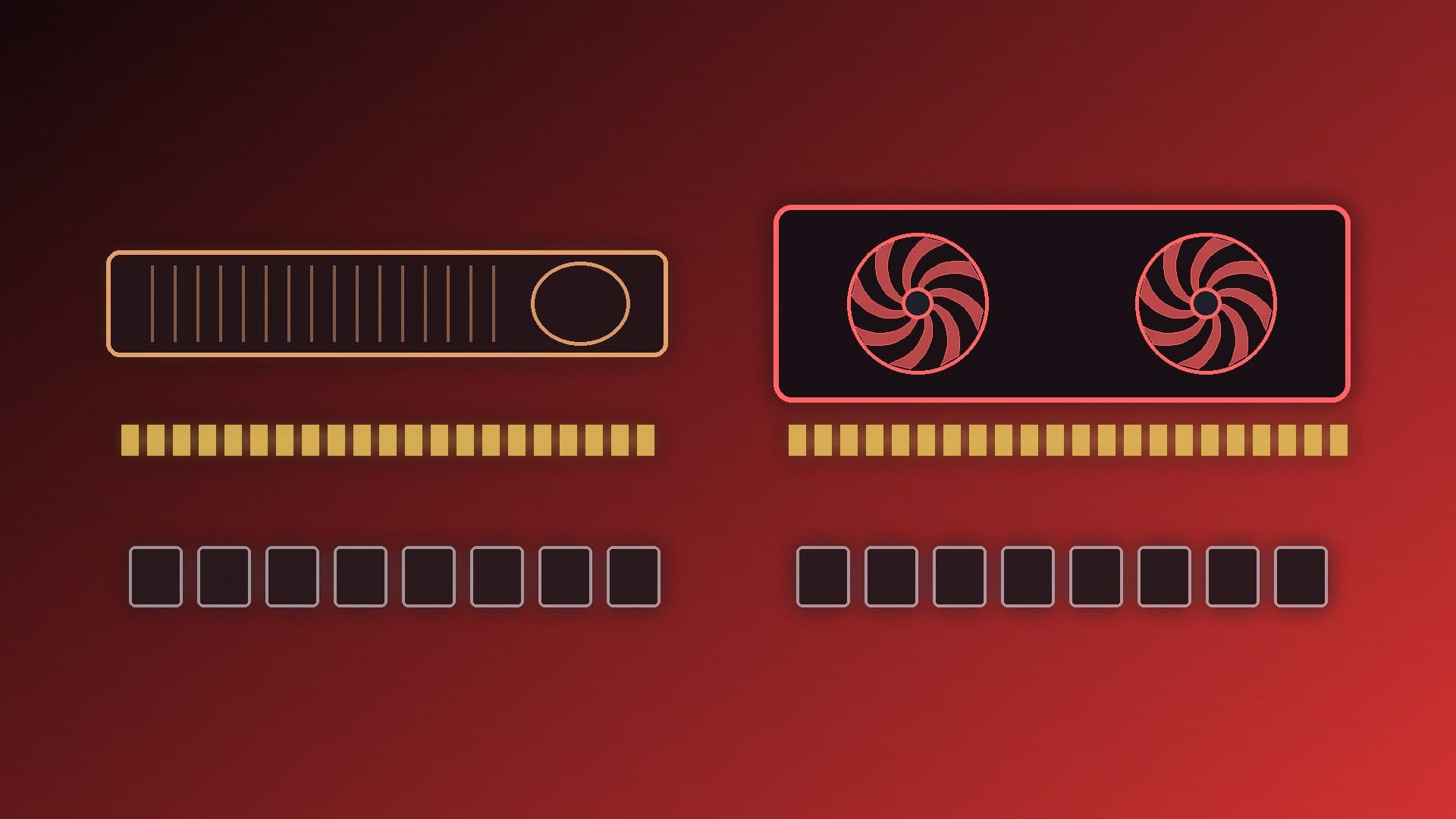
The GeForce RTX 5060 and RTX 5060 Ti are close relatives: both use NVIDIA's Blackwell architecture, fifth-generation Tensor Cores and GDDR7 memory on a 128-bit interface. For gaming, the gap between them is mostly about frame rates. For running chatbots, image generators and other AI models on your own PC, the difference that matters most is memory: the RTX 5060 comes with 8GB, while the RTX 5060 Ti is available with 16GB. This comparison is based on NVIDIA's official specifications and how local AI apps use graphics memory.
If you're choosing between these cards purely for games, see our separate RTX 5060 vs RTX 5060 Ti 16GB comparison instead.
Specs compared
| GeForce RTX 5060 | GeForce RTX 5060 Ti |
|---|
Architecture | Blackwell | Blackwell |
CUDA cores | 3,840 | 4,608 |
Tensor Cores | 5th generation | 5th generation |
AI TOPS (NVIDIA figure) | 614 | 759 |
Memory | 8GB GDDR7 | 16GB or 8GB GDDR7 |
Memory interface | 128-bit | 128-bit |
Boost clock | 2.50GHz | 2.57GHz |
Total graphics power | 145W | 180W |
NVIDIA's required system power | 550W | 600W |
Power connector | 1 x PCIe 8-pin, or a 300W-or-greater PCIe Gen 5 cable | Same |
PCI Express Gen 5 | Yes | Yes |
Source: NVIDIA's GeForce RTX 5060 family specifications. Board partners can set their own clocks, so individual cards vary slightly.
Why VRAM matters more than TOPS for local AI
NVIDIA rates the RTX 5060 Ti at 759 AI TOPS and the RTX 5060 at 614, so on paper the Ti has roughly a quarter more AI compute. That's a real difference, but for most home local AI users it isn't the deciding factor. What usually decides whether a model runs well is whether it fits in the card's memory.
When you load a large language model in an app such as Ollama or LM Studio, the model's weights, plus working memory for your conversation (the context), need to sit in VRAM for the GPU to do all the work. If they don't fit, the app puts part of the model in ordinary system RAM and runs that part on the CPU, which is much slower. Ollama makes this easy to see: its ollama ps command shows a Processor column reading "100% GPU" when a model is entirely on the graphics card, "100% CPU" when it's entirely in system memory, or a split such as "48%/52% CPU/GPU" when it's shared between the two.
Doubling the memory from 8GB to 16GB therefore changes which models you can run comfortably, not just how quickly they run. Our explainers on how much VRAM you need, GGUF quantisation and context length and VRAM go into the sums in more detail.
Local LLMs and chatbots
With 8GB, the RTX 5060 is fine for smaller models in compressed (quantised) formats, and you can stretch it further with the techniques in our guide to running a local LLM on 8GB of VRAM. But you'll often be choosing smaller models, stronger quantisation or shorter context to stay within the limit, and longer conversations eat into the space that's left.
The 16GB RTX 5060 Ti gives you twice the room. That means you can keep a larger or less heavily compressed model fully on the GPU, run longer context, or keep a speech or embedding model loaded alongside your chatbot. A simple way to check before you download anything is to compare the model's file size on its download page with your VRAM, leaving headroom for context: if the file alone is close to 8GB, it won't sit comfortably on an RTX 5060.
Image and video generation
The same logic applies to Stable Diffusion-style image generators and local video models in apps such as ComfyUI. The model has to fit in memory alongside the image you're generating, so larger models and higher resolutions need more VRAM. There are ways to work within 8GB, covered in our guide to running ComfyUI on low VRAM, but they involve compromises. If image or video generation is a big part of why you're buying, 16GB is the safer choice; our best GPUs for local AI image generation guide covers wider options.
Make sure you get the 16GB RTX 5060 Ti
NVIDIA sells the RTX 5060 Ti with either 16GB or 8GB of GDDR7. For local AI the 8GB RTX 5060 Ti has the same memory ceiling as the cheaper RTX 5060, so it gives you more compute but not the extra capacity that matters most. Check the memory size in the product name before you buy; our RTX 5060 Ti 8GB vs 16GB comparison explains the difference.
Power and your PSU
According to NVIDIA, the RTX 5060 has a 145W total graphics power and a 550W required system power, while the RTX 5060 Ti is rated at 180W and 600W. Both use a single 8-pin PCIe connector or a 300W-or-greater PCIe Gen 5 cable, with an adapter in the box. AI workloads can keep a GPU busy for long periods, so it's worth checking your power supply has sensible headroom; see how to choose a PSU for a local AI PC.
In our specs database
Examples of each card in the Forge PC specs database:
For wider shortlists, see our best 8GB graphics cards for local AI, best 16GB graphics cards for local AI and best GPU for local LLMs guides. If you're weighing up an older 12GB card too, read RTX 3060 12GB vs RTX 5060 Ti 16GB for local AI.
Our verdict
Buy the RTX 5060 Ti 16GB if local AI is a serious reason for your upgrade: its 16GB of GDDR7 lets you keep larger models and longer context entirely on the GPU, and it also has more CUDA cores and AI TOPS than the RTX 5060. Choose the RTX 5060 only if you mainly game and want to experiment with smaller local models within 8GB, and avoid the 8GB RTX 5060 Ti for AI, because it doesn't add the memory that matters most.