NZXT's 2026 H5 and H7, launched on 10 November 2026, share the same big idea: the front and left side are one single panel of curved tempered glass, with no corner seam. Beyond that, they're quite different cases. The H7 is a much larger mid-tower with room for 420mm radiators and very long graphics cards, while the H5 is a compact mid-tower that tops out at 360mm. We've compared them using NZXT's official launch announcement, its H5 product blog and its case lineup comparison page, read on 27 November 2026.
Specs compared
| NZXT H5 (2026) | NZXT H7 (2026) |
|---|
Size (H x W x D) | 468.5 x 233 x 431.1mm | 551 x 260 x 525mm |
Volume | 47 litres | 75.2 litres |
Motherboards | ATX, Micro-ATX, Mini-ITX, back-connect | ATX, Micro-ATX, Mini-ITX, back-connect |
Max GPU length | 420mm | 495mm (with a 30mm front-right fan) |
Max CPU air cooler height | 172mm | 188mm |
Front-right fans | 3 x 120mm | 3 x 140mm |
Top fans | 3 x 120mm or 2 x 140mm (H5 only, not H5 RGB+) | 3 x 120mm or 3 x 140mm |
Bottom fans | 3 x 120mm | 3 x 140mm |
Rear fan | 1 x 120mm | 1 x 140mm |
Radiators | Up to 360mm front-right and top (top on H5 only), 120mm rear | 140/280/420mm front-right, up to 420mm top, up to 140mm rear |
Top panel | Steel mesh (H5); Vista Mode glass (H5 RGB+) | Vista Mode glass fitted, steel mesh top also in the box |
Fans included | None (H5); F360 RGB Reverse, F120 RGB and Control Hub Lite (H5 RGB+) | None (H7); two F420 RGB Reverse, one F140 RGB and Control Hub Lite (H7 RGB+) |
Front I/O | USB-C, two USB-A, headset jack | Not detailed in NZXT's launch release |
Warranty | 2 years | 2 years |
NZXT's figures. The H7's 495mm GPU limit applies with a 30mm front-right fan fitted, so measure carefully if you plan a thicker fan or radiator there.
Size and what fits
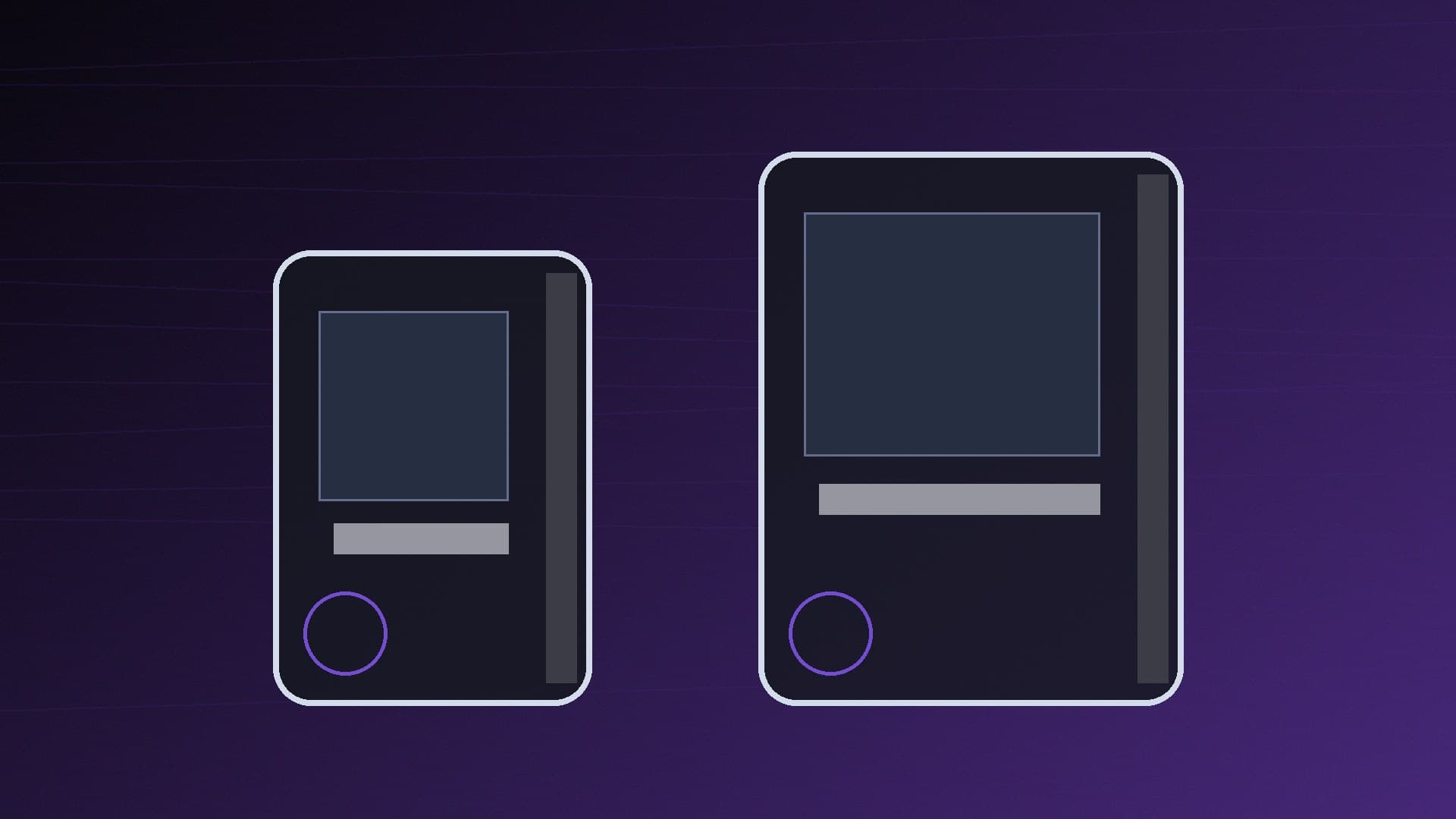
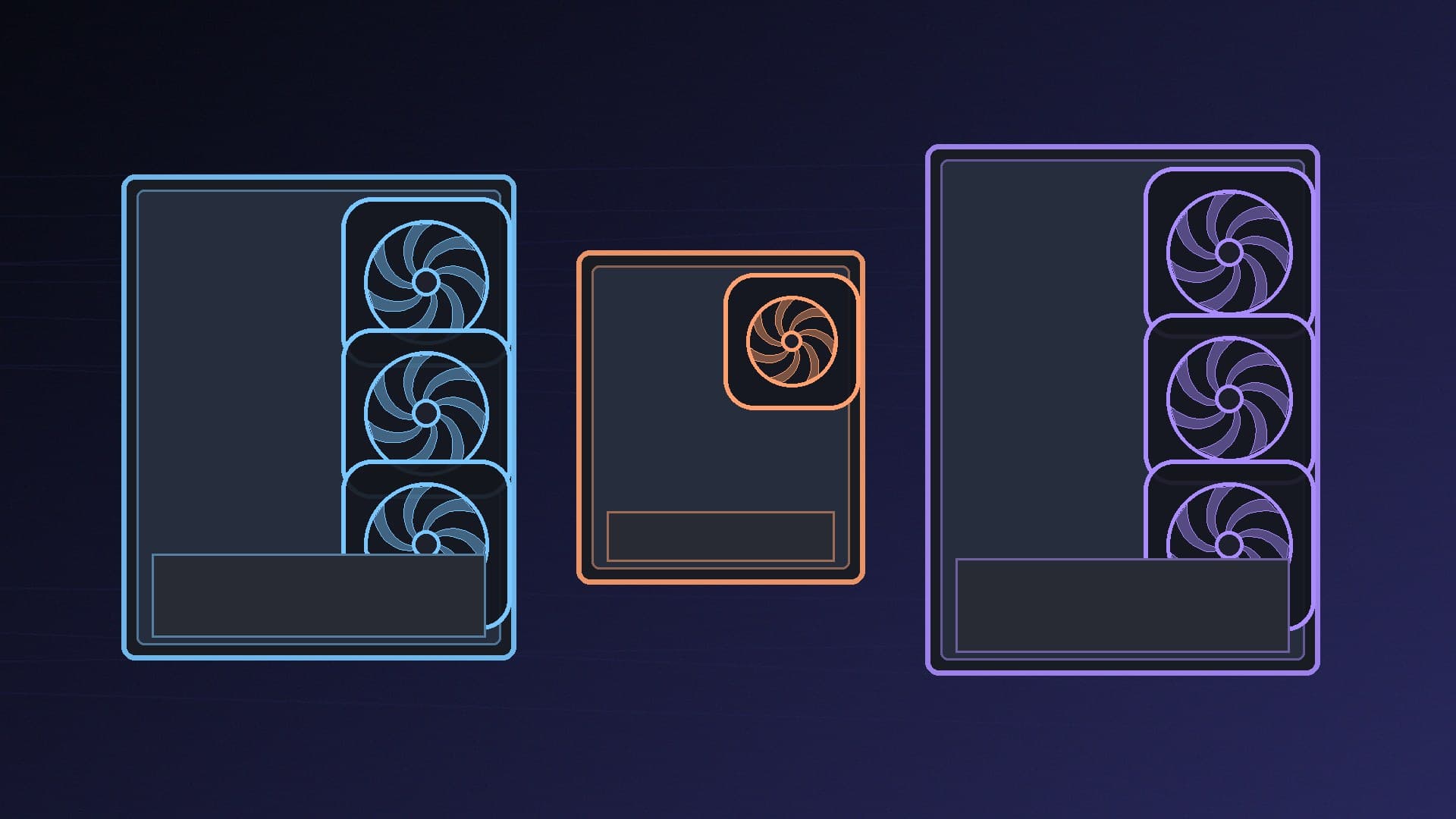
The size difference is big. The H7 is 82.5mm taller, 27mm wider and 93.9mm deeper than the H5, and has about 60% more internal volume (75.2 litres vs 47 litres). That buys you room for graphics cards up to 495mm instead of 420mm and air coolers up to 188mm instead of 172mm. Both limits are generous enough for most current cards and coolers, but check your exact parts; our guides to checking a graphics card fits your case and checking a cooler fits explain how.
Both cases take ATX, Micro-ATX and Mini-ITX boards and support back-connect motherboards, which put the power connectors on the back of the board. NZXT notes the new H5 no longer supports E-ATX, unlike the 2024 H5 Flow. Our back-connect vs standard motherboard comparison explains what that design changes.
Cooling and radiators
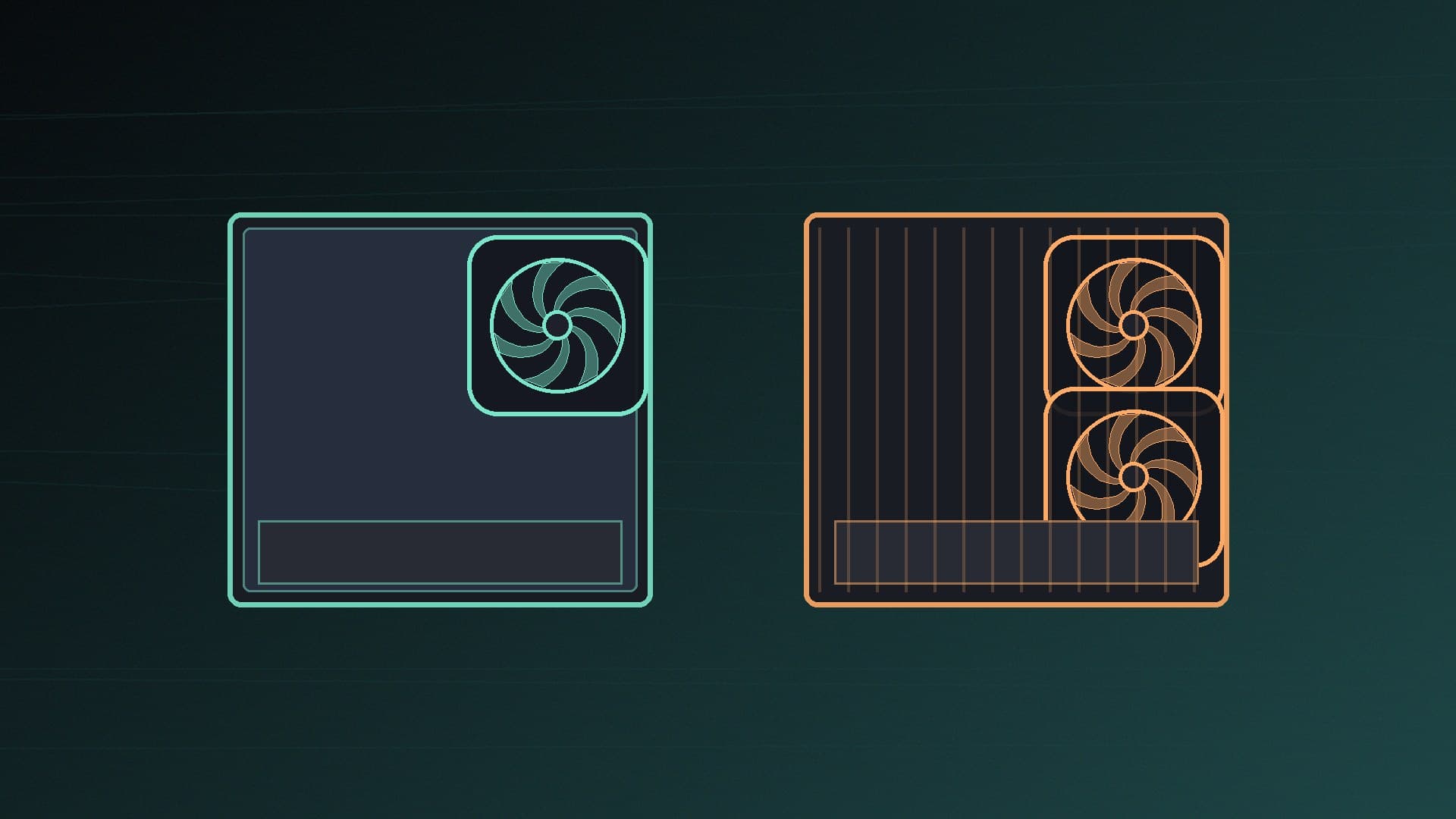
This is where the H7 pulls ahead. It takes 140mm fans in every main position and up to a 420mm radiator on the right side or the top, with up to 10 fan mounts when you use the mesh top. The H5 is built around 120mm fans and 360mm radiators: 360mm on the right side or the top on the H5, and on the right side only on the H5 RGB+, which gives up top cooling for its glass roof and drops from 10 fan mounts to seven.
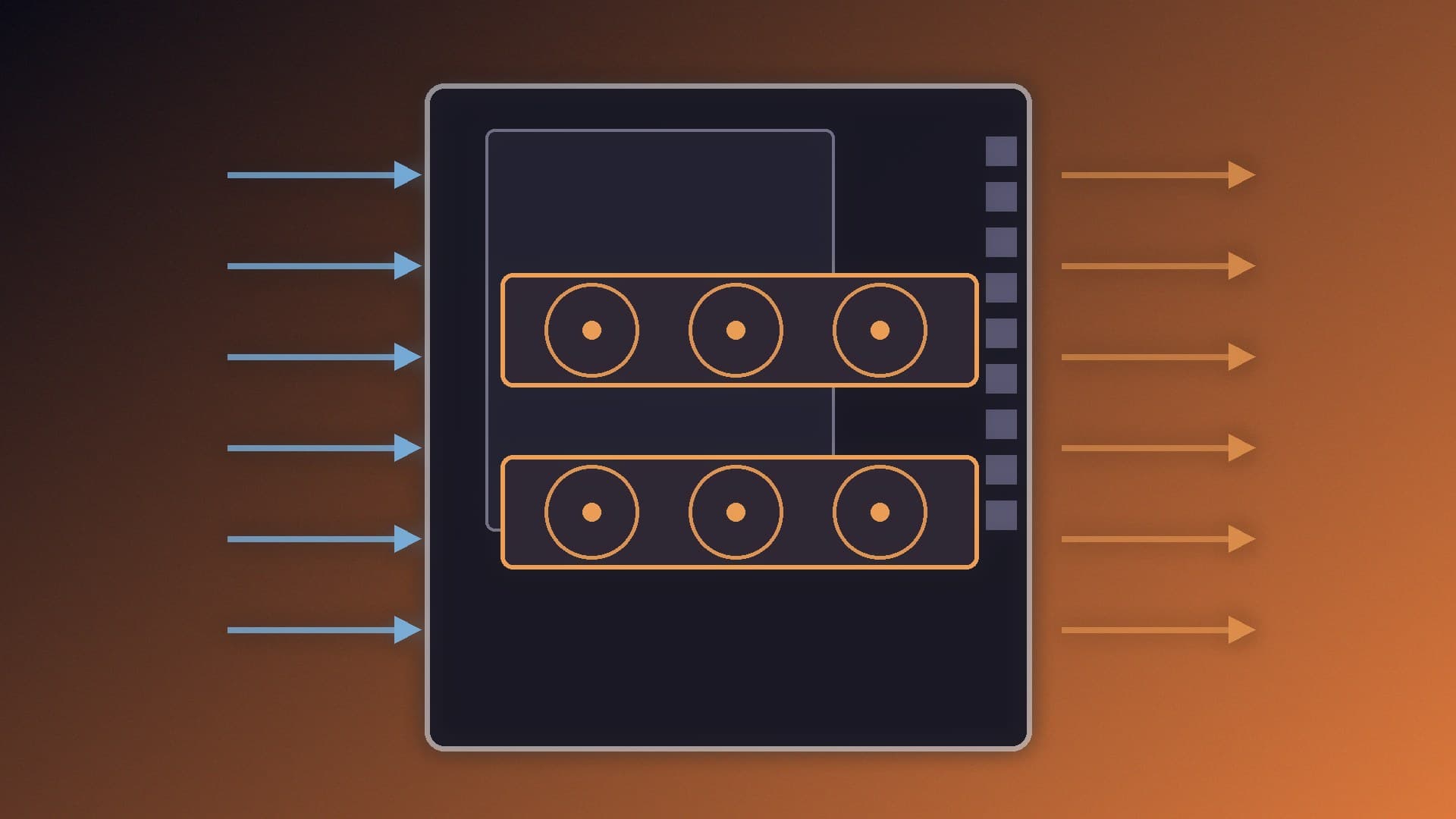
NZXT says the H5 no longer has a front radiator mount, because the front is now glass, and both cases list the front-right side as their main fan and radiator position instead. The H5 also has what NZXT calls an Airflow Scoop, a side intake shaped into the panel that draws air across the graphics card, while the H7 has an angled bracket that turns the bottom fans towards the glass. If you plan a 420mm AIO, the H7 is the only one of the two that fits it; our guide to checking an AIO radiator fits your case is worth reading either way.
Glass, looks and fans
On the H7, Vista Mode (a curved glass top cut to match the front-to-side panel) is fitted as standard on both the H7 and H7 RGB+, and a steel mesh top panel with its own fan bracket comes in the box, so you can switch between a showcase and an airflow layout. On the H5, only the H5 RGB+ gets the glass top; the standard H5 has a steel mesh top.
Neither standard model includes fans, so budget for them. The RGB+ versions arrive with fans and a Control Hub Lite installed and wired for NZXT CAM: an F360 RGB Reverse and F120 RGB in the H5 RGB+, and two F420 RGB Reverse fans plus an F140 RGB in the H7 RGB+. Both cases support vertical GPU mounting with a kit that's sold separately. For more on the trade-offs of a glass front, see mesh vs glass front PC case.
Which should you buy?
Choose the NZXT H7 (2026) if you want a 420mm radiator, 140mm fans throughout, the biggest graphics cards or the glass-top Vista Mode look without paying for the RGB+ version. Make sure you have the desk or floor space for a 551mm-tall, 525mm-deep case.
Choose the NZXT H5 (2026) if you want the same curved-glass look in a much smaller footprint and a 360mm radiator is enough. Pick the standard H5 if you want top radiator support, or the H5 RGB+ if you'd rather have the glass top and pre-installed fans.
Both are in our product database: NZXT H5 (2026) Compact Mid-Tower ATX Case and NZXT H7 (2026) Mid-Tower ATX Case. Our launch story covers the rest of NZXT's November line-up, and best NZXT PC case compares the wider range.
Our verdict
The NZXT H7 (2026) is the better case for big builds: it fits 420mm radiators, 140mm fans in every main position, graphics cards up to 495mm and coolers up to 188mm, and has the glass Vista Mode top as standard. The H5 (2026) is the better choice for a compact build, at 47 litres rather than 75.2, with 420mm GPU and 360mm radiator support. Neither standard model includes fans.