NZXT launched new versions of the H5 and H7 mid-tower cases on 10 November 2026, alongside the Kraken Plus 360 RGB and the Kraken Core 360 and 420 liquid coolers. The first independent reviews landed this week. The H5 and H7 are long-running, popular case lines, and the curved glass and back-connect support show where mainstream cases are heading.
Forge PC has not tested any of these products. Specifications and pricing are from NZXT, and review findings are attributed to the outlets that ran them, as summarised by The FPS Review on 14 November 2026.
What is new on the H5 and H7
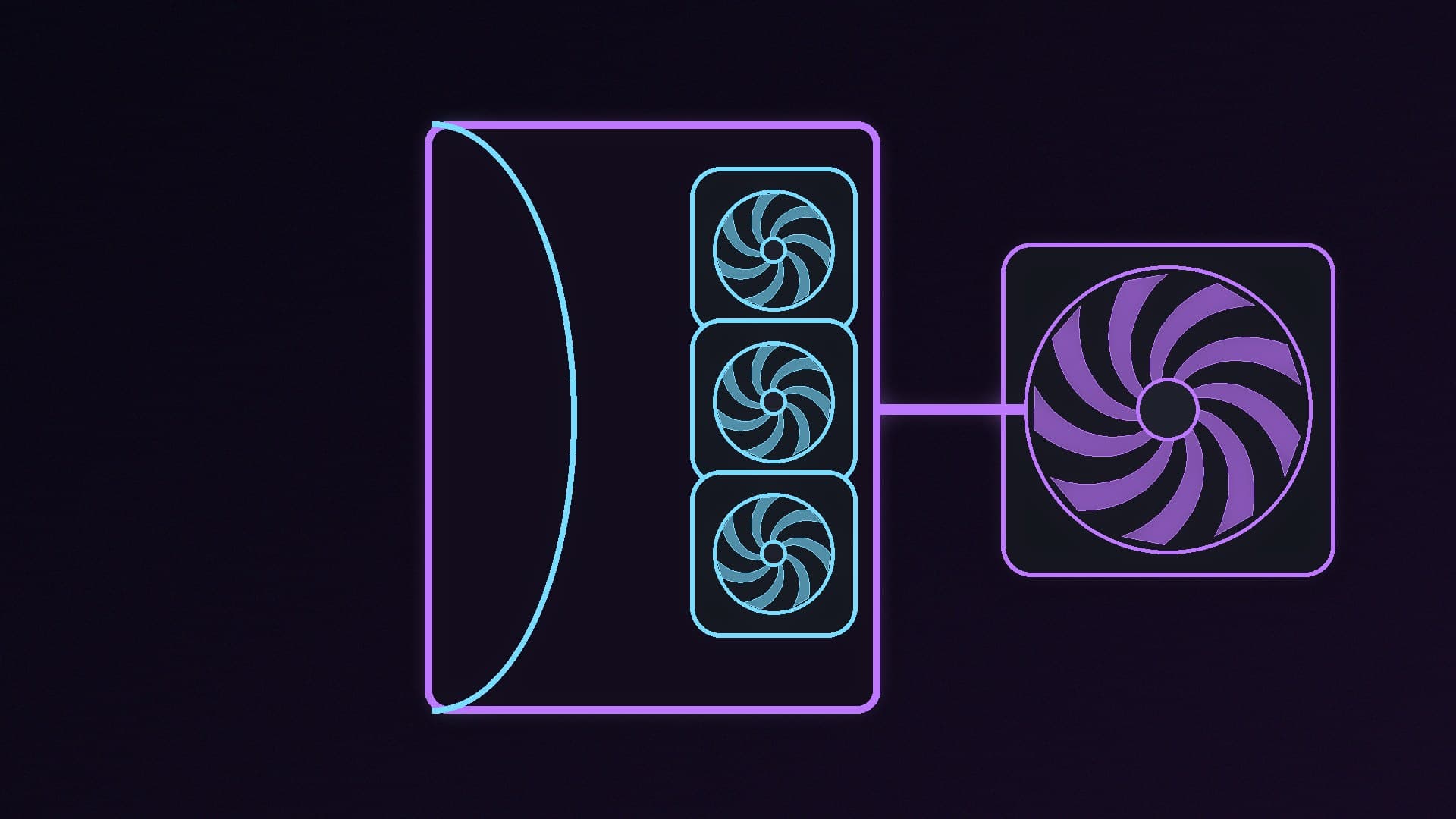
The headline change is the glass. On both cases, the front and left side are now a single formed panel of curved tempered glass, so there is no corner pillar where two flat sheets would normally meet. NZXT says this is harder to make than two flat panels, which is why most panoramic cases still have a seam.
Both cases also support back-connect motherboards (ATX), which put the power and header connectors on the back of the board, and both have USB-C 20Gbps on the front panel.
| H5 (2026) | H7 (2026) |
|---|
Size | Compact mid-tower, 47 litres | Mid-tower, 75.2 litres |
Dimensions (H x W x D) | 468.5 x 233 x 431.1mm | 551 x 260 x 525mm |
GPU clearance | Up to 420mm | Up to 495mm (with a 30mm front-right fan) |
CPU cooler clearance | Up to 172mm | Up to 188mm |
Radiators | Up to 360mm (top or right side) | Up to 420mm (top with mesh panel, or right side) |
Fans included | None (RGB+ version includes fans) | None (RGB+ version includes fans) |
Warranty | 2 years | 2 years |
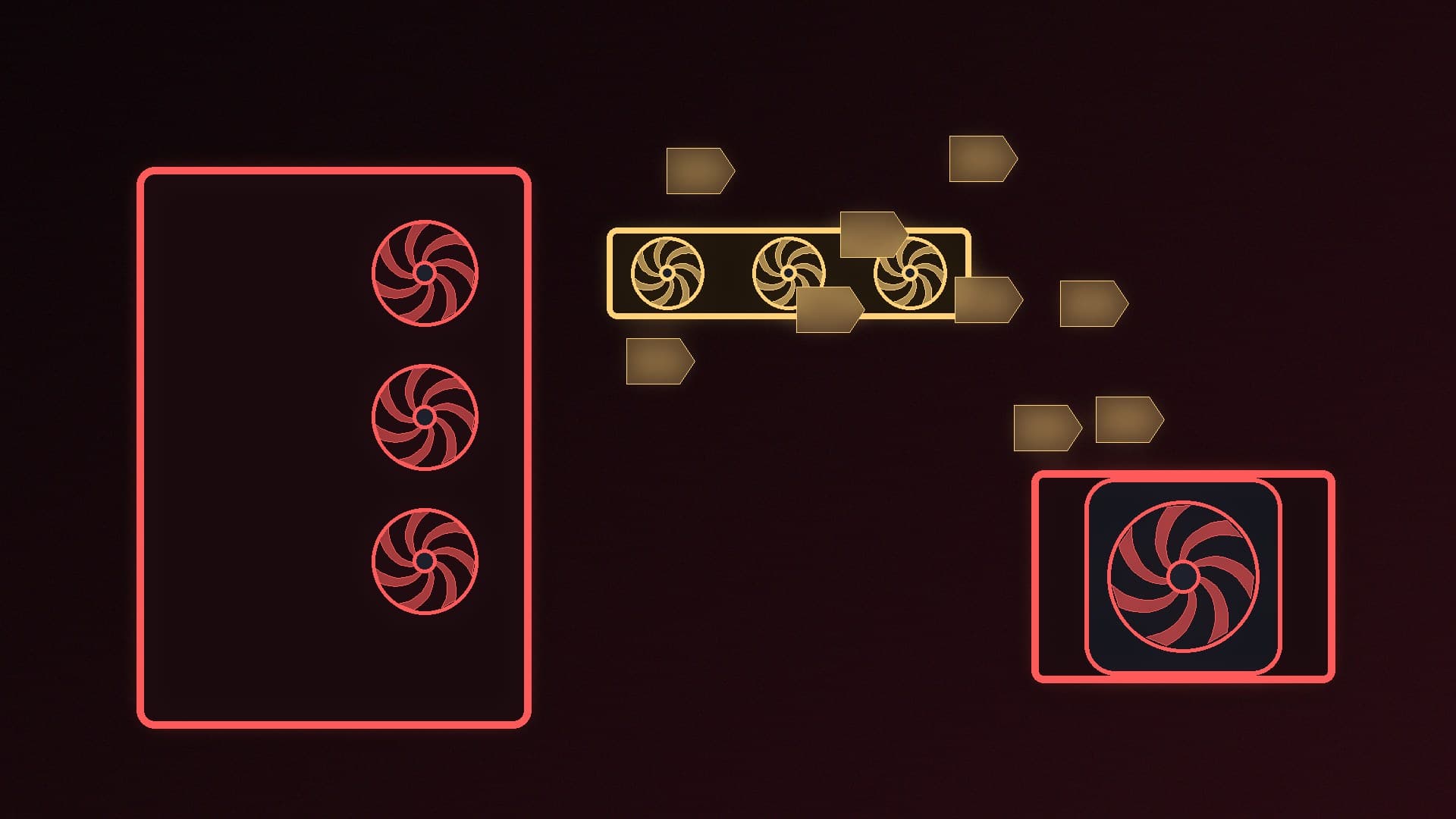
The H5 has an "Airflow Scoop" side intake shaped into the side panel, which NZXT says draws air in across the graphics card. The H7 comes with two top panels in the box, a curved glass top that NZXT calls Vista Mode and a steel mesh top with its own fan bracket, so you can switch between a showcase build and an airflow build without buying anything else.
If you are planning airflow for either case, our guide to setting up case fans applies, but note that the base H5 and H7 ship with no fans at all.
What changed on the Kraken Core
The Kraken Core is NZXT's simplest AIO: no screen, no RGB and no software to install. According to NZXT, the 2026 version changes more than the looks:
Pump: an Asetek Gen 9V pump running at 1,200 to 3,000rpm replaces the previous design's fixed 3,100rpm pump.
Sizes: the 240mm entry model is gone. The range now starts at 360mm, and there is a new 420mm version.
Fans: a single-frame static pressure fan unit (three 120mm fans on the 360, three 140mm on the 420) on one 4-pin PWM cable, with no hub or controller.
Sockets: Intel LGA 1954 is added and LGA 1200/115X is dropped. LGA 1851, LGA 1700, AM5 and AM4 are still supported.
Warranty: up from five years to six.
LGA 1954 support matters if you are thinking about Intel's next desktop platform; see our Nova Lake explainer for what is known so far.
What the first reviews say
Reviews were published this week, and The FPS Review rounded them up on 14 November:
Kraken Core 360: Guru3D found it handled a Core i9-12900K tuned to 288W at a peak of 80°C and a Ryzen 7 9700X at 58°C at default settings, with noise around 30 to 31 dBA under normal loads. The trade-offs it noted were a slim 27mm radiator, a single-frame fan that makes replacing one fan harder, and no coolant temperature readout. Guru3D gave it a positive recommendation.
H5 and H7: reviewers mostly agreed the curved glass looks excellent. TweakTown noted the H7 drops support for oversized motherboards in favour of three 420mm radiator mounts. Club386 liked the H5 RGB+ glass roof but said it shows smudges easily, and found the RGB+ model better value than the fanless base H5.
C1200 Platinum PSU (announced the same day): HWBusters found it efficient and quiet, but it finished 24th of 29 units in its 115V tests, behind NZXT's own Gold-rated C1200, mainly because of weak transient response and high ripple.
These are other outlets' results, not ours. If you are choosing a cooler on the strength of them, our 240mm vs 360mm AIO comparison explains what radiator size does and doesn't change.
Prices and UK availability
NZXT's announcement gives US dollar and euro prices but no UK pricing:
Product | EMEA price (NZXT) |
|---|
H5 | €89.90 |
H5 RGB+ | €139.90 |
H7 | €169.90 |
H7 RGB+ | €259.90 |
Kraken Core 360 | €79.99 |
Kraken Core 420 | €99.99 |
Kraken Plus 360 RGB | €149.99 |
NZXT says the products are rolling out to authorised retailers worldwide over the coming months, with timing varying by region and store. We would not assume a straight euro-to-pound conversion for UK shelf prices. If you need a case or cooler before Black Friday, our best PC case and best AIO cooler guides cover models that were already on sale before this launch.
Our verdict
The 2026 H5 and H7 are an evolution rather than a reinvention: the single curved glass panel is the big visual change, and back-connect support and USB-C 20Gbps bring them up to date. The more interesting product may be the Kraken Core, which early reviews suggest is a capable, no-frills 360mm AIO with a six-year warranty. Wait for UK prices before deciding, and don't buy the C1200 Platinum on the label alone, given HWBusters' results. Forge PC has not tested these products; details are from NZXT and the reviews cited.