Cooler Master's MasterBox NR200P V2 and the original MasterBox NR200 are both 18.25-litre mini-ITX cases with the same 360 x 185 x 274mm body, but inside they're built for different kinds of small PC. One is designed around a top-mounted AIO and a big graphics card, the other around a tall air cooler. We've compared Cooler Master's official specifications to show which one fits your build.
Specs compared
| MasterBox NR200P V2 | MasterBox NR200 |
|---|
Volume | 18.25L | 18.25L (excluding protrusions) |
Dimensions (excl. protrusions) | 360 x 185 x 274mm | 360 x 185 x 274mm |
Motherboards | Mini-ITX (max 170 x 180mm) | Mini-ITX, Mini-DTX (max 244 x 226mm) |
Max CPU cooler height | 67mm | 155mm (76mm with a vertical GPU) |
Max GPU size | 357 x 160mm, 73mm thick past the front bracket; 334 x 160mm, 80mm thick within it | 330 x 156mm, triple slot |
Fans fitted | 1x 120mm SickleFlow (bottom) | 1x 120mm SickleFlow (top), 1x 92mm SickleFlow (rear) |
Radiators | Top: 120/140/240/280mm | Side: 120/140/240/280mm; bottom: 120/240mm (custom loops); rear: 92mm |
Front ports | 2x USB 3.2 Gen 1, 1x USB 3.2 Gen 2x2 Type-C, headset jack | 2x USB 3.2 Gen 1 Type-A, headset jack |
Side panels | Vented steel and tempered glass | Steel, mesh and plastic construction; no glass listed |
In the box | PCIe 4.0 x16 riser cable, GPU holder | No riser listed |
PSU | SFX or SFX-L, up to 130mm | SFX or SFX-L, up to 130mm |
Storage | 1x 3.5in (max 2), 1x 2.5in (max 2), 1x combo | 1x 3.5in (max 2), 2x 2.5in (max 3), 1x combo |
Warranty | 2 years | 2 years |
All figures are from Cooler Master's official product pages. GPU lengths include the power connector.
CPU cooling: the biggest difference
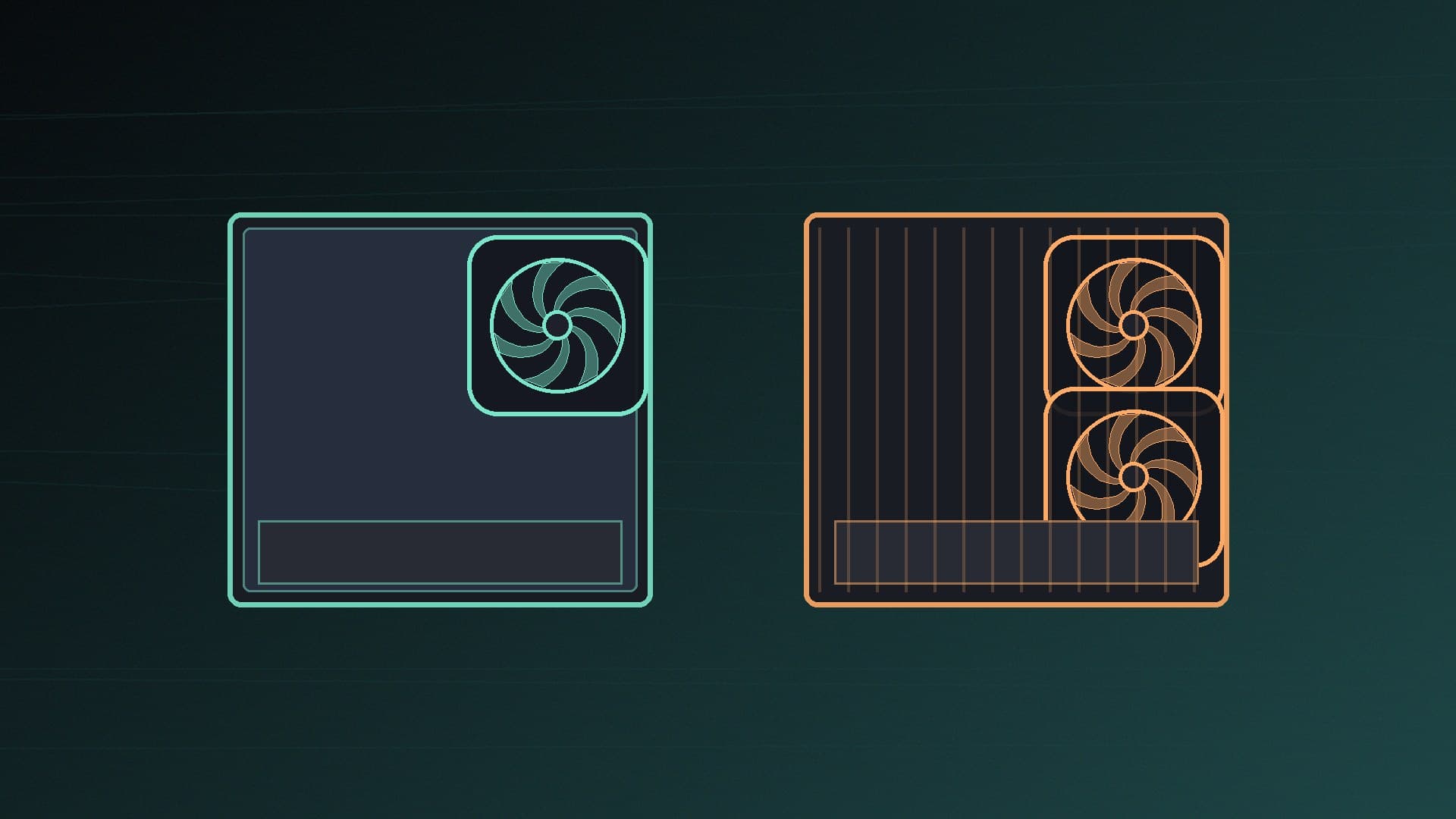
The original NR200 can take CPU air coolers up to 155mm tall with the graphics card in the normal position, which is enough for many tower coolers. That drops to 76mm if you mount the card vertically. The NR200P V2 has just 67mm of CPU cooler clearance, so in practice it's built for a low-profile air cooler or, more likely, a 240mm or 280mm AIO on the top mount.
Radiator positions differ too. The NR200P V2 takes radiators only at the top. The NR200 has no top radiator mount, but takes radiators up to 280mm on the side (not with a vertical GPU), a 92mm radiator at the rear and up to 240mm at the bottom, which Cooler Master recommends for custom loops only. If you're unsure which cooling route to take, our air cooler vs AIO guide and our guide to checking an AIO radiator fits your case will help.
Graphics card support
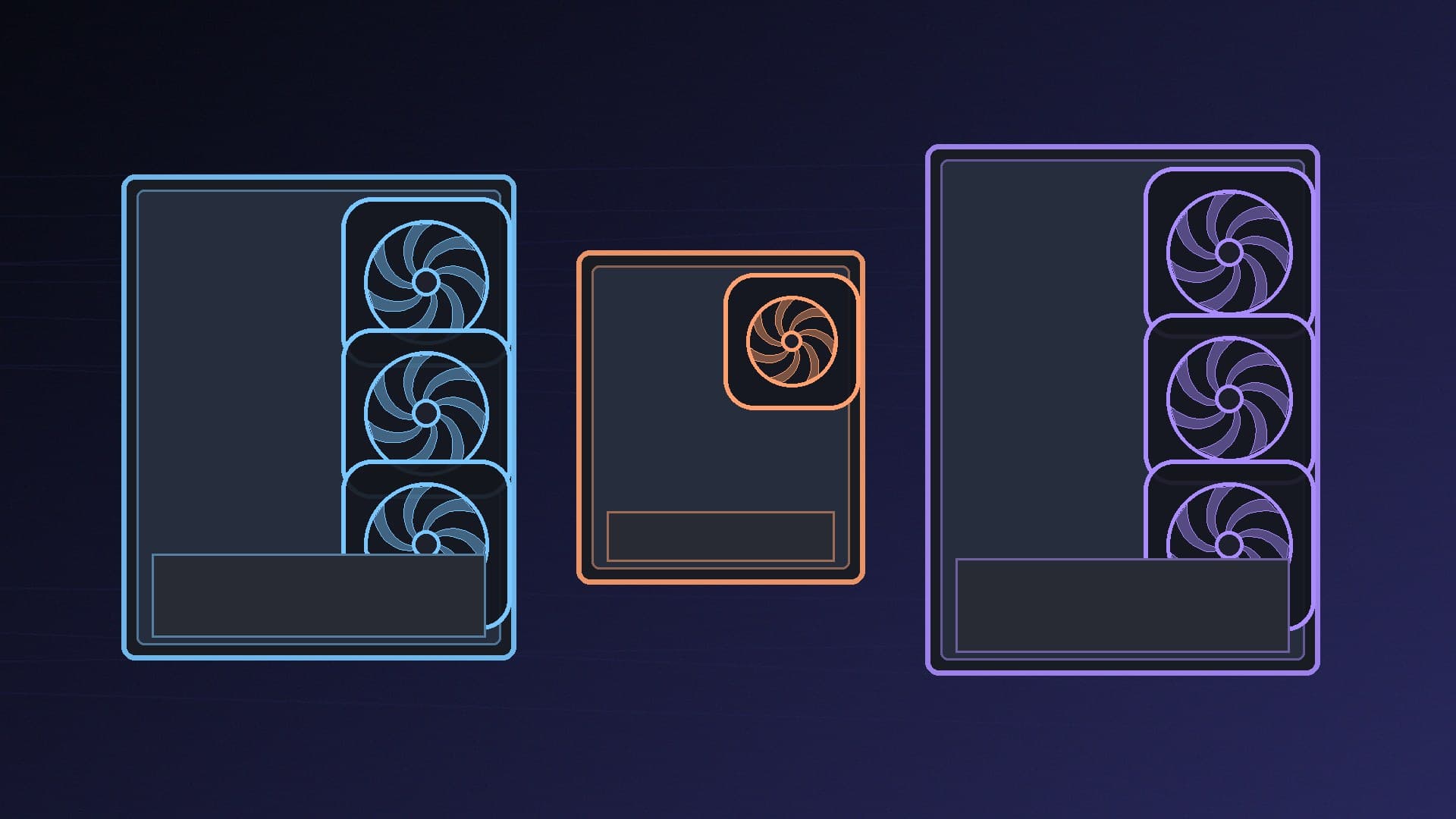
The NR200P V2 is the better choice for a large graphics card. It takes cards up to 357mm long, 160mm tall and 73mm thick if the card can extend past the front bracket, or 334mm long and up to 80mm thick if it stays within it. Cooler Master includes a PCIe 4.0 x16 riser cable and a GPU holder, offers vertical mounting options, and says the case is compatible with NVIDIA's SFF-Ready Enthusiast GeForce cards; see our best SFF-Ready graphics card guide.
The NR200 supports triple-slot cards up to 330mm long and 156mm tall. Cooler Master recommends slim bottom fans for cards wider than 2.5 slots, and single-slot water-cooled or vertically mounted cards if you use the bottom radiator position. Use our guide to checking a graphics card fits your case, and our vertical vs horizontal GPU mount explainer if you're considering a riser.
Fans and airflow
The NR200 ships with two fans: a 120mm SickleFlow at the top and a 92mm SickleFlow at the rear. It has room for two 120mm fans at the top, two 120mm or 140mm fans on the side, two 120mm fans at the bottom and one 92mm fan at the rear. The NR200P V2 ships with a single 120mm SickleFlow at the bottom, which Cooler Master says forms a vertical airflow layout to keep the graphics card cool, and adds space for two 120mm or 140mm fans at the top and a second 120mm fan at the bottom (one up to 15mm thick, without a 3.5in drive at the bottom). Both cases have dust filters on the top, bottom and both sides.
Ports, panels and motherboards
The NR200P V2 adds a USB 3.2 Gen 2x2 Type-C port, rated at up to 20Gbps, to the two USB 3.2 Gen 1 ports and headset jack that both cases share. It also has a tempered glass side panel and tool-free panels secured with pins.
The NR200 has one advantage on motherboards: Cooler Master lists support for Mini-DTX as well as mini-ITX, with a maximum board size of 244 x 226mm, while the NR200P V2 is listed for mini-ITX only. It also has room for one more 2.5in drive. Both cases use SFX or SFX-L power supplies up to 130mm long; see our SFX vs ATX power supply explainer and best SFX power supply picks.
Which should you buy?
Choose the NR200P V2 if you plan to use a 240mm or 280mm AIO, want a long graphics card, a riser in the box, a glass panel and front USB-C.
Choose the NR200 if you want a tower-style air cooler up to 155mm, need Mini-DTX support, or want two fans fitted from the start.
You can see full specifications for the Cooler Master MasterBox NR200P V2 Black and the Cooler Master MasterBox NR200 Black in our database. For other small cases, see our best mini-ITX case guide and our Cooler Master NR200P V2 vs Lian Li A4-H2O comparison, and see our best mini-ITX AM5 motherboard picks for a board to go inside.
Our verdict
The Cooler Master NR200P V2 is the better buy for most new small builds if you're happy to use an AIO: it takes longer graphics cards, includes a PCIe 4.0 riser and GPU holder, and adds a glass panel and 20Gbps USB-C. The original NR200 is the one to pick if you want a tall air cooler, with 155mm of clearance against just 67mm in the V2, plus Mini-DTX support and two fans fitted.