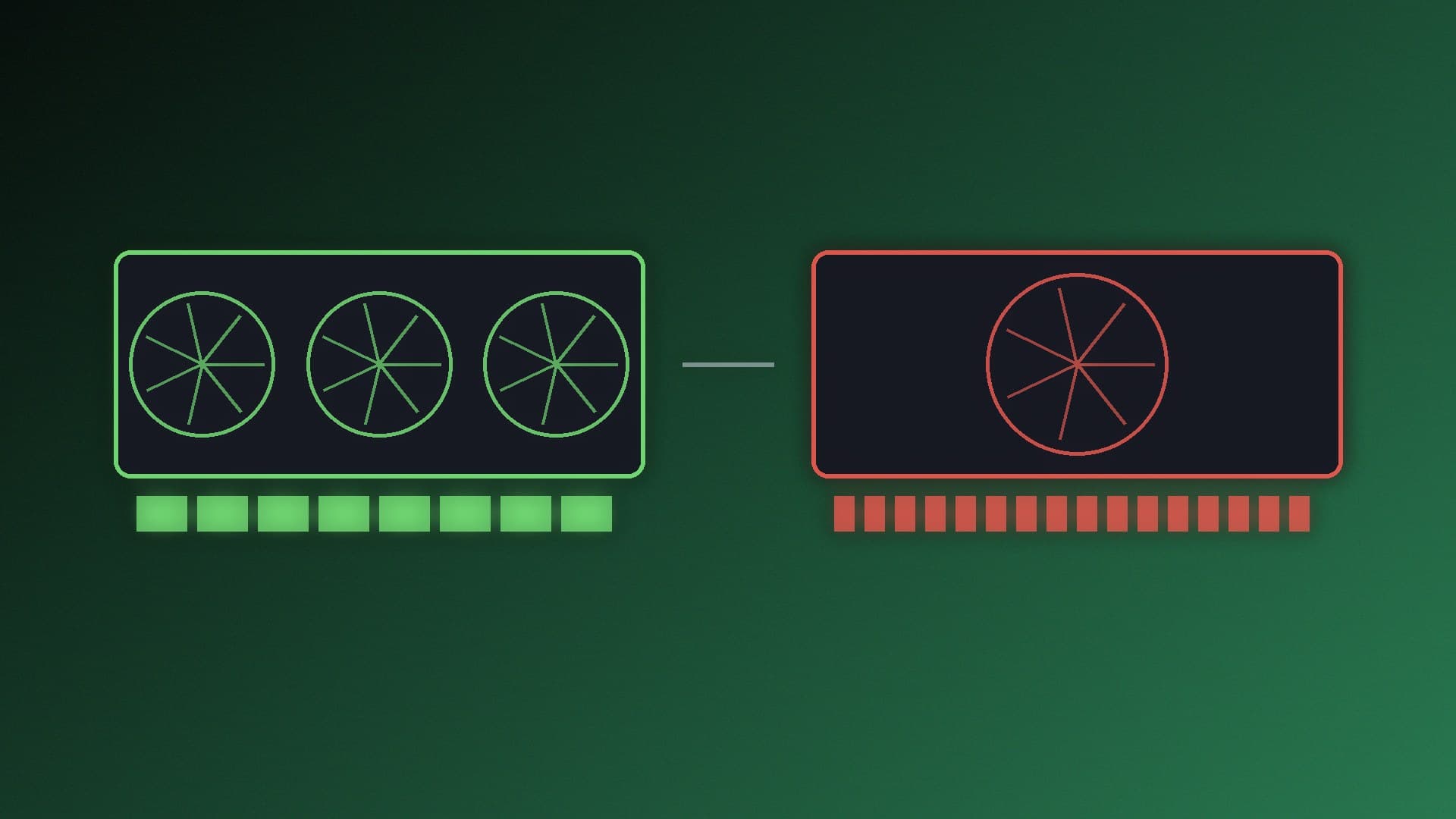
If you're building a PC mainly to run local AI models, the GeForce RTX 5080 and the Radeon AI Pro R9700 pull in opposite directions. NVIDIA's card is a gaming flagship with 16GB of fast GDDR7 memory and the CUDA software ecosystem behind it. AMD's is a workstation card built on the same RDNA 4 architecture as the RX 9070 XT, but with 32GB of GDDR6, double the memory of the NVIDIA card.
This comparison is based on NVIDIA's and AMD's official specifications and AMD's ROCm documentation, all read on 27 November 2026, so there are no speed claims here beyond what the spec sheets say.
RTX 5080 vs Radeon AI Pro R9700 at a glance
| GeForce RTX 5080 | Radeon AI Pro R9700 |
|---|
Architecture | NVIDIA Blackwell | AMD RDNA 4 |
Video memory | 16GB GDDR7 | 32GB GDDR6 |
Memory interface | 256-bit | 256-bit |
Peak memory bandwidth | Not listed on NVIDIA's spec page | 640GB/s |
Shader units | 10,752 CUDA cores | 4,096 stream processors (64 compute units) |
AI hardware | 5th-gen Tensor Cores, 1,801 AI TOPS (NVIDIA's figure) | 128 AI accelerators; 383 TOPS INT8, 766 TOPS INT4 (dense, AMD's figures) |
Power | 360W total graphics power | 300W total board power |
PSU guidance | 850W required system power | 750W minimum PSU |
Power connector | 12V-2x6 (450W) or 3x 8-pin via adapter | 12V-2x6 |
Size | 2-slot, 304mm long (Founders Edition) | Double slot (partner designs vary) |
ECC memory | Not listed by NVIDIA | Yes (Linux only) |
AI software | CUDA (compute capability 12.0) | ROCm |
Spec figures are from NVIDIA's RTX 5080 page and AMD's Radeon AI Pro R9700 page. NVIDIA's AI TOPS and AMD's TOPS figures are measured differently, so don't compare them directly. Our TOPS vs TFLOPS explainer covers why.
Memory: the R9700's big advantage
For running large language models locally, video memory is usually the first limit you hit. The whole model, plus the cache that grows with your conversation (the context), needs to fit in VRAM for the GPU to run at full speed. Anything that spills into system RAM runs far more slowly.
The R9700's 32GB gives it room for models and context lengths that simply won't fit on a 16GB card without heavier quantisation or offloading part of the model to the CPU. As a rough rule, a model quantised to 4 bits stores each parameter in half a byte, so it needs a little over half a gigabyte of VRAM per billion parameters before you add context, so 32GB opens up mid-sized models that are out of reach on 16GB. Our guides to how much VRAM you need and how context length uses VRAM go into the maths, and how to check a model fits your GPU shows how to check a specific download.
The RTX 5080 does use faster GDDR7 memory. NVIDIA's spec page doesn't list a bandwidth figure, though, so we're not quoting one. Memory bandwidth largely decides how fast text is generated once a model fits, which we explain in memory bandwidth and local LLM speed. On a model that fits comfortably in 16GB, the NVIDIA card's faster memory and more mature software may well make it the quicker card, but we haven't measured that.
Software: CUDA vs ROCm
This is where the RTX 5080 has the edge. Most local AI tools are built and documented for NVIDIA's CUDA first, and the 5080 uses the same CUDA software as every other current GeForce card.
The R9700 relies on AMD's ROCm. AMD's ROCm 10.2.0 compatibility matrix lists the Radeon AI Pro R9700 (gfx1201) as supported on both Linux and Windows 11 25H2, and AMD's PyTorch install guide covers it on both systems too. So the R9700 is a fully supported ROCm card, not a workaround. AMD's PyTorch notes do list one known issue for this card: training and fine-tuning with Llama-Factory or Unsloth "might experience GPU resets or application crashes" on the Radeon RX 9070 series and Radeon AI Pro R9700, with an environment variable as the workaround.
In practice, popular tools such as llama.cpp, Ollama and LM Studio run on Radeon cards, but you'll find fewer guides and more rough edges than on NVIDIA. Our CUDA vs ROCm vs Vulkan comparison and guide to running local AI on a Radeon GPU explain what to expect.
Power, size and building it in
The R9700 is the easier card to power: AMD lists 300W total board power and a 750W minimum PSU, against 360W total graphics power and 850W required system power for the RTX 5080. Both use the 12V-2x6 connector, though NVIDIA also supplies an adapter for three 8-pin cables.
Both are dual-slot designs in their reference form, but partner cards vary, so check the dimensions of the exact model you're buying. If you're thinking about two cards in one PC later, our guide to running a local LLM on two GPUs and the blower vs open-air comparison are worth reading first.
Gaming and everything else
The RTX 5080 is a gaming card first, with DLSS 4 and Multi Frame Generation. The R9700 supports AMD's Adrenalin software and FSR "Redstone" according to AMD's spec page, but AMD markets it as a workstation card for local AI inference, development and other memory-intensive workloads rather than for gaming. If this PC is also your main gaming machine, that matters. Our best graphics card for gaming and local AI guide covers that balance.
Which should you buy?
Choose the Radeon AI Pro R9700 if:
You want to run models, or context lengths, that won't fit in 16GB.
You're comfortable with ROCm, or you mainly use tools such as llama.cpp that support Radeon well.
You want ECC memory on Linux, a lower 300W board power and a 750W PSU recommendation.
Choose the GeForce RTX 5080 if:
The models you use fit in 16GB and you want the widest software support with the fewest problems.
You use CUDA-only tools or follow guides written for NVIDIA.
The PC is also your gaming machine.
You can find the full specifications of the NVIDIA GeForce RTX 5080 Founders Edition and the PowerColor AI Pro R9700 32GB in our products database.
For more options at each memory size, see our best 16GB graphics card for local AI and best 32GB graphics card for local AI guides. If you're weighing the R9700 against other cards, we've also compared it with the RX 9070 XT and the RTX 3090.
Our verdict
For local AI on its own, the Radeon AI Pro R9700 is the more capable card on paper because it has twice the memory: 32GB of GDDR6 against the RTX 5080's 16GB of GDDR7, at a lower 300W board power. That lets you run larger models and longer contexts without offloading to the CPU. The RTX 5080 wins on software, with CUDA support in most AI tools, and it's the far better choice if the same PC is for gaming. Choose the R9700 if memory is what holds you back and you're happy with ROCm; choose the RTX 5080 if your models fit in 16GB or you need CUDA. We haven't tested either card.