NVIDIA's RTX Pro 5000 Blackwell and RTX Pro 6000 Blackwell Max-Q Workstation Edition look almost identical from the outside. Both are dual-slot workstation cards rated at 300W, with the same 4.4 x 10.5-inch form factor and four DisplayPort 2.1 outputs. The differences are inside: how much memory you get, how fast it is and how much AI compute sits behind it. For running large language models locally, those are the things that matter.
This comparison is based on NVIDIA's official product pages for both cards, read on 27 November 2026, and quotes only NVIDIA's own specifications.
RTX Pro 5000 vs RTX Pro 6000 Max-Q at a glance
| RTX Pro 5000 Blackwell | RTX Pro 6000 Blackwell Max-Q |
|---|
Architecture | NVIDIA Blackwell | NVIDIA Blackwell |
Video memory | 48GB or 72GB GDDR7 with ECC | 96GB GDDR7 with ECC |
Memory bandwidth | 1,344GB/s | 1,792GB/s |
AI TOPS (NVIDIA's figure) | 2,064 | 3,511 |
Tensor Cores | 5th generation | 5th generation |
Video engines | 3x NVENC, 3x NVDEC | 4x NVENC, 4x NVDEC |
Max power consumption | 300W | 300W |
Form factor | 4.4in H x 10.5in L, dual slot | 4.4in H x 10.5in L, dual slot |
Multi-Instance GPU | Up to two instances | Up to four instances |
Multi-GPU | Not specified on NVIDIA's page | Up to four GPUs in one system (NVIDIA) |
NVIDIA's spec table for the RTX Pro 5000 gives one bandwidth figure and one AI TOPS figure covering both the 48GB and 72GB versions, so we've listed them that way.
Memory: the deciding factor
For local LLMs, memory capacity decides which models you can run entirely on the GPU, and bandwidth largely decides how quickly text comes out once a model fits. Our explainers on how much VRAM you need and why memory bandwidth matters for local LLMs cover the details.
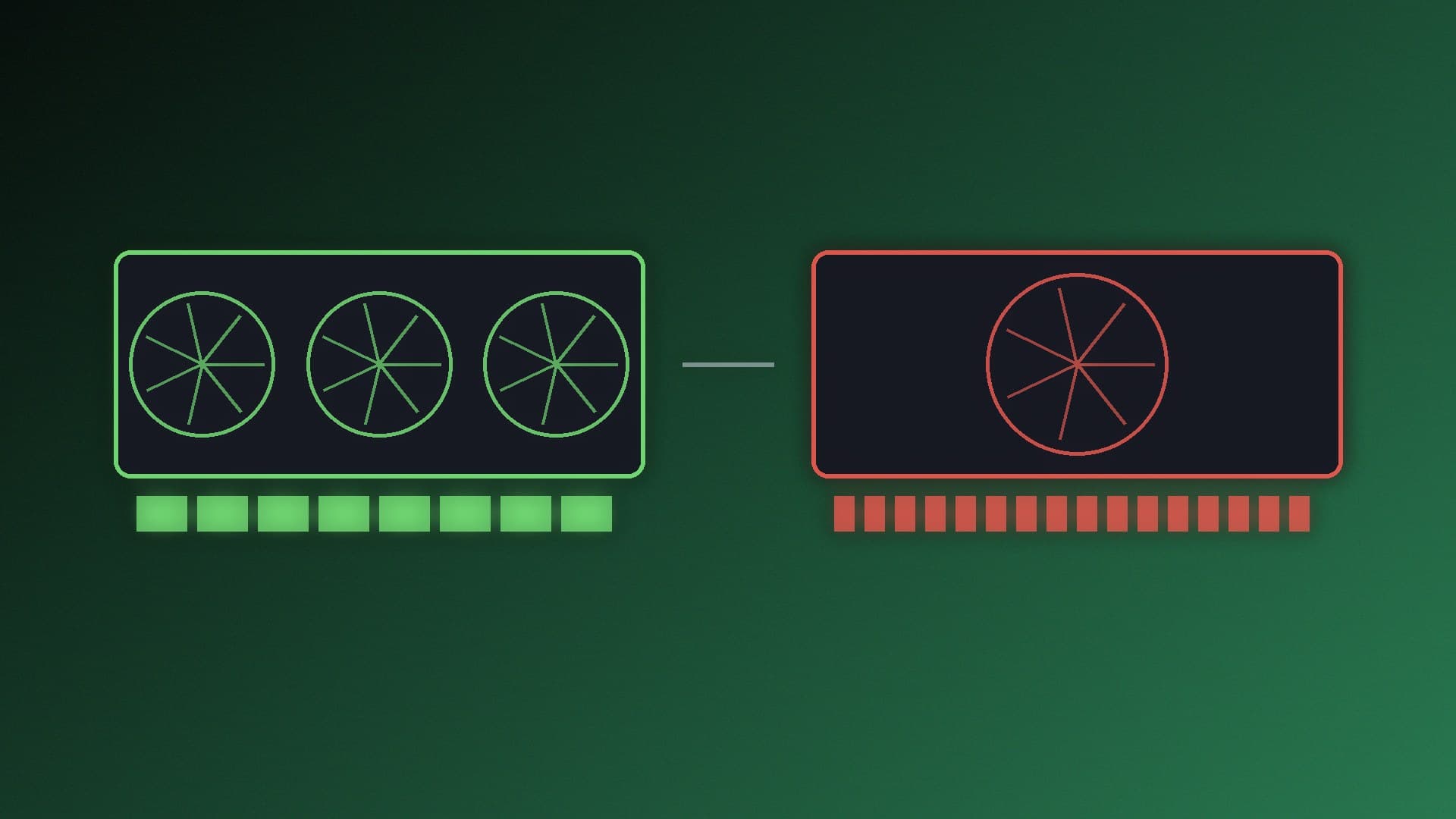
On NVIDIA's figures, the RTX Pro 6000 Max-Q has twice the memory of the 48GB RTX Pro 5000 and a third more than the 72GB version, plus about a third more bandwidth (1,792GB/s against 1,344GB/s). That extra headroom lets you keep larger models, or longer contexts, on one card. Our guide to how context length uses VRAM explains why long conversations eat memory quickly.
The 72GB RTX Pro 5000 narrows the capacity gap. If the models you want fit in 72GB with room for context, you're paying mostly for the RTX Pro 6000's extra compute and bandwidth rather than capacity.
Compute and features
NVIDIA lists 3,511 AI TOPS for the RTX Pro 6000 Max-Q against 2,064 for the RTX Pro 5000, so the bigger card has roughly 70% more AI compute on paper. Both use fifth-generation Tensor Cores, which NVIDIA says add support for FP4 precision. Our FP4 vs FP8 vs FP16 explainer covers what that means for local models.
Both support Multi-Instance GPU (MIG), which splits one card into isolated instances with their own memory and compute. NVIDIA says the RTX Pro 5000 can be split into up to two instances and the RTX Pro 6000 Max-Q into up to four. That's mainly useful if several people or services share one workstation.
Multi-GPU builds
Because both cards are dual-slot and rated at 300W, they're far easier to fit two or more of into one workstation than a 600W card. NVIDIA explicitly says the RTX Pro 6000 Max-Q "enables up to four GPUs in a single system", for up to 384GB of combined memory across four cards. NVIDIA's RTX Pro 5000 page doesn't make the same four-GPU claim, so check with your workstation builder if you're planning a multi-card RTX Pro 5000 system.
If you're new to multi-GPU local AI, our guides to running a local LLM on two GPUs, whether two smaller GPUs beat one big one and blower vs open-air coolers are good starting points.
What about the full-power RTX Pro 6000?
The RTX Pro 6000 Max-Q isn't the only 96GB RTX Pro 6000. The RTX Pro 6000 Blackwell Workstation Edition has the same 96GB but, on NVIDIA's spec page, a 600W maximum power rating in a larger 5.4 x 12-inch dual-slot card, which we covered in our RTX Pro 6000 vs RTX 5090 comparison. The Max-Q halves that power rating to 300W in a smaller card that NVIDIA says is optimised for energy and space efficiency. We've also compared the RTX Pro 5000 with the RTX 5090 if you're weighing a consumer card instead.
Which should you buy?
Choose the RTX Pro 6000 Blackwell Max-Q if:
You need 96GB on a single card for the largest models you want to run locally.
You want the extra bandwidth and AI compute NVIDIA lists.
You're planning a workstation with up to four GPUs, which NVIDIA explicitly supports.
Choose the RTX Pro 5000 Blackwell if:
Your models fit in 48GB or 72GB with room for context.
You want the same 300W, dual-slot form factor with ECC memory, but don't need the bigger card's extra memory and compute.
For more options, see our guides to the best 48GB graphics card for local AI and the best workstation GPU for AI.
Our verdict
The RTX Pro 6000 Blackwell Max-Q is the bigger card in every way that matters for local AI on NVIDIA's figures: 96GB of GDDR7 against 48GB or 72GB, 1,792GB/s of bandwidth against 1,344GB/s and 3,511 AI TOPS against 2,064, in the same 300W dual-slot form factor. NVIDIA also explicitly supports up to four in one system. The RTX Pro 5000 makes sense if your models fit comfortably in 48GB or 72GB, especially the 72GB version, which closes much of the capacity gap. Choose the Max-Q if you need the most memory per card; choose the RTX Pro 5000 if you don't. We haven't tested either card.