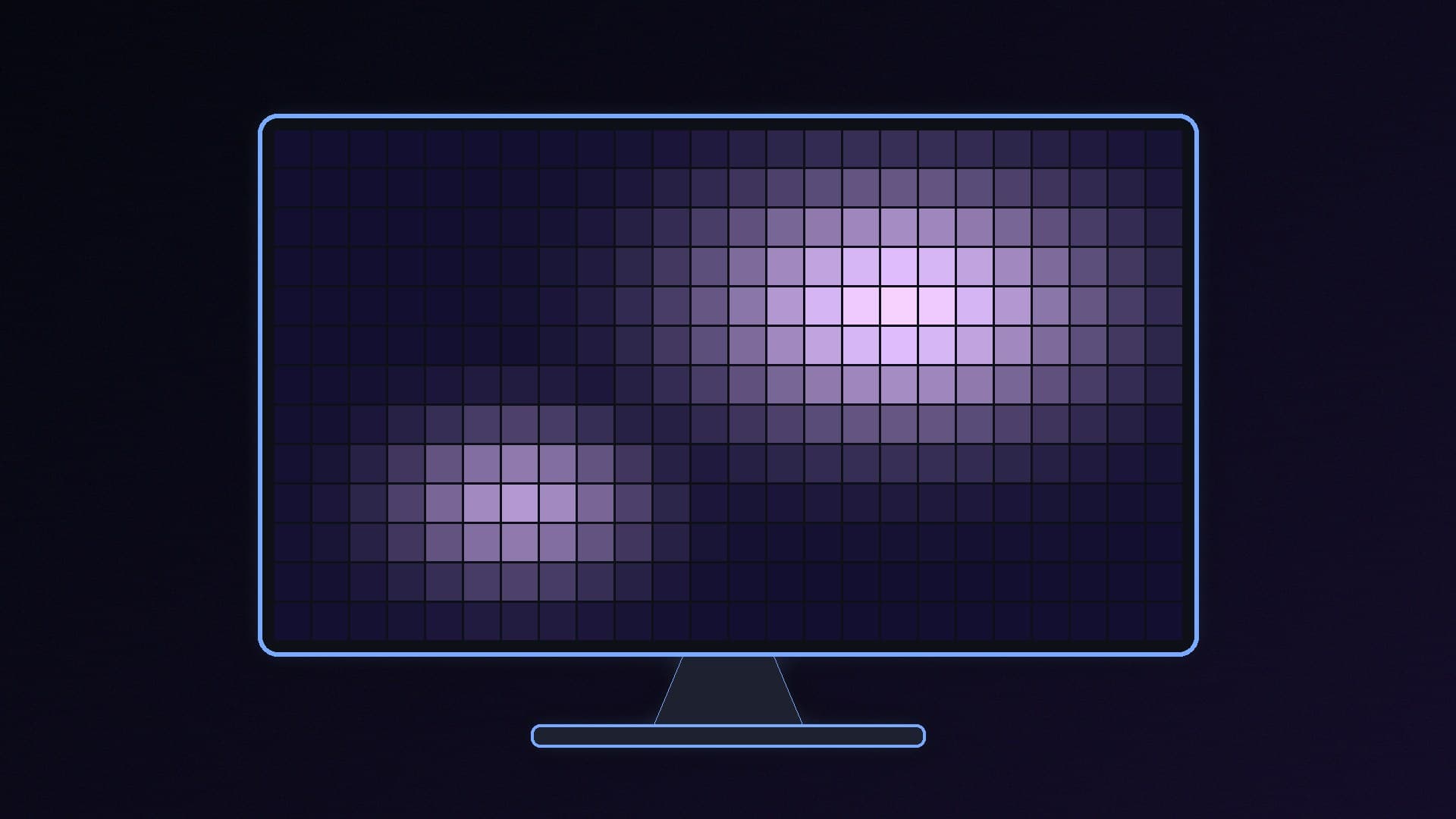
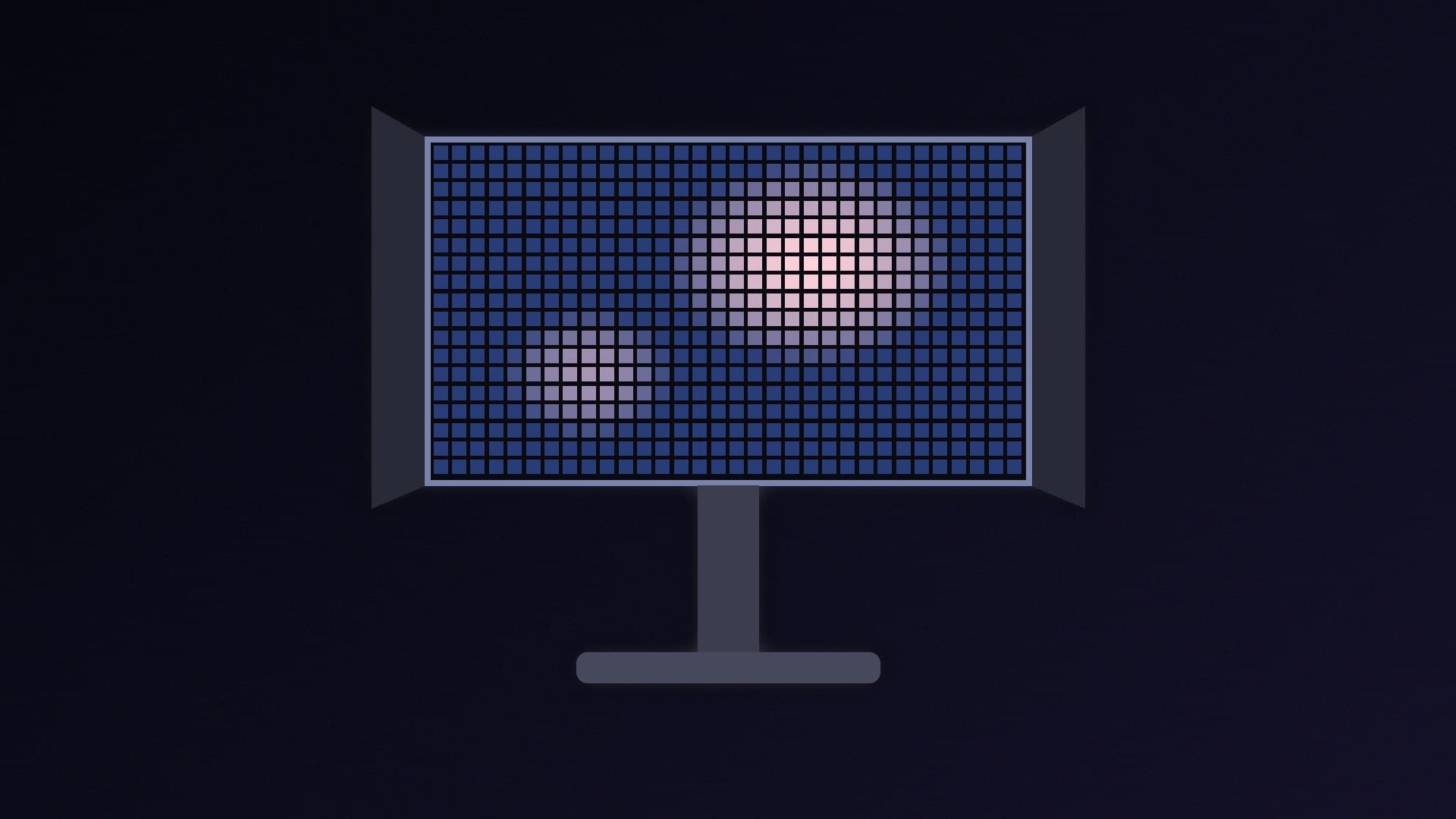
Mini-LED monitors are still LCDs, but instead of a handful of backlight zones they use hundreds or thousands of small LEDs grouped into local dimming zones. The backlight can dim dark parts of the picture while driving bright highlights hard, which is why mini-LED is the main alternative to OLED for HDR gaming. This guide picks four mini-LED gaming monitors using the manufacturers' official specification pages and VESA's published DisplayHDR criteria.
Quick picks
Monitor | Best for | Size and resolution | Panel | Dimming zones | Max refresh | HDR rating (maker) |
|---|
AOC Q27G3XMN/BK | Best value 1440p | 27in, 2560 x 1440 | Fast VA | 336 | 180Hz (DP) | VESA DisplayHDR 1000 |
Xiaomi Mini LED Gaming Monitor G Pro 27i | Most zones at 1440p | 27in, 2560 x 1440 | Fast IPS | 1,152 | 180Hz | HDR1000 (Xiaomi) |
Samsung Odyssey Neo G8 (LS32BG850NPXXU) | Best 4K high refresh | 32in curved, 3840 x 2160 | VA, 1000R | 1,196 | 240Hz | Quantum HDR 2000 (Samsung) |
Samsung Odyssey Neo G7 43in (G70NC) | Best big flat screen | 43in flat, 3840 x 2160 | VA | Not stated | 144Hz | VESA DisplayHDR 600 |
How to read mini-LED specs
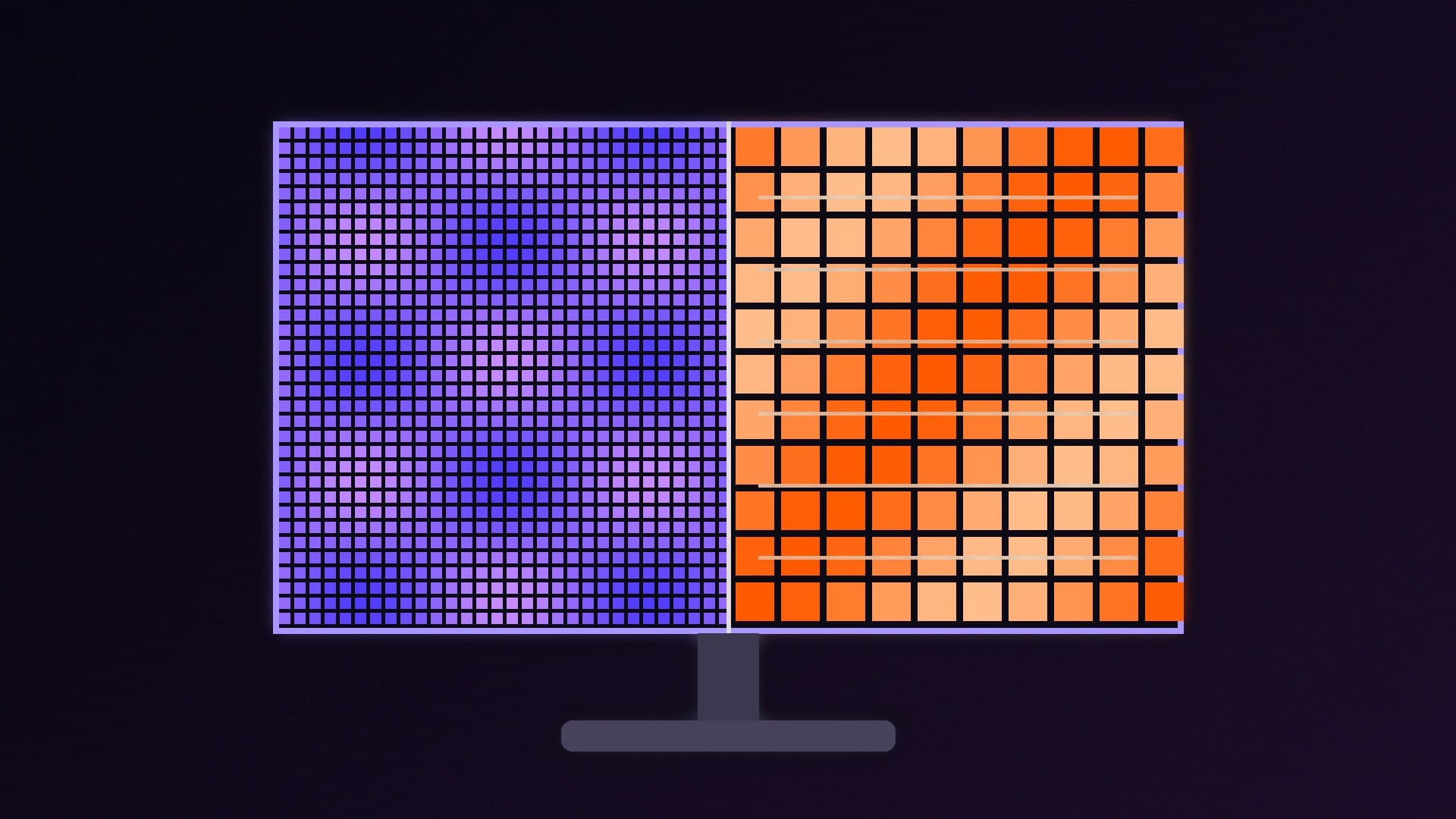
Zone count matters more than LED count. A monitor might have thousands of LEDs, but they're controlled in groups. The AOC's 336 zones and the Xiaomi's 1,152 zones are the useful comparison; more, smaller zones generally mean finer control of bright objects on dark backgrounds, although the dimming algorithm matters too and is something only testing reveals.
Check whose HDR label it is. VESA's DisplayHDR tiers are independent certifications with published test criteria. Under VESA's current CTS 1.2 rules, DisplayHDR 1000 requires at least 1,000 cd/m² on an 8% centre patch, at least 600 cd/m² in a full-screen long-duration test and a 30,000:1 static contrast ratio with 2D (full-array) local dimming. DisplayHDR 600 needs 600 cd/m² peak and at least 1D local dimming. "Quantum HDR 2000" (Samsung) and "HDR1000" (Xiaomi's wording) are maker labels, not VESA tiers, so treat them as the maker's own claim. Our DisplayHDR 400 vs 600 vs 1000 explainer goes into the tiers.
Mini-LED vs OLED. OLED dims each pixel individually, so there's no blooming, but burn-in is a consideration and many OLEDs can't hold very high full-screen brightness. Mini-LED can be very bright and doesn't burn in, but halos ("blooming") can appear around bright objects. See OLED vs mini-LED for the full trade-off, or our best OLED gaming monitors if per-pixel contrast matters more to you.
1. AOC Q27G3XMN/BK: best value 1440p mini-LED
AOC's UK product page lists the Q27G3XMN/BK as a 27in 2560 x 1440 Fast VA monitor with a mini-LED backlight split into 336 local dimming zones, a 180Hz maximum refresh rate and a 1ms GtG response rating. It's VESA Certified DisplayHDR 1000, and AOC lists 1,000 cd/m² brightness, a 4,000:1 static contrast ratio and AMD FreeSync Premium Pro.
Connections are two HDMI 2.0 ports and one DisplayPort 1.4, plus a headphone output. Note the signal ranges: AOC lists 48-180Hz over DisplayPort but 48-144Hz over HDMI, so use DisplayPort from a PC to get 180Hz. The stand offers 130mm of height adjustment, tilt, swivel and pivot, and there's a 100 x 100mm VESA mount. AOC lists typical power use of 54W and a G energy class.
VA panels have higher native contrast than IPS, which suits a backlight with fewer zones. The trade-off is that 336 zones is the lowest count here, so expect bright objects to light up larger areas of the screen than on the Xiaomi.
Choose it if you want certified DisplayHDR 1000 at 1440p for the least outlay and will connect over DisplayPort. It's in the Forge PC database as the AOC Q27G3XMN/BK.
2. Xiaomi Mini LED Gaming Monitor G Pro 27i: most zones at 1440p
Xiaomi's UK page lists the G Pro 27i as a 27in 2560 x 1440 Fast IPS monitor with a full-array mini-LED backlight of 1,152 zones and 4,608 LEDs, which is more than three times the AOC's zone count. Xiaomi quotes a 1,000-nit peak, an HDR1000 label, 180Hz, 1ms GtG and FreeSync, with 100% sRGB, 99% DCI-P3 and 97% Adobe RGB coverage and 10-bit colour.
It has two DisplayPort 1.4 and two HDMI 2.0 inputs, a stand with height, tilt and portrait rotation, and wall-mount support (the bracket isn't included). Xiaomi offers four backlight control modes, including turning local dimming off, and says you should use the included DisplayPort cable to reach 2560 x 1440 at 180Hz.
IPS panels have lower native contrast than VA, so the extra zones are doing more of the work here. The wide colour coverage also makes it a reasonable pick if you edit photos as well as play games.
Choose it if you want the finest backlight control you can get at 1440p and prefer IPS viewing angles and colour.
3. Samsung Odyssey Neo G8: best 4K high-refresh mini-LED
Samsung UK's specification page lists the 32in Odyssey Neo G8 (LS32BG850NPXXU) as a 3840 x 2160 VA panel with a 1000R curve, a 240Hz maximum refresh rate and a 1ms GtG response time. Its mini-LED backlight has 1,196 local dimming zones, and Samsung lists "Quantum HDR 2000" (Samsung's own label), FreeSync Premium Pro, quantum dot colour and 95% DCI coverage.
Inputs are one DisplayPort 1.4 and two HDMI 2.1 ports, with a two-port USB 3 hub and a headphone output. It uses an external power adapter, with Samsung quoting 33.2W typical and 140W maximum consumption. When Samsung announced UK availability in July 2022, it called the Neo G8 the world's first 240Hz 4K gaming monitor, and it shipped with a height-adjustable, swivel and tilt stand.
4K at 240Hz needs a lot of GPU power in recent games, and a curved 32in screen won't suit everyone; see curved vs flat and 27 vs 32 inch before you buy. It's an older model, so check the exact model number in retailer listings.
Choose it if you have a high-end GPU and want 4K, high refresh and a high zone count in one screen.
4. Samsung Odyssey Neo G7 43in (G70NC): best big flat screen
The 43in Odyssey Neo G7 (G70NC) was Samsung's first flat mini-LED gaming monitor. Samsung's UK page lists a 3840 x 2160 VA panel with mini-LED local dimming, a 144Hz maximum refresh rate, a 1ms MPRT response figure, VESA DisplayHDR 600 and HDR10+ Gaming, plus FreeSync Premium Pro and a matte display. Samsung doesn't publish a zone count on this page.
It's closer to a smart TV than most monitors: there's Samsung's Gaming Hub and smart TV platform, Wi-Fi 5, Bluetooth 5.2, Ethernet and built-in speakers (20W x 2 in Samsung's launch details). Inputs are two HDMI 2.1 ports and one DisplayPort 1.4, and the stand is tilt-only, with a 200 x 200mm VESA mount.
At 43in, 4K gives roughly the same pixel density as a 21.5in 1080p monitor, so it works best at a greater viewing distance, more like a TV on a desk. See gaming monitor vs TV for PC if you're weighing it against an actual TV.
Choose it if you want a very large flat 4K screen for games, films and productivity and can sit far enough back.
Before you buy
Use the right cable. Several of these monitors reach their top refresh rate only over DisplayPort or with the bundled cable. Our DisplayPort vs HDMI guide explains the limits.
Turn on HDR properly. Windows HDR needs setting up and calibrating; see how to set up HDR in Windows 11.
Check panels on arrival. Look for dead pixels and uniformity problems inside the return window using our dead pixel check guide.
Black Friday listings. Model numbers with different suffixes can have different specs or stands, so match the full model number to the maker's page.
Our verdict
The AOC Q27G3XMN/BK is the best-value mini-LED gaming monitor for most UK buyers, with VESA DisplayHDR 1000 certification, a 336-zone Fast VA panel and 180Hz at 1440p over DisplayPort. The Xiaomi G Pro 27i offers far more zones (1,152) on an IPS panel for finer backlight control, the Samsung Odyssey Neo G8 is the pick for 4K at 240Hz with 1,196 zones, and the 43in Odyssey Neo G7 suits anyone who wants a huge flat 4K screen. Check whose HDR label you're reading and connect over DisplayPort where the maker says to.