KTC has launched the 25M5, a compact 24.5-inch gaming monitor that pairs a 2560 x 1440 Fast IPS panel with a 1,152-zone Mini-LED backlight and a native 260Hz refresh rate. In a press release dated 24 November 2026, KTC said the monitor is launching "across major European markets" with an exclusive 20% launch discount for Black Friday, which falls on 27 November 2026.
What KTC has announced
The 25M5 (model number M25T8 on KTC's product page) is what KTC calls its "flagship compact gaming monitor", built "for competitive gamers and display enthusiasts". The pitch is a high refresh rate on a compact 24.5-inch panel, plus a local-dimming Mini-LED backlight for HDR.
Spec (KTC figures) | KTC 25M5 |
|---|
Size and panel | 24.5-inch Fast IPS, 16:9, matte anti-glare |
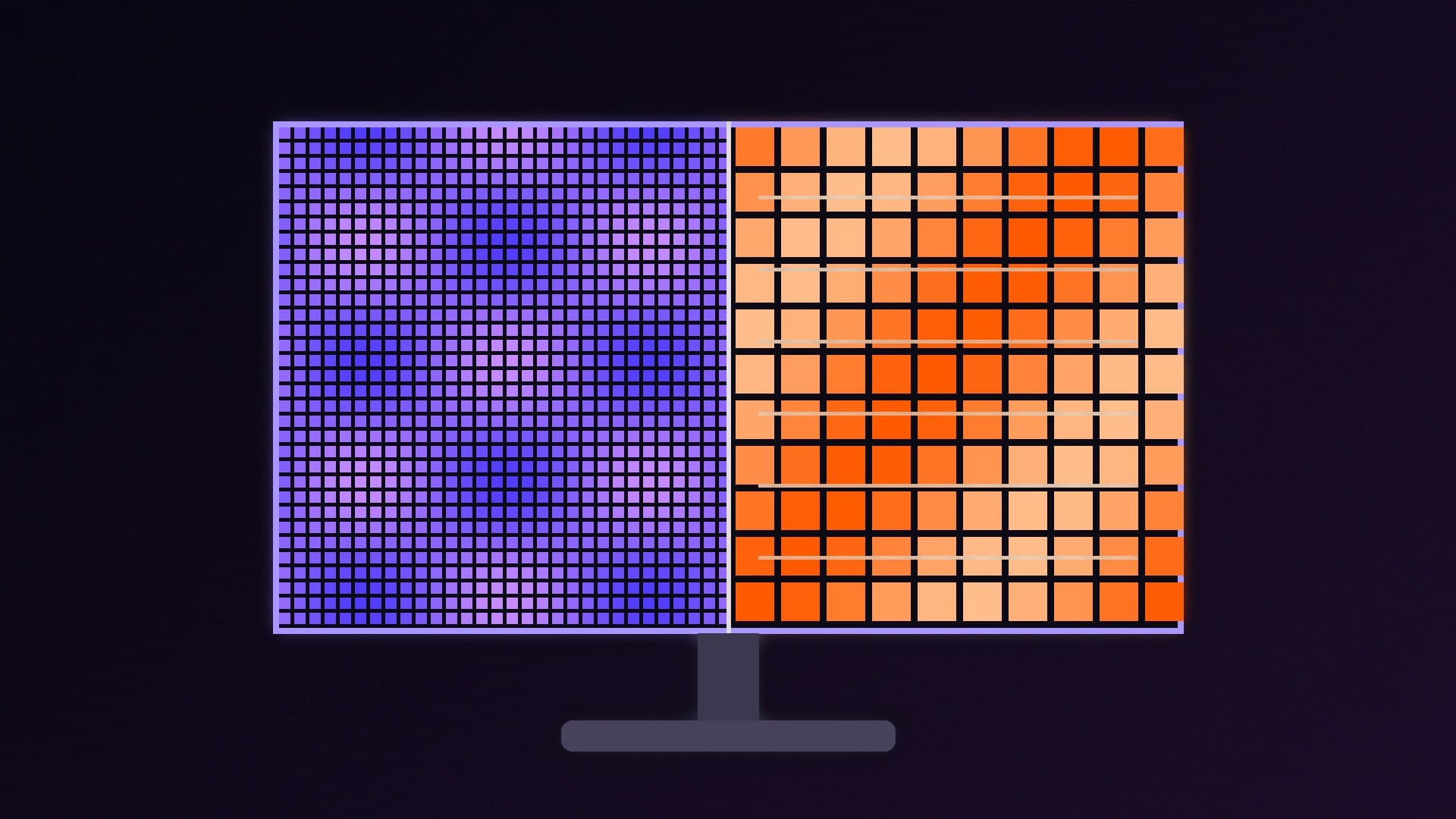
Resolution | 2560 x 1440 (about 120 PPI) |
Refresh rate | 260Hz native (DisplayPort); 144Hz over HDMI |
Response time | 2ms GtG with overdrive, 1ms MPRT (press release) |
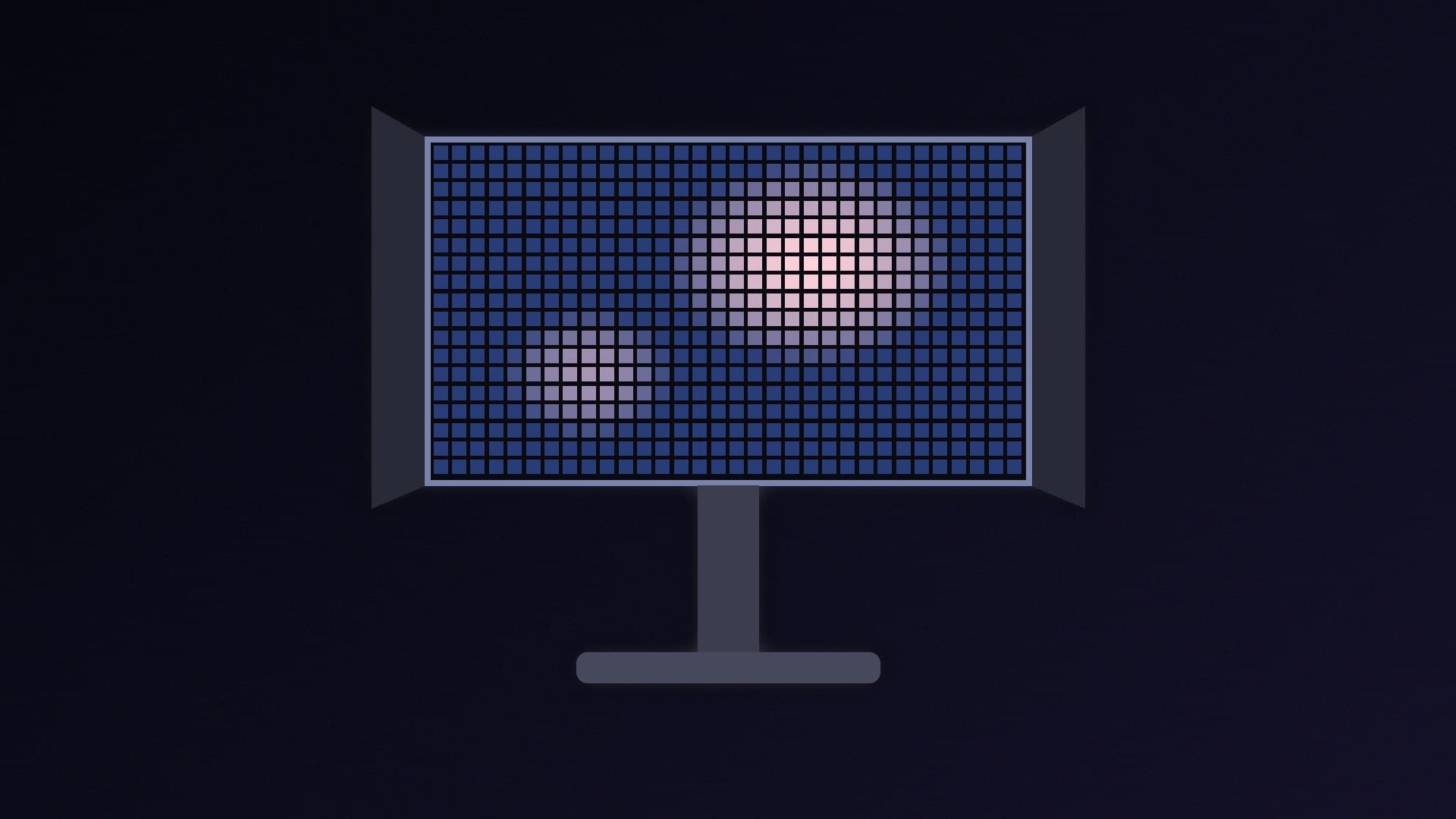
Backlight | Mini-LED, 1,152 local-dimming zones |
Brightness | 550 cd/m² SDR, 1,000 cd/m² HDR |
HDR | VESA DisplayHDR 1000 |
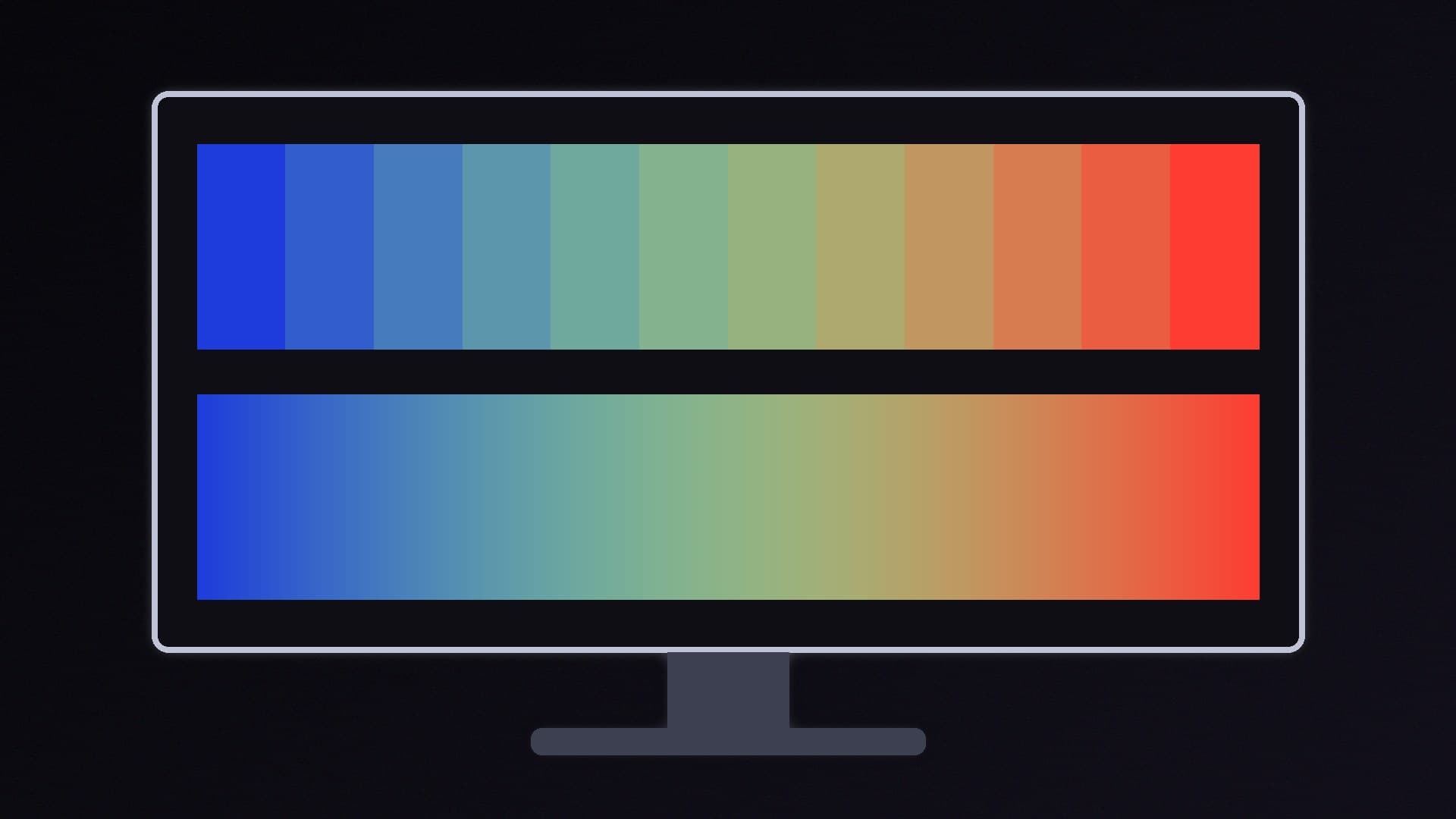
Colour (coverage) | 100% sRGB, 98% DCI-P3, 97% Adobe RGB; 8-bit + FRC |
Adaptive sync | FreeSync and G-Sync Compatible |
Inputs | 2x HDMI 2.0, 1x DisplayPort 1.4, headphone out |
Stand | Tilt -5 to 35 degrees, pivot to portrait, swivel, height adjustable |
Mounting | 100 x 100mm VESA |
Extras | Shielding hood, retractable headset hook |
Warranty (KTC US store) | 3 years |
The connection catch: use DisplayPort for 260Hz
The most important detail for buyers is buried in KTC's spec table. The two HDMI 2.0 ports run 2560 x 1440 at up to 144Hz, and only the DisplayPort 1.4 input reaches the full 260Hz. KTC's own FAQ says to use DisplayPort for 260Hz and that the HDMI inputs top out at 144Hz at 1440p.
KTC includes a DisplayPort cable in the box, so a PC with a DisplayPort output is the straightforward way to get 260Hz. It matters more if you planned to plug a console or a laptop with only HDMI into it. If you're unsure which cable to use, our guide to DisplayPort vs HDMI for gaming explains the differences.
Mini-LED on a small screen: what the specs suggest
On paper, the 25M5's HDR credentials are strong: KTC quotes VESA DisplayHDR 1000 certification, 1,000 cd/m² peak HDR brightness and 1,152 dimming zones. KTC lists a typical native contrast ratio of 1,000:1, which is normal for IPS, so the local dimming is doing the work for deep blacks in HDR.
What a spec sheet can't tell you is how well the dimming algorithm handles blooming around bright objects, or how fast it reacts in games. Those are things independent reviews measure, so it's worth waiting for one if HDR quality is your reason for buying. Our comparison of OLED vs Mini-LED monitors covers the general trade-offs.
The 2ms GtG figure in the press release is quoted "when OD overdrive is enabled", so expect to experiment with the overdrive setting. Our guide on how to fix monitor ghosting explains how to choose a level, and GtG vs MPRT response time explains why the two "response time" numbers aren't the same thing.
One spec to double-check: height adjustment
KTC's figures for the stand don't quite agree. The press release says the stand offers 150mm of height adjustment, as does the FAQ on KTC's product page, but the spec table on the same page lists elevation as 130mm (plus or minus 5mm). The FAQ also gives a wider swivel range than the spec table. If stand height matters for your desk, check the manual or ask the retailer before buying, or plan to use the 100 x 100mm VESA mount instead.
UK availability and pricing
KTC's announcement doesn't list which European countries are included, and UK availability and pricing hadn't been confirmed when we checked on 25 November 2026. KTC's US store listed the 25M5 at $269.99, down from $369.99, when we checked on 25 November 2026, but a US price doesn't translate directly into a UK one.
If a UK listing does appear during Black Friday, it's worth applying the usual checks: compare the price against a price tracker rather than the shop's "was" price, as our guide on how to check Black Friday PC deals explains, and check who the seller is, especially on marketplaces. If something goes wrong, you can read about your rights in our guide to refund rights for faulty PC parts.
Who it suits
The 25M5 looks aimed at players who want a smaller screen for competitive games but don't want to give up HDR for single-player games and films. If you'd rather have a larger screen at the same resolution, our best 1440p gaming monitor guide covers 27-inch options, and our how to choose a gaming monitor guide can help you decide what matters most.
Our verdict
The KTC 25M5 is a 24.5-inch 1440p Fast IPS monitor with a 260Hz refresh rate, a 1,152-zone Mini-LED backlight and DisplayHDR 1000, launching in Europe with a 20% Black Friday discount. On paper that's a strong specification, but remember that only DisplayPort reaches 260Hz (HDMI stops at 144Hz), KTC's stand figures are inconsistent, and UK availability hadn't been confirmed on 25 November 2026. Wait for independent reviews of the local dimming before buying for HDR.