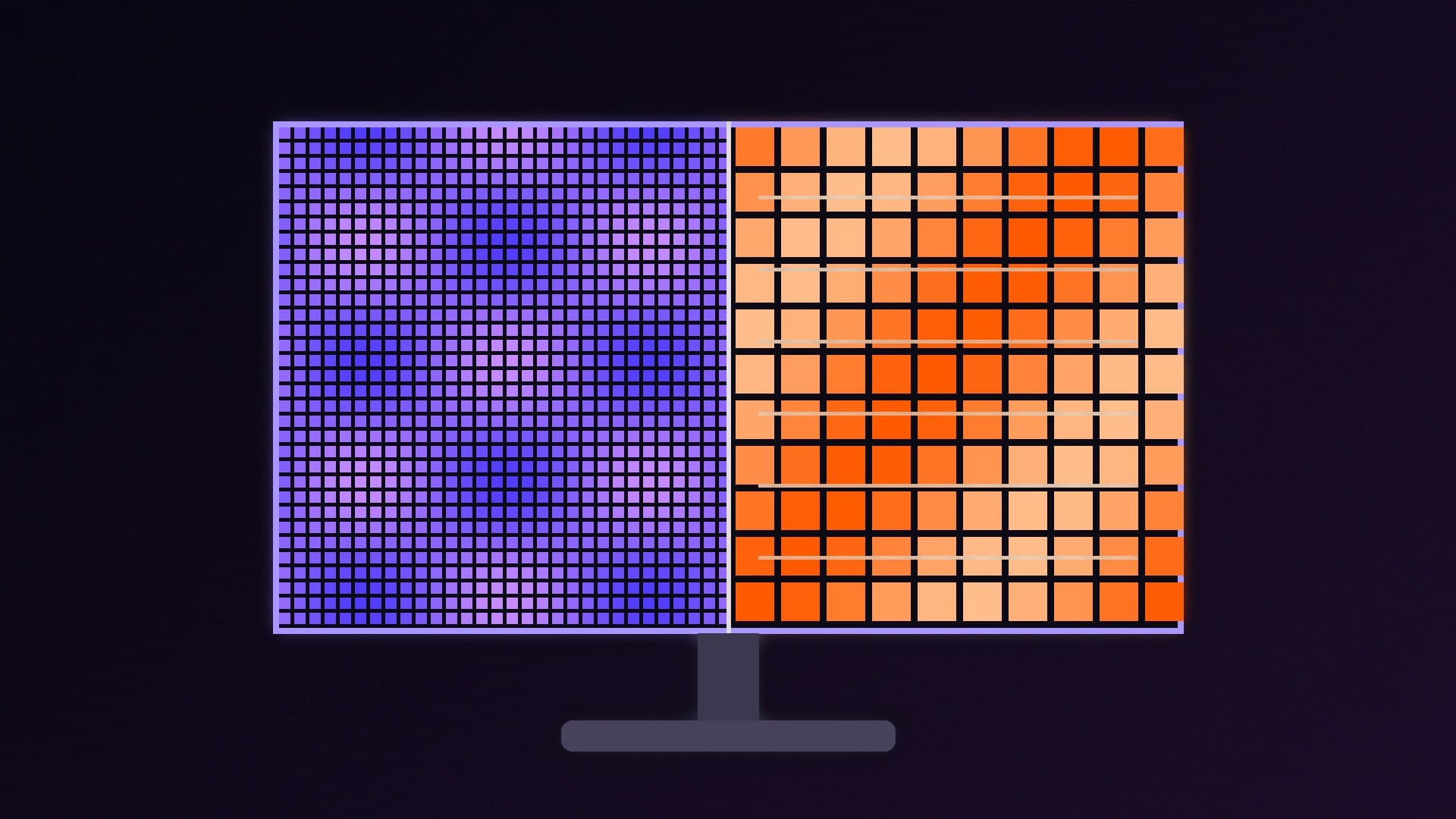
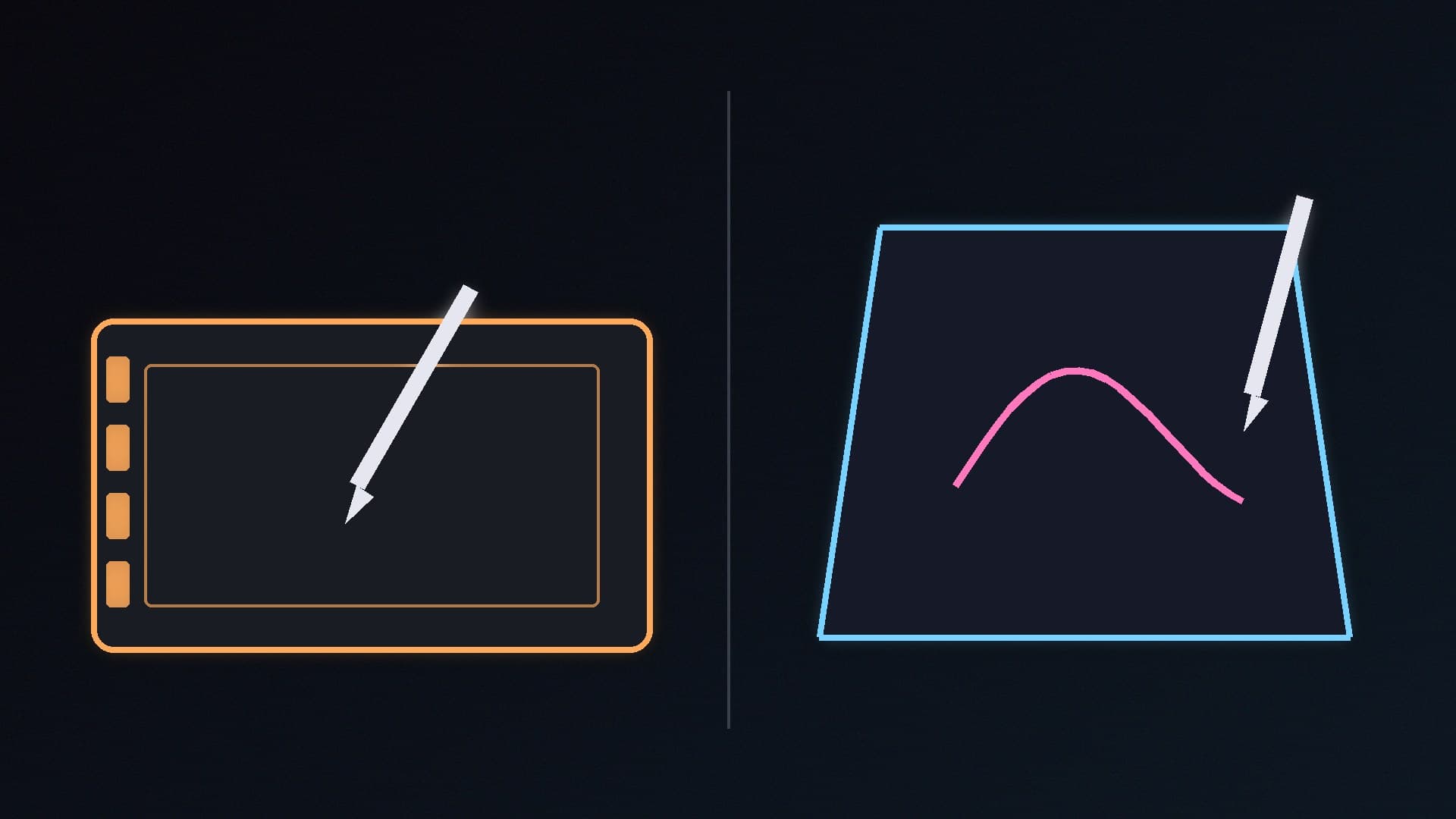
A dual-mode monitor is two monitors in one. In its normal mode it runs at 4K for sharp, detailed single-player games and desktop work; press a button and it drops to 1080p and roughly doubles its refresh rate for fast competitive games. That makes it a sensible way to avoid choosing between a 4K screen and an esports one.
Our picks at a glance
Monitor | Best for | Panel | Normal mode | Dual mode | HDR (maker spec) |
|---|
LG UltraGear 32GS95UE-B | Best overall (32-inch OLED) | 31.5-inch OLED | 3840 x 2160, 240Hz | 1920 x 1080, 480Hz | DisplayHDR True Black 400 |
ASUS ROG Swift OLED PG32UCDP | OLED with USB-C and KVM | 31.5-inch WOLED | 3840 x 2160, 240Hz | 1920 x 1080, 480Hz | DisplayHDR True Black 400 |
MSI MAG 274UPDF E16M | Bright HDR on a 27-inch screen | 27-inch Rapid IPS, 1,152-zone Mini-LED | 3840 x 2160, 160Hz | 1920 x 1080, 320Hz | DisplayHDR 1000 |
ASUS ROG Strix XG27UCS Gen2 (XG27UCSR) | Simpler IPS option | 27-inch Fast IPS | 3840 x 2160, 160Hz | 1920 x 1080, 324Hz | DisplayHDR 400 |
How dual mode works
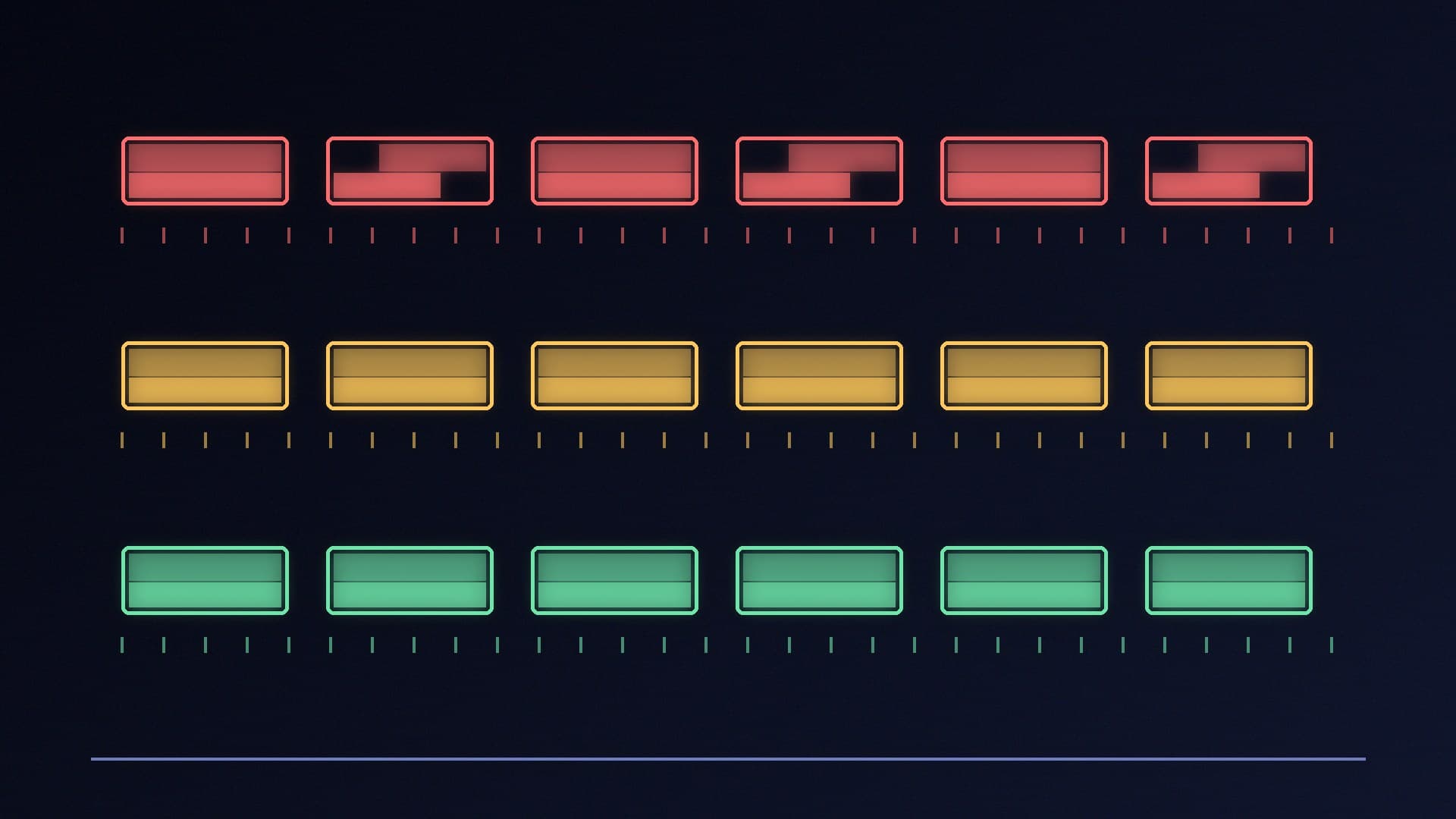
Dropping from 3840 x 2160 to 1920 x 1080 cuts the number of pixels in each frame to a quarter, and in exchange the monitor offers a much higher maximum refresh rate. The trade-off is sharpness: on a 31.5-inch screen, 1080p works out to about 70 pixels per inch against about 140 at 4K, so text and fine detail look softer in dual mode.
ASUS's support guide for its Frame Rate Boost feature (its name for dual mode) explains the setup. You enable it from the monitor's menu (Gaming > Frame Rate Boost on ASUS models), then in Windows go to System > Display, set the resolution to 1920 x 1080 and choose the highest refresh rate in Advanced display settings. After that first setup, the monitor's hotkey switches between modes. ASUS warns that switching can cause flickering or a black screen; if that happens, it suggests re-plugging the HDMI or DisplayPort cable or trying a lower refresh rate. It also says performance depends on your graphics card and what's on screen.
Whatever monitor you choose, the higher refresh rate only helps if your PC can produce the frames. A 480Hz mode only pays off in games where your PC can actually run at very high frame rates. Our guide on how to change monitor refresh rate explains how to check Windows is using the right mode.
Best overall: LG UltraGear 32GS95UE-B
LG's 32-inch UltraGear OLED lists dual mode, switching between 4K at 240Hz and FHD at 480Hz, among its key features. Its 31.5-inch OLED panel has a 0.03ms GtG response time, a typical contrast ratio of 1,500,000:1 and typical DCI-P3 coverage of 98.5%, according to LG UK's specifications. It's VESA DisplayHDR True Black 400 certified and supports G-Sync Compatible and FreeSync Premium Pro.
What sets it apart from most monitors is its built-in sound. LG lists Pixel Sound with DTS Virtual:X and two 10W speakers, which is handy if you'd rather not have desktop speakers. Connections are two HDMI ports, one DisplayPort 1.4 with DSC, a USB hub with two downstream USB 3.0 ports and a 4-pole headphone jack that supports a headset microphone. The stand adjusts for tilt, height, swivel and pivot, and LG includes a calibration report.
Why we picked it: the joint-highest refresh rates in this group in both modes (with the ASUS below), plus OLED contrast and built-in speakers. As with any OLED, read our guide on how to prevent OLED burn-in if you leave static images on screen for long periods.
Best OLED alternative: ASUS ROG Swift OLED PG32UCDP
The ASUS ROG Swift OLED PG32UCDP matches the LG on the headline numbers: a 31.5-inch WOLED panel at 3840 x 2160 and 240Hz, with dual mode giving 1920 x 1080 at up to 480Hz. ASUS's own FAQ uses this model as its example: with Frame Rate Boost on, it runs 1080p at 480Hz; with it off, 4K at 240Hz.
Where it differs is connectivity and extras. ASUS lists one DisplayPort 1.4 with DSC, two HDMI 2.1 ports and a USB-C port with DisplayPort Alt Mode and 90W power delivery, plus a three-port USB hub and a built-in KVM switch. That combination suits anyone who wants to plug in a laptop with a single cable and share a keyboard and mouse between it and a desktop. ASUS quotes 1,300 cd/m² peak HDR brightness (noting it may vary with colour pre-calibration), 99% DCI-P3 and a Delta E under 2, and it's DisplayHDR True Black 400 certified. It has no speakers. ASUS lists a three-year warranty that includes panel burn-in.
Why we picked it: the same 4K 240Hz and 1080p 480Hz modes as the LG, but with USB-C, 90W charging and KVM for a shared work-and-play desk. Not sure about WOLED vs QD-OLED? See our QD-OLED vs WOLED comparison.
Best for bright HDR: MSI MAG 274UPDF E16M
If you want strong HDR without OLED, MSI's MAG 274UPDF E16M uses a 27-inch Rapid IPS panel with a 1,152-zone Mini-LED backlight. MSI lists 3840 x 2160 at 160Hz in normal mode and 1920 x 1080 at 320Hz in dual mode, VESA DisplayHDR 1000 certification and 1,000 cd/m² peak HDR brightness (400 cd/m² in SDR). Colour coverage is listed as 98% DCI-P3 and 100% Adobe RGB.
Connections are one DisplayPort 1.4a, two HDMI 2.1 ports that support 4K at 160Hz, and a USB-C port with DisplayPort Alt Mode and 15W power delivery. MSI says all three input types support both modes. There's a console mode supporting 4K at 120Hz with VRR for PS5 and Xbox, and picture-in-picture and picture-by-picture. The stand offers tilt, swivel, pivot and 110mm of height adjustment.
Why we picked it: the brightest HDR rating in this group, a 27-inch size and no burn-in worries, at the cost of lower refresh rates than the OLEDs. Our OLED vs Mini-LED monitor comparison explains the trade-offs.
Simpler IPS option: ASUS ROG Strix XG27UCS Gen2 (XG27UCSR)
The ROG Strix XG27UCS Gen2 is a 27-inch Fast IPS monitor with dual mode: 3840 x 2160 at 160Hz, or 1920 x 1080 at up to 324Hz, according to ASUS's specifications. It's VESA DisplayHDR 400 certified with up to 500 cd/m² peak HDR brightness, 95% DCI-P3, and a 1ms GtG (0.3ms minimum) response time. ASUS also lists ELMB Sync support.
Connections are one DisplayPort 1.4, one HDMI 2.1 and a USB-C port with DisplayPort Alt Mode and 15W power delivery. The stand offers tilt, swivel, pivot and 110mm of height adjustment.
Be careful with the name: ASUS's spec page for the original ROG Strix XG27UCS (without Gen2 or XG27UCSR) lists a 160Hz maximum and doesn't list a dual mode, so check the model number before you buy.
Why we picked it: a straightforward IPS monitor with both modes and no burn-in concerns. It has no local dimming, so don't expect the HDR impact of the MSI.
Also worth knowing about: Philips Evnia 27M2D5901A
If you want more than 4K, Philips' Evnia 27M2D5901A applies the same idea to a 27-inch 5K panel, with a 1440p dual mode, according to TFTCentral's reporting. We covered its UK launch in our Philips Evnia 27M2D5901A news story.
What to check before buying
Screen size and dual-mode sharpness. 1080p is spread over more area on a 31.5-inch screen (about 70 pixels per inch) than on a 27-inch one (about 82), so it looks softer. If you'll spend a lot of time in dual mode, a 27-inch model may suit you better.
Which inputs support which mode. MSI says all of the 274UPDF's inputs support both modes. For other monitors, check the maker's signal-frequency table; for example, ASUS lists separate HDMI and DisplayPort ranges for each mode on the PG32UCDP.
Your graphics card. You need a card that can drive 4K at high frame rates in demanding games, or very high frame rates at 1080p in competitive ones. Our best 4K gaming monitor guide and how to choose a gaming monitor guide go into more detail.
Black Friday pricing. If you're buying in the sales, compare prices against a tracker rather than the retailer's "was" price, as our guide on how to check Black Friday PC deals explains.
Our verdict
The LG UltraGear 32GS95UE-B is the best dual-mode gaming monitor for most people who want a 32-inch OLED, with 4K at 240Hz, 1080p at 480Hz and built-in speakers. Choose the ASUS ROG Swift OLED PG32UCDP for the same modes with USB-C, 90W charging and a KVM switch, the MSI MAG 274UPDF E16M for bright Mini-LED HDR on a 27-inch screen, or the ASUS ROG Strix XG27UCS Gen2 for a simpler IPS option. Always check the exact model number, and make sure your graphics card can use the extra refresh rate.