Ollama and Together AI have published a joint technical post on keeping open models fast in long agent sessions.
If you use a coding agent such as Claude Code, Codex or OpenCode with a local model, you may have noticed that it gets slower the longer a session runs. The post explains why, and what both the agent software and the inference engine have to do to stop it.
Why agents are different from chat
The authors point out that every time an agent takes a step, the "harness" (the agent app) sends the model the entire conversation so far: the system prompt, every tool definition, your request, every file the agent has read and every command it has run. What comes back is usually a short tool call a few dozen tokens long.
That matters for your hardware. The post splits each request into two phases:
Prefill, where the model reads the whole prompt in one parallel pass. It is compute-heavy and decides how long you wait before the first token appears.
Decode, where the model writes its answer one token at a time. It is limited mainly by memory bandwidth.
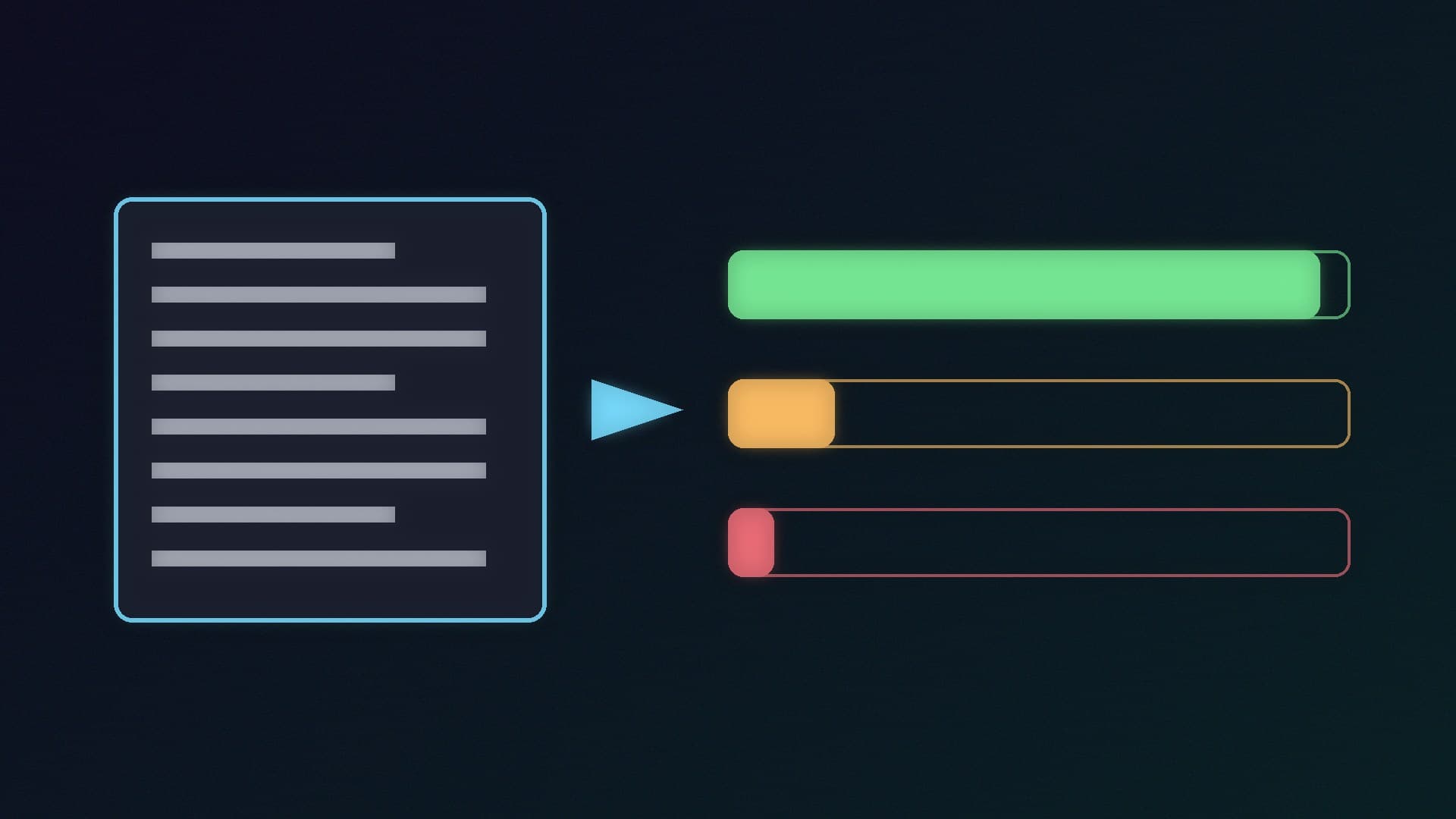
A normal chat reply spends time in both phases, but an agent turn is mostly prefill, because the input is the whole session and the output is tiny. So for agents, the post says, "how fast is this model?" mostly means how quickly it can get through a long history of earlier turns.
What prefix caching does
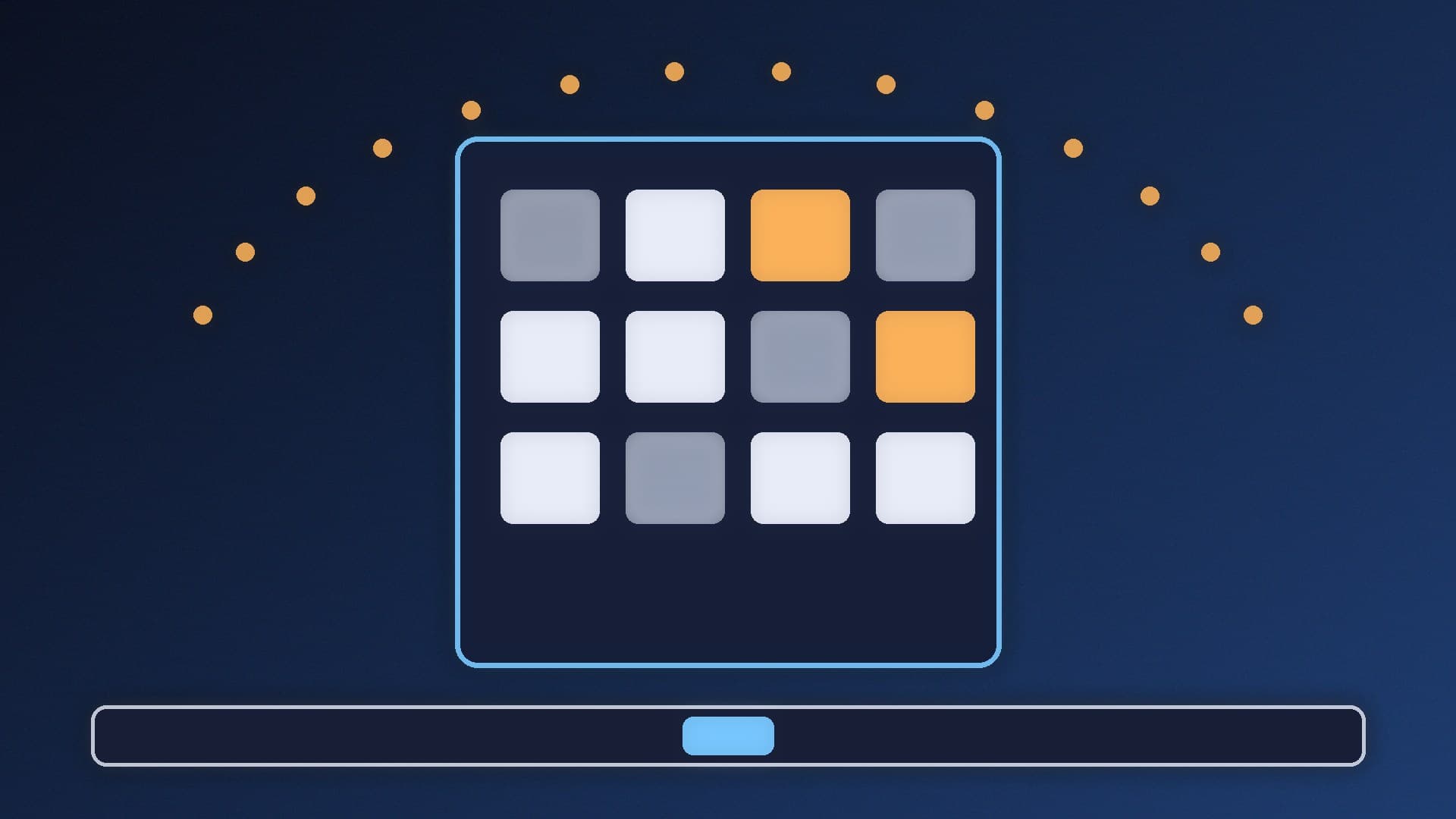
The KV cache stores the work a model has already done on earlier tokens within one request. Prefix caching reuses that work across requests: turn seven of a session is turn six plus a little more, so if the engine still holds turn six, it only needs to process the new part.
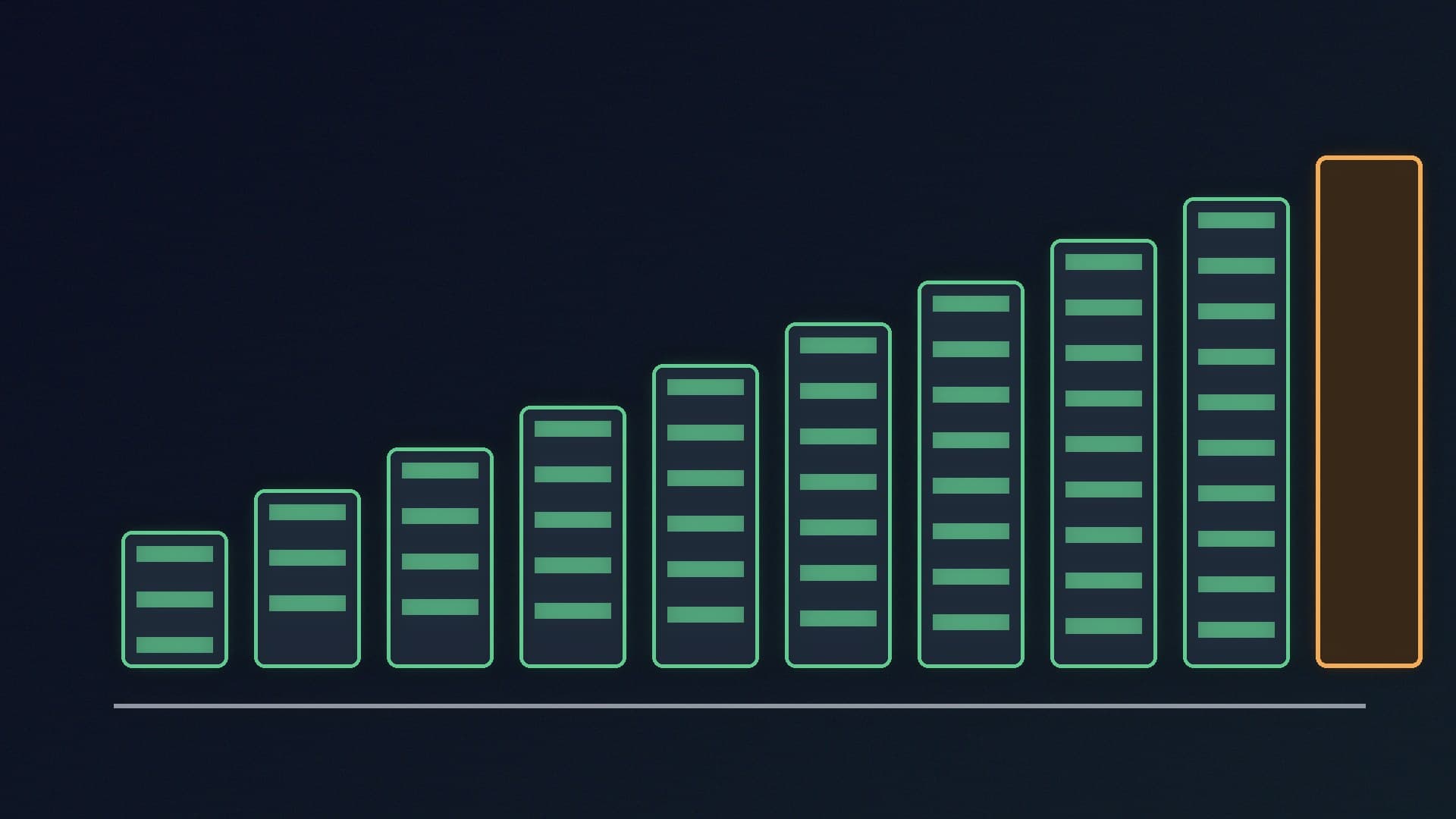
The post's idealised arithmetic shows the scale of the saving. If each turn adds the same amount, ten turns without caching process 55 units of prompt rather than 10, and a hundred turns process 5,050 rather than 100. The authors stress that real turns vary, and that cached tokens aren't completely free, but the redone work grows with the square of the session length without caching.
The catch is that the cache only matches from the start of the prompt up to the first token that differs. Anything changed earlier in the prompt, even one character, forces everything after it to be processed again.
The mistakes that break the cache
The post lists several ways agent apps accidentally throw the cache away:
Changing the system prompt every turn, for example with a current timestamp, git status or working directory. The advice is to put that information in the task message once and keep the system prompt identical.
Adding newly discovered tools to the tool list at the top of the prompt rather than at the end of the conversation. Not every model's chat template accepts tool definitions mid-conversation, so this depends on the model.
Changing reasoning effort mid-session. The authors say GLM-5.3-Flash's chat template writes the effort level into the first system block, so raising it part-way through means reprocessing the whole session. Their advice is to pick an effort level at the start, or begin a fresh session at the higher setting.
Huge or silently truncated tool results. Large outputs are carried in every later request, while cutting them without telling the model can leave it editing code it never saw. The fix is a single line saying which lines were returned.
On the server side, Together AI describes routing each turn back to the machine that holds the session's cache, moving idle caches to CPU memory while an agent waits for tests to run, and running prefill and decode on separate clusters. Those techniques apply to cloud providers rather than a single home PC.
What it means for local AI PCs
For anyone running agents on their own hardware, the practical lessons are straightforward. Long agent sessions lean heavily on prefill, and the post notes that memory headroom for cached context, not compute, usually limits how many requests a GPU can serve at once. That's another reason VRAM matters so much for local AI; our guide to LLM context length and VRAM explains how longer sessions eat memory, and KV cache quantisation in Ollama can help make room.
It's also a reminder to keep settings stable within a session. If you connect a coding agent to Ollama (see our guides to Claude Code with Ollama and Codex CLI with Ollama), changing reasoning effort or switching models halfway through a long task can cost you far more time than it appears to.
Our verdict
This isn't a product launch, but it's one of the clearest explanations yet of why local coding agents slow down as sessions grow. The key rule is simple: anything that changes the start of the prompt forces the model to re-read everything after it. If you run agents on your own PC, keep the system prompt and reasoning settings fixed for the session, and make sure your GPU has enough VRAM for long contexts.