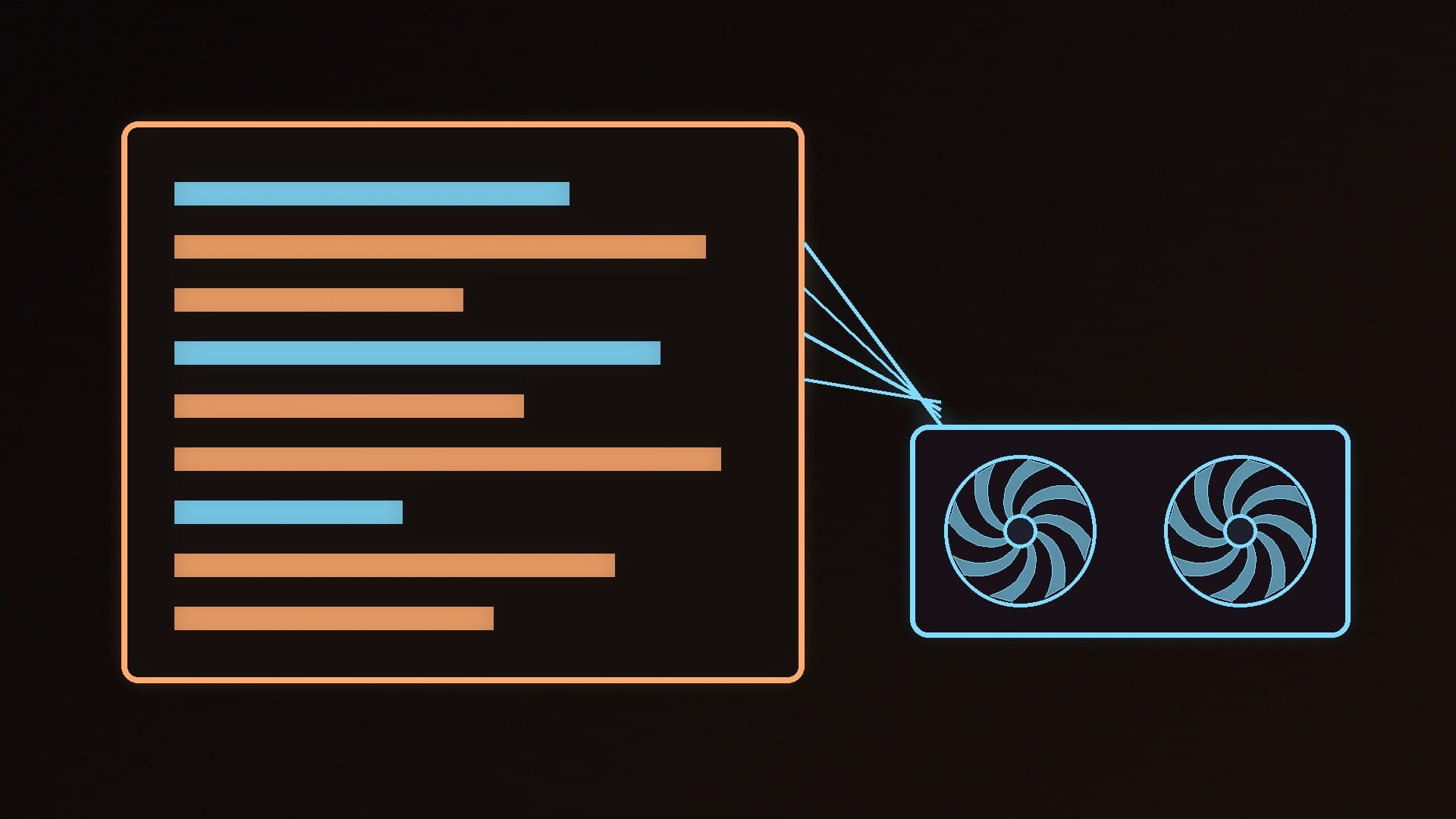
Claude Code is Anthropic's command-line coding agent: it reads your project, edits files and runs commands with your permission. Normally it talks to Anthropic's cloud models, but Ollama now offers an Anthropic-compatible API, so you can point Claude Code at a model running on your own graphics card instead. That keeps your code on your PC and avoids per-token costs, at the price of using a much smaller model.
Forge PC has not tested this setup or measured its speed. The steps are based on Ollama's Claude Code, Anthropic compatibility and context length documentation and on Anthropic's Claude Code setup guide, checked on 16 November 2026.
What you need
Windows 10 version 1809 or later (Anthropic also supports macOS and several Linux distributions), at least 4GB of RAM and an internet connection, according to Anthropic's system requirements.
Ollama installed and running. If you haven't used it before, start with our Ollama and LM Studio beginner's guide.
A graphics card with enough video memory for a capable model and a long context window. Coding agents read a lot of code, so context matters as much as model size. Our how much VRAM and best GPU for local LLMs guides explain what to aim for.
Git for Windows (recommended). Anthropic says Claude Code uses it for its Bash tool on Windows; without it, Claude Code falls back to PowerShell.
A note on accounts: Anthropic's documentation says Claude Code requires a paid Claude plan or a Console account, or a supported third-party provider such as Amazon Bedrock, and that the free Claude plan doesn't include it. Ollama's documented setup instead points Claude Code at your local server using environment variables. Anthropic doesn't list Ollama as a provider, so check Anthropic's terms if you're unsure.
Method 1: One command with ollama launch
Ollama's documentation says the simplest way to start is:
ollama launch claude
This lets you choose a model and launches Claude Code connected to Ollama. To pick a specific local model, add --model. For example, Ollama's library page for Xiaomi's MiMo-V2.6 coding model lists:
ollama launch claude --model mimo-v2.6
Method 2: Manual setup on Windows
1. Install Claude Code. In PowerShell, Anthropic's and Ollama's documentation give:
irm https://claude.ai/install.ps1 | iex
Open a new terminal and run claude --version to check it installed. Anthropic also offers winget install Anthropic.ClaudeCode, though it notes WinGet installs don't update automatically.
2. Point Claude Code at Ollama. Ollama's docs use these environment variables (shown here in PowerShell syntax for the current session):
$env:ANTHROPIC_AUTH_TOKEN = "ollama"
$env:ANTHROPIC_API_KEY = ""
$env:ANTHROPIC_BASE_URL = "http://localhost:11434"
Ollama says the auth token is required but ignored by the local server.
3. Run Claude Code with a local model from your project folder:
claude --model mimo-v2.6
Replace mimo-v2.6 with any model you've downloaded with ollama pull. If you've previously set different URLs or keys in Claude's settings, Ollama warns that those can override environment variables; run /status in Claude Code to check the connection.
Step 3: Set a big enough context window
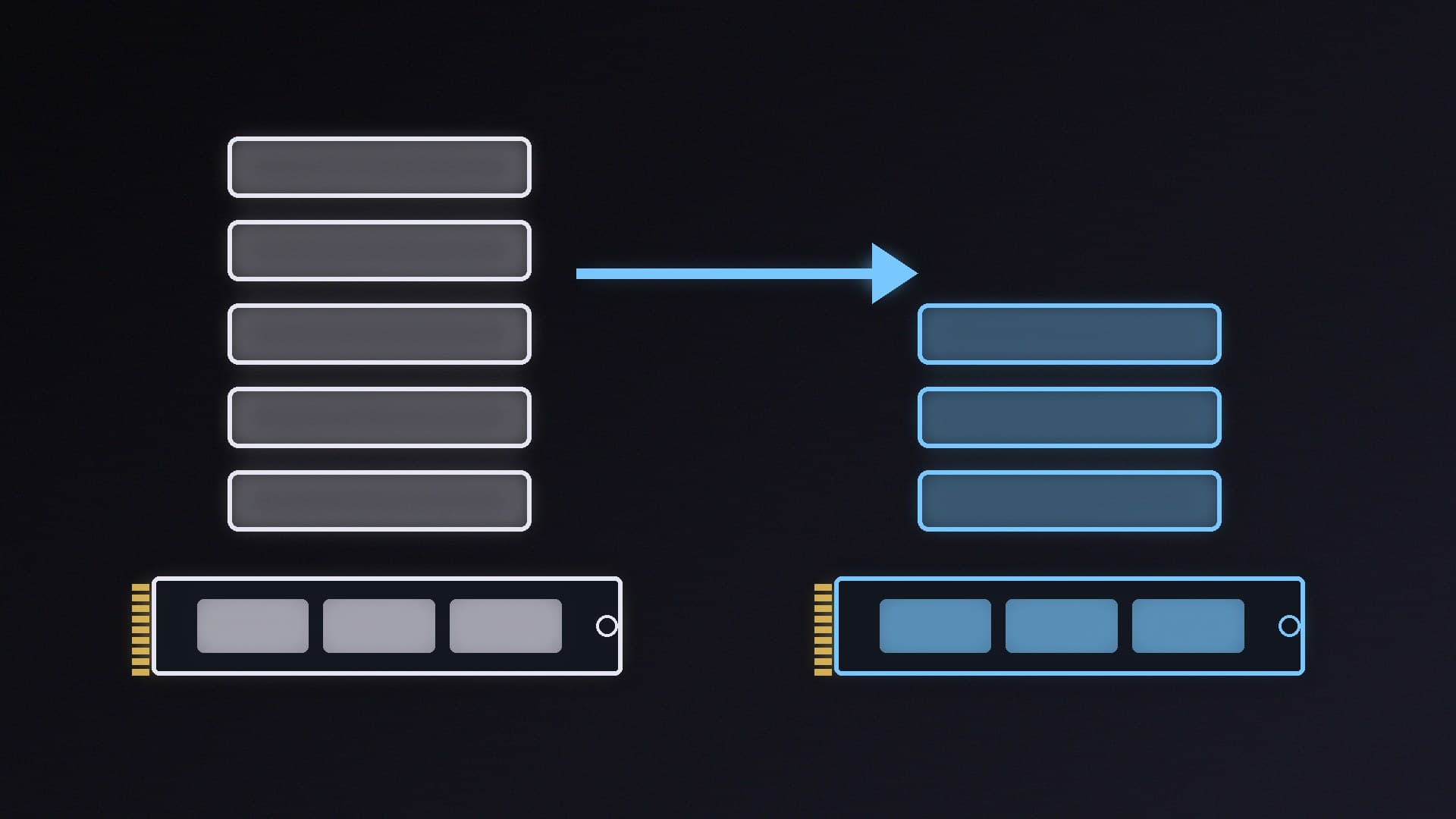
This is the step most people miss. Ollama's documentation says its default context length depends on your video memory: 4k tokens below 24GiB of VRAM, 32k between 24 and 48GiB, and 256k at 48GiB or more. That's too short for a coding agent, and Ollama recommends at least 64,000 tokens for agents and coding tools.
You can raise it with the slider in the Ollama app's settings, or by starting the server with the OLLAMA_CONTEXT_LENGTH environment variable set to 64000. A larger context uses more memory, so check the result with:
ollama ps
Ollama says that for best performance the PROCESSOR column should show the model running fully on the GPU, rather than partly offloaded to the CPU. If it isn't, try a smaller model or quantisation; our guide to speeding up Ollama covers the options.
What works and what doesn't
Ollama lists chat, running commands through Claude Code's permission system, tool calling, file edits, subagents, vision and thinking controls as supported with compatible models. However, its Anthropic compatibility documentation says tool-choice controls, deferred tools and hosted web search are not fully supported. Ollama offers its own web search API as an alternative.
The bigger limitation is the model. A 9B-parameter model running on a gaming graphics card is far less capable than Anthropic's cloud models, so expect it to need more guidance and to make more mistakes on large tasks. Keep Claude Code's permission prompts on, use Git so you can undo changes, and review edits before accepting them.
Alternatives
If you'd rather work inside your editor, see how to use Continue with Ollama, or Aider with Ollama for another terminal-based option. Other tools can use Ollama's OpenAI-compatible API.
Our verdict
Claude Code with Ollama is easy to set up, especially with ollama launch claude, and it's a genuinely useful way to run a coding agent privately on your own PC. The catch is that local models are much less capable than Anthropic's own, and you must raise Ollama's context length to at least 64k tokens or the agent will struggle. Start with a small coding model, keep permissions on and use Git. Forge PC has not tested this setup.