AMD's Ryzen AI Max+ 395 has become a popular chip for compact PCs that run large AI models at home, because it pairs a 16-core CPU and a big integrated GPU with up to 128GB of shared memory. AMD's newer Ryzen AI Max+ PRO 495, from the Ryzen AI Max PRO 400 Series, keeps the same basic design but raises the memory ceiling to 192GB and nudges up clock speeds. So should you hold out for a 495 machine, or is a 395 still the smarter buy?
This comparison is based on AMD's official specification pages for both chips, AMD's Ryzen AI Max PRO 400 Series announcement AMD's Ryzen AI Halo developer platform page and Microsoft's Copilot+ PC developer guidance, all read on 27 November 2026. It compares specifications, not measured performance.
The specifications side by side
| Ryzen AI Max+ 395 | Ryzen AI Max+ PRO 495 |
|---|
Series (codename) | Ryzen AI Max 300 Series (Strix Halo) | Ryzen AI Max PRO 400 Series (Gorgon Halo) |
CPU cores / threads | 16 Zen 5 cores / 32 threads | 16 Zen 5 cores / 32 threads |
Max boost / base clock | Up to 5.1GHz / 3.0GHz | Up to 5.2GHz / 3.1GHz |
Cache | 16MB L2 + 64MB L3 | 16MB L2 + 64MB L3 |
Power | 55W default TDP, 45-120W configurable | 55W default TDP, 45-120W configurable |
Integrated graphics | Radeon 8060S, 40 graphics cores, 2,900MHz | Radeon 8065S, 40 graphics cores, 3,000MHz |
Memory | 256-bit LPDDR5x-8000, up to 128GB | 256-bit LPDDR5x-8533, up to 192GB |
NPU | Up to 50 TOPS | Up to 55 TOPS |
Overall AI TOPS | Up to 126 TOPS | Up to 132 TOPS |
GPU FP16 AI compute | Up to 60 TFLOPS | Up to 61 TFLOPS |
Connectivity | 2x native USB4 (40Gbps), 16 PCIe 4.0 lanes | 2x native USB4 (40Gbps), 16 PCIe 4.0 lanes |
Precision Boost Overdrive | Yes | No |
AMD PRO technologies | Not listed | Yes, including DASH manageability |
Every figure comes from AMD's own specification pages. As always with these chips, the PC maker sets the power limit and fits the memory, so two machines with the same processor can behave differently.
Memory: the one difference that really matters
For running large language models (LLMs) locally, memory capacity decides which models you can load at all. The CPU, GPU and NPU on both chips share one pool of system memory, which is why they can hold models far larger than a typical graphics card's VRAM. Our unified memory vs VRAM guide explains how that works.
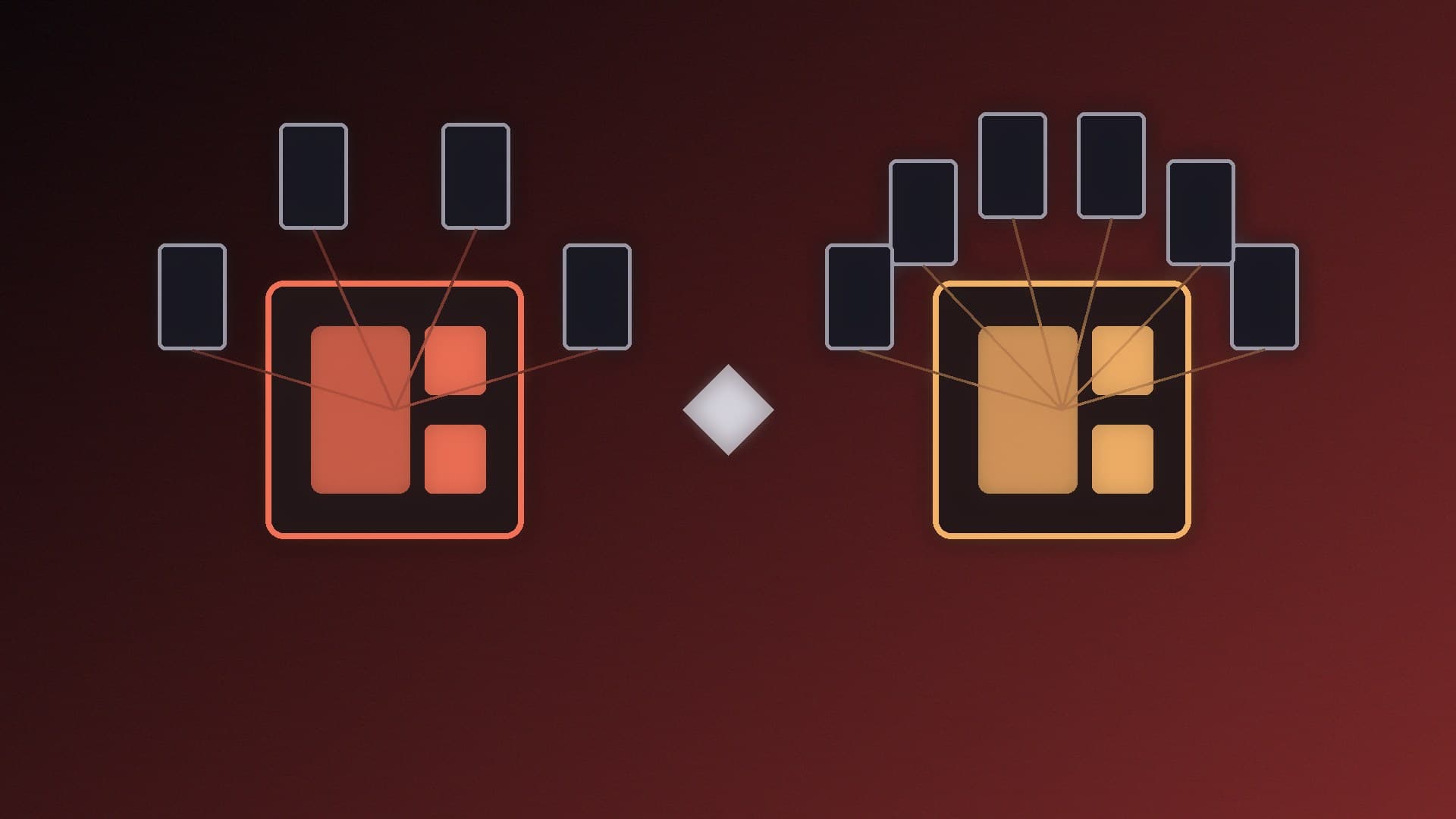
The 395 tops out at 128GB. The PRO 495 goes to 192GB, and AMD says that as of May 2026 the 495 supports up to 160GB of dedicated graphics memory. AMD's Ryzen AI Halo page rates its 395 version for models of up to 200 billion parameters and its 495 version for models of up to 300 billion parameters, and AMD's footnote says the 300 billion figure is at 4-bit quantisation.
As a rough guide, at 4-bit quantisation each billion parameters needs about half a gigabyte for the model weights alone (4 bits is half a byte), before you add room for the context window and the operating system. Our quantisation explainer and context length guide go into the detail. So the extra 64GB matters if you want to:
Run the very largest open-weight models that won't fit in 128GB, even when quantised.
Keep several mid-sized models loaded at once, such as a chat model, a coding model and an embedding model.
Use long context windows with a big model, which eats into the memory left over.
If the models you use fit comfortably in 128GB, the extra capacity does nothing for you. Our RAM for local AI guide helps you work out what you need.
Memory speed and bandwidth
Text generation speed on these chips is largely limited by memory bandwidth, as our memory bandwidth explainer covers. Both chips use a 256-bit memory bus. AMD lists LPDDR5x-8000 for the 395 and LPDDR5x-8533 for the 495.
By our calculation, 8,000MT/s on a 256-bit (32-byte) bus works out at 256GB/s of peak bandwidth for the 395, and 8,533MT/s works out at about 273GB/s for the 495, roughly 7% higher. That's a modest step, not a new class of performance, and AMD hasn't published like-for-like AI speed figures for the two chips that we could check. On paper, the two should be close on a model that fits on both, and the 495's real advantage is the bigger models it can hold.
CPU, graphics and NPU
The rest of the chip changes very little. Both have 16 Zen 5 cores with 32 threads and the same 80MB of total cache. The 495's boost clock is 100MHz higher (5.2GHz vs 5.1GHz) and its base clock is 100MHz higher (3.1GHz vs 3.0GHz).
Both integrated GPUs have 40 graphics cores. The 495's Radeon 8065S runs at 3,000MHz against 2,900MHz for the 395's Radeon 8060S, and AMD rates FP16 AI compute at up to 61 TFLOPS against up to 60 TFLOPS. The NPU goes from up to 50 TOPS to up to 55 TOPS, and overall platform TOPS from up to 126 to up to 132.
Neither NPU figure matters much for big local LLMs, which normally run on the integrated GPU. The NPU is used for Copilot+ PC features and for apps that support it, such as those covered in our FastFlowLM guide. Both clear the 40+ TOPS that Microsoft says many new Windows AI features need on Copilot+ PCs. For more on why TOPS and TFLOPS aren't the same thing, see TOPS vs TFLOPS.
PRO features and tuning
The 495 is a Ryzen PRO processor. AMD's page lists AMD PRO technologies and DASH support, which are management and security features aimed at business IT departments. For a home user, they add little.
There's one difference enthusiasts may care about: AMD lists Precision Boost Overdrive as supported on the 395 but not on the PRO 495. Neither chip supports AMD EXPO memory overclocking, so don't expect to tune memory speed either way. Decide on capacity before you buy.
Availability and what you can buy
AMD's announcement said Ryzen AI Max PRO 400 Series processors would come from OEM partners including HP and Lenovo in the third quarter of 2026, and that next-generation Ryzen AI Halo developer platforms would use them. AMD's own Ryzen AI Halo developer PC is offered in 395 and 495 versions, and AMD's announcement said the 395 version would be sold exclusively through Micro Center.
We've covered the first 495 systems in our news stories on 192GB Ryzen AI Max+ PRO 495 mini PCs and Lenovo's ThinkCentre X Ultra. Ryzen AI Max+ 395 machines are far more common; our best mini PC for local AI guide covers the wider field, and Ryzen AI Max 385 vs Ryzen AI Max+ 395 looks at the cheaper option below it. Check UK availability and pricing carefully before you buy, because the newer 495 systems are aimed at business buyers and may be hard to find.
Which should you choose?
Choose a Ryzen AI Max+ 395 system if the models you run fit within 128GB of memory. You get practically the same CPU, GPU and NPU, a far wider choice of mini PCs, laptops and desktops, and Precision Boost Overdrive support.
Choose a Ryzen AI Max+ PRO 495 system if you specifically need more than 128GB, for the largest quantised models, several models loaded at once or very long contexts, or if your business wants AMD PRO manageability features.
If you're weighing up other routes entirely, see DGX Spark vs Ryzen AI Max+ 395 and RTX Spark vs Ryzen AI Max+ 395.
Our verdict
The Ryzen AI Max+ PRO 495 is a capacity upgrade, not a speed upgrade. On paper it has the same 16-core CPU and 40-core GPU as the Ryzen AI Max+ 395, with slightly higher clocks, a 55 TOPS NPU and about 7% more memory bandwidth. The headline is 192GB of memory and up to 160GB for graphics, which AMD says is enough for 300-billion-parameter models at 4-bit. If your models fit in 128GB, a 395 machine is the better-value and easier-to-find choice. Only pay extra for a 495 if you genuinely need the extra 64GB.