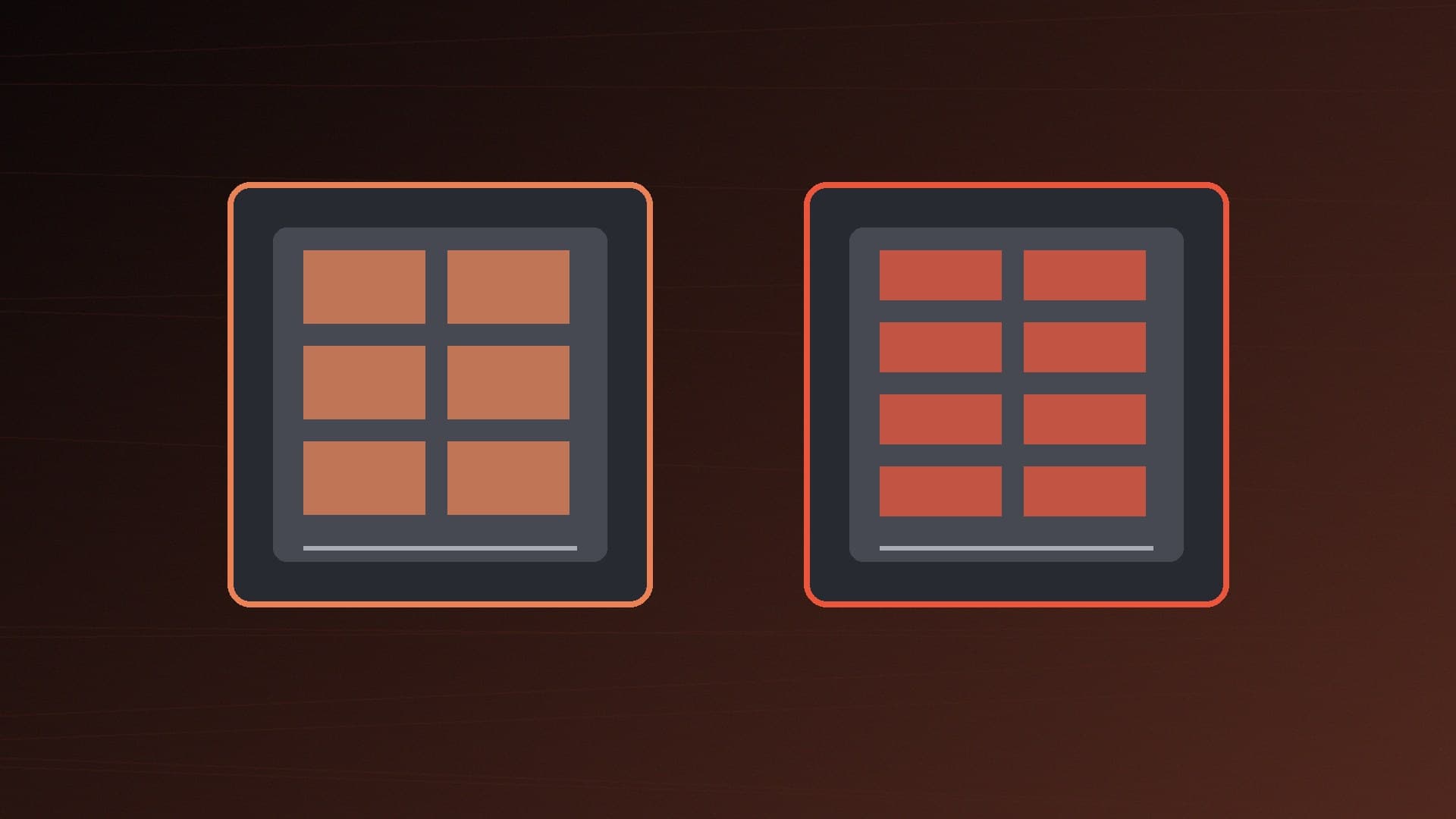
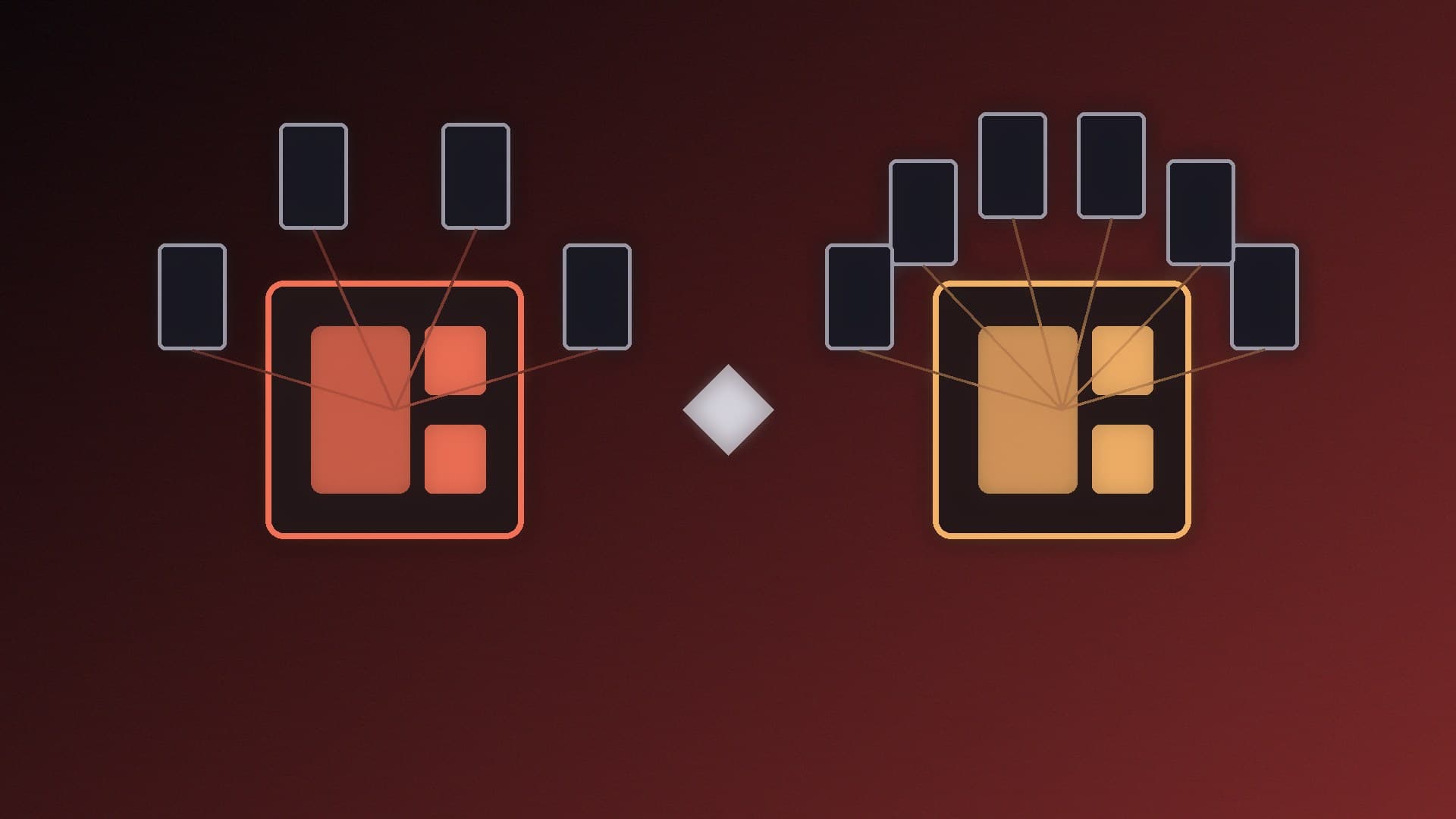
AMD's Ryzen 5 7500X3D is a six-core X3D processor for AM5, and it shares a lot with the Ryzen 7 7800X3D that came before it: the same Zen 4 architecture, the same AM5 socket and the same 96MB of L3 cache. The differences are in core count, clock speed and power. We've compared AMD's official specifications to show exactly what you give up by choosing the six-core chip.
Ryzen 5 7500X3D vs Ryzen 7 7800X3D: specs compared
Spec | Ryzen 5 7500X3D | Ryzen 7 7800X3D |
|---|
Architecture | Zen 4 ("Raphael") | Zen 4 ("Raphael") |
Cores / threads | 6 / 12 | 8 / 16 |
Base clock | 4.0GHz | 4.2GHz |
Max boost clock | Up to 4.5GHz | Up to 5.0GHz |
L2 cache | 6MB | 8MB |
L3 cache | 96MB | 96MB |
Default TDP | 65W | 120W |
Max operating temperature (Tjmax) | 89°C | 89°C |
Socket | AM5 | AM5 |
Memory | DDR5, two channels, up to 128GB | DDR5, two channels, up to 128GB |
Rated memory speed (two DIMMs) | DDR5-5200 | DDR5-5200 |
PCIe | PCIe 5.0, 24 usable lanes | PCIe 5.0, 24 usable lanes |
Integrated graphics | AMD Radeon Graphics, 2 cores, 2,200MHz | AMD Radeon Graphics, 2 cores, 2,200MHz |
Cooler in the box | No | No |
All figures are from AMD's product pages. Both chips list the same supported chipsets: A620, B650, B650E, X670, X670E, B840, B850, X870 and X870E.
What's the same
On paper these are closely related processors. Both are built from a single 71mm² compute die and a 122mm² I/O die, both list the same 96MB L3 cache, and both support AMD EXPO memory profiles, Precision Boost Overdrive, Curve Optimizer and Ryzen Master. Memory support is identical too: AMD rates both at DDR5-5200 with two modules and DDR5-3600 with four, up to 128GB. If you're setting up fast DDR5, our guide to enabling XMP and EXPO and our best DDR5 RAM for AM5 picks apply equally to both.
Both also have a small Radeon GPU built in, with just two graphics cores, which is useful for troubleshooting or as a display output while you wait for a graphics card, but it isn't meant for gaming. Neither comes with a cooler, and AMD's spec pages recommend a liquid cooler for both, so budget for a capable cooler whichever you pick: see our best CPU cooler guide.
Where the 7800X3D pulls ahead
The 7800X3D has two more cores and four more threads, a higher 4.2GHz base clock and a 5.0GHz maximum boost, 500MHz more than the 7500X3D's 4.5GHz. It also has 8MB of L2 cache to the 7500X3D's 6MB. Those extra cores matter most outside gaming, in work that spreads across many threads, such as video encoding, compiling code or streaming while you play.
The cache works out differently per core: the same 96MB of L3 is shared by six cores on the 7500X3D and eight on the 7800X3D. How that translates into frame rates depends on the game, resolution and graphics card, so check independent reviews that test both chips with your kind of setup before deciding. At higher resolutions your graphics card is often the limit rather than the CPU, as our CPU bottleneck vs GPU bottleneck explainer covers.
Where the 7500X3D makes sense
The 7500X3D's 65W default TDP is little more than half the 7800X3D's 120W. That makes it the easier chip to pair with a compact case or a more modest cooler, although AMD still recommends liquid cooling for it. It is also the newer of the two: AMD's page dates the 7800X3D's launch to April 2023, while the 7500X3D arrived much later, in late 2025. Note that AMD lists the 7500X3D's availability as North America, EMEA and Asia Pacific rather than "Global", so check that UK retailers have stock before planning a build around it.
If you're building a gaming PC on a budget, the 7500X3D gives you the X3D cache at a lower core count. If you're coming from an older AM4 platform, our how to upgrade from AM4 to AM5 guide explains what else needs to change.
Before you buy
You can see full specifications for the AMD Ryzen 5 7500X3D AM5 and AMD Ryzen 7 7800X3D AM5 (no cooler) in our database.
Our verdict
The Ryzen 7 7800X3D is the stronger chip on paper, with two more cores, a 5.0GHz boost and more L2 cache, so choose it if you also stream, edit or run heavily threaded work. The Ryzen 5 7500X3D keeps the same 96MB L3 cache at a 65W TDP, making it the sensible pick for a gaming-focused AM5 build if the price gap is meaningful and UK stock is available.