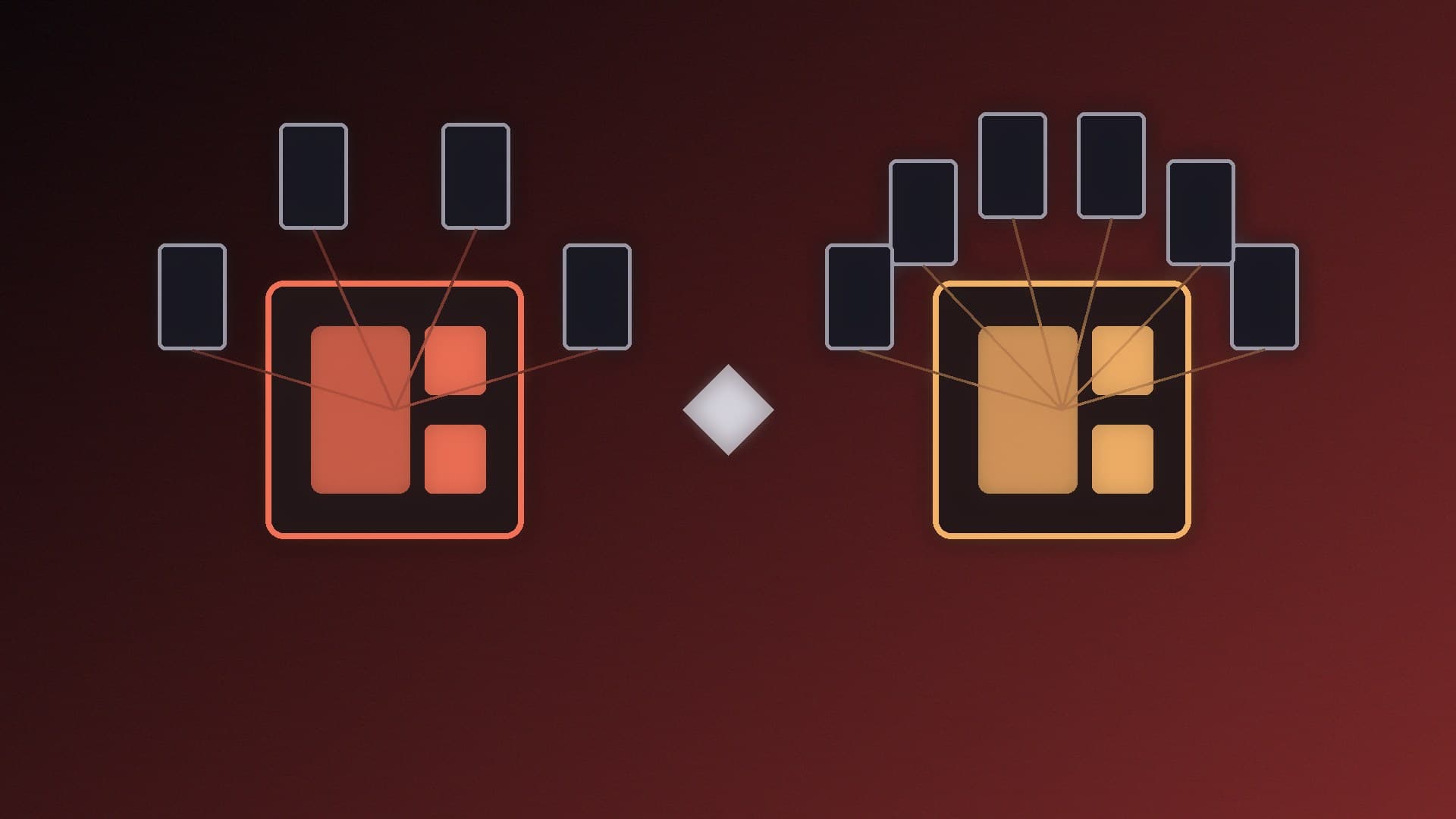
If you're shopping for an AMD AI laptop or mini PC, you'll see two very similar names: the Ryzen AI 9 HX 470, from the Ryzen AI 400 Series (codenamed Gorgon Point), and the Ryzen AI 9 HX 370, from the Ryzen AI 300 Series (codenamed Strix Point). Both are 12-core chips with Radeon 890M graphics and a Copilot+ class NPU. The question is whether the newer chip is worth paying more for, or whether a discounted HX 370 machine is the better buy.
This comparison uses AMD's official specification pages for both chips and Microsoft's Copilot+ PC developer guidance, read on 27 November 2026. It compares specifications, not measured performance.
The specifications side by side
| Ryzen AI 9 HX 470 | Ryzen AI 9 HX 370 |
|---|
Series (codename) | Ryzen AI 400 Series (Gorgon Point) | Ryzen AI 300 Series (Strix Point) |
CPU cores / threads | 12 (4 Zen 5 + 8 Zen 5c) / 24 threads | 12 (4 Zen 5 + 8 Zen 5c) / 24 threads |
Max boost (Zen 5) | Up to 5.2GHz | Up to 5.1GHz |
Max Zen 5c clock | Up to 3.3GHz | Up to 3.3GHz |
Base clock | 2GHz | 2GHz |
Cache | 12MB L2 + 24MB L3 | 12MB L2 + 24MB L3 |
Power | 28W default TDP, 15-54W configurable | 28W default TDP, 15-54W configurable |
Integrated graphics | Radeon 890M, 16 graphics cores, 3,100MHz | Radeon 890M, 16 graphics cores, 2,900MHz |
Memory support | DDR5-5600 or LPDDR5x-8533, up to 256GB, 2 channels | DDR5-5600 or LPDDR5x-8000, up to 256GB, 2 channels |
NPU | Up to 55 TOPS | Up to 50 TOPS |
Overall AI TOPS | Up to 86 TOPS | Up to 80 TOPS |
Connectivity | 2x native USB4 (40Gbps), 16 PCIe 4.0 lanes | 2x native USB4 (40Gbps), 16 PCIe 4.0 lanes |
All figures are from AMD's specification pages. Laptop and mini PC makers choose the power limit, cooling and memory, and those choices often matter more than the chip itself.
What's actually changed
Very little, on paper. AMD lists a launch date of 5 January 2026 for the HX 470, which uses the same core layout as the HX 370: four full Zen 5 cores and eight smaller Zen 5c cores, with the same cache, the same 28W default TDP and the same 15-54W configurable range. The changes AMD lists are:
CPU boost: up to 5.2GHz instead of up to 5.1GHz on the Zen 5 cores. The Zen 5c maximum is unchanged at 3.3GHz.
Graphics clock: the Radeon 890M runs at 3,100MHz instead of 2,900MHz, with the same 16 graphics cores.
NPU: up to 55 TOPS instead of up to 50 TOPS. Overall platform AI TOPS rises from up to 80 to up to 86.
LPDDR5x support: up to 8,533MT/s instead of up to 8,000MT/s. DDR5 support stays at 5,600MT/s.
By our calculation, the GPU clock is about 7% higher and the maximum LPDDR5x data rate is about 7% higher. AMD hasn't published AI speed figures for the two chips that we could check like for like, so treat these as small specification steps rather than proof of a big real-world gain.
For local AI: memory matters more than the chip
For running large language models (LLMs) and image generators locally, these chips use system memory for the integrated GPU, so the amount of RAM in the laptop limits which models you can load. Both chips support up to 256GB, but what you get depends entirely on the machine, so check how much memory is fitted and whether it can be upgraded before you buy. Our RAM for local AI guide explains how much to aim for, and how to set AMD Variable Graphics Memory shows how to give the GPU more of it.
Memory speed also matters, because text generation is usually limited by memory bandwidth (see our memory bandwidth explainer). An HX 470 laptop with LPDDR5x-8533 has a small edge here over an HX 370 with LPDDR5x-8000. But an HX 470 machine that uses DDR5-5600 memory would have a lower memory data rate than an HX 370 machine with LPDDR5x-8000, so check the memory type on the spec sheet before you compare.
If you want to run much larger models, look at the Ryzen AI Max range instead. See Ryzen AI 9 HX 370 vs Ryzen AI Max+ 395 for that comparison.
The NPU and Copilot+ PC features
Microsoft says many of the new Windows AI features on Copilot+ PCs need an NPU that can run at 40+ TOPS, and both chips clear that bar comfortably. That covers features such as improved Windows search and Click to Do and Recall. Our Copilot+ PC explainer covers what that means in practice.
The 55 TOPS rating gives the HX 470 a little more NPU headroom for apps that can use it, such as FastFlowLM. Remember that most local AI apps still run models on the GPU or CPU, as our NPU vs GPU guide explains, so a 10% higher NPU rating won't change much for typical chatbot use.
Which should you choose?
Choose a Ryzen AI 9 HX 470 machine if it costs about the same as a comparable HX 370 machine, or it comes with more or faster memory. You get slightly higher CPU and GPU clocks, a faster LPDDR5x memory ceiling and a 55 TOPS NPU.
Choose a Ryzen AI 9 HX 370 machine if it's noticeably cheaper with the same amount of memory. The core design, cache, graphics core count, power range and connectivity are the same, and the differences AMD lists are small.
In either case, prioritise memory capacity first, then memory type and speed, then cooling and power limits. For local AI, an HX 370 laptop with 64GB of memory can load far larger models than an HX 470 laptop with 16GB.
For the Intel alternative, see Core Ultra X7 358H vs Ryzen AI 9 HX 470. Our best laptop for local AI guide and how to choose an AI PC can help you narrow down a machine.
Our verdict
The Ryzen AI 9 HX 470 is a refresh of the Ryzen AI 9 HX 370, not a new design. AMD's specifications show the same 12-core layout, cache, Radeon 890M core count and power range, with small increases in CPU boost (5.2GHz vs 5.1GHz), GPU clock (3,100MHz vs 2,900MHz), LPDDR5x speed (8,533 vs 8,000MT/s) and NPU rating (55 vs 50 TOPS). For local AI, the memory a laptop ships with matters far more than which of these two chips it uses. Buy whichever gives you more, faster memory for your budget, and don't pay much of a premium for the HX 470 alone.