Skip to content

NewsGPU

ASUS ROG XG Station 3 Thunderbolt 5 eGPU Dock Goes on Sale in Europe

ASUS has started selling the ROG XG Station 3 Thunderbolt 5 eGPU dock in Europe, and a UK retailer has already listed it. We run through ASUS's official specs, from 80Gbps Thunderbolt 5 and 140W laptop charging to BTF card support, plus what you'll need to buy on top of the dock.

By , Hardware News & Market Editor

4 min read

ASUS ROG XG Station 3 Thunderbolt 5 eGPU Dock Goes on Sale in Europe

ASUS has started selling the ROG XG Station 3, its Thunderbolt 5 external graphics dock, in Europe. VideoCardz reported on 26 November 2026 that ASUS has confirmed a recommended retail price for Germany and Austria, roughly 18 months after the dock was first shown at Computex 2025. ASUS formally announced the finished product on 3 November 2026. We couldn't find UK pricing from ASUS when we checked, but UK retailer AWD-IT already has a product page for the dock, which showed it as out of stock when we checked on 26 November 2026.

What the ROG XG Station 3 is

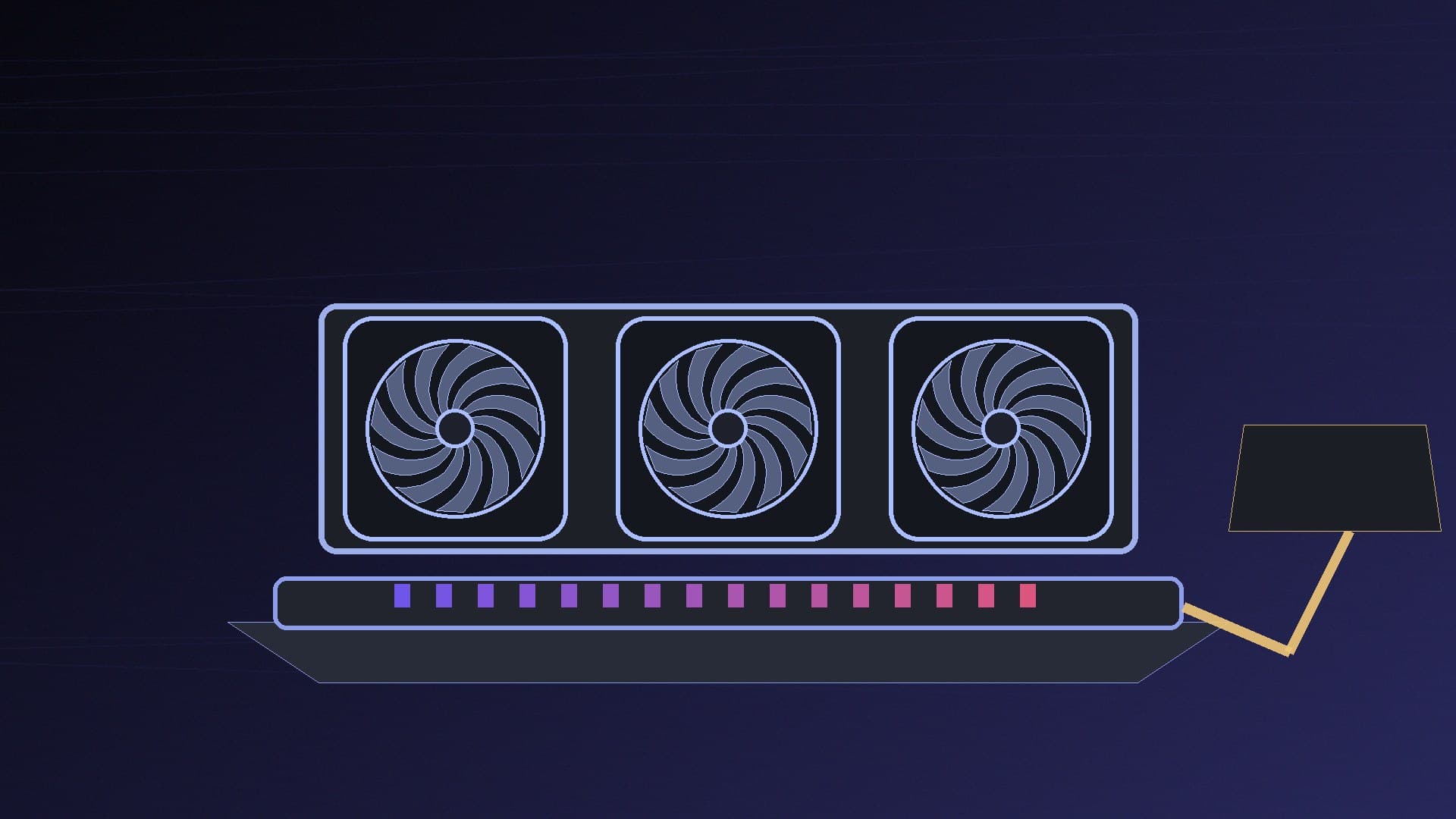
The XG Station 3 is an open-frame dock that holds a full-size desktop graphics card and connects it to a laptop or desktop PC over a single Thunderbolt 5 cable. ASUS says it supports NVIDIA GeForce RTX 50 Series, RTX PRO 6000, AMD Radeon RX 9000 Series and Intel Arc graphics cards. The card sits on top of the dock rather than inside an enclosure, which ASUS says gives it unobstructed access to cooling and shows the card off.

The important catch is that the dock doesn't include a graphics card or a power supply. ASUS recommends a 750W or higher SFX or SFX-L power supply rated 80 PLUS Gold or above, which you fit yourself. VideoCardz notes that ASUS recommends its own ROG Loki series units.

Key specifications

ROG XG Station 3 (Thunderbolt 5)

Host connection

Thunderbolt 5, up to 80Gbps bidirectional, up to 120Gbps one-way with Bandwidth Boost

Charging to host

Up to 140W USB Power Delivery

Downstream ports

1 x Thunderbolt 5 (up to 36W PD, up to three 4K displays via daisy chain), 2 x USB-C 10Gbps

Graphics card power

16-pin cable for standard cards; GC-HPWR gold-finger slot for ASUS BTF cards

Power supply

Not included: 750W or higher, 80 PLUS Gold or above, SFX / SFX-L

Lighting

Aura Sync RGB

Dimensions

324.6 x 173.0 x 104.7mm

Operating systems

Windows 11 (version 25H2 or later), macOS

In the box

1m Thunderbolt 5 USB-C cable, quick start guide, warranty card

Specifications are from ASUS's ROG product and specification pages and the ASUS press release. ASUS says the host needs a Thunderbolt 5 port that supports external GPUs and advises checking Thunderbolt 5 / USB4 eGPU compatibility with your PC maker. AWD-IT's listing gives a maximum graphics card size of 361 x 139.3 x 93.9mm and a three-year limited warranty, though ASUS's own spec page doesn't list either.


BTF support and single-cable desk setups

The headline feature for ASUS fans is the GC-HPWR slot. With a standard graphics card you'll have a visible 16-pin power cable, but ASUS BTF 2.5 cards such as the TUF Gaming GeForce RTX 5080 BTF OC Edition or ROG Astral GeForce RTX 5090 BTF Edition draw power through the slot instead, so no cable is needed.

The dock is also designed as a hub. The upstream Thunderbolt 5 port can charge a laptop at up to 140W while carrying data, and the downstream Thunderbolt 5 port can drive USB-C monitors. Two front USB-C 10Gbps ports handle peripherals and storage. For a broader look at Thunderbolt 5 hubs without a graphics card, see our best Thunderbolt 5 dock guide, and our USB Power Delivery explainer covers how laptop charging is negotiated.

What it means for UK buyers

The XG Station 3 is aimed at people who want to give a Thunderbolt 5 laptop or compact PC desktop-class graphics at home and take the machine away without it. Before ordering one when UK stock arrives, budget for three things on top of the dock: the graphics card, an SFX or SFX-L power supply of at least 750W, and a host with a Thunderbolt 5 port that its maker says supports eGPUs. Our SFX vs ATX power supply comparison and best SFX power supply guide will help with the PSU, and the Cooler Master V SFX Platinum 1100 ATX 3.1 in our database is one SFX unit that clears ASUS's wattage and efficiency requirement on paper.

Keep expectations realistic: the graphics card talks to your computer over the Thunderbolt 5 cable rather than a motherboard slot. Our OCuLink vs USB4 eGPU and USB4 vs Thunderbolt 5 comparisons explain the connection trade-offs, and if you plan to use a dock for AI work, see our best eGPU dock for local AI guide. ASUS's earlier XG Core RX 9060 XT eGPU took a different approach, with the graphics card built in.

Our verdict

The ROG XG Station 3 is now on sale in Europe and listed, though not yet in stock, at a UK retailer. Its Thunderbolt 5 link, 140W laptop charging, open-frame design and BTF power slot make it a flexible eGPU dock on paper, but remember that the graphics card and an SFX power supply cost extra, and check your laptop or PC maker's eGPU support before you buy.

The bottom line

The ROG XG Station 3 is now on sale in Europe and listed, though not yet in stock, at a UK retailer. Its Thunderbolt 5 link, 140W laptop charging, open-frame design and BTF power slot make it a flexible eGPU dock on paper, but remember that the graphics card and an SFX power supply cost extra, and check your laptop or PC maker's eGPU support before you buy.

In this article

Sources

  1. 01ASUS ROG, ROG XG Station 3 (Thunderbolt 5) tech specs
  2. 02ASUS ROG, ROG XG Station 3 (Thunderbolt 5) product page
  3. 03ASUS Pressroom, ASUS Republic of Gamers Announces ROG XG Station 3 (3 November 2026)
  4. 04VideoCardz, ASUS ROG XG Station 3 Thunderbolt 5 eGPU dock European pricing report (26 November 2026)
  5. 05AWD-IT, ASUS ROG XG Station 3 Thunderbolt 5 External Graphics Card Dock product listing

About the author

Eleanor Shaw

Hardware News & Market Editor

Eleanor covers daily PC hardware news, silicon roadmaps, driver releases and UK retail pricing trends across AMD, Intel and Nvidia. She tracks board-partner specifications, industry standards bodies (PCI-SIG, JEDEC, VESA) and supply-chain shifts affecting British PC builders.

More from Eleanor Shaw

Read next

How to Use Driver Verifier in Windows 11 to Find a Faulty Driver

How-To

How to Use Driver Verifier in Windows 11 to Find a Faulty Driver

Driver Verifier is built into Windows 11 and can make a misbehaving driver crash in a way that points straight at it. How to prepare, choose standard settings and suspect drivers, read the resulting 0xC4 blue screen, and turn Driver Verifier off again, even if Windows won't start.

Marcus Thorne6 min

KoboldCpp vs Ollama: Which Should You Use to Run Local AI?

Versus

KoboldCpp vs Ollama: Which Should You Use to Run Local AI?

KoboldCpp or Ollama for running AI models on your PC? We compare setup, getting models, built-in interfaces, API compatibility, GPU support and extras such as image and speech generation, using the official documentation.

Callum Reid7 min

How to Run a Local LLM on an NVIDIA Jetson Orin Nano Super

How-To

How to Run a Local LLM on an NVIDIA Jetson Orin Nano Super

Run a private chatbot on an NVIDIA Jetson Orin Nano Super. Why Ollama needs JetPack 6 rather than JetPack 7.2, which storage to use, how to set the MAXN SUPER power mode and how to install Ollama and Open WebUI.

Marcus Thorne6 min