Our picks are based on the makers' official product pages, read on 26 November 2026, and on independent eGPU testing credited below. We haven't included speed figures of our own because we haven't measured them.
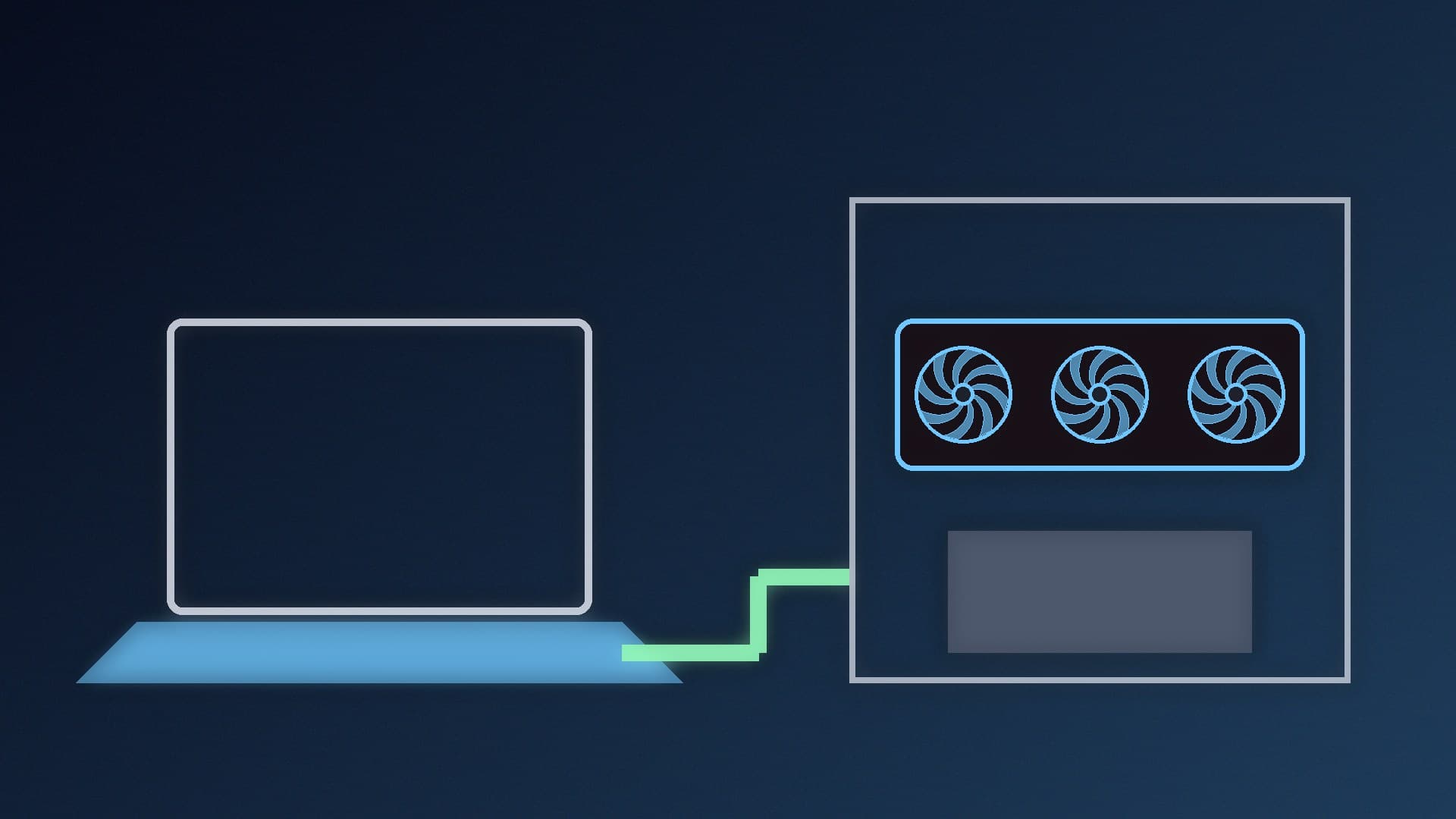
An external graphics card dock (eGPU dock) lets a laptop or mini PC use a full-size desktop graphics card. For local AI that's attractive, because NVIDIA's fastest laptop graphics chip, the RTX 5090 Laptop GPU, has 24GB of memory, and laptop graphics run within a power range set by the laptop maker. With a dock you can choose a desktop card for its memory and upgrade it later. With all three docks here you supply your own graphics card and a separate power supply.
Quick picks
Pick | Dock | Connection to your PC | Power supply | Best for |
|---|
Best overall | Minisforum DEG2 | OCuLink (PCIe 4.0 x4, 64Gbps) or Thunderbolt 5 (80Gbps) | ATX or SFX | Mini PCs and laptops, with storage and network ports built in |
Best for laptops | Razer Core X V2 | Thunderbolt 5 (80Gbps) | Standard ATX | One-cable laptop setups with charging |
Best budget | Minisforum DEG1 | OCuLink (PCIe 4.0 x4) | ATX or SFX | Mini PCs with an OCuLink port |
How we chose
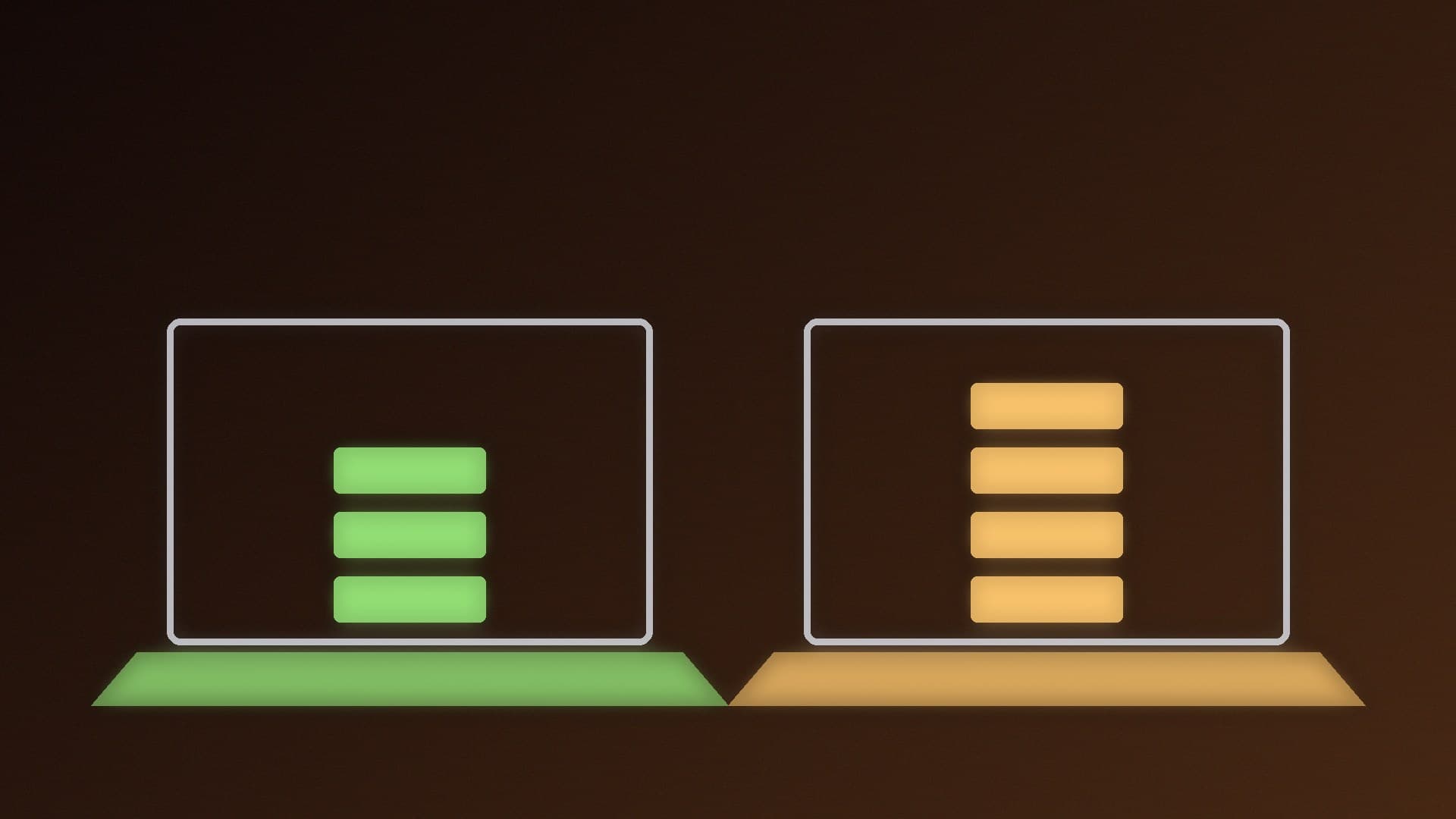
The connection matters less for local AI than you might expect. In independent tests carried out in July 2026 by Kimono Oyaji's Lab, using the same cards in the same dock on a Windows mini PC running Ollama, text generation speed changed very little between OCuLink and Thunderbolt once a model was loaded. Loading models took longer over Thunderbolt, roughly in line with the difference in bandwidth. Our guide to using an eGPU for local AI covers those results in detail, and OCuLink vs USB4 for eGPUs explains the two connections.
So we picked on the things that matter day to day: which ports your PC has, whether the dock can charge a laptop, what power supplies it takes and what else it adds to your desk.
Best overall: Minisforum DEG2
The DEG2 is the most flexible dock here because it offers both kinds of connection. Minisforum's page lists a 64Gbps OCuLink port for a direct PCIe link and two Thunderbolt 5 ports rated at 80Gbps, one of which delivers up to 140W to a laptop and the other up to 30W. That means you can use OCuLink with a mini PC that has the port, or a single Thunderbolt 5 cable to power and connect a laptop.
It also adds a 2.5G LAN port, USB 3.2 ports and an internal M.2 2280 slot, which Minisforum says keeps data close to the graphics card for faster loading. It takes ATX or SFX power supplies through 24-pin and 8-pin connectors, and Minisforum says full-length, high-power desktop cards fit.
Bear in mind: Thunderbolt 5's 80Gbps needs a matching port on your PC, so check your laptop or mini PC's specifications before relying on the Thunderbolt connection.
Best for laptops: Razer Core X V2
The Core X V2 is a Thunderbolt 5 enclosure with a single cable to your laptop. Razer lists up to 80Gbps of bandwidth, which it describes as up to twice that of Thunderbolt 4, and up to 140W of charging for the laptop over the same cable. It takes PCIe desktop graphics cards up to four slots wide and a standard ATX power supply.
Razer advises choosing a power supply with enough wattage for your graphics card plus an additional 230W for the Core X V2 itself, so budget for that when buying. Razer lists Windows 10 RS5 or Windows 11 or later as a requirement, and publishes a list of compatible graphics cards.
Bear in mind: it has no OCuLink port, so it suits laptops rather than mini PCs that have OCuLink.
Best budget: Minisforum DEG1
The DEG1 is a simple open dock for PCs with an OCuLink port. Minisforum's specification lists a single OCuLink 4i port (PCIe 4.0 x4, up to 64GT/s), a PCIe x16 slot, an ATX 24-pin power connector and a 4-pin connector to force the power supply on. It measures 270 x 175 x 41mm and Minisforum says it works with ATX and SFX power supplies.
Bear in mind: its specification lists no USB4 or Thunderbolt port, so it can't connect to or charge a laptop that lacks OCuLink. As our OCuLink comparison explains, you need to shut the PC down before connecting or disconnecting an OCuLink device. It was cheaper than the DEG2 on Minisforum's UK store when we checked on 26 November 2026.
Which graphics card to put in it
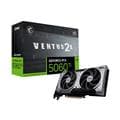
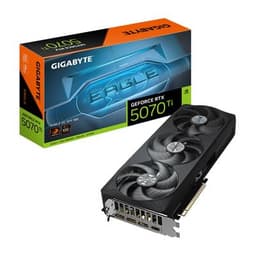
For local AI, choose the card for its memory. A model that fits entirely in graphics memory runs far faster than one that spills over into system RAM. A 16GB card such as the MSI RTX 5060 Ti 16GB Ventus 2X OC Plus or the faster Gigabyte RTX 5070 Ti 16GB Eagle OC is a sensible starting point, and our best 16GB graphics cards for local AI guide has more. Check that the card fits the dock and that your power supply covers it.
If you're still choosing between a laptop and a desktop, our laptop vs desktop for local AI comparison may help.
Our verdict
The Minisforum DEG2 is the best eGPU dock for local AI for most people, because it supports both OCuLink and Thunderbolt 5 and adds an M.2 slot for model storage. The Razer Core X V2 is the neater choice for a Thunderbolt 5 laptop, with up to 140W of charging over one cable. The Minisforum DEG1 is the simpler, cheaper option for mini PCs with OCuLink. Whichever you choose, put most of your budget into graphics memory.