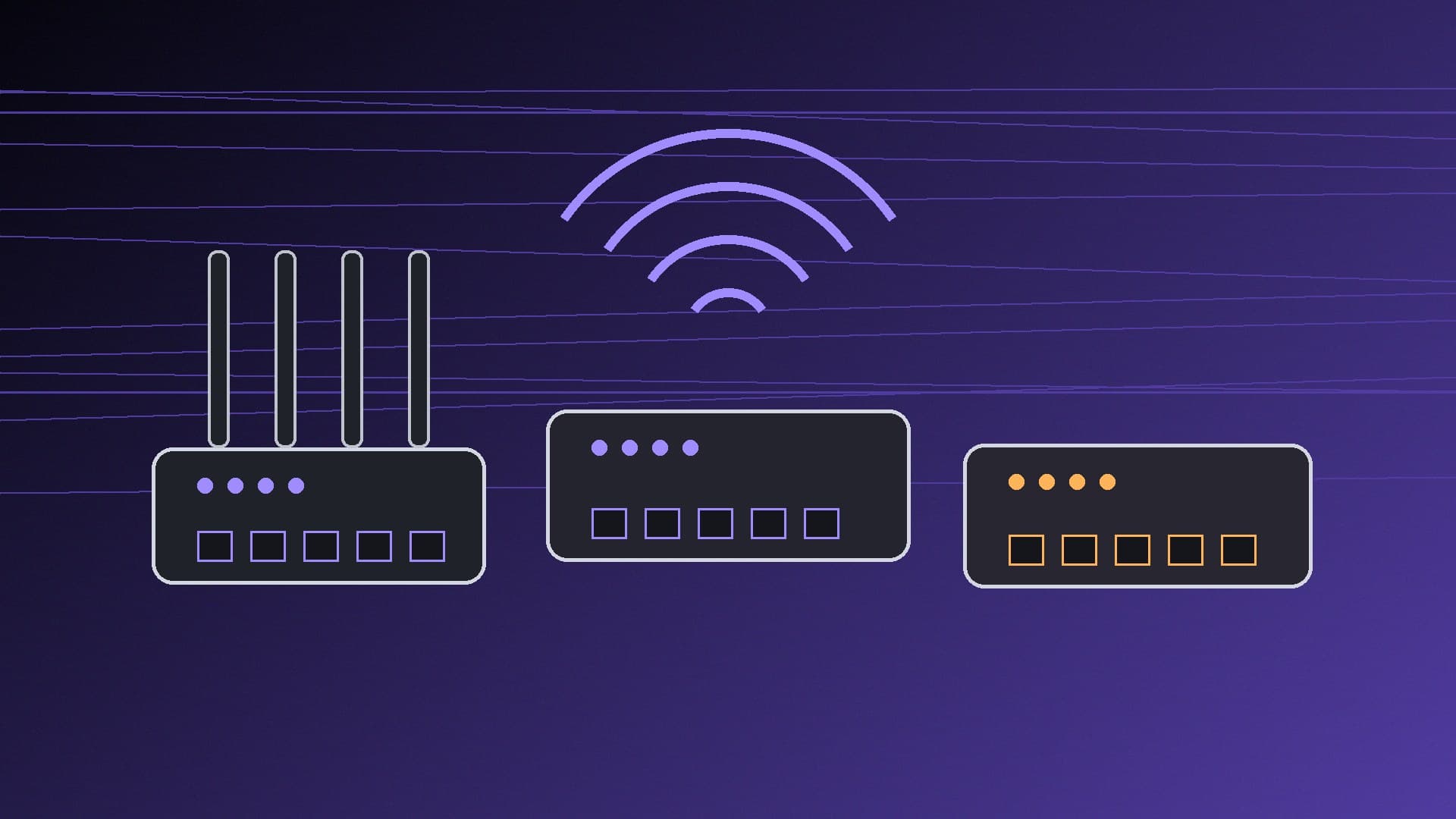
TP-Link's Archer range has Wi-Fi 7 routers at several levels, and the model names don't make it obvious which one suits a given home. We've picked three standalone Archer routers and matched each to a type of household, using TP-Link UK's official specification pages, checked on 26 November 2026.
At a glance
| Archer BE3600 | Archer BE550 | Archer BE700 |
|---|
Bands | Dual-band (5 GHz, 2.4 GHz) | Tri-band (6, 5, 2.4 GHz) | Tri-band (6, 5, 2.4 GHz) |
Max link rates | 2882 + 688 Mbps | 5760 + 2880 + 688 Mbps | 11528 + 2882 + 688 Mbps |
WAN | 1x 2.5 Gbps | 1x 2.5 Gbps | 1x 10 Gbps |
LAN | 1x 2.5 Gbps, 3x 1 Gbps | 4x 2.5 Gbps | 1x 2.5 Gbps, 3x 1 Gbps |
Antennas | 4 external | 6 internal | 6 internal |
TP-Link coverage guide | 3-bedroom houses | 4-bedroom houses | 4-bedroom houses |
320 MHz channels | Not listed | Yes | Yes |
USB | 1x USB 3.0 | 1x USB 3.0 | 1x USB 3.0 |
All three support Multi-Link Operation (MLO), 4K-QAM and Multi-RUs, are EasyMesh-compatible, and include TP-Link HomeShield security and parental controls, an IoT network, and VPN server and client support for OpenVPN, PPTP, L2TP and WireGuard, according to TP-Link. The link rates are theoretical per-band maximums, not real-world throughput.
Best for most smaller homes: TP-Link Archer BE3600
The TP-Link Archer BE3600 is the entry point of the three routers here. It's dual-band, so there's no 6 GHz radio, and that also means no 320 MHz channels, which need 6 GHz. You still get Wi-Fi 7 features such as MLO and 4K-QAM across 5 GHz and 2.4 GHz.
Its wired layout is practical: a 2.5 Gbps WAN port for multi-gig broadband, one 2.5 Gbps LAN port for your main PC or a 2.5G switch, and three Gigabit ports for everything else. TP-Link pitches it at three-bedroom houses and uses four external antennas. It suits flats and smaller homes where most devices are still Wi-Fi 5 or Wi-Fi 6, and where you'd rather not pay for a 6 GHz radio you won't use much.
Best all-rounder: TP-Link Archer BE550
The TP-Link Archer BE550 adds the 6 GHz band, with 320 MHz channels, and steps up to six internal antennas and TP-Link's four-bedroom guidance. Its standout feature is wired: all five Ethernet ports are 2.5 Gbps, one WAN and four LAN.
That makes it the pick if you have several wired devices that benefit from multi-gig, such as a gaming PC with a 2.5GbE port, a NAS and a games console or a 2.5G switch, and broadband at 2.5 Gbps or below. It's also the version most likely to make sense if you're adding a Wi-Fi 7 PCIe card to a desktop and want 6 GHz to connect to.
Best for faster-than-2.5G broadband: TP-Link Archer BE700
The TP-Link Archer BE700 has the largest 6 GHz radio of the three, rated at 11528 Mbps with eight streams in total, and is the only one with a 10 Gbps WAN port. That WAN port is the main reason to choose it: if your broadband is faster than 2.5 Gbps, the BE550 and BE3600 can't take full advantage of it.
The trade-off is on the LAN side, where you get one 2.5 Gbps port and three Gigabit ports, the same mix as the cheaper BE3600. If you need several multi-gig wired devices, you'll want a multi-gig switch.
How we chose
We limited this guide to three of TP-Link's Archer Wi-Fi 7 home routers that are in the Forge PC specs database and that TP-Link UK lists with full specifications. The Archer GE800 gaming router isn't included because its TP-Link UK page didn't load when we checked. We compared bands and link rates, Ethernet port speeds, antenna layout and TP-Link's own coverage guidance. We haven't measured speed or range, so if those matter most, look for independent reviews that test with Wi-Fi 7 clients at several distances. Prices change often, so check current UK retailers before you buy.
If your home is large or has thick walls, a single router may not be enough whatever its specs. All three routers here are EasyMesh-compatible, or you could look at a dedicated system in our best mesh Wi-Fi guide. For models from other brands, see our best Wi-Fi 7 router guide.
Our verdict
For most people with a 2.5 Gbps or slower broadband line, the TP-Link Archer BE550 is the TP-Link Wi-Fi 7 router to buy, thanks to its 6 GHz band and five 2.5 Gbps Ethernet ports. The Archer BE3600 suits smaller homes that don't need 6 GHz, and the Archer BE700 is the one to choose if your broadband is faster than 2.5 Gbps, thanks to its 10 Gbps WAN port.