This comparison is based on NVIDIA's official GeForce RTX 50 Series laptop specification page, read on 26 November 2026. We haven't included speed figures because we haven't measured them ourselves.
If you want a laptop that can run language models and image generators without a cloud subscription, the graphics chip matters more than almost anything else in the spec sheet. The GeForce RTX 5070 Ti Laptop GPU and RTX 5080 Laptop GPU sit next to each other in NVIDIA's range. The gap in memory between them is the part that matters most for AI.
Specifications compared
| RTX 5070 Ti Laptop GPU | RTX 5080 Laptop GPU |
|---|
Standard memory | 12GB GDDR7 | 16GB GDDR7 |
Memory interface | 192-bit | 256-bit |
Memory bandwidth | 672GB/s | 896GB/s |
CUDA cores | 5,888 | 7,680 |
AI TOPS (NVIDIA) | 992 | 1,334 |
Boost clock | 1,447-2,220MHz | 1,500-2,287MHz |
GPU subsystem power | 60-115W | 80-150W |
Architecture | Blackwell, fifth-gen Tensor Cores | Blackwell, fifth-gen Tensor Cores |
NVIDIA encoders / decoders | 1 / 1 | 2 / 2 |
Both chips are listed with the same CUDA Capability (12.8) on NVIDIA's page, so they support the same CUDA features.
Memory: the deciding factor
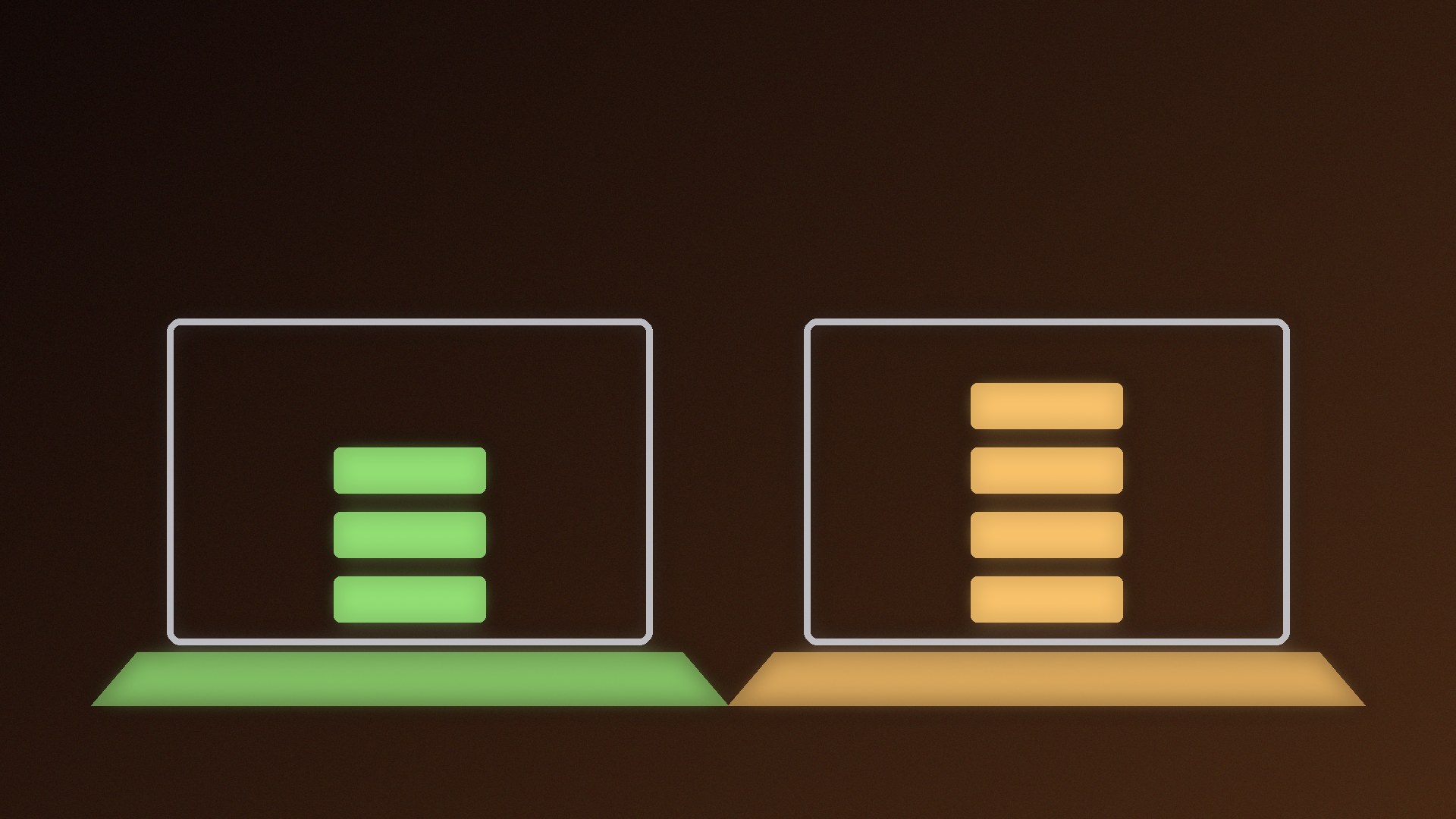
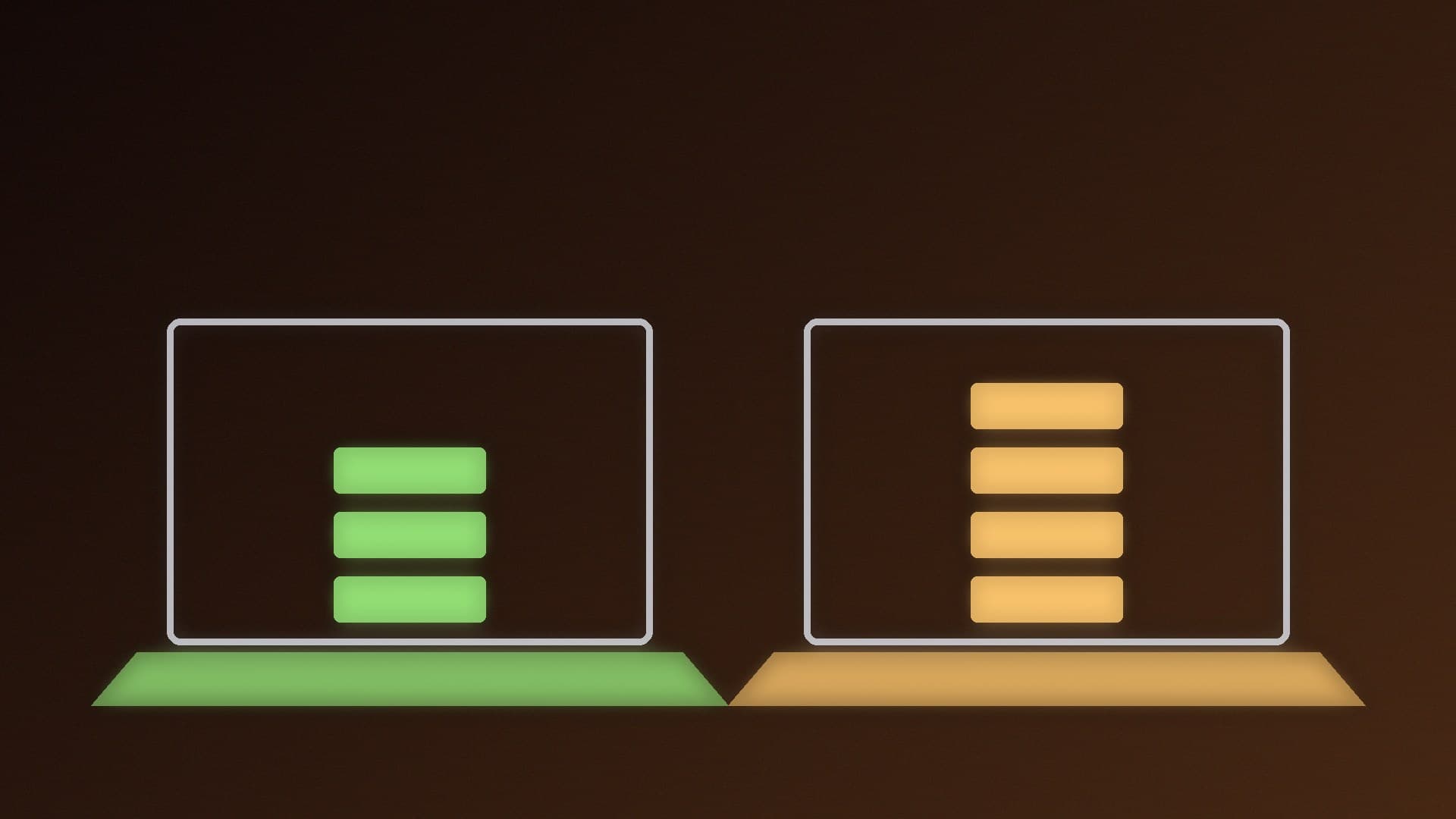
For local language models, the whole model and its working memory ideally need to fit in the graphics memory. If they don't, apps such as Ollama and LM Studio can split the model between the graphics chip and the main processor and system RAM, which is much slower. The RTX 5080 Laptop GPU's 16GB is a third more than the 12GB on the RTX 5070 Ti Laptop GPU, and that extra 4GB decides which models and context lengths you can run fully on the GPU.
As a rough guide by our calculation, a model quantised to 4 bits needs a little over half a gigabyte per billion parameters (4 bits is half a byte), plus extra for the conversation history (the context). Our VRAM guide and how to check if a model fits your GPU explain how to work this out for a specific model before you download it.
The RTX 5080 Laptop GPU also has a wider 256-bit memory interface and 896GB/s of bandwidth against 672GB/s, also a third more by our calculation. Memory bandwidth largely sets how quickly a model produces text once it is loaded, as our explainer on memory bandwidth and local LLM speed covers. So the 5080 should be quicker at generating text with the same model, though we haven't measured how much.
Compute: around a third more on the 5080
The RTX 5080 Laptop GPU has 7,680 CUDA cores against 5,888, about 30% more, and NVIDIA rates it at 1,334 AI TOPS against 992. That extra compute is likely to matter most for image and video generation in tools such as ComfyUI, and for processing long prompts. NVIDIA's AI TOPS figure is a headline rating rather than a measured speed in any particular app; our TOPS vs TFLOPS explainer covers what it does and doesn't tell you.
Power: check the laptop, not just the chip
NVIDIA lists a range of power levels for each chip: 60-115W for the RTX 5070 Ti Laptop GPU and 80-150W for the RTX 5080 Laptop GPU. The laptop maker chooses where in that range it runs, so two laptops with the same chip can perform differently. An RTX 5080 laptop set near the bottom of its range won't necessarily be faster than an RTX 5070 Ti model set near the top, although the 5080 keeps its memory advantage either way. Look for the maximum graphics power in the laptop's specification before you buy; on a laptop you already own, NVIDIA Control Panel's System Information can show it as Maximum Graphics Power, as Notebookcheck has reported.
Which should you buy?
Choose the RTX 5080 Laptop GPU if local AI is a main reason for buying the laptop. The 16GB of memory gives you more room for mid-sized language models, longer contexts and larger image models, and the wider memory bus should make text generation quicker.
Choose the RTX 5070 Ti Laptop GPU if you mostly game and want to try smaller models and image generation on the side, or if a 5070 Ti laptop costs less and the saving lets you buy one with more system RAM or storage. 12GB is still a useful amount for local AI.
If you need more than 16GB, the RTX 5090 Laptop GPU has 24GB, and AMD's Ryzen AI Max chips use shared system memory instead; our best laptops for local AI covers both. If you aren't tied to a laptop, a desktop can get you more graphics memory for the money, as our laptop vs desktop for local AI comparison explains, and the desktop RTX 5070 Ti vs RTX 5080 comparison is a different match-up, because both desktop cards have 16GB.
Our verdict
The RTX 5080 Laptop GPU is the better choice for local AI because it has 16GB of graphics memory against 12GB, a third more memory bandwidth and around a third more compute on NVIDIA's figures. The RTX 5070 Ti Laptop GPU suits buyers who mainly game and run smaller models. With either chip, check the laptop's maximum graphics power, because the maker's power setting affects speed.