It's based on NVIDIA's and AMD's official specification pages, NVIDIA's 18 November 2026 launch post for RTX Spark compact desktops and Digit's specification table, all read on 25 November 2026.
Until this month, if you wanted a small Windows PC that could hold a very large local AI model, AMD's Ryzen AI Max+ 395 (codenamed Strix Halo) was the obvious choice. It pairs 16 Zen 5 cores with a large integrated Radeon GPU and up to 128GB of shared memory. NVIDIA's RTX Spark now goes after the same buyer. It's a single chip with an Arm-based Grace CPU and a Blackwell RTX GPU, also with up to 128GB of unified memory, and it's sold in Windows laptops and compact desktops. NVIDIA's 18 November blog post said RTX Spark compact desktops from ASUS, Dell and MSI were available that day, with mini PCs from Acer, GIGABYTE and HP coming soon.
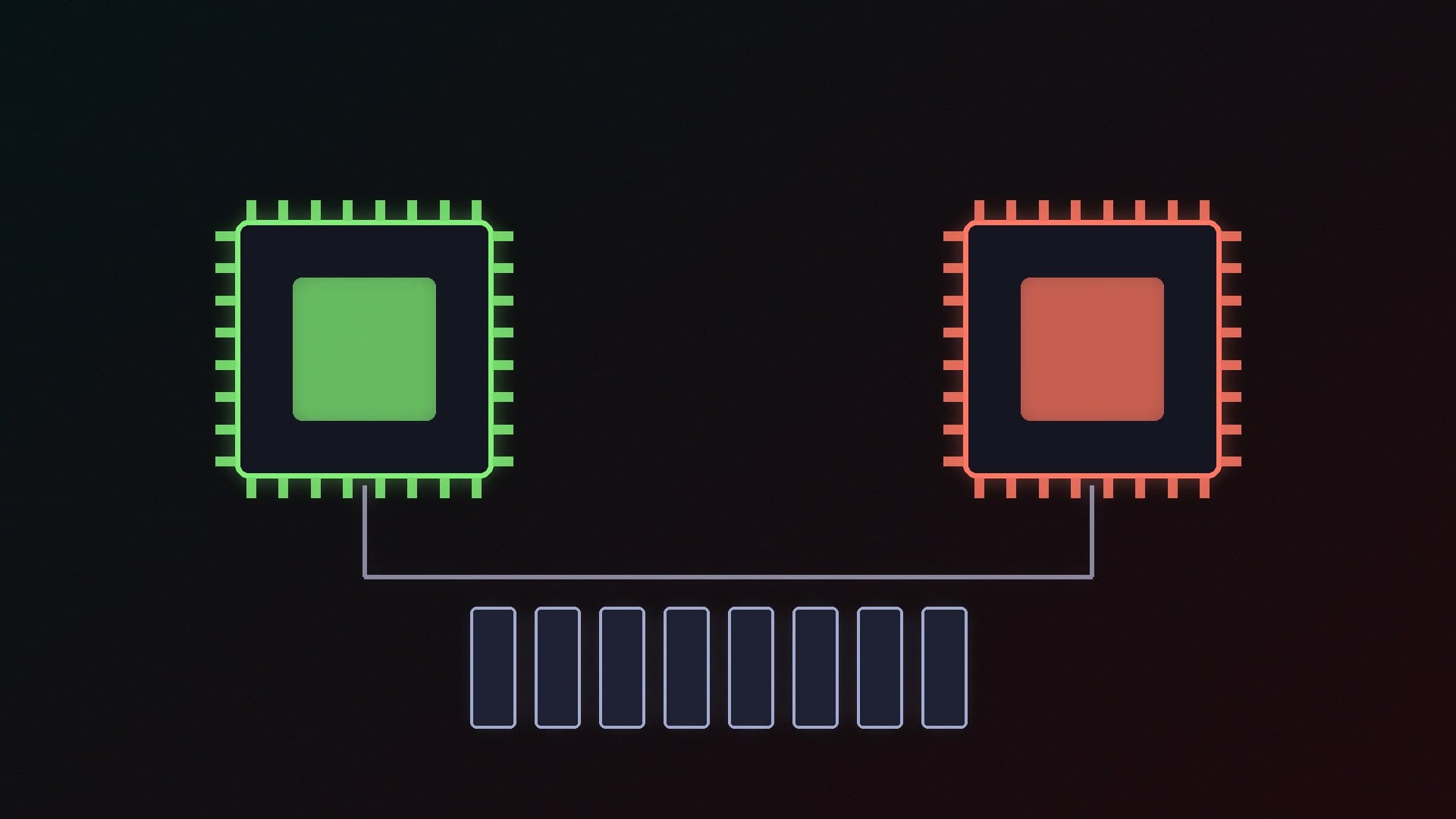
Both chips tackle the same problem: a normal graphics card's VRAM is too small for big models. Both let the GPU use a large pool of system memory instead. If that idea is new to you, start with our explainer on unified memory vs VRAM. We've also compared NVIDIA's Linux-based developer box in DGX Spark vs Ryzen AI Max+ 395 and RTX Spark vs DGX Spark. This article is about the two Windows options.
Specifications side by side
| NVIDIA RTX Spark N1X (desktop) | AMD Ryzen AI Max+ 395 |
|---|
CPU | 20-core NVIDIA Grace (Arm) | 16 Zen 5 cores, 32 threads, up to 5.1GHz boost |
GPU | Blackwell RTX GPU, 6,144 CUDA cores | Radeon 8060S, 40 graphics cores, 2,900MHz |
Memory | Unified, up to 128GB LPDDR5X | 256-bit LPDDR5x, up to 128GB, up to LPDDR5x-8000 |
Headline AI figure (official) | Up to 1 petaflop FP4 | Up to 126 TOPS overall; FP16 up to 60 TFLOPS |
NPU | Dedicated NVIDIA NPU (per Digit) | Up to 50 TOPS |
Power | 140W TDP (laptop versions 45-80W) | 55W default TDP, configurable 45-120W |
PCIe | PCI Express Gen 5 supported | PCIe 4.0, 16 lanes |
OS support listed | Windows 11 | Windows 11 64-bit, RHEL, Ubuntu |
NVIDIA lists two laptop versions of the chip too: one with the same 6,144 GPU cores and 20 CPU cores (up to 128GB), and one with 5,120 GPU cores and 18 CPU cores (up to 64GB). Digit's specification table gives a 256-bit memory interface for all three RTX Spark N1X variants.
Memory: the same ceiling, different detail
The headline is a tie. Both platforms top out at 128GB, and that capacity is what lets these small PCs load models far larger than a 16GB or 24GB graphics card can hold. NVIDIA says RTX Spark can run models of up to 120 billion parameters with a 1M-token context. That's NVIDIA's own claim, and how much of a given model's context really fits depends on the model and its settings.
Bandwidth is harder to compare. AMD publishes a 256-bit LPDDR5x interface at up to 8,000 MT/s, which works out at about 256GB/s of theoretical bandwidth. That's our own calculation from AMD's figures, not a number AMD quotes. NVIDIA's RTX Spark page doesn't give a memory speed, so we can't calculate a matching figure. Bandwidth matters because it largely decides how fast a big language model generates text once it's loaded (see our guide to memory bandwidth and LLM speed). Until there are independent measurements, don't assume either chip is faster on that front.
On Ryzen AI Max systems, how much of that memory the GPU can use is often set in the firmware or AMD's software. Our guide to AMD variable graphics memory explains how.
NVIDIA quotes up to 1 petaflop of FP4 AI performance. AMD quotes up to 126 TOPS for the whole chip, 50 TOPS for the NPU and up to 60 TFLOPS of FP16. These numbers use different number formats and different ways of counting, so dividing one by the other tells you very little about real-world speed. FP4 is a much lower precision than FP16, and it only helps with models and software built to use it. Our explainers on FP4 vs FP8 vs FP16 and TOPS vs TFLOPS cover the background. For actual speed, wait for independent tests on the models you plan to run.
Software: CUDA on Arm vs x86 with ROCm and Vulkan
This is the biggest practical difference.
RTX Spark runs NVIDIA's software stack. NVIDIA says CUDA runs natively, along with TensorRT and its NVFP4 format, and that code built on it runs unchanged on NVIDIA GPUs elsewhere. Its launch post also mentions Linux development tools through Windows Subsystem for Linux, fine-tuning supported models with Unsloth, and ComfyUI workflows. Many local-AI tools support CUDA first, which is a real advantage.
The catch is the CPU. Grace is an Arm processor, so RTX Spark PCs run Windows 11 on Arm. NVIDIA highlights native Windows on Arm versions of Adobe apps, but not every Windows program has an Arm version. Check that every app, game and driver you rely on supports Windows on Arm before you buy.
Ryzen AI Max+ 395 is a conventional x86 chip, so ordinary Windows software runs as it does on any other PC. AMD also lists Ubuntu and RHEL support. For AI, the Radeon GPU is used through AMD's ROCm software or through Vulkan, which tools such as llama.cpp and LM Studio can use. Our CUDA vs ROCm vs Vulkan guide explains where each works. Support is broad, but some projects still assume an NVIDIA card first.
Power, size and connections
The RTX Spark desktop chip is rated at 140W, and its laptop versions at 45-80W. The Ryzen AI Max+ 395 has a 55W default TDP that system makers can set anywhere from 45W to 120W, so two 395 machines can behave quite differently depending on how the maker has configured them. Both chips go into compact boxes. NVIDIA's blog says the RTX Spark desktops come with 10-gigabit Ethernet. On the AMD side, connections depend on the system: the chip itself lists two USB4 (40Gbps) ports and PCIe 4.0. Our news coverage of the CyberPowerPC AI BOX-A395, the ASUS ProArt GR1X and the MSI EdgeMesa N AI+ shows how individual systems differ.
We haven't included UK prices because they vary a lot between systems and memory configurations, and we couldn't verify like-for-like UK listings on 25 November 2026. Compare the same memory size (ideally 128GB) when you shop. Our best mini PC for local AI guide covers specific models.
Which should you choose?
Choose RTX Spark if you want NVIDIA's CUDA software stack in a small Windows PC, you build or fine-tune models with tools that target NVIDIA first, or you want a slim laptop with up to 128GB of unified memory. Make sure your everyday apps run on Windows on Arm first.
Choose a Ryzen AI Max+ 395 system if you need full x86 Windows compatibility, you'd like the option of running Ubuntu natively, or you mainly run language models through tools such as llama.cpp and LM Studio that can use Radeon graphics through Vulkan.
If you need more than 128GB, look at AMD's Ryzen AI Max+ PRO 495 mini PCs.
Our verdict
RTX Spark and the Ryzen AI Max+ 395 both put up to 128GB of unified memory into a compact PC, so both can hold models far bigger than a gaming graphics card. RTX Spark's strengths are NVIDIA's CUDA stack and a Blackwell GPU, but it's an Arm chip, so check that your apps run on Windows on Arm. The Ryzen AI Max+ 395 is an x86 chip that runs ordinary Windows software and Linux, at the cost of relying on ROCm or Vulkan rather than CUDA. Their official AI performance figures use different formats and can't be compared directly, so wait for independent tests on the models you care about before choosing on speed.