Lian Li's UNI FAN range now spans a confusing family of TL, TL LCD, P28, SL, SL-INF, CL and the newer FLEX models, all sold in black or white, many in standard and reverse-blade versions, and with at least three different ways of controlling them. The fans look similar in a shop listing, but they don't share controllers, they aren't all the same thickness and their airflow, static pressure and warranty figures differ a lot. This guide picks the right UNI FAN for each kind of build using Lian Li's official specification pages.
Our picks at a glance
Pick | Fan | Size | Max airflow | Max static pressure | Max noise | Speed range | Warranty |
|---|
Best overall | UNI FAN TL 120 | 120 x 124 x 28mm | 90.1 CFM | 3.97 mmH2O | 33 dB(A) | 0, 200-2,600 RPM | 3 years |
Best for radiators and air coolers | UNI FAN P28 | 120 x 120 x 28mm | 92 CFM | 4.79 mmH2O | 32.1 dB(A) | 300-2,600 RPM | 6 years |
Best for a tidy, flexible build | UNI FAN TL FLEX | 120 x 124 x 28mm | 90.1 CFM | 3.97 mmH2O | 33 dBA | 0, 200-2,600 RPM | 3 years (fan and receiver) |
Best quiet airflow fan | UNI FAN CL FLEX | 120 x 124 x 28mm | 77.34 CFM | 2.52 mmH2O | 29.8 dBA | 0, 250-2,100 RPM | 3 years (fan and receiver) |
Best for RGB looks | UNI FAN SL-INF FLEX | 120 x 124 x 28mm | 67 CFM | 3.4 mmH2O | 29.2 dBA | 0, 200-2,300 RPM | 3 years (fan and receiver) |
Best with an LCD screen | UNI FAN TL LCD FLEX | 120 x 124 x 28mm | 66 CFM | 2.7 mmH2O | 26 dBA | 0, 350-1,900 RPM | 3 years (fan and receiver) |
Best 140mm option | UNI FAN TL 140 | 144 x 140 x 28mm | 103.9 CFM | 2.34 mmH2O | 29 dB(A) | 0, 200-1,800 RPM | 3 years |
All figures are for the standard-blade versions. Reverse-blade versions, where they exist, have slightly different ratings, which we note below. Manufacturers measure noise and airflow in their own ways, so use these numbers to compare fans within Lian Li's range rather than against another brand's spec sheet.
First, understand the three control systems
The biggest trap with UNI FANs is control. The fans connect to each other with slide-together connectors rather than individual cables, but how that chain reaches your motherboard depends on the series:
TL and TL LCD (controller-based). These need Lian Li's TL controller. Lian Li is blunt about it: TL fans without the controller won't work. The controller is included in triple packs or sold separately, plugs into a 9-pin USB header for L-Connect 3 software control, and has a 4-pin PWM and 5V ARGB cable for motherboard sync. Lian Li says each port supports up to 10 TL fans or 3 TL LCD fans, and the controller can run up to 16 TL and TL LCD fans in total, with a maximum of six TL LCD fans.
FLEX series (receiver-based). The newer TL FLEX, SL FLEX, SL-INF FLEX and CL FLEX fans use a small FLEX receiver that clips on to the fan and handles power, RPM reporting, fan speed and lighting. Each receiver supports up to four matching fans. You can run them straight from a motherboard 4-pin PWM header and 5V 3-pin ARGB header without installing L-Connect 3, or pair them with Lian Li's L-Wireless controller, which Lian Li says can manage up to 10 channels of compatible Lian Li wireless devices. Receivers must match the fan model: a TL FLEX receiver isn't the same as a TL LCD FLEX one.
P28 (simple performance fan). The P28 triple pack comes with a magnetic fan speed controller with three modes, Silent, Normal and Performance, switched with a button. Lian Li says up to six fans in two clusters can share one controller, and one cable per cluster can go directly to the motherboard instead.
If you hate installing RGB software, the FLEX series or the P28 is the easier path. If you want everything in L-Connect 3 with per-cluster speed and lighting, the TL controller is built for that. Either way, read our guide to fan hubs and fan splitters if you're mixing UNI FANs with other fans, and check whether your board has the right ARGB headers.
Best overall: UNI FAN TL 120
The UNI FAN TL is the fan we'd start with for most builds. On paper it's close to the performance-focused P28, with 90.1 CFM and 3.97 mmH2O at up to 2,600 RPM, but it adds the infinity-mirror ARGB lighting and dual lighting zones the P28 lacks out of the box. It uses liquid crystal polymer (LCP) blades for tight tolerances, a fluid dynamic bearing (FDB) with copper shielding and a 28mm-thick frame. Its zero-RPM start/stop range (0, 200-2,600 RPM) also means it can sit idle when your PC is cool.
Lian Li lists a 33 dB(A) maximum, which is the loudest standard-blade figure in this guide, but that's at full speed. Most builds won't run case fans flat out, and you can set separate speed curves per cluster in L-Connect 3. The TL is sold in 120mm and 140mm versions, black or white, with normal or reverse blades. The reverse-blade TL120 has the same speed chart in L-Connect 3, so Lian Li notes it reaches its maximum ceiling at roughly 80%.
The catch is the warranty (three years, half the P28's) and the compulsory controller. Budget for a triple pack, which includes the controller, rather than buying singles first.
Best for radiators and air coolers: UNI FAN P28
If you care more about cooling than lighting, the P28 has the highest static pressure of any UNI FAN here, at 4.79 mmH2O, plus 92 CFM of airflow and a 32.1 dB(A) maximum. Static pressure matters when a fan has to push air through a radiator, a dense heatsink or a restrictive front panel; see airflow vs static pressure fans for why. Lian Li describes it as ideal for both air and water cooling.
It also has the longest warranty in the range at six years. The trade-offs: its rated speed range starts at 300 RPM rather than zero (300-2,600 RPM), and it has brushed aluminium side strips rather than built-in ARGB. Lian Li sells optional side ARGB strips if you want lighting later.
Best for a tidy, flexible build: UNI FAN TL FLEX
The TL FLEX gives you the TL's performance ratings (90.1 CFM, 3.97 mmH2O, 0 and 200-2,600 RPM) with the FLEX receiver system, so you can choose motherboard control, L-Wireless control or both. Lian Li's spec sheet lists a 3-year warranty for both the fan and the receiver and a 26-LED ARGB layout. It's the one to buy if you want TL cooling without being tied to the TL controller and its USB header.
Note that the reverse-blade TL FLEX is rated lower than the standard version: 83.4 CFM and 2.66 mmH2O, with a 2,300 RPM top speed. If you're planning a bottom-intake or reverse-airflow layout, our reverse blade vs standard case fans explainer covers when it's worth it.
Best quiet airflow fan: UNI FAN CL FLEX
The CL FLEX trades some static pressure for a lower noise rating. Lian Li lists 77.34 CFM and 2.52 mmH2O at up to 2,100 RPM, with a maximum of 29.8 dBA. That combination suits unrestricted case intake and exhaust duty, where airflow matters more than pressure. Triple packs include the L-Wireless controller, LED FLEX receiver, ARGB cable and a 1-to-3 PWM-to-SATA cable; single packs don't include the wireless controller.
If you already own the older UNI FAN CL Wireless, the specs are almost identical (77.34 CFM, 2.52 mmH2O, 29.8 dBA), so there's little reason to swap. The main difference is the FLEX receiver system described above.
Best for RGB looks: UNI FAN SL-INF FLEX
The SL-INF FLEX is the showpiece. Lian Li describes three-zone ARGB lighting across the blades, a side infinity mirror and edge lighting, with 58 LEDs on the standard LED model. It's still a capable fan, rated at 67 CFM and 3.4 mmH2O at up to 2,300 RPM with a 29.2 dBA maximum, but it moves noticeably less air than the TL on paper. Choose it for a glass-heavy case where looks come first, not for a hot, restrictive build.
The older UNI FAN SL INFINITY 120 is a step down: Lian Li rates it at 61.3 CFM and 2.66 mmH2O with a 25mm frame and a 2-year warranty, so we'd only buy it to match existing fans. The same goes for the SL V2 120 (64.5 CFM, 2.59 mmH2O, 2-year warranty).
Best with an LCD screen: UNI FAN TL LCD FLEX
If you want a small screen in every fan hub, the TL LCD FLEX has a 1.8-inch, 400 x 400, 60Hz LCD that can show MP4, GIF, JPG and PNG files, with built-in wireless themes including clocks and system-monitoring layouts. Lian Li says custom images, GIFs and videos are set through USB 2.0 and L-Wireless control, and the LCD version comes with a 9-pin USB cable. The screen costs you cooling: 66 CFM and 2.7 mmH2O at up to 1,900 RPM. The upside is the lowest noise rating here, at 26 dBA. The older controller-based TL LCD has a 1.6-inch screen and needs the TL controller.
Best 140mm option: UNI FAN TL 140
For 140mm mounts, the TL 140 is rated at 103.9 CFM, 2.34 mmH2O and 29 dB(A) at up to 1,800 RPM, with the same LCP blades, FDB bearing and controller requirement as the 120mm model. It's a strong intake fan for big front panels. For radiators, check your radiator size first; our 120mm vs 140mm case fans guide explains the trade-offs.
Buying tips
Count your fans per controller or receiver. TL fans need the TL controller. FLEX receivers handle up to four matching fans each.
Don't mix controller cables. Lian Li warns that TL and TL LCD share a controller but use different controller cables.
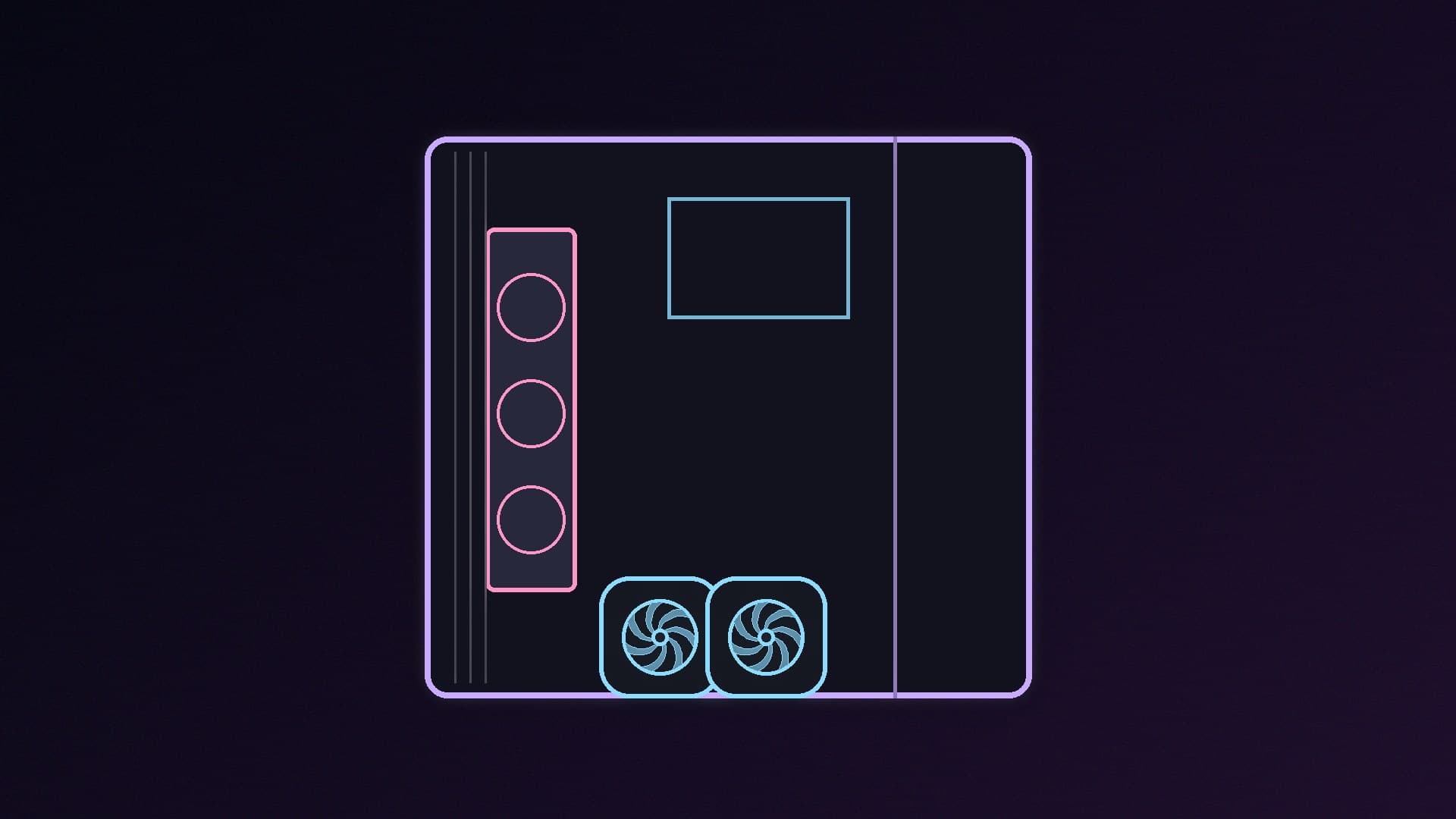
Check radiator clearance. Lian Li lists most of these fans at 120 x 124 x 28mm, so check the space above your motherboard or radiator before buying.
Plan power for long chains. For the TL, Lian Li includes a SATA power adapter in triple packs and recommends using it when you daisy-chain six fans in a row.
Update firmware first. Lian Li advises updating TL firmware in L-Connect 3 the first time you use the fans.
For alternatives outside Lian Li, see our best ARCTIC case fans and best Noctua case fans. Pairing these with a Lian Li case? Our best Lian Li PC case guide covers the chassis side, and how to install case fans walks through orientation and airflow.
Our verdict
The Lian Li UNI FAN TL 120 is the best Lian Li case fan for most builds: on Lian Li's specs it combines 90.1 CFM and 3.97 mmH2O with zero-RPM mode and ARGB lighting, but it only works with the TL controller, so buy a triple pack. Choose the UNI FAN P28 for radiators and air coolers, where its 4.79 mmH2O rating and 6-year warranty stand out. If you want to skip the controller, the TL FLEX gives you the same ratings with motherboard or wireless control. The SL-INF FLEX and TL LCD FLEX are for looks first, with lower airflow ratings.