Plenty of laptops and mini PCs still in daily use take DDR4 SODIMM memory rather than DDR5, and adding RAM is often the cheapest way to make one feel faster with more browser tabs, bigger spreadsheets or a game running alongside Discord. This guide picks the DDR4 SODIMM modules and kits in our database that suit the most common upgrades. On what each upgrade needs.
Before you buy: check your laptop takes DDR4 SODIMMs
DDR4 and DDR5 SODIMMs are different memory standards and are not interchangeable, so a laptop built for DDR4 needs DDR4 modules. Many thin laptops also have memory soldered to the motherboard, with one slot or none for upgrades. Check your laptop or mini PC maker's spec page or manual for the memory type, the number of slots and the maximum supported capacity before ordering. Our guide to checking free RAM slots in Windows 11 shows how to see how many slots are in use, and how to check RAM speed in Windows 11 shows what you have now. If your machine takes DDR5 instead, see our best DDR5 SODIMM RAM guide.
Our picks
Pick | Module | Speed and timings | Voltage | Warranty |
|---|
Best for most laptops | Crucial 16GB (2x8GB) DDR4-3200 CL22 SODIMM Kit | DDR4-3200, 22-22-22 | 1.2V | Limited lifetime |
Best for creators and multitaskers | Crucial 32GB (2x16GB) DDR4-3200 CL22 SODIMM Kit | DDR4-3200, 22-22-22 | 1.2V | Limited lifetime |
Best for single-slot machines | Crucial 16GB DDR4-3200 CL22 SODIMM | DDR4-3200, 22-22-22 | 1.2V | Limited lifetime |
Best for maximum capacity | Crucial 64GB (2x32GB) DDR4-3200 CL22 SODIMM Kit | DDR4-3200, 22-22-22 | 1.2V | Limited lifetime |
Best low-latency alternative | Kingston FURY Impact 32GB (2x16GB) DDR4-3200 CL20 SODIMM | DDR4-3200, CL20 (as listed in our database) | See Kingston | See Kingston |
Crucial lists all its DDR4-3200 SODIMMs as unbuffered PC4-25600 modules running at the standard JEDEC timings of 22-22-22 at 1.2V, so there are no memory profiles to enable: in a laptop that supports DDR4-3200, standard settings are the rated speed. If your laptop's specifications list a lower maximum memory speed, check with the maker that faster modules are supported before buying.
Best for most laptops: Crucial 16GB (2x8GB) DDR4-3200 CL22 SODIMM Kit
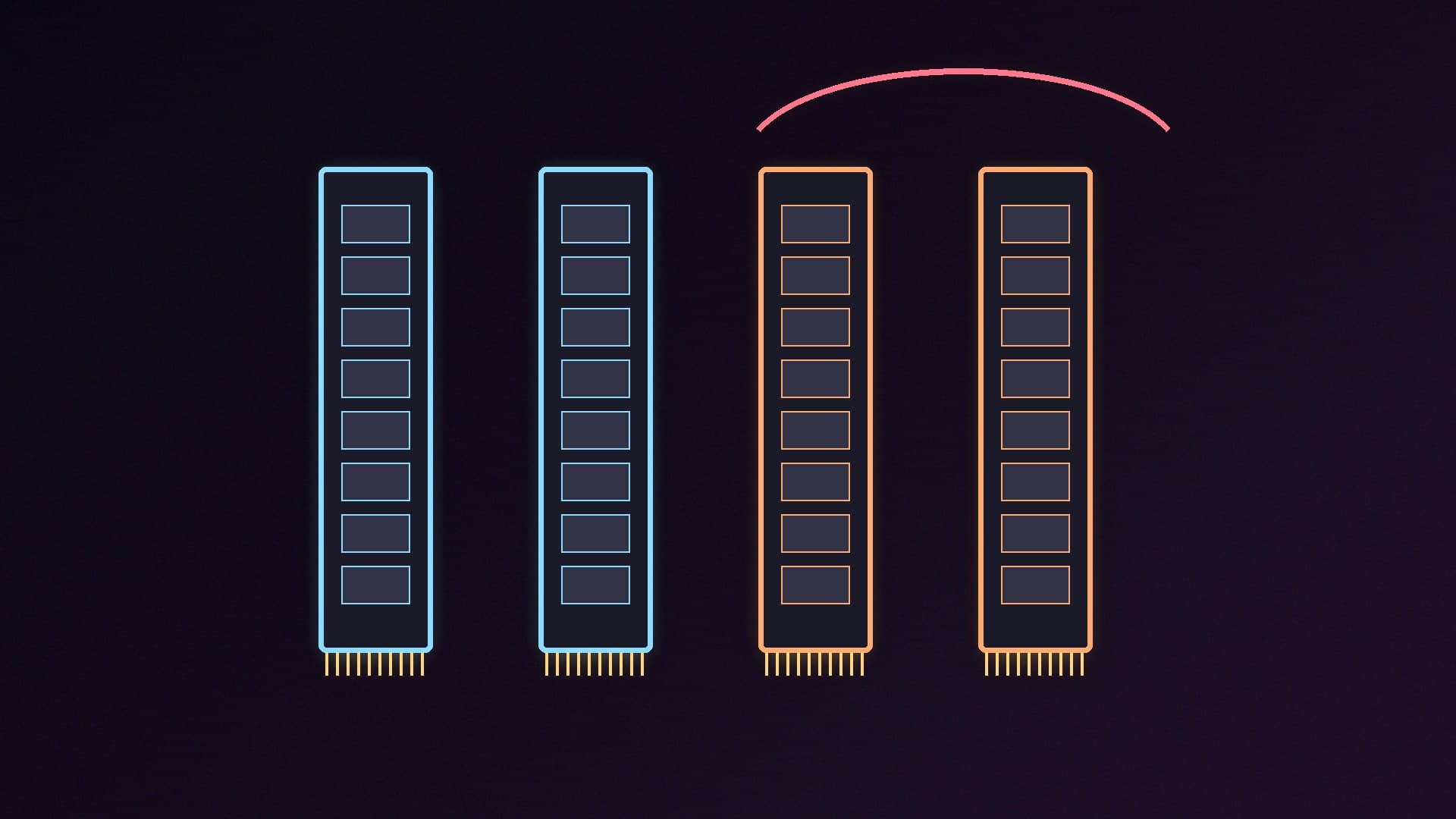
For a typical laptop with two slots and 8GB or less, a matched pair of 8GB modules is the simplest upgrade to 16GB. Using two modules lets the memory run in dual-channel mode, which our single vs dual-channel RAM comparison explains, and integrated graphics, which use system memory, can benefit most. Crucial rates the kit at DDR4-3200 CL22 and 1.2V with a limited lifetime warranty. Full specs: Crucial 16GB (2x8GB) DDR4-3200 CL22 SODIMM Kit.
Best for creators and multitaskers: Crucial 32GB (2x16GB) DDR4-3200 CL22 SODIMM Kit
If you edit photos or video, run virtual machines or keep dozens of tabs and apps open, 32GB gives more headroom than 16GB, as our how much RAM for a gaming PC guide discusses. This is a pair of 16GB modules with the same DDR4-3200 CL22 rating and 1.2V voltage. Make sure your laptop supports at least 32GB in total. Full specs: Crucial 32GB (2x16GB) DDR4-3200 CL22 SODIMM Kit.
Best for single-slot machines: Crucial 16GB DDR4-3200 CL22 SODIMM
Some laptops have a soldered amount of memory plus one free SODIMM slot, and some compact mini PCs only have one slot. A single 16GB module is a sensible way to add capacity there. Crucial also sells this module as an 8GB version (Crucial 8GB DDR4-3200 CL22 SODIMM) and a 32GB version (Crucial 32GB DDR4-3200 CL22 SODIMM). If you're adding a module next to soldered memory, check your maker's guidance on which capacities are supported and whether the memory will run in dual-channel mode. Full specs: Crucial 16GB DDR4-3200 CL22 SODIMM.
Best for maximum capacity: Crucial 64GB (2x32GB) DDR4-3200 CL22 SODIMM Kit
A 64GB kit suits mini PCs used as home servers or for running virtual machines, and workstation laptops that support it. Crucial lists the 32GB modules in this kit as using 16Gb memory dies, with the same DDR4-3200 CL22 rating and 1.2V. Many older laptops top out at 32GB or less, so only buy this if your maker confirms 64GB support. Full specs: Crucial 64GB (2x32GB) DDR4-3200 CL22 SODIMM Kit.
Best low-latency alternative: Kingston FURY Impact 32GB (2x16GB) DDR4-3200 CL20 SODIMM
If you'd like slightly tighter timings, our database lists Kingston's FURY Impact 32GB kit at DDR4-3200 CL20. Check Kingston's own spec sheet for its voltage and profiles before you buy, and bear in mind that some laptops ignore memory profiles and run all modules at standard JEDEC settings. Full specs: Kingston FURY Impact 32GB (2x16GB) DDR4-3200 CL20 SODIMM.
Buying tips
Micron announced on 3 December 2025 that it was leaving the Crucial consumer business, with consumer shipments continuing until February 2026 and warranty support continuing. Remaining Crucial stock is still sold by retailers, so check current UK availability and prices.
Buy a matched kit rather than mixing a new module with an old one where you can.
After fitting new memory, check that Windows sees it all. If it doesn't, our RAM not detected guide covers the usual fixes.
Our verdict
For most DDR4 laptops with two slots, the Crucial 16GB (2x8GB) DDR4-3200 CL22 SODIMM Kit is the straightforward upgrade, and the 32GB (2x16GB) kit is worth it for creative work and heavy multitasking. Use a single Crucial 16GB module for one-slot machines, and the 64GB kit only if your maker confirms 64GB support. Always check your laptop takes DDR4 SODIMMs and its maximum capacity first.