Our picks are based on each project's official documentation and GitHub pages, read on 26 November 2026, and on what each app is designed to do.
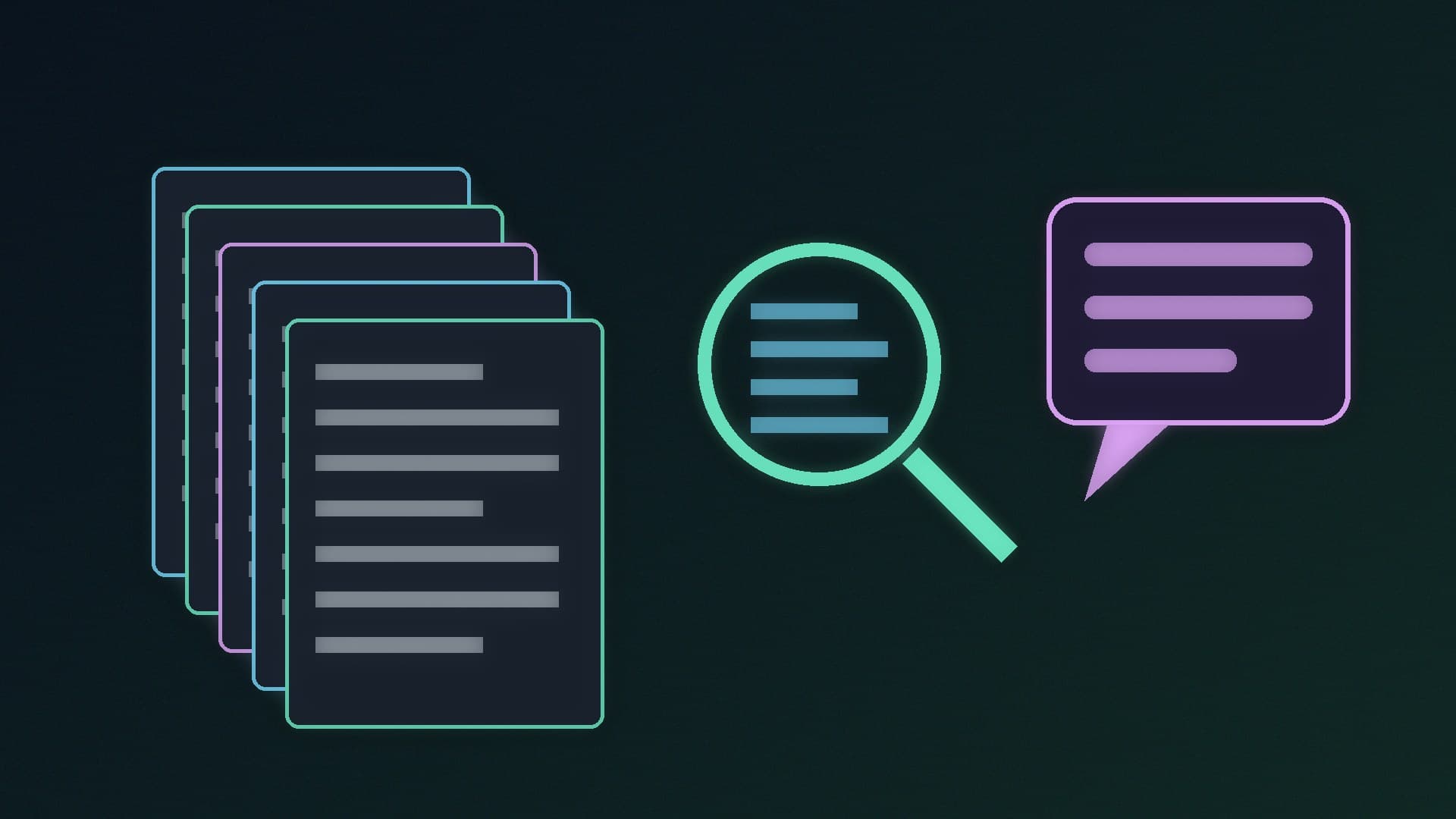
Chatting with your own documents is one of the most useful things a local AI PC can do. You point an app at a folder of PDFs, manuals, contracts or notes, and ask questions in plain English. The app finds the relevant passages and hands them to a language model running on your own hardware, so the files never leave your PC.
The technique behind this is called retrieval-augmented generation, or RAG. Open WebUI's documentation describes it as retrieving relevant information from sources such as documents, combining it with a template and adding it to your prompt before the model answers. If you're deciding whether RAG or training a model on your data is the better route, our RAG vs fine-tuning explainer covers that question.
Quick picks
App | Best for | How you run it |
|---|
AnythingLLM | Best all-rounder | Desktop app (Windows, macOS, Linux) or Docker |
Open WebUI | Best if you already use Ollama | Self-hosted web interface |
LM Studio | Simplest for a few files | Desktop app |
Kotaemon | Best citations and PDF preview | Docker or release zip |
RAGFlow | Best for complex, messy documents | Docker Compose server |
1. AnythingLLM: best all-rounder
AnythingLLM's GitHub page calls it an all-in-one AI application for building a private ChatGPT: you connect a local or cloud model, add your documents and start chatting. It's the easiest of these to recommend because it covers the whole job in one package, with a desktop app for Windows, macOS and Linux and a Docker version for servers.
Key points from its documentation:
Built-in local engine. The project says you can run local models on your CPU or graphics card with no extra setup, using NVIDIA cards through CUDA and AMD and Intel through Vulkan, powered by Lemonade and llama.cpp.
Works with your existing server. It also connects to Ollama, LM Studio, LocalAI, Lemonade, Microsoft Foundry Local and many cloud providers.
Document support. It handles PDF, TXT, DOCX and more, with drag-and-drop uploads and source citations in the chat.
Built-in vector database. The default is LanceDB, which the documentation says can handle anything you throw at it, so there's nothing extra to set up.
Extras. Agents, model routing, scheduled tasks and MCP support are included. Multi-user accounts are only in the Docker version.
Hardware: AnythingLLM's system requirements page recommends 16GB of RAM and an 8-core CPU for a basic experience, and says a graphics card is recommended on Windows, with 8-12GB or more of video memory described as "great". On Macs, it says any M-series chip can handle local models.
Privacy note: the project includes anonymous telemetry, which you can turn off in the app's Privacy settings or with the DISABLE_TELEMETRY setting.
Choose it if: you want one app that does document chat well without learning Docker. Our guide to chatting with documents in AnythingLLM walks through the setup.
2. Open WebUI: best if you already use Ollama
If you already run Open WebUI as a chat front end for Ollama, you may not need another app. Its documentation says you can add documents to a knowledge base under Workspace > Knowledge or upload them in a chat, then type # to pick a document for your question.
It's more configurable than the desktop apps:
Clickable citations. Clicking a source opens the file beside the chat at the cited page when known, with the cited text highlighted.
Hybrid search. An optional mode combines keyword search (BM25) with vector search.
Choice of document parsers. Built-in engines include Tika, Docling and Mistral OCR, or you can plug in your own service.
Chunking controls. You can set chunk size, overlap and a minimum chunk size target, and split by Markdown headers.
Full-document mode. A Full text switch lets individual files and knowledge bases bypass RAG and inject the whole file into every message.
External vector databases. A knowledge base can point at an existing vector store instead of copying your files into Open WebUI.
One warning from the docs: if you use Ollama, Open WebUI notes that Ollama picks a default context length based on your graphics card's memory, and on cards with less than 24GiB that's 4,096 tokens. The documentation says this severely limits RAG, because retrieved text may be partly or entirely ignored. Our guide to setting Ollama's context length shows how to raise it.
Choose it if: you already have Open WebUI running, or want fine control over how documents are processed. Our Open WebUI and Ollama install guide gets you started, and our Open WebUI vs AnythingLLM comparison goes deeper on those two.
3. LM Studio: simplest for a few files
LM Studio isn't a dedicated document app, but for occasional use it's the quickest option. Its documentation says you can attach .docx, .pdf and .txt files to a chat.
What happens next depends on size. If the document is short enough to fit in the model's context, LM Studio adds the whole file to the conversation. If it's very long, LM Studio switches to RAG and tries to pull out the relevant parts. The docs admit this sometimes works very well and sometimes needs tuning, and suggest including the terms and ideas you expect to find in the source material in your question.
Choose it if: you want to ask questions about a handful of files now and then, and already use LM Studio for chat. See our guide to chatting with documents in LM Studio. It isn't the right tool for a large, permanent library of documents.
4. Kotaemon: best citations and PDF preview
Kotaemon describes itself as an open-source, clean and customisable RAG interface for chatting with your documents, aimed at both end users and developers.
Its strength is showing its working:
Detailed citations. By default it gives citations with relevance scores, which you can view in an in-browser PDF viewer with highlights. It warns you when retrieval returns passages with low relevance.
Hybrid retrieval with re-ranking. The default pipeline combines full-text and vector search, then re-ranks results.
Figures and tables. It supports question answering across multiple documents with figures and tables, with multi-modal parsing options.
Multi-hop questions. Question decomposition and agent-based reasoning help with questions that need information from several places.
Local models. It works with local models through Ollama and llama-cpp-python, and offers a Docker image with Ollama bundled for private use.
Setup: the project recommends Docker, with "lite" and "full" images. The full image adds support for more file types such as .doc and .docx at the cost of a bigger download. It supports linux/amd64 and linux/arm64, and non-developers can download a zip from the latest release. The most recent release on GitHub is v0.12.0, from May 2026, so updates are less frequent than for the other apps here.
Choose it if: you need to check exactly where every answer came from, for example with research papers or reports.
5. RAGFlow: best for complex, messy documents
RAGFlow is the heavyweight. Its GitHub page describes it as an open-source RAG engine with agent features, and version 1.0.0 was released on 6 November 2026.
It focuses on getting difficult documents into a usable shape:
Deep document understanding. RAGFlow extracts knowledge from unstructured files with complicated formats, including Word, PowerPoint, Excel, PDFs, scanned copies, images and web pages.
Template-based chunking that you can inspect and adjust, with visualised chunks and traceable citations.
Knowledge Compilation to generate wikis, graphs, mind maps, timelines and more from your documents.
Agentic retrieval with Low, Medium, High and Ultra thinking modes for complex questions.
Hardware: RAGFlow's recommended starting configuration is 4 CPU cores, 16GB of RAM and 50GB of free disk space, plus Docker 24.0.0 or newer and Docker Compose v2.26.1 or newer. It notes that local models need extra resources on top. In the open-source 1.0 release, its DeepDoc layout analysis, OCR and table recognition run on the CPU. Its Docker setup doesn't currently support macOS.
Local models: RAGFlow's documentation covers connecting Ollama for lightweight local inference or vLLM for GPU-accelerated serving. You also need an embedding model before you can parse a dataset.
Choose it if: you have lots of scanned PDFs, tables and slide decks and are comfortable running a Docker server. Our RAGFlow vs AnythingLLM comparison covers the trade-offs in more detail.
What about GPT4All?
GPT4All was an early favourite thanks to its LocalDocs feature. But its GitHub releases page shows the latest version is v3.10.0, from February 2025, so we've left it out in favour of apps that are still being actively updated. If you already use it, our GPT4All vs LM Studio comparison is still useful background.
What hardware do you need?
The app itself is rarely the bottleneck. AnythingLLM's documentation makes the point that the language model usually limits what you can do. Three things matter most:
Video memory. It decides how large a chat model you can run quickly. Our VRAM guide and our pick of the best graphics cards for local LLMs help here.
System memory. AnythingLLM and RAGFlow both start at 16GB of RAM, before you add a model. See how much RAM you need for local AI.
Context length. Retrieved passages have to fit in the model's context window alongside your question, which is why Open WebUI warns about Ollama's 4,096-token default on smaller cards.
If your documents are scans rather than text, OCR quality matters too. Our list of the best free OCR software with local AI covers that step.
Our verdict
For most people, AnythingLLM is the best way to chat with documents locally: it installs as a desktop app, includes a local model engine and a vector database, and connects to Ollama or LM Studio if you already use them. If you already run Open WebUI, use its knowledge bases, but raise Ollama's context length first. LM Studio is fine for the odd file. Choose Kotaemon if you need to see exactly where answers come from, and RAGFlow if you have large collections of complex or scanned documents and are happy running a Docker server with at least 16GB of RAM.