Skip to content

Author / Systems & Technical Editor / 247 articles

Marcus Thorne

Marcus writes Forge PC's step-by-step build, troubleshooting and system optimisation guides. His background spans Windows kernel and power-state diagnostics, UEFI/BIOS configuration, NVMe storage arrays, ATX 3.1 power delivery and running local AI and LLM workloads on consumer graphics cards.

  • How to Generate AI Images Locally on Windows with Amuse

    How-To

    How to Generate AI Images Locally on Windows with Amuse

    How to make AI images locally on Windows with Amuse, the free open-source studio that runs FLUX, SDXL, Qwen and video models on NVIDIA cards through CUDA or on AMD, NVIDIA and Intel graphics through Vulkan. What changed since its AMD days and how to install it safely.

    Marcus Thorne4 min
  • How to Free Up Disk Space on Windows 11 Safely

    How-To

    How to Free Up Disk Space on Windows 11 Safely

    How to free up disk space on Windows 11 safely: Cleanup recommendations, Storage Sense, OneDrive Files On-Demand, moving Steam games, Disk Cleanup, the DISM component cleanup command and turning off hibernation, plus what never to delete by hand.

    Marcus Thorne6 min

  • How to Undervolt Your Graphics Card: A Safe Guide for NVIDIA and AMD

    How-To

    How to Undervolt Your Graphics Card: A Safe Guide for NVIDIA and AMD

    How to undervolt a graphics card safely: the Power Limit slider and curve editor in MSI Afterburner for NVIDIA cards, the Undervolt GPU preset and Voltage slider in AMD Software for Radeon cards, and how to test that your settings are stable before you save them.

    Marcus Thorne5 min

  • How to Enable Resizable BAR (Smart Access Memory) and Check It Is Working

    How-To

    How to Enable Resizable BAR (Smart Access Memory) and Check It Is Working

    How to enable Resizable BAR, also called Smart Access Memory: convert an older Windows install to GPT with MBR2GPT, turn off CSM, enable Above 4G Decoding and Re-Size BAR, then confirm it in NVIDIA's or Intel's tools, following official vendor documentation.

    Marcus Thorne4 min

  • How to Use Aider With Ollama for Local AI Coding

    How-To

    How to Use Aider With Ollama for Local AI Coding

    How to install Aider, point it at a local Ollama server, use the recommended ollama_chat model prefix, and raise Ollama's default 2,000-token context window so your code is not silently discarded, from the official Aider documentation.

    Marcus Thorne3 min

  • How to Install Stability Matrix and Add ComfyUI or SwarmUI

    How-To

    How to Install Stability Matrix and Add ComfyUI or SwarmUI

    How to install Stability Matrix on Windows from the official zip, clear a SmartScreen warning on a genuine download, and add a package such as ComfyUI or SwarmUI from the package manager without installing Python or Git by hand, from the official Lykos docs.

    Marcus Thorne4 min

  • How to Install and Use Microsoft PowerToys on Windows 11

    How-To

    How to Install and Use Microsoft PowerToys on Windows 11

    How to install Microsoft PowerToys, the official free Windows utility suite, from GitHub, the Microsoft Store or WinGet, and which tools to turn on first, including FancyZones and Command Palette, based on Microsoft's Learn documentation.

    Marcus Thorne4 min

  • How to Fix a PC With No Display or No Signal

    How-To

    How to Fix a PC With No Display or No Signal

    A black screen or no-signal message is not the same as a PC that will not power on. Work through the monitor, cable and graphics-card checks first, following NZXT's official no-display guidance, before you start reseating parts.

    Marcus Thorne4 min

  • How to Upscale Images With AI on Your Own PC Using Upscayl

    How-To

    How to Upscale Images With AI on Your Own PC Using Upscayl

    How to enlarge low-resolution images with AI on your own PC using Upscayl, the free open-source upscaler: Vulkan GPU requirements, Windows install, choosing models and scale, custom models, and fixes when it will not run, from Upscayl's official docs.

    Marcus Thorne4 min

  • How to Chat With Your Own Documents Locally Using AnythingLLM

    How-To

    How to Chat With Your Own Documents Locally Using AnythingLLM

    How to ask a local AI model questions about your own PDFs and notes with AnythingLLM Desktop: Windows install, connecting Ollama, attaching versus embedding documents, Query mode and similarity settings, and keeping it private, from AnythingLLM's official docs.

    Marcus Thorne4 min

  • How to Transcribe Audio Locally with Whisper on Your PC

    How-To

    How to Transcribe Audio Locally with Whisper on Your PC

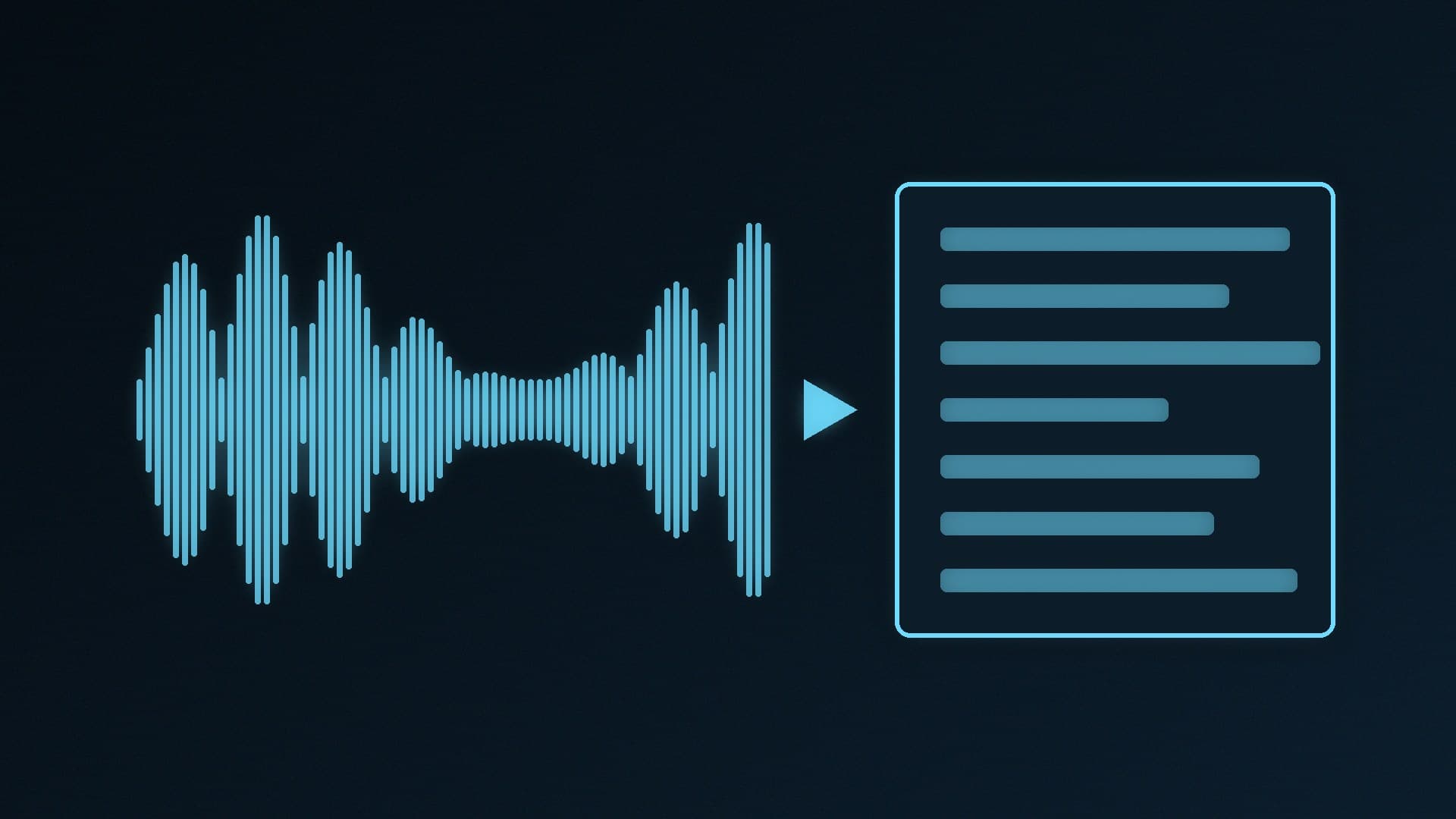
    How to turn recordings into text on your own PC with OpenAI's open-source Whisper: which model fits your graphics card (turbo needs about 6GB of VRAM, per OpenAI), installing it on Windows with FFmpeg and pip, and when the lighter whisper.cpp with Vulkan is the better choice.

    Marcus Thorne4 min

  • How to Fix Stuttering in PC Games: Shader, Traversal and Settings Fixes

    How-To

    How to Fix Stuttering in PC Games: Shader, Traversal and Settings Fixes

    Why PC games stutter even at high frame rates, and what helps: shader compilation versus traversal stutter, Microsoft's Advanced Shader Delivery and NVIDIA's Automatic Shader Compilation as reported by Digital Foundry, plus SSD, memory, XMP and temperature checks.

    Marcus Thorne4 min

  • How to Fix a Blue Screen (BSOD) on Windows 11

    How-To

    How to Fix a Blue Screen (BSOD) on Windows 11

    What a Windows 11 blue screen or stop code means and how to stop repeated crashes: Microsoft's official steps (stop code, new hardware, safe mode, drivers, disk space, updates, restore) plus the XMP, overclock, heat and power checks that matter on a self-built gaming PC.

    Marcus Thorne4 min

  • Graphics Card Not Detected? How to Fix It Step by Step

    How-To

    Graphics Card Not Detected? How to Fix It Step by Step

    How to fix a graphics card that gives no display or is missing from Windows: monitor cable, power connectors, reseating, CMOS clear, BIOS settings and replacing Microsoft Basic Display Adapter with the right driver, using official Microsoft, ASUS and Intel steps.

    Marcus Thorne5 min