Skip to content

Author / Systems & Technical Editor / 247 articles

Marcus Thorne

Marcus writes Forge PC's step-by-step build, troubleshooting and system optimisation guides. His background spans Windows kernel and power-state diagnostics, UEFI/BIOS configuration, NVMe storage arrays, ATX 3.1 power delivery and running local AI and LLM workloads on consumer graphics cards.

  • How to Replace CPU Thermal Paste

    How-To

    How to Replace CPU Thermal Paste

    How to replace CPU thermal paste: shut the PC down, remove the cooler evenly, clean both surfaces with high-strength isopropyl alcohol, apply the official pattern for your paste and socket, and remount with even diagonal pressure. For Noctua NT-H2 that is a centre dot or a five-dot pattern on AM5 and LGA 1700/1851; Arctic specifies a cross of MX-6 on the Liquid Freezer III Pro.

    Marcus Thorne4 min
  • How to Stream Games with Sunshine and Moonlight

    How-To

    How to Stream Games with Sunshine and Moonlight

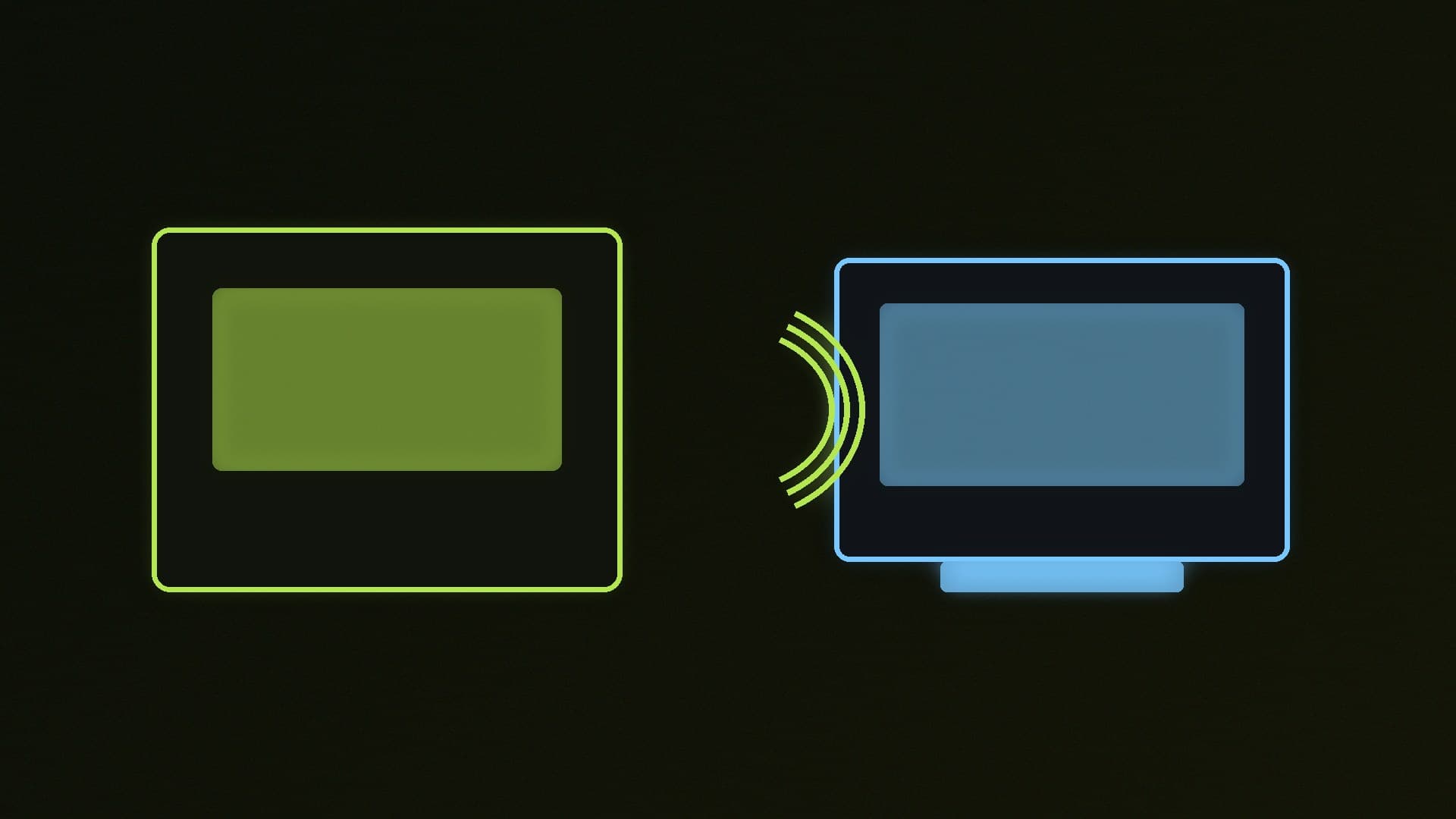
    How to stream a Windows PC game across your local network with official Sunshine and Moonlight: install the Windows MSI, open https://localhost:47990, create the web-UI account, pair a Moonlight client with the PIN, then start a Desktop or game stream. The guide follows LizardByte's getting-started documentation.

    Marcus Thorne4 min

  • How to Compress Videos with HandBrake

    How-To

    How to Compress Videos with HandBrake

    How to compress a video you already have with official HandBrake: install from handbrake.fr, open a source, pick the Fast 1080p30 preset unless you have a specific device preset, choose a destination and click Start. The guide follows HandBrake's official Quick Start and does not invent quality rankings.

    Marcus Thorne3 min

  • How to Run Local AI Models with KoboldCpp on Windows

    How-To

    How to Run Local AI Models with KoboldCpp on Windows

    How to run local GGUF models with KoboldCpp on Windows: download koboldcpp.exe, the nocuda build or the oldpc build from the official site, allow the unsigned official executable through SmartScreen only if it came from that source, and launch with --model and --launch. Official docs also note about 1GB of temporary disk space.

    Marcus Thorne3 min

  • How to Install and Update Apps on Windows 11 with WinGet

    How-To

    How to Install and Update Apps on Windows 11 with WinGet

    How to install and update Windows 11 apps with WinGet, Microsoft's official package manager: search, install, upgrade, list, export and import, plus the App Installer registration command and a caution about winget upgrade --all. Steps follow Microsoft Learn.

    Marcus Thorne3 min

  • How to Run Google's Gemma 4 Models Locally on Your PC

    How-To

    How to Run Google's Gemma 4 Models Locally on Your PC

    How to run Google's Gemma 4 models locally with Ollama: official tags and download sizes from the Ollama library on 14 November 2026, from the 4.6-7.5GB E2B build up to the 31B model, plus the commands ollama run gemma4 and gemma4:12b. Gemma 4 is officially Apache 2.0 and was announced by Google on 2 April 2026.

    Marcus Thorne4 min

  • How to Record Gameplay on Your PC with OBS Studio

    How-To

    How to Record Gameplay on Your PC with OBS Studio

    How to record gameplay on Windows with official OBS Studio: install from obsproject.com, add a Game Capture source, set a recording quality and a destination folder, then use Start Recording. The guide follows OBS's official Game Capture documentation and does not invent encoder settings or performance claims.

    Marcus Thorne4 min

  • PC Randomly Restarts or Shuts Down? How to Find the Cause and Fix It

    How-To

    PC Randomly Restarts or Shuts Down? How to Find the Cause and Fix It

    How to fix a PC that randomly restarts or shuts down: read the Kernel-Power Event ID 41 entry in Event Viewer (a non-zero BugcheckCode means a Stop error, zero points to power), then check the power supply's wattage and cables, look for overheating, turn off overclocking and XMP/EXPO, test the RAM and update drivers and BIOS.

    Marcus Thorne4 min

  • How to Run Local AI with Lemonade on AMD Ryzen AI and Radeon PCs

    How-To

    How to Run Local AI with Lemonade on AMD Ryzen AI and Radeon PCs

    How to install Lemonade, the free open-source local AI server with AMD optimisations, on Windows 11; run a first model with lemonade run; switch between Vulkan and ROCm on Radeon GPUs; use Hybrid or FastFlowLM models on Ryzen AI 300/400 NPUs; and connect apps to its OpenAI-compatible API on port 13305.

    Marcus Thorne4 min

  • How to Clean Install Graphics Drivers with DDU (NVIDIA, AMD and Intel)

    How-To

    How to Clean Install Graphics Drivers with DDU (NVIDIA, AMD and Intel)

    How to do a clean graphics driver install with Display Driver Uninstaller (DDU 18.1.6.3 on 14 November 2026): when it is worth doing, downloading the new driver first, creating a restore point, going offline, running DDU in Safe Mode and reinstalling, plus AMD's own Cleanup Utility as an alternative for Radeon owners.

    Marcus Thorne3 min

  • How to Run Local AI on an Intel Arc GPU: AI Playground, Ollama, LM Studio and Jan

    How-To

    How to Run Local AI on an Intel Arc GPU: AI Playground, Ollama, LM Studio and Jan

    How to run local AI chatbots and image generators on an Intel Arc graphics card: update the Intel driver, then use Intel's AI Playground in Studio mode, or Ollama, LM Studio or Jan, which reach Arc cards through Vulkan. A 12GB Arc B580 (from about £305.70 on 14 November 2026) suits small and mid-sized quantised models.

    Marcus Thorne5 min

  • How to Reset Windows 11: Keep Your Files, Wipe Everything or Use Cloud Rebuild

    How-To

    How to Reset Windows 11: Keep Your Files, Wipe Everything or Use Cloud Rebuild

    How to reset Windows 11 from Settings or the Windows Recovery Environment, when to choose Keep my files, Remove everything, Cloud download or Local reinstall, and how Microsoft's new Cloud rebuild option (from the October 2026 update) reinstalls Windows and drivers from Windows Update, with its error codes explained.

    Marcus Thorne5 min

  • How to Run AI Models Locally With Microsoft Foundry Local on Windows

    How-To

    How to Run AI Models Locally With Microsoft Foundry Local on Windows

    How to run AI models locally with Microsoft Foundry Local: install it with winget, list models, chat with an alias that picks the right version for your NVIDIA GPU, Intel or Qualcomm NPU or CPU, and use its OpenAI-compatible local server with apps such as Open WebUI. The CLI is in preview.

    Marcus Thorne6 min

  • How to Set Fan Curves for a Quieter, Cooler PC (BIOS and FanControl)

    How-To

    How to Set Fan Curves for a Quieter, Cooler PC (BIOS and FanControl)

    How to set fan curves for a quieter, cooler PC: run your BIOS's automatic fan tuning, pick PWM or DC mode, choose a profile or draw a manual curve with step-up delay (ASUS Q-Fan as the example), or use the free FanControl app to make case fans follow your GPU, with a sensible starting curve.

    Marcus Thorne6 min

  • How to Install an M.2 NVMe SSD in Your PC: Step by Step

    How-To

    How to Install an M.2 NVMe SSD in Your PC: Step by Step

    How to install an M.2 NVMe SSD: check your motherboard manual for the right slot and any shared SATA ports, remove the heatsink and thermal-pad film, insert the drive at about 30 degrees without forcing it, then initialise it as GPT and create a volume in Disk Management so it appears in Windows 11.

    Marcus Thorne5 min