Plenty of desktop PCs, especially budget builds and cheaper motherboards, have no Wi-Fi at all. If running an Ethernet cable to your desk is not practical, adding wireless networking is a cheap and easy upgrade, and most add-in cards bring Bluetooth for controllers and headphones too.
This guide is based on manufacturer specifications from TP-Link and Microsoft's Windows 11 documentation, checked on 14 November 2026. Forge PC has not tested these adapters, so we make no claims about real-world speed or range.
First, is a wired connection an option?
For gaming, a cable is still the most reliable connection. Our Wi-Fi vs Ethernet vs powerline comparison explains the trade-offs. If cables are out, read on.
Your three options
Option | Pros | Cons | Good for |
|---|
USB Wi-Fi adapter | No tools needed, moves between PCs | Uses a USB port; small adapters have small antennas | Quick fixes, small cases, temporary setups |
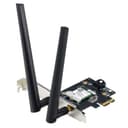
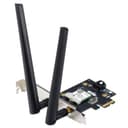
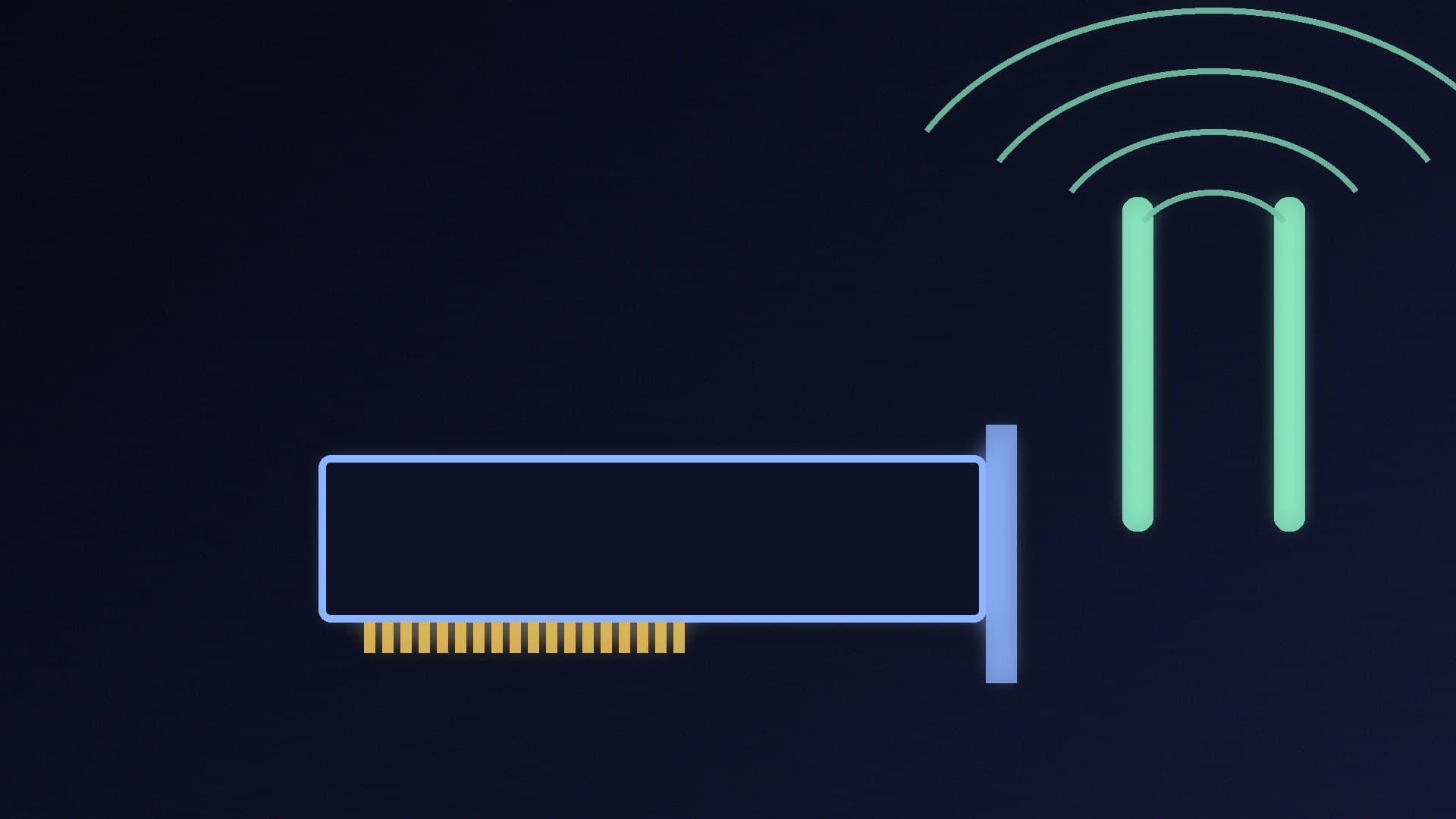
PCIe Wi-Fi card | Larger external antennas, usually adds Bluetooth | Needs a free PCIe slot and a few minutes inside the case | Most desktop PCs |
M.2 Wi-Fi module | Neat, uses the motherboard's own antenna connectors | Only works if your board has an M.2 Key E slot and antenna mounts | Boards with a prepared Wi-Fi slot |
Wi-Fi 6, 6E or 7?
Wi-Fi 6 uses the 2.4GHz and 5GHz bands and is the cheapest option.
Wi-Fi 6E adds the 6GHz band, which is often less congested.
Wi-Fi 7 adds wider 320MHz channels on 6GHz and Multi-Link Operation (MLO), which lets the adapter use more than one band at once.
You only get the benefits of 6E or 7 if your router supports them too. Microsoft says Wi-Fi 7 on a PC needs Windows 11 version 24H2 or later, a Wi-Fi 7 router and a Wi-Fi 7 adapter. Our Wi-Fi 7 vs Wi-Fi 6E comparison and best Wi-Fi 7 router guide go deeper.
Two example PCIe cards
To show what to look for, here are two current TP-Link cards and their official specifications:
TP-Link Archer TBE550E (Wi-Fi 7). A BE9300 tri-band card rated at up to 5,760Mbps on 6GHz, 2,880Mbps on 5GHz and 688Mbps on 2.4GHz, and up to 6,452Mbps with MLO. It adds Bluetooth 5.4 and comes with a magnetic antenna base on a 1m cable, so you can place the antennas on your desk rather than behind the PC. TP-Link lists Windows 11 (64-bit) as the only supported operating system, and includes a low-profile bracket for smaller cases.
TP-Link Archer TX55E (Wi-Fi 6). An AX3000 card rated at up to 2,402Mbps on 5GHz and 574Mbps on 2.4GHz. TP-Link says it uses an Intel Wi-Fi 6 chipset, adds Bluetooth 5.2 and supports 64-bit Windows 11 and 10. It is the cheaper choice if your router does not support 6GHz.
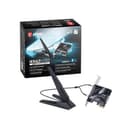
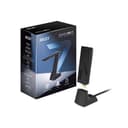
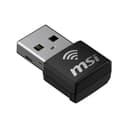
Other options in our database include the ASUS PCE-BE6500 and MSI Herald BE9400 Wi-Fi 7 PCIe cards, the ASUS PCE-AXE5400 for Wi-Fi 6E, and USB adapters such as the ASUS ROG USB-BE92, MSI BE6500 USB and MSI AX1800 Nano.
How to fit a PCIe Wi-Fi card
Check you have a free slot. Wi-Fi cards normally use a short PCIe x1 slot, but they also fit in longer x4 or x16 slots. Check your motherboard manual for which slots are active, and make sure your graphics card does not block the one you want.
Shut down and unplug the PC. Switch off the power supply, then press the power button to drain any remaining charge. Touch a bare metal part of the case before handling components.
Remove the side panel and the slot cover next to the slot you will use.
Push the card firmly into the slot until it is fully seated, then screw its bracket to the case.
Connect the Bluetooth cable. Most PCIe Wi-Fi cards with Bluetooth come with a cable that connects to an internal USB 2.0 header on the motherboard (TP-Link's TX55E specifications list this as "F_USB 2.0"). Without it, Wi-Fi works but Bluetooth does not. Check the motherboard manual for the header's location.
Attach the antennas, refit the side panel and power on.
Install the driver. Windows may install one automatically, but the manufacturer's driver is usually more up to date. TP-Link ships some cards with a USB drive of drivers, which helps when the PC has no other internet connection.
Fitting an M.2 Wi-Fi module
Some motherboards have an M.2 "Key E" slot intended for Wi-Fi, often with antenna connectors pre-fitted on the rear I/O panel. Modules built on Intel chipsets are common and cheap, but compatibility can vary: in March 2024, Tom's Hardware reported that it was uncertain whether Intel's BE200 and BE202 Wi-Fi 7 modules would work on AMD systems. Check your motherboard's documentation and the module's support notes before buying one.
Check Windows is using the right Wi-Fi standard
Microsoft gives a simple way to confirm what your adapter supports:
Right-click Start and open Terminal (or Command Prompt).
Type netsh wlan show drivers and press Enter.
Look for the Radio types supported line. 802.11be means Wi-Fi 7 and 802.11ax means Wi-Fi 6 or 6E.
Once connected, Microsoft says you can check whether Multi-Link Operation is working in Settings > Network & internet > Wi-Fi, under your network's properties: if Network band (channel) shows more than one band, such as 5GHz and 6GHz, MLO is in use.
If you see 802.11be but are not getting Wi-Fi 7 connections, check that you are on Windows 11 24H2 or later and that your router has Wi-Fi 7 and its 6GHz network enabled.
Tips for a better signal
Keep the antennas above the desk, not behind a metal case on the floor. A magnetic antenna base on a cable makes this easy.
Update the adapter driver and your router's firmware.
If your router is far away, a mesh system or wired access point near the PC may help more than a faster adapter.
Our verdict
The easiest way to add Wi-Fi and Bluetooth to a desktop PC is a PCIe card such as TP-Link's Archer TBE550E (Wi-Fi 7) or Archer TX55E (Wi-Fi 6): fit it in a spare PCIe slot, connect its Bluetooth cable to a USB 2.0 header and install the driver. Choose a USB adapter if you cannot open the case. Only pay for Wi-Fi 7 if your router supports it and you run Windows 11 24H2 or later, and use netsh wlan show drivers to confirm which standard your adapter supports. Forge PC has not tested these adapters; this guide uses manufacturer specifications and Microsoft's documentation.