This comparison is based on NVIDIA's official product pages for the two cards, read on 26 November 2026. Any performance figures below are NVIDIA's own peak ratings, not our measurements.
NVIDIA sells its RTX PRO 6000 Blackwell desktop card in two versions: the Workstation Edition and the Max-Q Workstation Edition. Both give you 96GB of graphics memory, which is why they turn up in so many conversations about running very large language models on one PC. If you're weighing one against a GeForce card, see our RTX PRO 6000 vs RTX 5090 for local AI comparison. This piece looks at the choice between the two RTX PRO 6000 versions themselves.
Specs at a glance
| RTX PRO 6000 Workstation Edition | RTX PRO 6000 Max-Q Workstation Edition |
|---|
Architecture | NVIDIA Blackwell | NVIDIA Blackwell |
GPU memory | 96GB GDDR7 with ECC | 96GB GDDR7 with ECC |
Memory bandwidth | 1,792GB/s | 1,792GB/s |
AI TOPS (NVIDIA rating) | 4,000 | 3,511 |
RT Core performance (NVIDIA rating) | 380 TFLOPS | 333 TFLOPS |
Single-precision (NVIDIA rating) | 125 TFLOPS | 110 TFLOPS |
Max power consumption | 600W | 300W |
Size | 5.4in high x 12.0in long, dual slot | 4.4in high x 10.5in long, dual slot |
Cooling | Double flow-through | Active |
Display outputs | 4x DisplayPort 2.1 | 4x DisplayPort 2.1 |
Video engines | 4x 9th-gen NVENC, 4x 6th-gen NVDEC | 4x 9th-gen NVENC, 4x 6th-gen NVDEC |
Source: NVIDIA's RTX PRO 6000 Blackwell Workstation Edition and Max-Q Workstation Edition product pages. NVIDIA says its TOPS and TFLOPS figures are peak rates based on the GPU boost clock, and the AI TOPS figure is theoretical FP4 with sparsity.
What's the same
The headline number for local AI is identical. Both cards have 96GB of GDDR7 with error-correcting code (ECC) and the same 1,792GB/s of memory bandwidth, according to NVIDIA. How big a model you can fit on one card depends mainly on memory, so on paper both can hold the same models and context lengths. Our guide to context length and VRAM explains how those two things trade off.
Memory bandwidth also affects how quickly a model can generate text once it's loaded, which we cover in memory bandwidth and local LLM speed explained. With bandwidth matched, the gap between these two cards on paper comes from compute and power rather than memory.
What's different
Power. NVIDIA rates the Workstation Edition at up to 600W and the Max-Q at up to 300W. That's the biggest practical difference on paper: the Max-Q's rating is half the Workstation Edition's, which matters when sizing your power supply and cooling. Our guide to choosing a PSU for a local AI PC covers sizing.
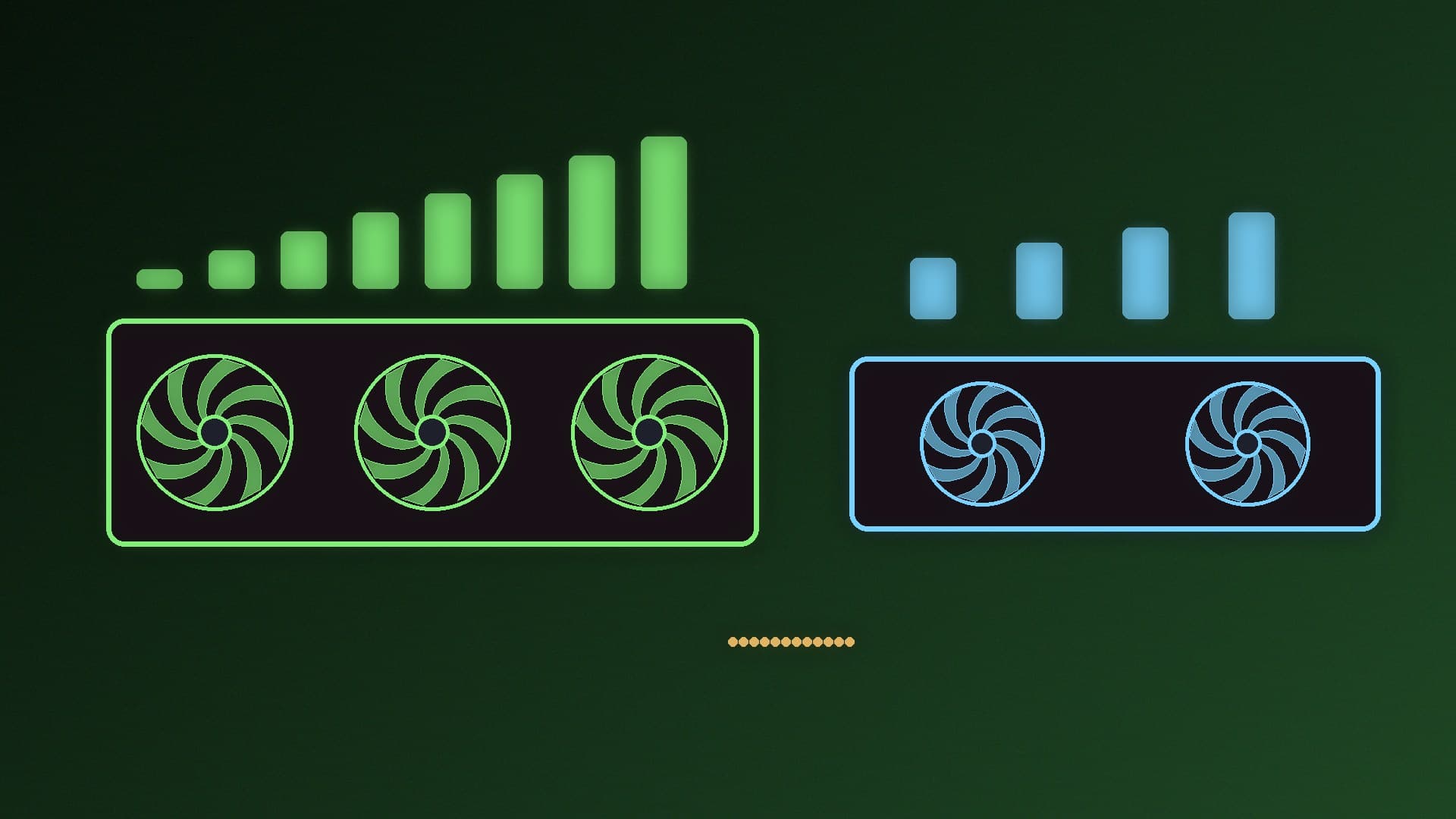
Compute ratings. NVIDIA's peak figures for the Max-Q are lower: 3,511 AI TOPS against 4,000, 333 against 380 TFLOPS for RT cores and 110 against 125 TFLOPS single-precision. On those numbers, the Max-Q's ratings are roughly 12% lower across the board. Those are theoretical peaks, though, not measured results in AI apps, and we haven't seen independent tests to quote here.
Cooling and size. The Workstation Edition uses a double flow-through cooler and is 12.0in long. The Max-Q uses what NVIDIA lists as active cooling and is shorter at 10.5in, and lower in height. Our blower vs open-air GPU for local AI piece explains why cooler design matters when you stack cards close together.
Multi-GPU. NVIDIA's Max-Q page says the card is designed to scale from one to four GPUs in a single system, for up to 384GB of combined memory across four cards. NVIDIA doesn't make the same four-card claim on the Workstation Edition page. If you're planning more than one card, our guide to running a local LLM on two GPUs covers how the software splits a model.
Which should you choose?
If you want one card in a well-ventilated tower with a big power supply, the Workstation Edition has the higher NVIDIA ratings. If you want a lower power rating, a shorter card, or several cards in one workstation, the Max-Q has the same 96GB of memory and bandwidth at half the rated power, and it's the version NVIDIA describes as scaling to four GPUs.
You can also lower a card's power limit yourself. Our guide to setting a GPU power limit with nvidia-smi shows how, but check the range your card allows first.
The Workstation Edition is in the Forge PC specs database as the NVIDIA RTX PRO 6000 Blackwell Workstation Edition 96GB. For other high-memory options, see our best 32GB graphics cards for local AI.
Our verdict
Both RTX PRO 6000 Blackwell cards have 96GB of ECC GDDR7 and 1,792GB/s of bandwidth, so they can hold the same AI models. The Workstation Edition has NVIDIA's higher peak ratings but is rated at 600W; the Max-Q is rated at 300W, is shorter, and is the version NVIDIA designs for up to four cards in one system. Choose the Workstation Edition for one card with plenty of power and cooling, and the Max-Q for lower power or multi-GPU builds.