It's based on official guidance from Corsair and Seasonic, read on 26 November 2026. Your power supply's manual and your graphics card maker's instructions are the final word for your exact hardware.
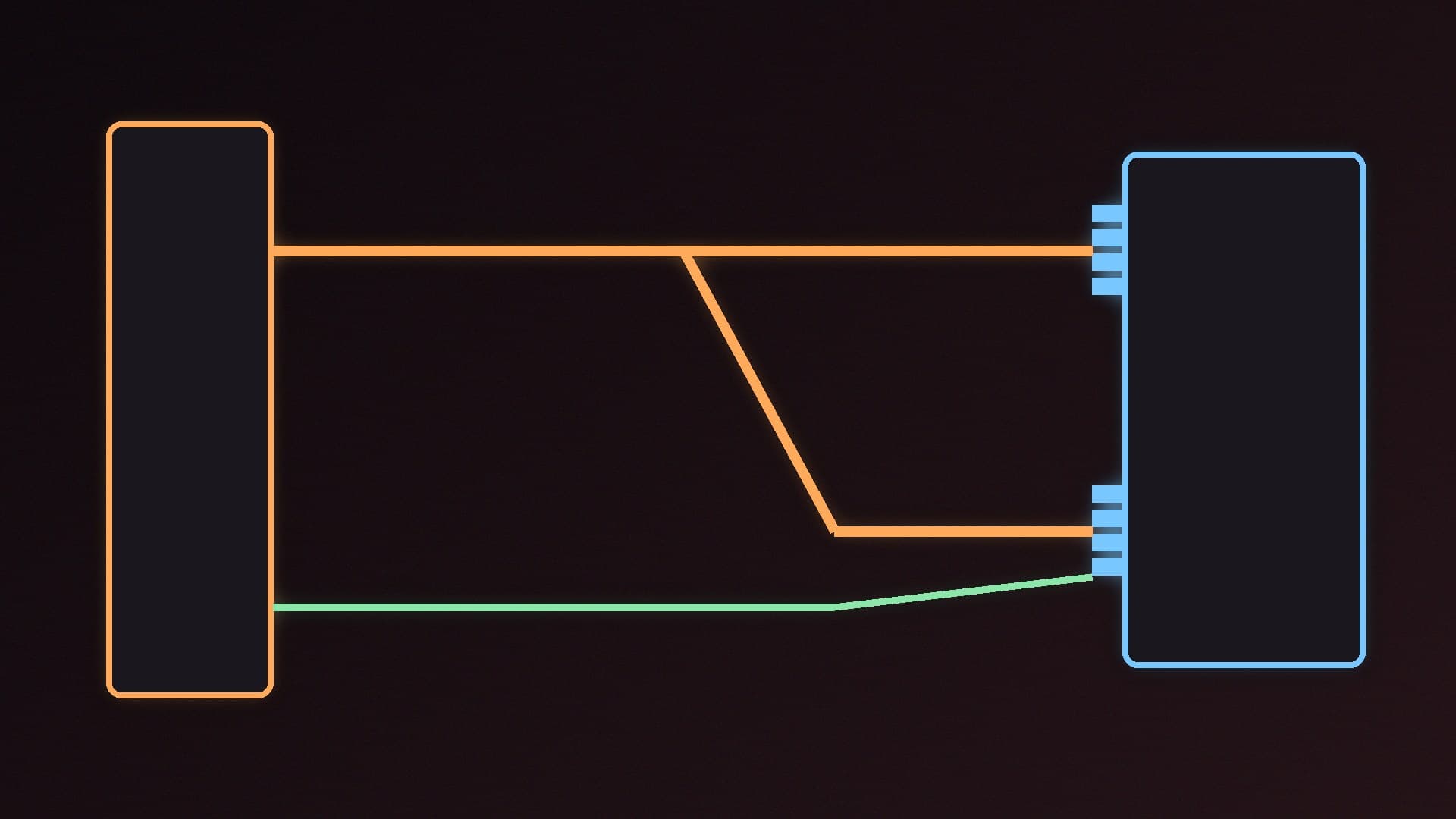
Some power supplies come with PCIe cables that end in two 8-pin (6+2-pin) plugs on a single run of cable. These are often called pigtail or daisy-chain cables. If your graphics card has two 8-pin power sockets, you can plug both ends of one pigtail cable into it, or run two separate cables from the power supply. The answer depends partly on which brand of power supply you have.
Quick answer
Separate cables are the cautious choice if your power supply has enough PCIe cables. Seasonic recommends them for any card above 225W.
Corsair says its pigtail cables are safe for typical two-connector cards, but doesn't recommend one pigtail cable for two-connector cards that can draw more than 288W.
Use only the cables that came with your power supply. Both Corsair and Seasonic say so.
Check your graphics card's power rating in its specifications before you decide.
Pigtail vs separate cables at a glance
| One pigtail cable | Two separate cables |
|---|
What it is | One cable from the PSU that splits into two 8-pin GPU plugs | Two cables from the PSU, one per GPU socket |
Corsair's view | Safe for two-connector cards; not recommended if a two-connector card can draw over 288W | Fine; Corsair suggests it for risk-averse users of other brands' PSUs |
Seasonic's view | Not recommended for cards above 225W | Highly recommended for cards above 225W |
Cable management | Fewer cables to route | More cables to route |
PSU ports used | One | Two |
Why the connectors matter
Corsair explains that there are two different 8-pin connectors in play. The one that plugs into the graphics card is the PCIe 6+2-pin connector, which the PCI-SIG specification rates at 150W (a 6-pin is rated at 75W). The one that plugs into a Corsair modular power supply is Corsair's own Type 4/5 8-pin connector, which Corsair says can supply over 300W. Its support article puts the maximum current rating of a single 8-pin cable at up to, and sometimes more than, 24A, or 288W at 12V.
So a well-made pigtail cable can, according to Corsair, carry more than the 300W that two 150W GPU connectors are rated for. That's why Corsair says its pigtail cables are safe and exist mainly to make cable management easier.
What Corsair says
Corsair's guidance comes in two parts. Its explainer says a graphics card with two 8-pin connectors has an approximate power requirement of 151 to 300W, and that with a Corsair PSU a single pigtail cable is enough. For a card with three 8-pin connectors, Corsair says one pigtail cable plus one individual cable is fine.
Corsair's support article is more cautious. It says it doesn't recommend using a single cable that splits into two 8-pin PCIe plugs on cards with two connectors that consume over 288W, and that damage from exceeding standard power draw may void the PSU warranty. It also tells you to check your graphics card's specifications for its power requirements.
Corsair is clear that it can't speak for other brands. If you're using another maker's power supply and want to be risk-averse, it suggests using two individual 8-pin cables.
What Seasonic says
Seasonic's advice is simpler. Its knowledge base says high-power graphics cards above 225W usually have two or three PCIe power sockets, and that "for performance and safety reasons" Seasonic highly recommends using two or three separate PCIe cables to connect them.
Plugging in properly matters too
Whichever option you choose, Corsair stresses that the cable must be fully seated in the graphics card. You should hear a click when it locks in, and Corsair says poor contact with the pins can cause damage and even melting. Both Corsair and Seasonic say to use only the cables supplied with their power supplies. Our guide on checking modular PSU cable compatibility explains why mixing cables is risky, and our graphics card installation guide covers the whole process.
If your card uses a 12V-2x6 connector rather than 8-pin plugs, this guide doesn't apply; see our guide to connecting a 12V-2x6 cable safely.
Which should you use?
Use two separate cables if your power supply has enough PCIe cables and ports, if it's a Seasonic, if you're not sure of your card's power draw, or if your card is rated above 225W. This follows Seasonic's recommendation and Corsair's advice for anyone who wants to play safe.
A single pigtail cable is acceptable on a Corsair power supply with a two-connector card that doesn't draw more than 288W, according to Corsair. For other brands, check the PSU manual.
If you're not sure your power supply is big enough for your card in the first place, read our guide on how to calculate PSU wattage.
Our verdict
Pigtail PCIe cables aren't automatically unsafe, but Corsair and Seasonic set different limits. Corsair says its pigtail cables are safe for typical two-connector cards and doesn't recommend one on two-connector cards that can draw over 288W, while Seasonic highly recommends separate cables for any card above 225W. If your power supply has enough PCIe cables, use one cable per GPU socket. Use only the cables that came with your power supply, and make sure every plug clicks fully into place.