Everything here comes from Intel's official chipset and processor specification pages and its compatibility support article, all read on 26 November 2026. Individual motherboards vary, so always check the spec page for the exact board you're considering.
Z890 and Z790 are both Intel's top consumer desktop chipsets, and on paper they're closer than you might expect. They have the same number of USB ports, the same SATA support and the same overclocking options. The real difference is the processor family each one supports, and that decides which one you should buy.
Quick answer
Z890 is for Intel Core Ultra (Series 2) desktop processors, such as the Core Ultra 7 265K, which use the LGA1851 socket.
Z790 is for 12th, 13th and 14th Gen Intel Core desktop processors, such as the Core i7-14700K, which use the LGA1700 socket.
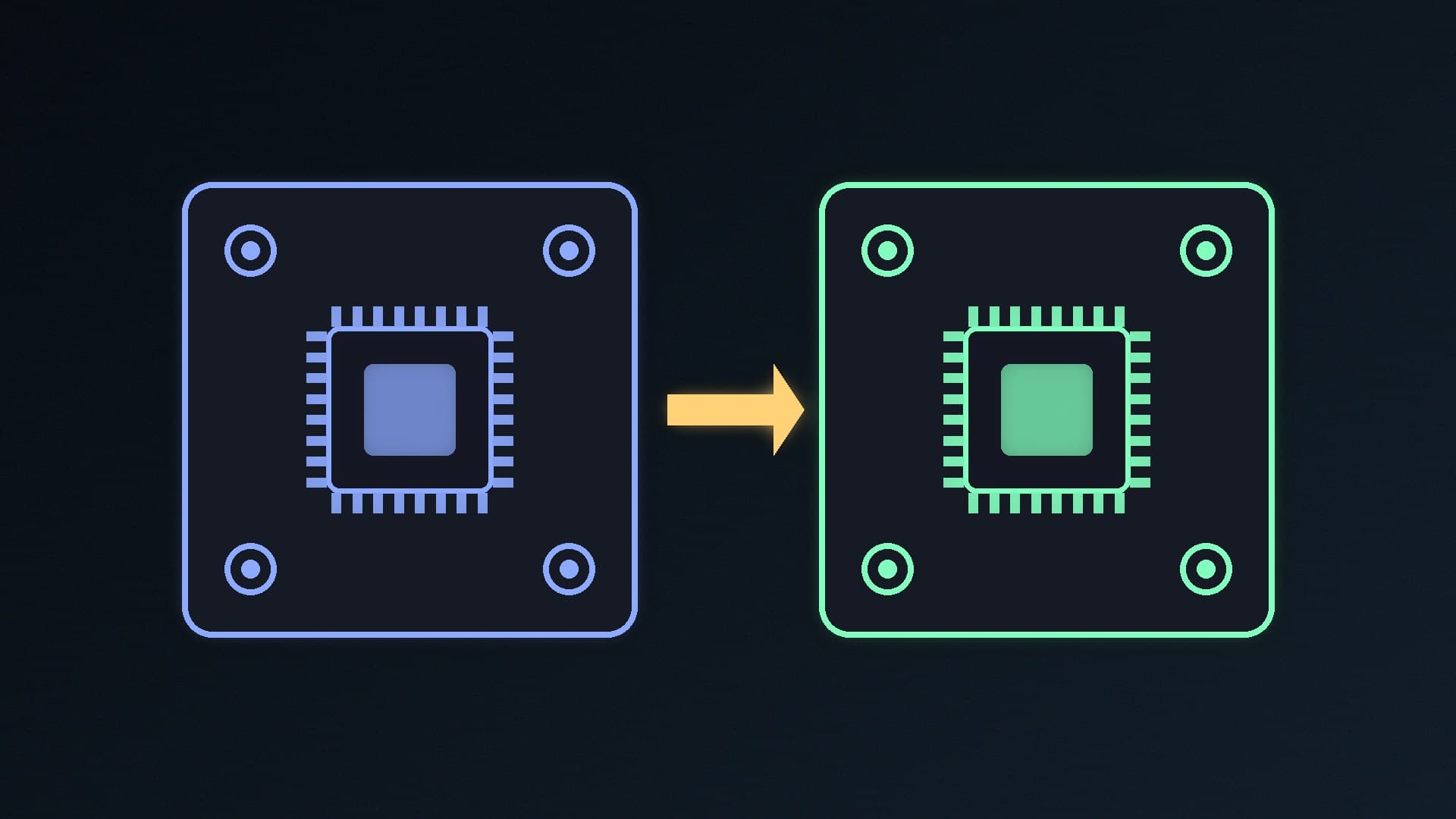
The two aren't interchangeable. Intel says 12th to 14th Gen processors aren't compatible with 800 Series boards.
Choose by processor first, then the board.
Specs compared
Specification (Intel ARK) | Z890 | Z790 |
|---|
Chipset family | Intel 800 Series Desktop Chipsets | Intel 700 Series Desktop Chipsets |
Code name | Arrow Lake | Raptor Lake |
Launch date | Q4 2024 | Q4 2022 |
Chipset base power | 6W | 6W |
DMI | 4.0, up to 8 lanes | 4.0, up to 8 lanes |
Chipset PCIe revision | 4.0 | 3.0 and 4.0 |
Max chipset PCIe lanes | 24 | 28 |
USB | 14 ports: up to 10 USB 3.2 (up to 5 at 20Gb/s), 14 USB 2.0 | 14 ports: up to 10 USB 3.2 (up to 5 at 20Gb/s), 14 USB 2.0 |
SATA 6Gb/s | Up to 8 | Up to 8 |
RAID | PCIe 0/1/5/10, SATA 0/1/5/10 | PCIe 0/1/5, SATA 0/1/5/10 |
Overclocking | IA (CPU), BCLK, memory | IA (CPU), BCLK, memory |
Processor PCIe port configurations | PCIe 5.0: 1x16+1x4, 2x8+1x4 or 1x8+3x4; PCIe 4.0: 1x4 | PCIe 5.0: 1x16 or 2x8; PCIe 4.0: 1x4 |
Integrated wireless (per ARK) | Intel Wi-Fi 6E AX211 | Intel Wi-Fi 6E AX211 |
Intel ME firmware version | 19 | 16 |
The big difference: which processors they take
Intel's compatibility article is clear. 12th Gen, 13th Gen and 14th Gen Core desktop processors use the LGA1700 socket and need a 600 Series or 700 Series motherboard. They aren't compatible with 800 Series boards. So a Z790 board is the top chipset choice for a Core i7-14700K, and a Z890 board is the top choice for Core Ultra (Series 2) chips. Intel's spec page for the Core Ultra 7 265K lists FCLGA1851 as its socket, and the 14700K's page lists FCLGA1700.
Intel also notes that 600 and 700 Series boards may need the latest BIOS from the board maker when you move between 12th, 13th and 14th Gen processors, so check that before you install a newer chip in an older Z790 board.
Memory: DDR5 only on Z890, DDR4 or DDR5 on Z790
Memory support comes from the processor rather than the chipset. Intel lists the Core Ultra 7 265K with support for up to DDR5-6400 and no DDR4 support. The Core i7-14700K supports up to DDR5-5600 or DDR4-3200, and Intel's compatibility article says 13th and 14th Gen chips support both memory types. That means a Z790 board can take DDR4 or DDR5 depending on the model, so check which type the board you're buying uses. If you already have a DDR4 kit you want to reuse, that's a point in Z790's favour.
PCIe and storage
The chipset itself has 24 PCIe 4.0 lanes on Z890 and up to 28 lanes on Z790, which on Z790 can be PCIe 3.0 or 4.0. Those lanes feed extra M.2 slots, network chips and expansion slots. More important is how Z890 lets board makers split the processor's PCIe 5.0 lanes. Intel lists 1x16+1x4, 2x8+1x4 or 1x8+3x4 for Z890, compared with 1x16 or 2x8 on Z790. The extra PCIe 5.0 x4 link on Z890 lets boards offer a PCIe 5.0 M.2 slot alongside a full x16 graphics slot; ASUS's Prime Z890-P, for example, lists a PCIe 5.0 x16 slot and a PCIe 5.0 x4 M.2 slot, both from the processor. Because Intel lists only 1x16 or 2x8 for PCIe 5.0 on Z790, a PCIe 5.0 M.2 slot on a Z790 board has to share the processor's x16 lanes, so check the board manual for lane-sharing notes.
Intel also lists PCIe RAID 10 support for Z890, which Z790's ARK entry doesn't include.
What's the same
Both chipsets have the same chipset power (6W), an 8-lane DMI 4.0 link to the processor, 14 USB ports with up to five 20Gb/s USB 3.2 Gen 2x2 ports, up to eight SATA ports, and CPU, BCLK and memory overclocking. Both support two DIMMs per channel and four displays. These are chipset maximums; the ports on any board depend on what its maker has fitted, so compare actual boards.
Which should you buy?
Choose Z890 if you're building a new PC around a Core Ultra (Series 2) processor and want overclocking support, the most flexible PCIe 5.0 lane options and a platform that uses DDR5. If you're unsure between Intel's 800 Series chipsets, our B860 vs Z890 comparison covers the cheaper option, and our best LGA 1851 motherboards guide has specific board picks. The Intel Core Ultra 7 265K is in our specs database.
Choose Z790 if you're buying or already own a 12th, 13th or 14th Gen Core processor such as the Core i7-14700K, or want to reuse DDR4 memory. If you're thinking of moving from LGA1700 to LGA1851 instead, read our LGA1700 to LGA1851 upgrade guide first.
Our verdict
Z890 and Z790 have almost the same headline specs: the same USB, SATA, DMI and overclocking support. What separates them is the processor each one takes. Z890 is for Core Ultra (Series 2) processors on LGA1851 and adds more flexible PCIe 5.0 lane options from the processor. Z790 is for 12th to 14th Gen Core processors on LGA1700 and can be used with DDR4 or DDR5 memory, depending on the board. Pick the processor first, then buy the matching Z-series board.