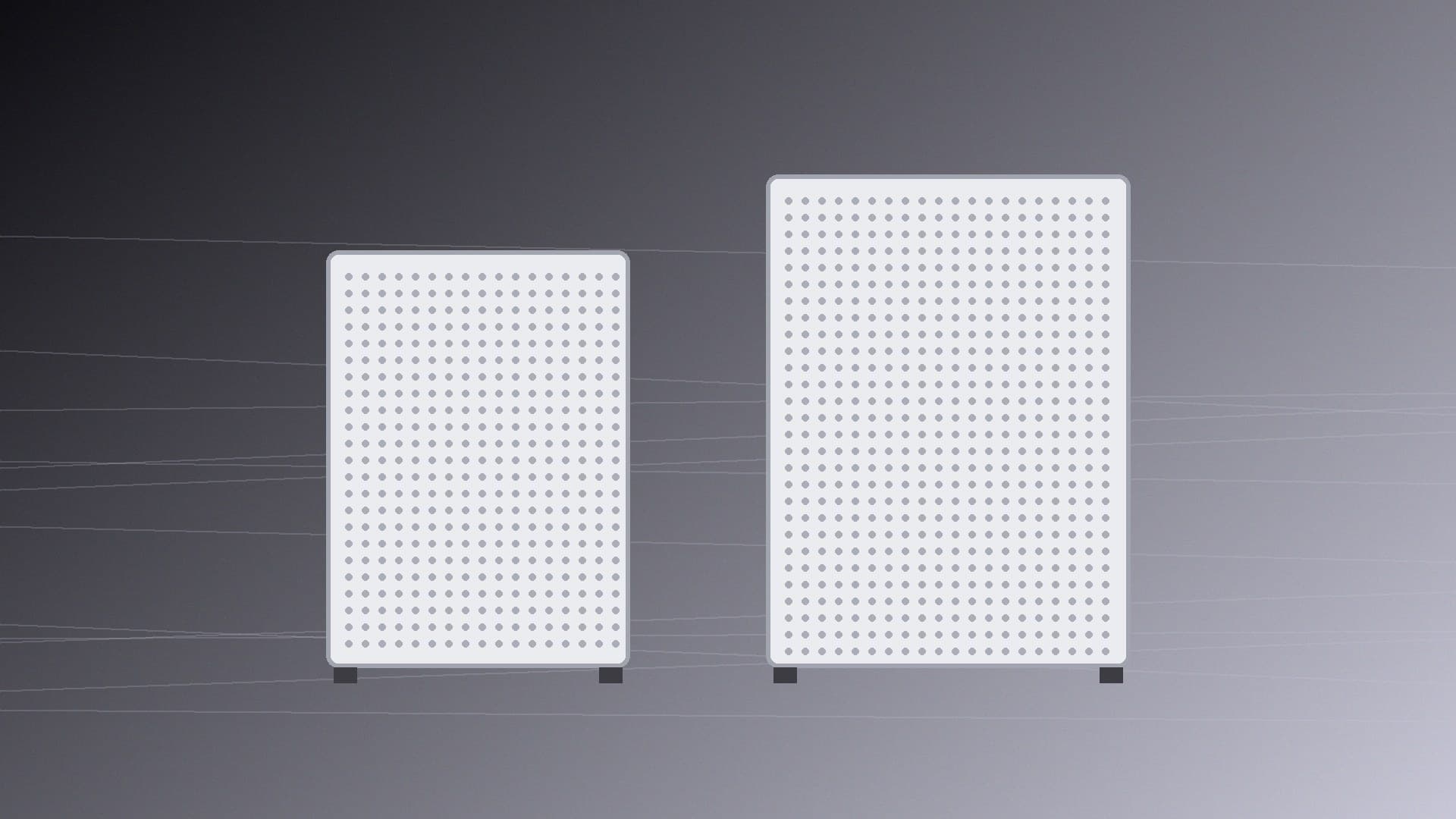
NZXT's H3 Flow and H5 Flow look like the same case at two sizes, and NZXT itself describes the H3 Flow as a smaller version of the H5 Flow. The differences go further than the footprint, though: motherboard support, radiator sizes, expansion slots, included fans and back-connect board support all change. This comparison uses NZXT's official specifications to help you choose.
Specifications compared
| H3 Flow | H5 Flow |
|---|
Case type | Micro-ATX case | Mid-tower |
Motherboard support | Micro-ATX, Mini-ITX | E-ATX (up to 277mm), ATX, Micro-ATX, Mini-ITX |
Back-connect motherboards | Yes (Micro-ATX) | No |
Dimensions (H x W x D) | 400 x 225 x 389mm | 465 x 225 x 430mm |
Volume | 35.0L | 45.0L |
Weight (spec table) | 5.017kg | 7.28kg |
GPU length | Up to 377mm (352mm with front fans, 317mm with front radiator and fans) | Up to 410mm |
CPU cooler height | 170mm | Up to 170mm |
PSU length | Up to 185mm | Up to 200mm |
Cable routing space | Up to 31.5mm | Up to 28.7mm |
Expansion slots | 4 | 7 |
Drive bays | 1+2 x 2.5in, 1 x 3.5in | 2 x 2.5in, 1 x 3.5in |
Front fans | 2 x 120mm / 2 x 140mm | 3 x 120mm / 2 x 140mm (1 included) |
Top fans | 2 x 120mm / 2 x 140mm | 2 x 120mm / 2 x 140mm |
Bottom fans | 2 x 120mm | 2 x 120mm |
Rear fan | 1 x 120mm (included) | 1 x 120mm (included) |
Front radiator | Up to 280mm | Up to 360mm |
Top radiator | Up to 240mm | Up to 240mm (280mm with low-profile memory only) |
Included fans | 1 x F120Q (case version), 3-pin | 2 x F120Q (case version), 3-pin DC |
Front I/O | 1 x USB 3.2 Type-A, 1 x USB 3.2 Gen 2x2 Type-C | 1 x USB 3.2 Type-A, 1 x USB 3.2 Gen 2x2 Type-C (20Gbps), headset jack |
Warranty | 2 years | 2 years |
All figures are from NZXT's product pages. NZXT's H3 Flow page lists 5.017kg in its spec table but 4.8kg in its FAQ, so treat the weight as approximate.
Size and motherboard choice
This is the deciding factor for most people. The H3 Flow takes only Micro-ATX and Mini-ITX boards, while the H5 Flow takes standard ATX and E-ATX boards up to 277mm wide as well. The H3 Flow is 65mm shorter, 41mm shallower and the same 225mm width, which works out at 10 litres less volume on NZXT's figures.
If you already know you want a full ATX board, perhaps for extra M.2 slots or PCIe slots, the H5 Flow is the only choice of the two. If a Micro-ATX board has everything you need, the H3 Flow gives you a noticeably smaller case. Our ATX vs Micro-ATX vs Mini-ITX comparison explains what you give up with a smaller board, and our best Micro-ATX motherboard guide is a good starting point.
Back-connect motherboards
The H3 Flow has a surprising advantage here: NZXT lists support for Micro-ATX back-connect motherboards such as ASUS BTF and MSI Project Zero, which put their power and data connectors on the back of the board. The H5 Flow doesn't support them; NZXT says it lacks the rear cutouts these boards need and points back-connect builders towards its H6 Flow or H9 Flow instead. NZXT also notes that some thicker cables may need tighter bends in the H3 Flow. If you're planning a hidden-cable build, read our back-connect vs standard motherboard comparison first.
Graphics cards, coolers and radiators
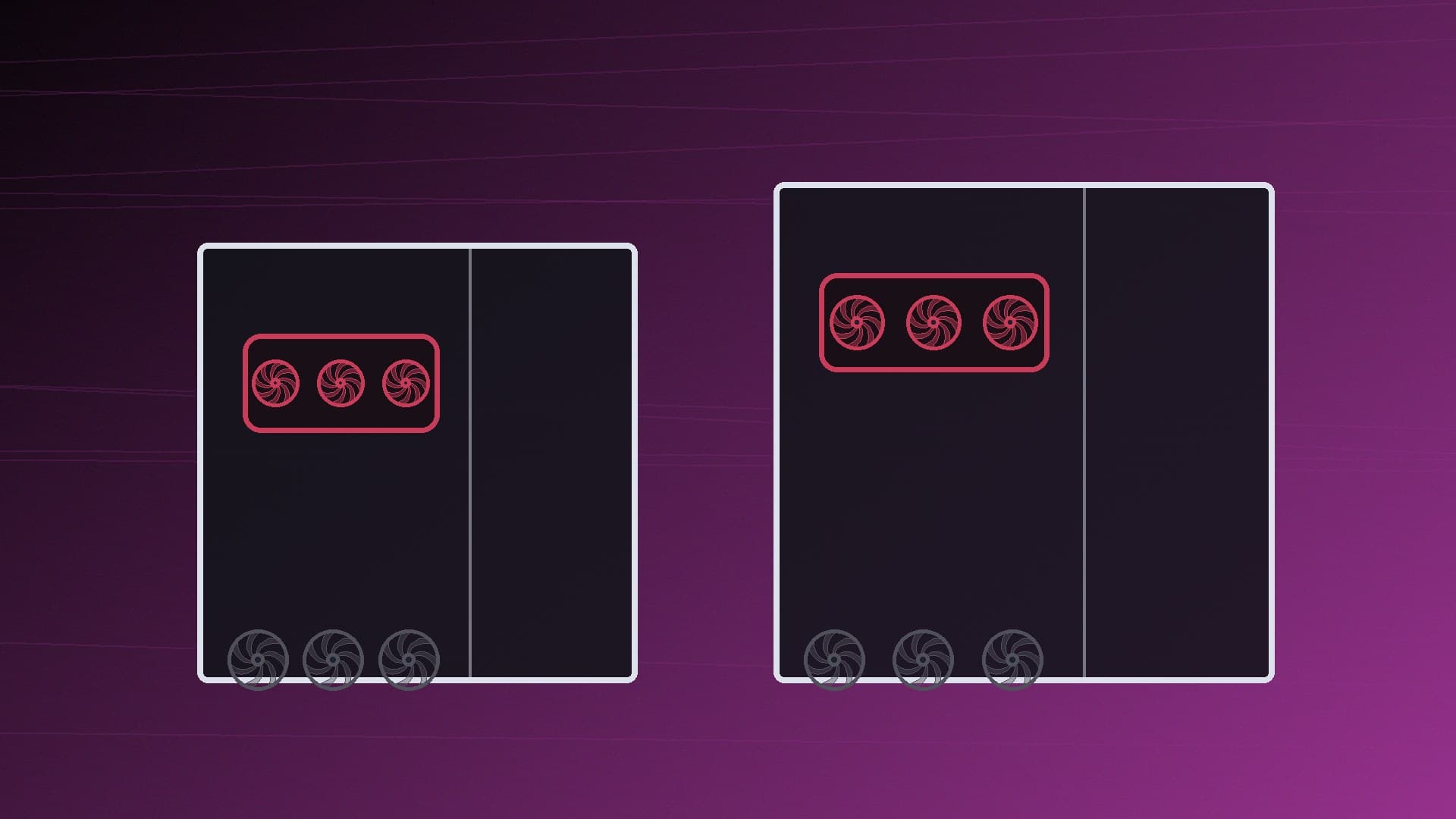
Both cases have the same 170mm air cooler height limit. Graphics card clearance is where the H3 Flow needs more planning. It takes cards up to 377mm, but that falls to 352mm with front fans fitted and 317mm with a front radiator and fans. The H5 Flow lists up to 410mm. Check your card's length with our guide to checking a graphics card fits your case.
For liquid cooling, the H5 Flow supports a 360mm radiator at the front, while the H3 Flow tops out at 280mm there. Both take a 240mm radiator on top, and the H5 Flow can take a 280mm top radiator only with low-profile memory. Our guide to checking an AIO radiator fits your case explains the measurements to compare.
The H3 Flow has only four PCIe slot brackets, and NZXT says vertical GPU mounting isn't supported. That also limits expansion: a thick graphics card plus a capture or network card may be a tight fit.
Airflow and fans
Both cases use fine mesh panels and a ventilated PSU shroud, with room for two 120mm intake fans underneath the graphics card. The H5 Flow ships with two F120Q case fans (front and rear) and has eight fan mounts in total; the H3 Flow ships with one F120Q at the rear and supports up to seven fans. NZXT rates the F120Q case version at 1,350 RPM (plus or minus 150), 60.2 CFM and 24.1 dBA. In practice, you may want to budget for one or two extra intake fans in the H3 Flow. See how to set up case fan airflow for a sensible layout.
On dust, NZXT says only the H3 Flow's top mesh panel is removable for cleaning and that it relies on perforated panels rather than separate dust filters. The H5 Flow lists high-performance mesh filters.
Front I/O
Both have one USB-A port and one 20Gbps-class USB 3.2 Gen 2x2 Type-C port. NZXT lists a headset jack on the H5 Flow but doesn't list one in the H3 Flow's specifications, so check before buying if you plug a headset into the front of your PC. To use the Type-C port at full speed, you'll need a matching motherboard header; see how to check for a front USB-C header.
Which should you buy?
Choose the H3 Flow if you're building around a Micro-ATX board, want a smaller desk footprint, or want to try a back-connect board for a cleaner build. Plan for extra intake fans and check your graphics card's length against the reduced clearances with front fans or a radiator fitted. See the NZXT H3 Flow in our database.
Choose the H5 Flow if you want an ATX board, a 360mm front radiator, a very long graphics card or more expansion slots, or you'd rather have two fans included out of the box. See the NZXT H5 Flow White and H5 Flow RGB.
Prices for both move around during Cyber Monday, so compare current UK prices at retailers such as Scan, Overclockers and Box. If you're also weighing up NZXT's newer models, read our NZXT H5 vs H7 (2026) comparison and our best NZXT PC case guide.