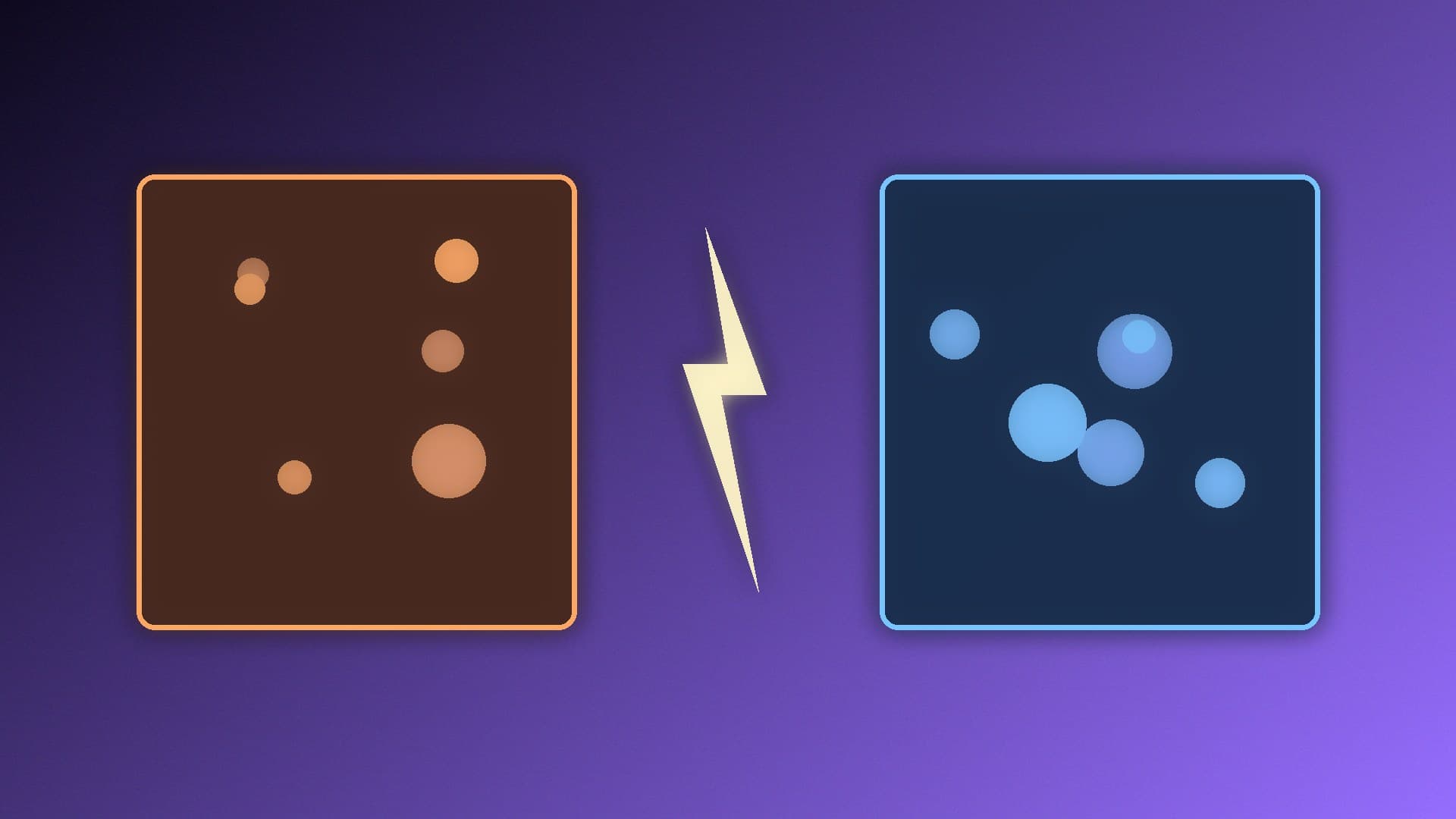
If you want quick, good-looking AI images on your own PC rather than in the cloud, two small open-weight models stand out: Z-Image-Turbo from Alibaba's Tongyi Lab and FLUX.2 [klein] from Black Forest Labs. Both are distilled for few-step generation, both run in ComfyUI and both are released under permissive licences in at least one version. They differ in size, what they can do beyond text-to-image, and how much VRAM their developers say you need. This comparison uses the official model cards and ComfyUI documentation. The timings quoted are ComfyUI's own figures.
The short version
| Z-Image-Turbo | FLUX.2 [klein] 4B |
|---|
Developer | Alibaba Tongyi Lab | Black Forest Labs |
Size | 6B parameters | 4B parameters (a 9B version also exists) |
Steps | 8 | 4 (distilled version) |
Text-to-image | Yes | Yes |
Image editing | No (separate Z-Image-Edit model) | Yes, including multi-reference editing |
VRAM guidance | Fits within 16GB consumer GPUs (Tongyi Lab) | About 13GB (BFL); 8.4GB in ComfyUI's distilled test |
Text encoder in ComfyUI | qwen_3_4b | qwen_3_4b (4B); qwen_3_8b_fp8mixed (9B) |
Licence | Apache 2.0 | Apache 2.0 for 4B; non-commercial for 9B |
Strength claimed by developer | Photorealism, English and Chinese text rendering | Speed, unified generation and editing |
Size and speed
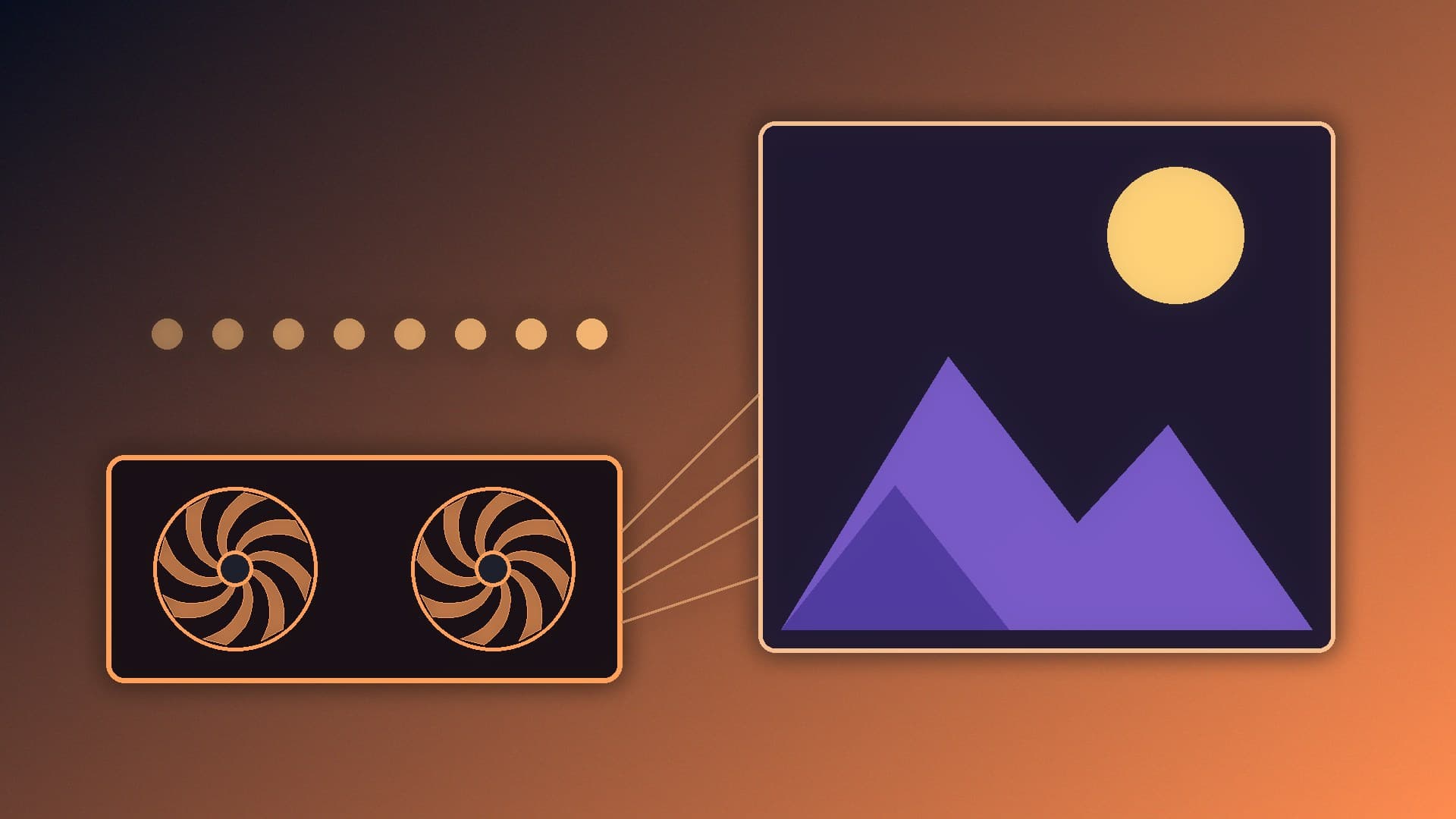
Z-Image-Turbo is a 6-billion-parameter model distilled to produce an image in eight steps (8 NFEs, in Tongyi Lab's terms). FLUX.2 [klein] 4B is smaller at 4 billion parameters, and its distilled version needs just four steps.
Neither developer publishes timings for typical home PCs. Tongyi Lab quotes sub-second inference on enterprise H800 data-centre GPUs. Black Forest Labs says the [klein] family can deliver end-to-end inference "in as low as under a second". The most useful consumer figure comes from ComfyUI's documentation, which lists the distilled FLUX.2 [klein] 4B at about 1.2 seconds per image on an RTX 5090, such as the Nvidia GeForce RTX 5090 Founders Edition, and the undistilled 4B base model at about 17 seconds. ComfyUI doesn't publish a matching figure for Z-Image-Turbo, so there's no like-for-like speed comparison from an official source. On paper, fewer parameters and half the steps should favour [klein], but you'll need to test both on your own card.
VRAM: which fits your graphics card?
Z-Image-Turbo: Tongyi Lab says it "fits comfortably within 16G VRAM consumer devices". The Z-Image GitHub page also points to stable-diffusion.cpp, which it says can run Z-Image on as little as 4GB of VRAM.
FLUX.2 [klein] 4B: Black Forest Labs says it runs on consumer GPUs with about 13GB of VRAM and names the RTX 3090 and RTX 4070 as examples. ComfyUI's own figures are lower, at 8.4GB for the distilled model and 9.2GB for the base model using its fp8 files.
In short, both are aimed at 16GB cards such as the ASUS RTX 5060 Ti 16GB Dual OC, but ComfyUI's 8.4GB and 9.2GB figures for its fp8 [klein] 4B files suggest [klein] is the safer bet if you have 12GB or less. For more on getting either model running on a smaller card, see our guide to running ComfyUI on a low-VRAM GPU.
Editing: the biggest practical difference
FLUX.2 [klein] combines text-to-image and image editing in one model. Black Forest Labs describes multi-reference editing, and ComfyUI lists style changes, semantic edits, replacing or removing objects, multi-reference composition and iterative edits, and ComfyUI provides separate editing workflows for the base and distilled versions.
Z-Image-Turbo is text-to-image only. Tongyi Lab lists a separate Z-Image-Edit model for instruction-based editing, but its model zoo table still marked that model "to be released" when we checked on 28 November 2026. If you want one small model that both creates and edits images, [klein] is the only one of the two that does both today. For a larger dedicated editing model, see our guide to editing images locally with Qwen-Image-Edit.
Image quality and text rendering
We haven't compared outputs ourselves, so here's what each developer claims. Tongyi Lab highlights photorealistic quality, accurate English and Chinese text rendering and strong instruction-following, and cites human-preference rankings on its own Alibaba AI Arena where it says Turbo achieves state-of-the-art results among open-source models. It also admits a trade-off: its model zoo rates Turbo's diversity as "low", which suggests its results vary less from one generation to the next.
Black Forest Labs describes [klein] as delivering "state-of-the-art quality" for its size and says it "punches above its size". Both claims come from the companies themselves, so look at independent comparisons and your own test prompts before deciding.
Licences
Z-Image-Turbo's weights are Apache 2.0, which allows commercial use. FLUX.2 [klein] 4B is also Apache 2.0, but the larger FLUX.2 [klein] 9B models use the FLUX Non-Commercial License, which requires filters or manual review of outputs. Downloading the 9B diffusion models also means visiting Black Forest Labs' repository and accepting its agreement, as ComfyUI's tutorial notes. If you're making images for paid work, stick with Z-Image-Turbo or [klein] 4B.
Setting them up in ComfyUI
Both models load in ComfyUI with three files: a diffusion model, a text encoder and a VAE. The ComfyUI docs list a text encoder with the same file name, qwen_3_4b.safetensors, for both Z-Image-Turbo and [klein] 4B, but each uses its own diffusion model and VAE. Our step-by-step guides cover running Z-Image-Turbo in ComfyUI and running FLUX.2 [klein] locally, and if you're coming from older models, our SDXL vs FLUX.2 [klein] comparison is a useful companion.
Which should you choose?
Choose Z-Image-Turbo if you mainly generate images from text, want photorealism and reliable text in images, and have a 16GB card.
Choose FLUX.2 [klein] 4B if you want one model for creating and editing images, have less VRAM, or want the four-step distilled model that ComfyUI clocks at about 1.2 seconds per image on an RTX 5090.
Try both if you can. They're free, so the best test is your own prompts on your own graphics card.