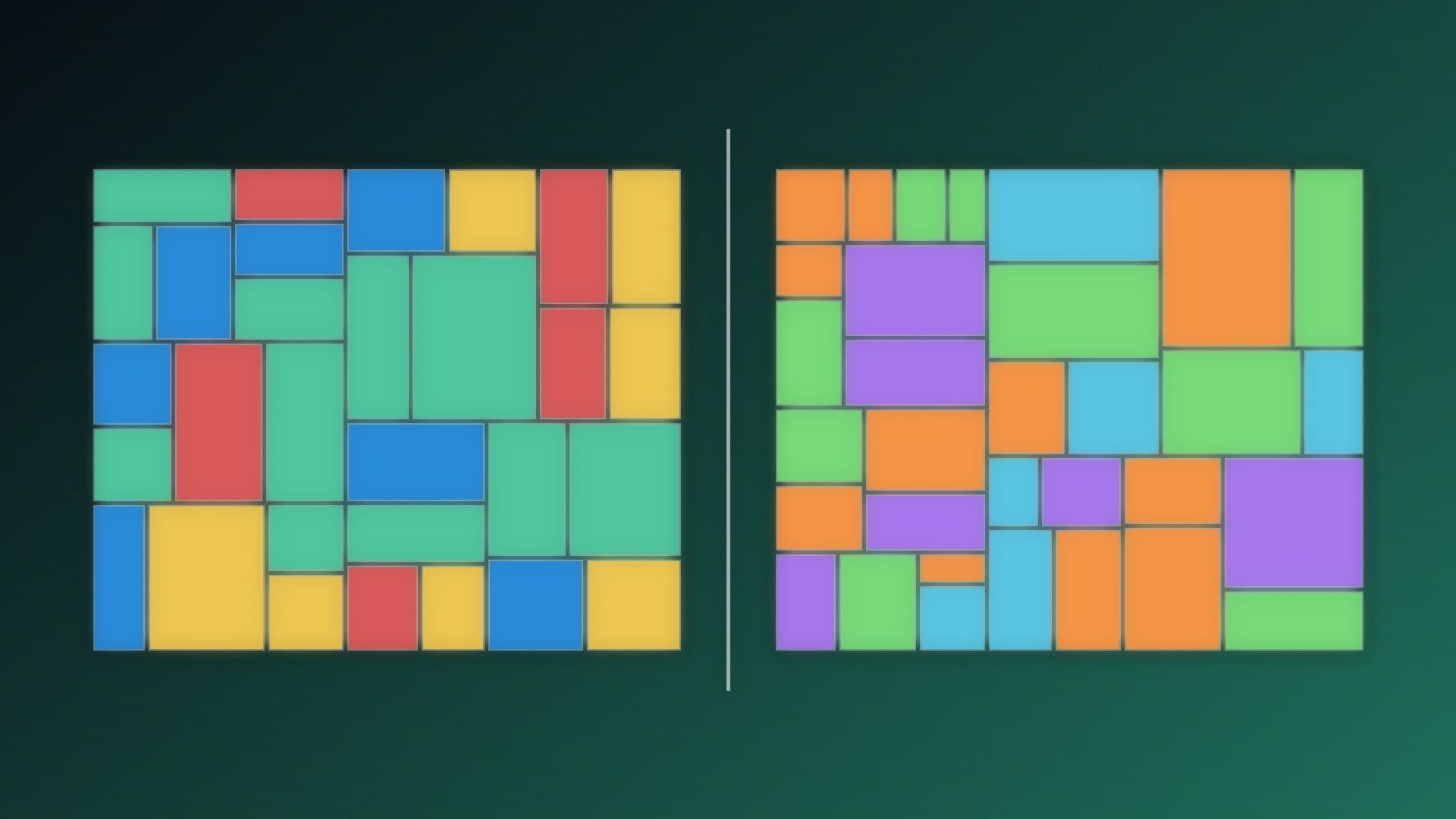
When an SSD suddenly fills up, Windows' own storage settings will tell you roughly which categories are to blame, but a disk space analyser shows you exactly which folders and files are taking the room. WizTree and WinDirStat are two of the best-known free options, and both changed significantly this autumn: WizTree reached version 4.34 on Windows on 17 November 2026, alongside version 1.01 of its official macOS and Linux versions, while WinDirStat's 2.x series keeps adding features, with a 2.10 beta published on 22 November 2026. Here's how they compare. This comparison is based on each developer's official website, documentation and changelog.
At a glance
| WizTree | WinDirStat |
|---|
Developer | Antibody Software | Open-source project on GitHub |
Licence | Free for personal use; paid Supporter Code for commercial use | Free, open source (GPL v3 or later) |
Platforms | Windows; WizTreeMac and WizTreeNix (Linux) | Windows only |
Fast NTFS scanning | Reads the Master File Table directly (needs admin rights) | Accelerated local NTFS scans when elevated |
Latest version (as of 28 Nov 2026) | 4.34 for Windows; 1.01 for Mac and Linux | 2.9.3 stable; 2.10.0 beta |
Best for | Finding space hogs as quickly as possible | Deeper analysis, duplicates and clean-up tools |
Scanning speed
Speed is WizTree's headline feature. Antibody Software says that on NTFS drives WizTree reads the drive's Master File Table (MFT) directly, which is how it can scan so quickly, and that it falls back to normal Windows scanning for non-NTFS drives or when it doesn't have administrator rights. Its FAQ is explicit that high-speed NTFS scanning only works with admin rights.
Antibody Software publishes its own comparison claiming WizTree was 46x faster than WinDirStat on a hard drive and 22x faster on an SSD. Treat those figures with care: they're the developer's own tests, and the page says they compared WizTree 3.40 with WinDirStat 1.1.2, a much older version than today's 2.x releases.
WinDirStat has narrowed the gap in principle. Its website says you can "Elevate for accelerated local NTFS scans", its 2.9.3 changelog lists improved NTFS direct volume scanning performance, and the 2.10 beta notes list improved NTFS scan, search, duplicate hashing and export performance, plus more scan threads on systems with over 16 logical processors. We haven't found an independent, up-to-date head-to-head speed test, so we wouldn't treat either as definitively faster on current versions; on a typical home NVMe SSD, both should be practical.
Features
WizTree is focused. Its site describes a visual treemap and lists of the largest files and folders, and its guides cover CSV export, copying data to the clipboard, command-line CSV export and an MFT dump. Antibody Software also says WizTree handles hard-linked files correctly so they aren't counted more than once, and its FAQ explains the difference between a file's Size and its Allocated space on disk, which matters when you're working out what deleting something will actually free up. Version 4.34 added faster MFT scanning, much faster duplicate file detection (by name, size and date) on the File View tab, a "Rescan selected folder" option, an entry on the new Windows 11 File Explorer context menu, and fewer scanning threads on spinning hard drives, where too many threads slow things down.
WinDirStat has become a much broader toolkit than the version many people remember. Its official site and GitHub README list:
treemaps, sunbursts and flame graphs, plus largest-file and file-type views, with logical vs physical size;
scanning of drives, folders, network shares and MTP devices, and (from GitHub) S3-compatible storage, Azure Blob Storage and WebDAV;
search by name, size, type or owner, and duplicate detection using content hashes;
permission inspection and storage cost estimates;
saving and reopening scans, CSV/JSON export and command-line automation;
clean-up tools and deleted-file recovery on local NTFS, exFAT and FAT drives.
The 2.10 beta adds native WSL 2 scanning and virtual disk inspection, confidence ratings for deleted-file recovery and lower memory use in the scan tree and Largest Files view. Because it's a beta, most people should stick with 2.9.3 until 2.10 is released as stable.
If you mainly want to find a forgotten 50GB game folder or old video exports, WizTree's simpler interface gets you there with less to learn. Both can flag duplicates, but in different ways: WizTree matches files by name, size and date, while WinDirStat compares content hashes, which needs extra file reads (as WinDirStat's own documentation notes) but can match identical files even when their names differ. And if you want to recover something you deleted by mistake, WinDirStat has recovery tools WizTree doesn't list.
WinDirStat is Windows-only, but it's available for x64, ARM64 and 32-bit Windows, as a portable archive and through package managers: the project recommends winget install -e --id WinDirStat.WinDirStat (our guide to installing apps with WinGet explains how) or Scoop.
WizTree's download page lists support for Windows from XP to 11, including Windows on Arm through Prism emulation, and offers a portable version. The bigger change is that it's no longer Windows-only. Antibody Software says WizTreeMac and WizTreeNix are official ports based on the functionality of Windows WizTree 4.34, with almost all of its features. Some things differ: the Linux version comes as a single AppImage for x86_64 and Arm64, and the Mac and Linux versions can't yet scan MTP devices. If you dual-boot, that consistency is a real plus.
Price and licensing
This is the clearest difference. WinDirStat is free, open-source software under the GPL v3 or later, for any use. WizTree is free for personal use, but Antibody Software asks businesses to buy a Supporter Code, and its FAQ says a code covers versions released within one year of purchase. Supporter Codes work across the Windows, Mac and Linux versions. For a home gaming PC, both cost nothing.
Which should you choose?
Choose WizTree if you want the quickest route to "what's eating my drive?", use Macs or Linux as well as Windows, or prefer a simpler interface.
Choose WinDirStat if you want a fully open-source tool, or you'll use its hash-based duplicate finder, permission views, cloud storage scanning or recovery tools.
Whichever you pick, run it elevated so it can use fast NTFS scanning, and check items in Explorer before deleting anything; WinDirStat's own guidance says to review items before clean-up. For a wider choice, see our best free disk space analysers round-up and WinDirStat vs TreeSize Free. Once you know what's using the space, our guides to freeing up disk space in Windows 11 and Storage Sense will help you reclaim it.