If your mechanical keyboard runs QMK firmware, you can usually remap it without compiling anything, using either VIA or Vial. Both let you change keys, layers and macros live and save them to the keyboard. They aren't interchangeable, though: each needs firmware built for it, and they differ in features, keyboard support and how they handle security.
If you're still getting to grips with QMK itself, read our QMK vs VIA comparison first.
At a glance
| VIA | Vial |
|---|
What it is | Configurator app for VIA-enabled QMK firmware | Open-source GUI plus its own QMK fork (vial-qmk) |
How you run it | Web app at usevia.app (the docs call it the supported way to access current features; the desktop app is deprecated) | Desktop app for Windows (installer or portable), macOS (dmg) and Linux (AppImage), plus Vial Web |
Keyboard support | "1400+ keyboards", per the VIA homepage | Keyboards with a Vial port or Vial firmware from the maker |
Where the keyboard definition lives | VIA Keyboards repository, served to VIA when the keyboard connects | A vial.json file built into the keyboard's Vial firmware port |
Layers | Four dynamic layers by default | Up to four layers by default (changeable at compile time) |
Macros | Macro recording, delays (with compatible firmware), memory indicator | 16 macros by default, record or build step by step |
Extra QMK features in the GUI | Lighting, encoders and maker-defined custom menus | Tap Dance, Combos, and a QMK Settings tab (Auto Shift, Mouse Keys and more) |
Security | No unlock step described in the docs | Locked by default; physical unlock needed for sensitive changes |
Status | VIA version 3 | Beta, v0.7.5 |
Setup and keyboard support
VIA is the easier starting point for most people because so many boards ship with it. The homepage pitch is "Plug in your keyboard. It's that easy", and the site claims compatibility with "1400+ keyboards". For VIA to recognise a board, the keyboard's definition, a JSON file describing its layout, lighting, knobs and other options, has to be in the VIA Keyboards repository. VIA serves it automatically when the board connects. The VIA team also publishes ready-made firmware files on its Firmware Downloads page if your board needs reflashing. Retail boards sold with QMK/VIA support, such as the Keychron Q3 Max, are exactly the kind of keyboard VIA is aimed at.
Vial asks a bit more of you. Its docs say your keyboard "needs to use a dedicated firmware for Vial". Boards sold as Vial-compatible usually come pre-flashed, but otherwise you need Vial firmware from the maker, or you can compile it from the vial-qmk repository. Older VIA firmware may work only with limited functionality. Once the right firmware is on the board, Vial detects it automatically. For keyboard makers, the Vial definition (vial.json) sits in the keyboard's Vial keymap folder and is picked up by the firmware build, rather than relying on a central repository.
Winner: VIA, for sheer breadth of support and plug-in-and-go setup.
Features
Both cover the basics well: click a key, choose its replacement, and the change is saved straight to the keyboard. Both handle layers and macros.
VIA has polished the experience. VIA version 3 brought a new 3D interface and a lighter 2D mode, themes, macro recording, delays in macros (with compatible firmware), an indicator for how much macro memory you're using, and a key tester with sound. Keyboard makers can also add custom menus for their own features, such as lighting and rotary encoders, through V3 definitions.
Vial exposes more of QMK's advanced behaviour without touching code. Its manual covers:
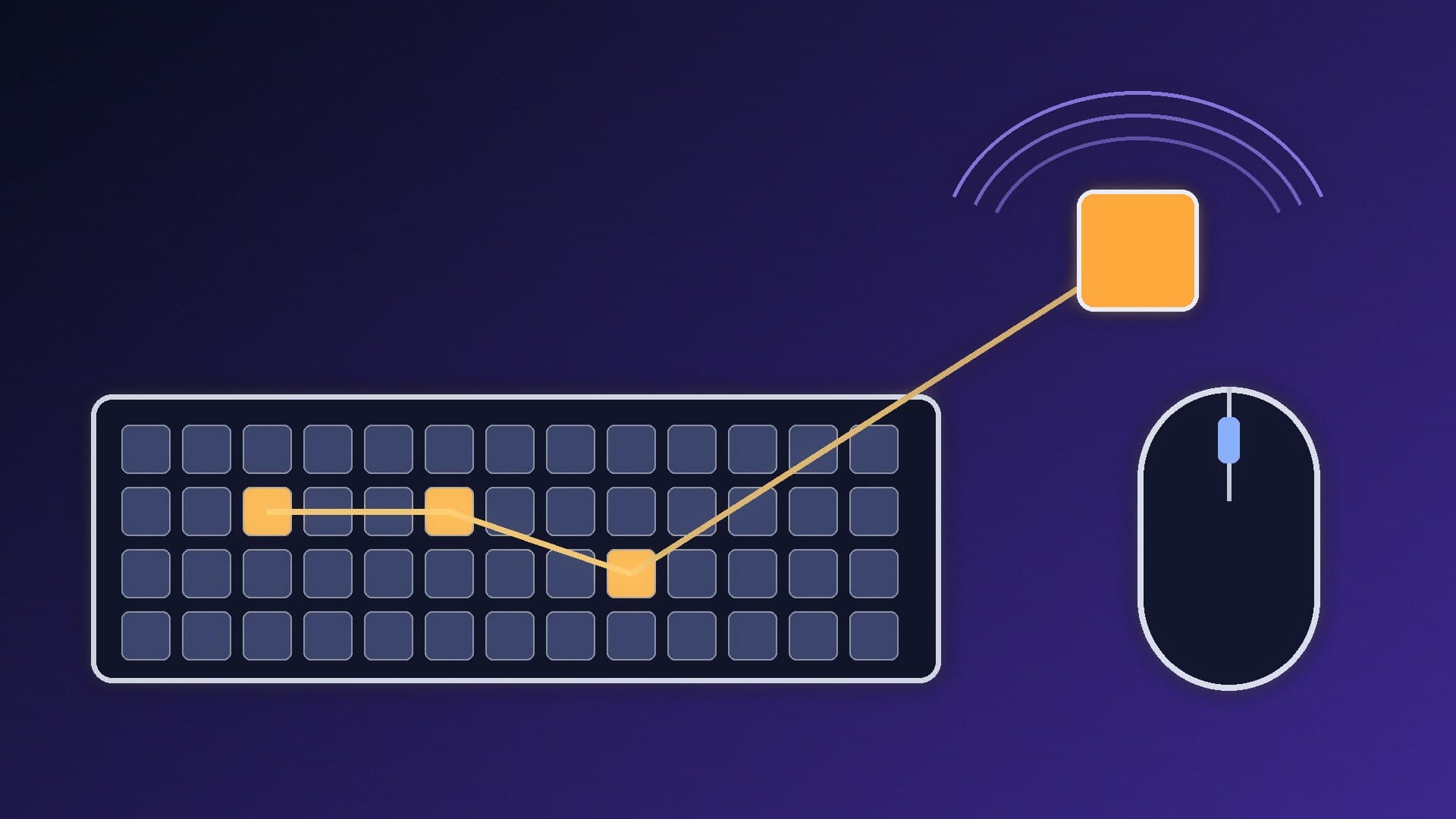
Tap Dance: different actions for tap, hold, double tap and tap-then-hold on the same key.
Combos: press up to four keys together within a set time to trigger a different action, such as two keys producing Delete.
QMK Settings: options including Magic Key, Grave Escape, tap-hold configuration, Auto Shift, One Shot Keys and Mouse Keys.
Macros: 16 by default, built from tap, hold, release and delay actions, or recorded from the keyboard (the docs admit recording is "not the most reliable").
How many tap dances and combos you get depends on your keyboard's EEPROM size, and the defaults can only be raised when the firmware is compiled.
Winner: Vial, if you want tap dance, combos and QMK settings from a GUI.
Security
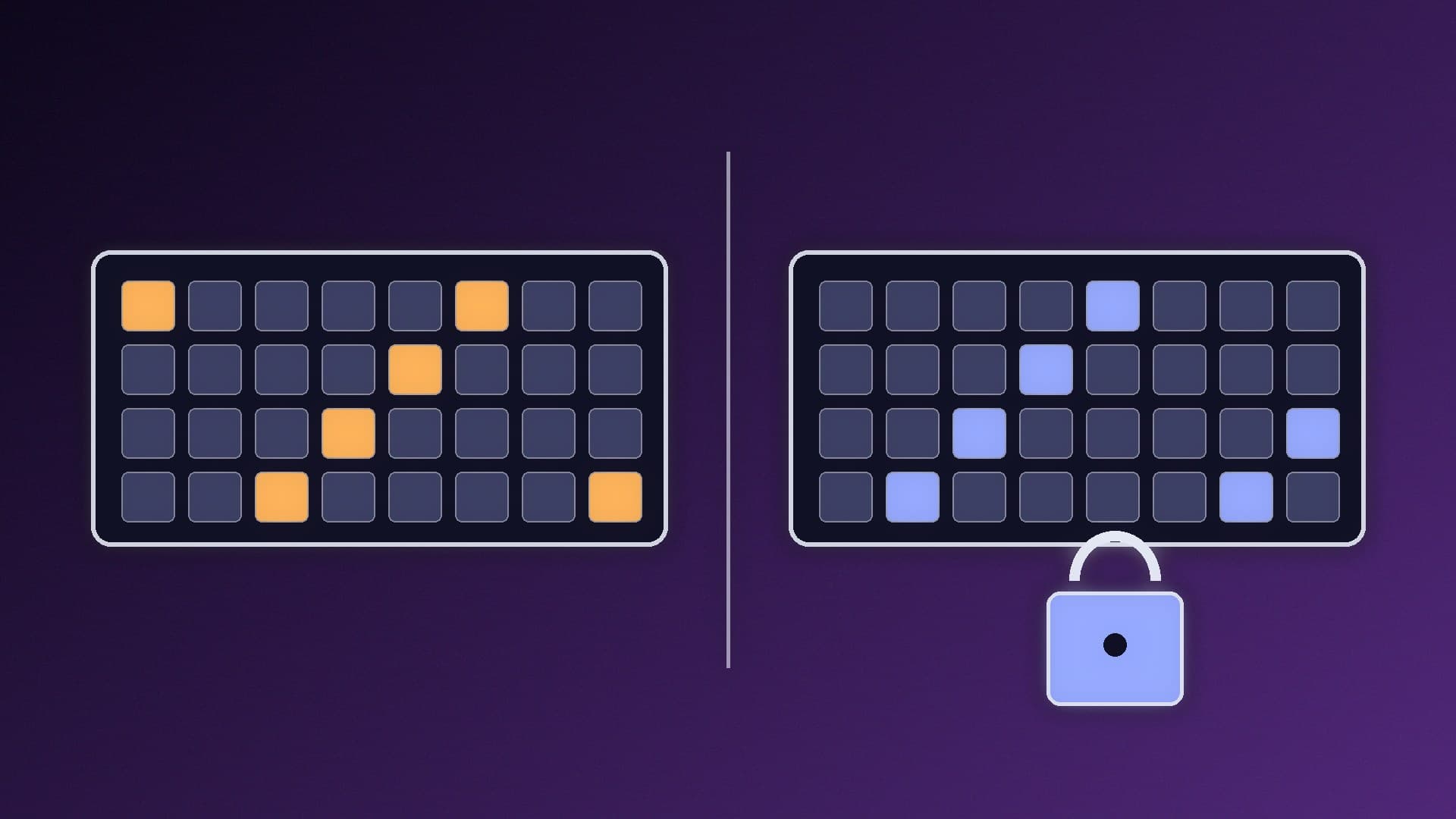
This is a genuine difference. Vial boots keyboards in a Locked mode by default. Before a host computer can change macros or reboot the board into its bootloader to flash new firmware, you have to unlock it by holding specific keys for several seconds, and the keyboard stops handling input while waiting so you can spot an unexpected request. Vial's docs give the example of a keyboard shared between a home PC and a work machine you don't fully trust. The keyboard re-locks when it restarts or when you choose Lock. Makers can disable this with a VIAL_INSECURE = yes build option.
The VIA documentation we checked doesn't describe an equivalent unlock step.
Winner: Vial.
VIA's docs say the web app is now "the supported way" to access current features and that the old desktop app is deprecated, with a replacement planned. Vial offers downloads for Windows, macOS and Linux as well as Vial Web, and Linux users may need to configure udev rules. Vial describes itself as being in beta; version 0.7.5 was released on 2 August 2025.
Winner: Draw. VIA suits a quick browser session; Vial suits people who want an installed, open-source app.
Which should you choose?
Choose VIA if your keyboard shipped with VIA support, you want the simplest setup, and remapping, layers, macros and lighting are all you need.
Choose Vial if your board supports it (or you're happy to flash Vial firmware) and you want tap dance, combos, Auto Shift and similar QMK features without writing code, or you value the unlock-before-flashing protection.
Stick with your keyboard maker's app if your board doesn't run QMK at all. Neither tool will work without compatible firmware. For software-side remapping instead, see our best free keyboard and mouse remapping software and best free macro software guides.
If you do need to flash Vial firmware, Vial's docs say to get it from your keyboard's maker, vendor or designer, and point to QMK's own guides on flashing precompiled firmware.