Open almost any model page on Hugging Face, or the download list in LM Studio, and you'll be offered the same model in a string of formats such as Q4_K_M, Q5_K_M, Q6_K and Q8_0. Two you'll see again and again are Q4_K_M, a common default, and Q8_0, the largest of the usual quantised options. This comparison explains what separates them in file size, memory, speed and quality, using llama.cpp's own quantisation documentation, Hugging Face's GGUF documentation, LM Studio's guidance and the quality figures Aleph Alpha published for its Kolibri 1.1 model.
What the names mean
GGUF is the model file format used by llama.cpp and the apps built on it, such as LM Studio and Ollama. Quantisation stores each weight with fewer bits so the file is smaller and needs less memory, at some cost in quality. LM Studio describes it as compressing model files while giving up some degree of quality.
Q8_0 is an 8-bit format. Hugging Face's GGUF documentation describes it as 8-bit round-to-nearest quantisation in blocks of 32 weights, with one scale per block. Hugging Face lists it among the older "legacy" types, but it's still offered for many models, including Aleph Alpha's official Kolibri 1.1 files.
Q4_K_M belongs to the newer "k-quant" family. Hugging Face describes the underlying Q4_K type as 4-bit quantisation in super-blocks of eight 32-weight blocks, with 6-bit scales and minimums, working out at 4.5 bits per weight.
For a broader primer on the whole range, see our GGUF quantisation explainer; if you're comparing GGUF with GPU-only formats, our GGUF vs GPTQ vs AWQ comparison covers those.
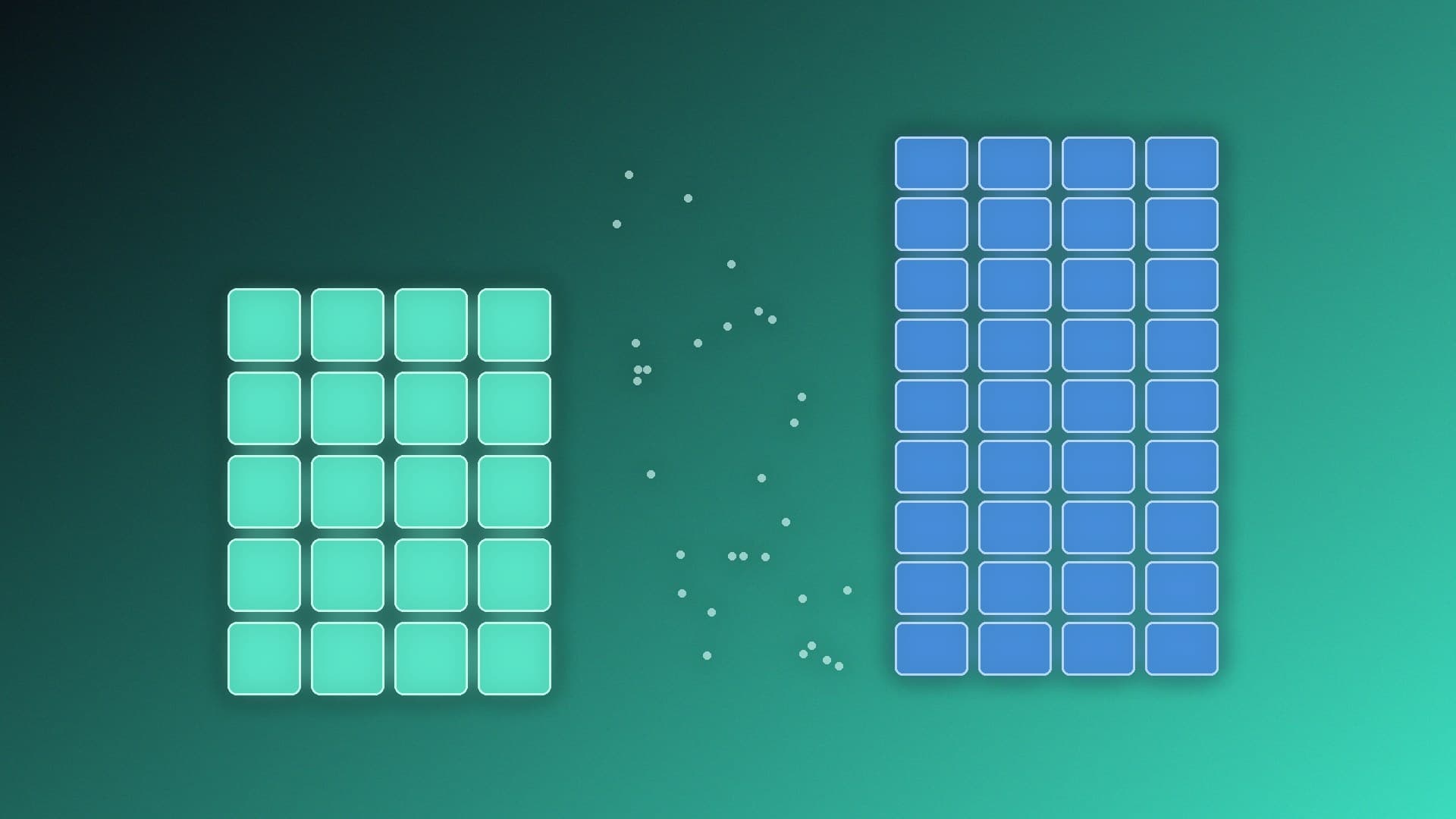
Size and memory: Q8_0 is about 1.7 times bigger
llama.cpp's quantisation README gives a table for Meta's Llama 3.1 8B:
Format | Bits per weight | File size | Prompt processing (tokens/s, 512 tokens) | Text generation (tokens/s, 128 tokens) |
|---|
Q4_K_M | 4.89 | 4.58GiB | 821.81 | 71.93 |
Q8_0 | 8.50 | 7.95GiB | 865.09 | 50.93 |
F16 (unquantised) | 16.00 | 14.96GiB | 923.49 | 29.17 |
Figures are llama.cpp's, rounded to two decimal places for bits per weight. The README doesn't say what hardware produced the speed results, so use them to compare formats with each other, not to predict speeds on your PC.
The bits-per-weight column gives a useful rule of thumb. Multiply a model's parameter count in billions by the bits per weight and divide by eight to estimate the file size in gigabytes: about 0.61GB per billion parameters for Q4_K_M and about 1.06GB per billion for Q8_0. On that rough estimate, a 14-billion-parameter model is around 8.6GB at Q4_K_M but around 14.9GB at Q8_0, so the first fits on a 12GB graphics card with room to spare and the second doesn't. Remember that the context window needs memory on top of the file; our context length and VRAM explainer and how much VRAM you need guide cover that, and KV cache quantisation in Ollama can claw some of it back.
The difference gets dramatic with larger models. Aleph Alpha's official GGUF files for its 75-billion-parameter Kolibri 1.1 are 45.5GB at Q4_K_M and 80GB at Q8_0, as we covered in our Kolibri 1.1 report. On a single graphics card, that's the difference between needing a 48GB card and needing a 96GB one.
Speed: Q4_K_M generates text faster
In llama.cpp's table, Q4_K_M generated text at 71.93 tokens per second against 50.93 for Q8_0, about 41% faster, while prompt processing was similar (821.81 vs 865.09 tokens per second). That pattern matches how local LLMs work: generating each new token means reading the model's weights from memory, so a smaller file can be read faster. Our guide to memory bandwidth and local LLM speed explains this in more detail. The exact gap on your PC will depend on your hardware and the backend you use.
The bigger speed effect is indirect. If Q8_0 doesn't fit in your graphics card's memory, part of the model has to run from much slower system RAM instead; the bandwidth guide linked above explains why that costs far more speed than the format itself, so fitting the model fully on the GPU matters most.
Quality: smaller loss than you might expect
Quality is the hardest part to pin down, because it varies by model and task. One of the clearest recent data sets comes from Aleph Alpha, which tested every official GGUF build of Kolibri 1.1 against the full model. On its "Overall" score (73.2 for the full model), Q8_0 scored 0.3 points lower and Q4_K_M 0.7 points lower. The gap was larger on its German results (-0.7 for Q8_0, -1.2 for Q4_K_M) and on some individual tests: on SWE-Bench Verified, Q8_0 was 0.4 points lower and Q4_K_M 2.0 points lower. Those are Aleph Alpha's figures for one model, and the company notes that its official evaluations hold only for the unquantised model, so treat them as an example rather than a rule.
The practical takeaway is that Q4_K_M usually costs a little quality, while Q8_0 is closer to the original. LM Studio's own advice is to choose a 4-bit option or higher if your machine can run it.
When to choose each
Choose Q4_K_M if you want the largest model your graphics card can hold, you want faster text generation, or you need room for a long context window. For most people running models on an 8GB to 16GB card, it's the sensible default.
Choose Q8_0 if the model fits comfortably in VRAM with room for context, you care about getting as close as possible to the original model, or you work on tasks where small errors matter, such as coding or non-English text.
Consider the formats in between, such as Q5_K_M and Q6_K, if Q8_0 doesn't quite fit but you have memory to spare beyond Q4_K_M.
Whichever you pick, try it on your own prompts before settling on it. Our guide to choosing models in LM Studio helps you pick a model that suits your hardware. To make your own file at a specific size, see our guide to quantising a GGUF to a target size with llama.cpp.