Skip to content

VersusStreaming Gear

Insta360 Link 2 vs Link 2C: Which 4K Webcam Should You Buy?

The Insta360 Link 2 and Link 2C share a 4K 1/2-inch sensor camera, F1.8 lens and AI noise-cancelling mics. Using Insta360's spec sheet, we compare the Link 2's 2-axis gimbal tracking with the smaller, lighter Link 2C and its privacy shutter.

By , Senior Hardware Editor

2 min read

Insta360 Link 2 vs Link 2C: Which 4K Webcam Should You Buy?

Insta360's Link 2 and Link 2C share the same 4K camera and AI features, but only the Link 2 has a motorised gimbal. Using Insta360's official product page and spec sheet, we compare the two and explain who each suits.

Specs compared

Specification

Insta360 Link 2

Insta360 Link 2C

Sensor

1/2-inch

1/2-inch

Video

4K at up to 30fps, 1080p at up to 60fps

4K at up to 30fps, 1080p at up to 60fps

Lens

F1.8, 26mm equivalent, 79.5 degree diagonal FOV

F1.8, 26mm equivalent, 79.5 degree diagonal FOV

Gimbal

2-axis

None

AI modes

AI Tracking, Smart Whiteboard, DeskView

Auto Framing, Smart Whiteboard, DeskView

Digital zoom

Up to 4x

Up to 4x

Connection

USB-C (USB 2.0)

USB-C (USB 2.0)

Size (W x H x D)

71.3 x 58.9 x 38mm

62.7 x 30.2 x 26mm

Weight without mount

101.5g

46.5g

Camera and audio

On paper the image hardware is identical: a 1/2-inch sensor, an F1.8 lens, HDR and autofocus from 10cm. Both also have AI noise-cancelling microphones with three audio modes, and Insta360's Link Controller software adds a Natural Bokeh effect that blurs the background. Insta360's spec sheet lists portrait resolutions up to 4K for both, and it says you can shoot 9:16 video without cropping by rotating the camera on a tripod.

The big difference: gimbal tracking

The Link 2's 2-axis gimbal physically pans and tilts to follow you around the room, and it can track one person or a group. It also supports customisable tracking fences, which Insta360 says are only available on the Link 2. The Link 2C has no gimbal, so it uses Auto Framing instead, and for DeskView you have to adjust the mount manually and then change the angle in Link Controller, whereas the Link 2 can tilt down automatically.

Size and privacy

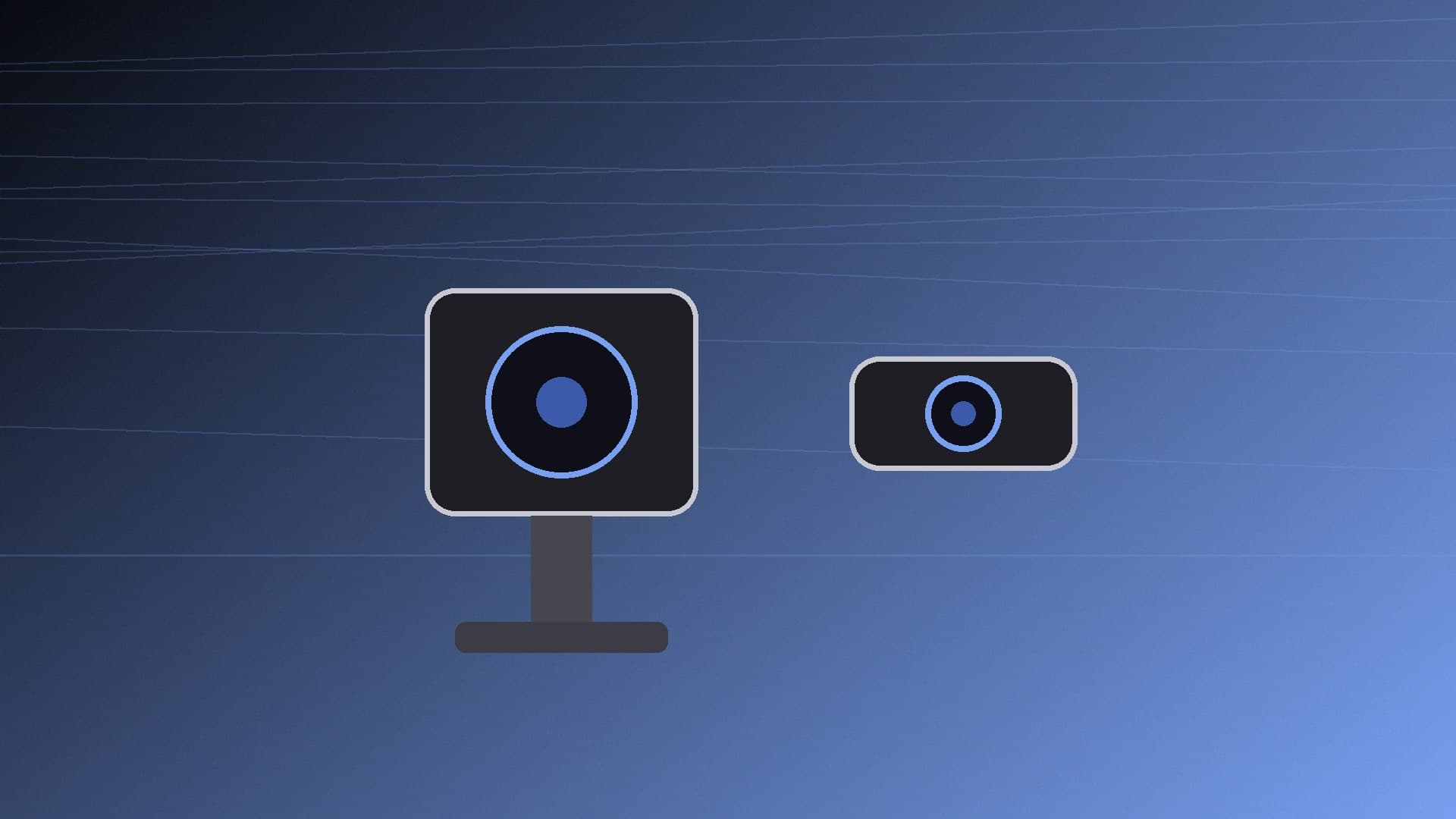
The Link 2C is much smaller and less than half the weight. Insta360 says the Link 2C has an easy-access shutter to block the camera. Both attach with the included magnetic mount, which has a 1/4-inch thread for a tripod.
PC requirements

Insta360 lists Windows 10 or later for Link Controller (Arm-based Windows isn't supported), an Intel Core i5 5th generation or later and 8GB of RAM, with some advanced features needing a 10th-generation i5 and 16GB. Background blur and replacement support all NVIDIA GPUs, but Insta360 warns that AMD GPUs may have compatibility issues. Our guide to adjusting webcam settings in Windows 11 is useful whichever you buy.

Which should you buy?

Choose the Link 2 if you move around while presenting, teach at a whiteboard or want the camera to follow you. Choose the Link 2C if you sit at your desk and want a smaller, lighter webcam with a physical shutter. For other options, see our guides to choosing a webcam and the best OBSBOT webcams.

The bottom line

The Link 2 and Link 2C have the same 4K camera, lens and AI audio, so the choice comes down to the Link 2's 2-axis gimbal tracking versus the Link 2C's smaller, lighter body and privacy shutter: pick the Link 2 for presenting and the Link 2C for a fixed desk setup.

Sources

  1. 01Insta360, Insta360 Link 2 & Link 2C

About the author

Callum Reid

Senior Hardware Editor

Callum leads GPU, CPU and platform architecture coverage at Forge PC. Before joining the editorial desk, he spent nine years specifying, assembling and stress-testing custom gaming and workstation systems in the UK, with a focus on PCIe bandwidth, VRM thermal design, DDR5 memory tuning and 1440p/4K frame-time consistency.

More from Callum Reid

Read next

How to Trim Videos Without Losing Quality Using LosslessCut

How-To

How to Trim Videos Without Losing Quality Using LosslessCut

LosslessCut is a free, open-source tool that trims and cuts video without re-encoding, so clips keep their original quality. Following its official documentation, here's how to mark segments, export or merge clips, and fix cuts that start in the wrong place.

Marcus Thorne5 min

Best Elgato Webcams in 2026: Facecam Neo, Facecam MK.2 and Facecam 4K Compared

Best Picks

Best Elgato Webcams in 2026: Facecam Neo, Facecam MK.2 and Facecam 4K Compared

Elgato's current webcams are the plug-and-play Facecam Neo, the 1080p60 Facecam MK.2 and the 4K60 Facecam 4K. Using Elgato's UK spec pages, we pick the best one for most people, for 4K creators and for simple USB 2.0 setups, comparing sensors, focus, field of view, HDR and connections.

Hannah Vance4 min

How to Choose a Microphone for Gaming, Streaming and Calls

How-To

How to Choose a Microphone for Gaming, Streaming and Calls

Buying a microphone for gaming, streaming or calls? This guide takes the decisions in order: USB vs XLR, dynamic vs condenser capsules, cardioid and supercardioid pickup patterns, what sample rate and bit depth mean, the onboard controls worth having, and mounting, using Shure, Elgato and Razer specs as examples.

Marcus Thorne5 min