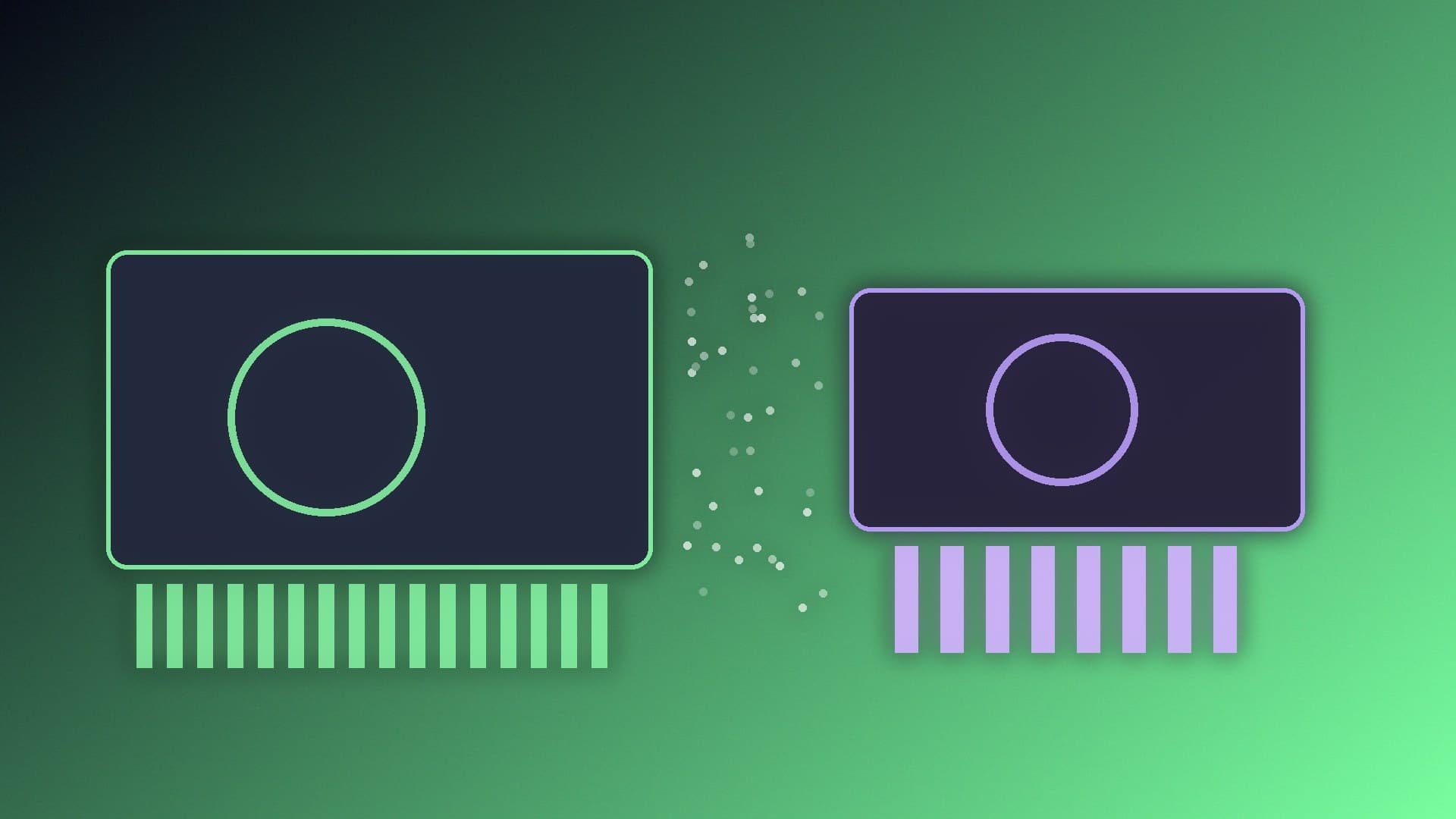
The RTX 4070 Ti Super and the 16GB RTX 5060 Ti both give you 16GB of video memory, a popular amount of video memory for running local LLMs and image generation at home. One is a higher-tier card from NVIDIA's previous generation that you may find second-hand; the other is a current-generation mid-range card. This comparison uses NVIDIA's own specification tables, read on 28 November 2026.
The specs side by side
| RTX 4070 Ti Super | RTX 5060 Ti (16GB) |
|---|
Architecture | Ada Lovelace | Blackwell |
CUDA cores | 8,448 | 4,608 |
Tensor cores | 4th generation | 5th generation |
NVIDIA "AI TOPS" | 706 | 759 |
Memory | 16GB GDDR6X | 16GB GDDR7 |
Memory interface | 256-bit | 128-bit |
PCI Express | Gen 4 | Gen 5 |
Total graphics power | 285W | 180W |
Recommended system power | 700W | 600W |
Power connectors (NVIDIA reference) | 2x PCIe 8-pin (adapter) or one 300W-plus PCIe Gen 5 cable | 1x PCIe 8-pin or one 300W-plus PCIe Gen 5 cable |
Source: NVIDIA's RTX 4070 family and RTX 5060 family specification pages. The RTX 5060 Ti is also sold with 8GB; make sure you're buying the 16GB version for AI work.
VRAM: a draw
Both cards have exactly 16GB, so a model and context length that fit entirely on one will fit on the other, and a model that's too big will spill into slower system memory on both. If your main question is "what size of model can I run?", neither card has the edge. Our guide to how much VRAM you need explains which model sizes suit 16GB.
Memory bus: where the older card is wider
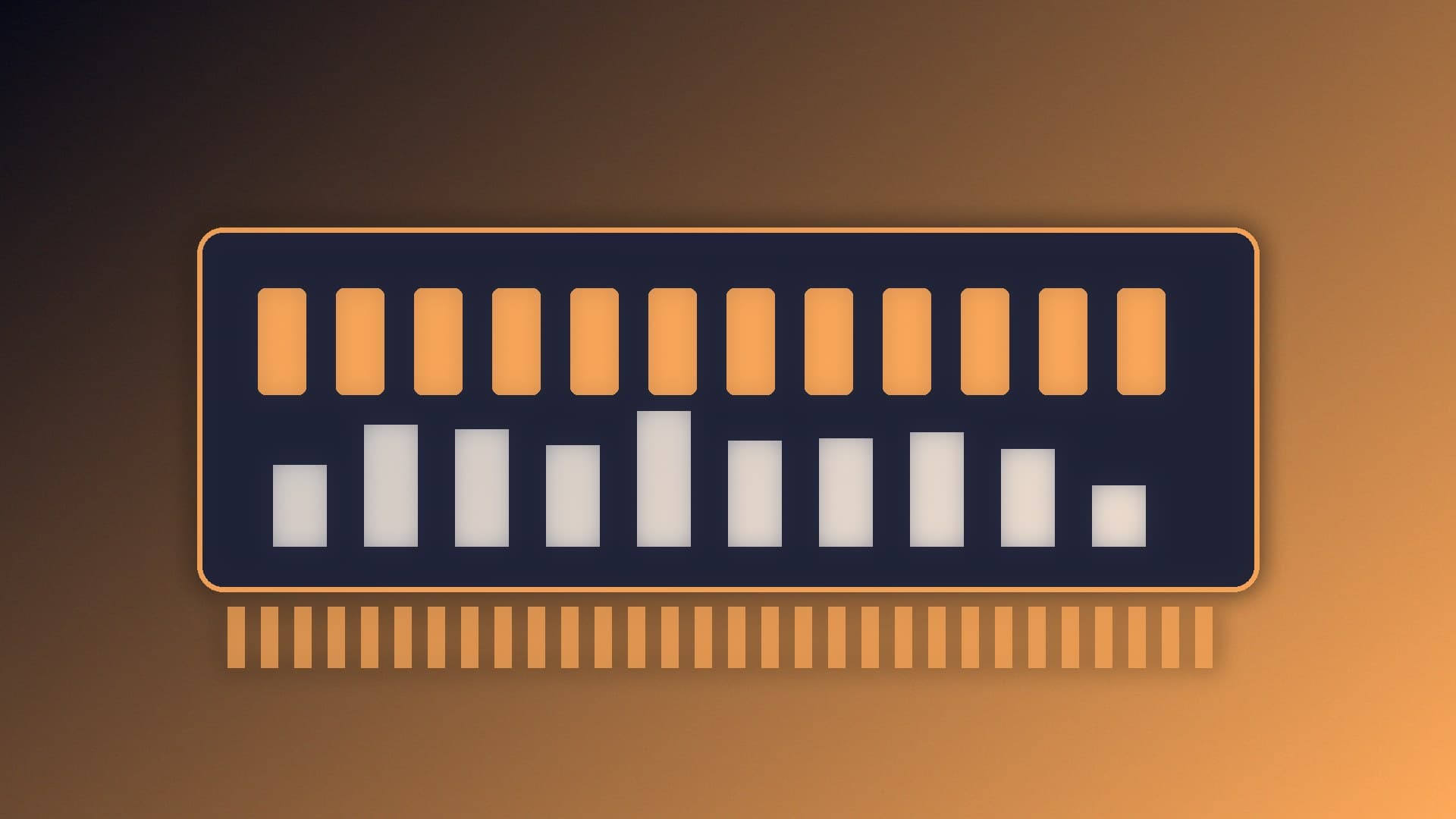
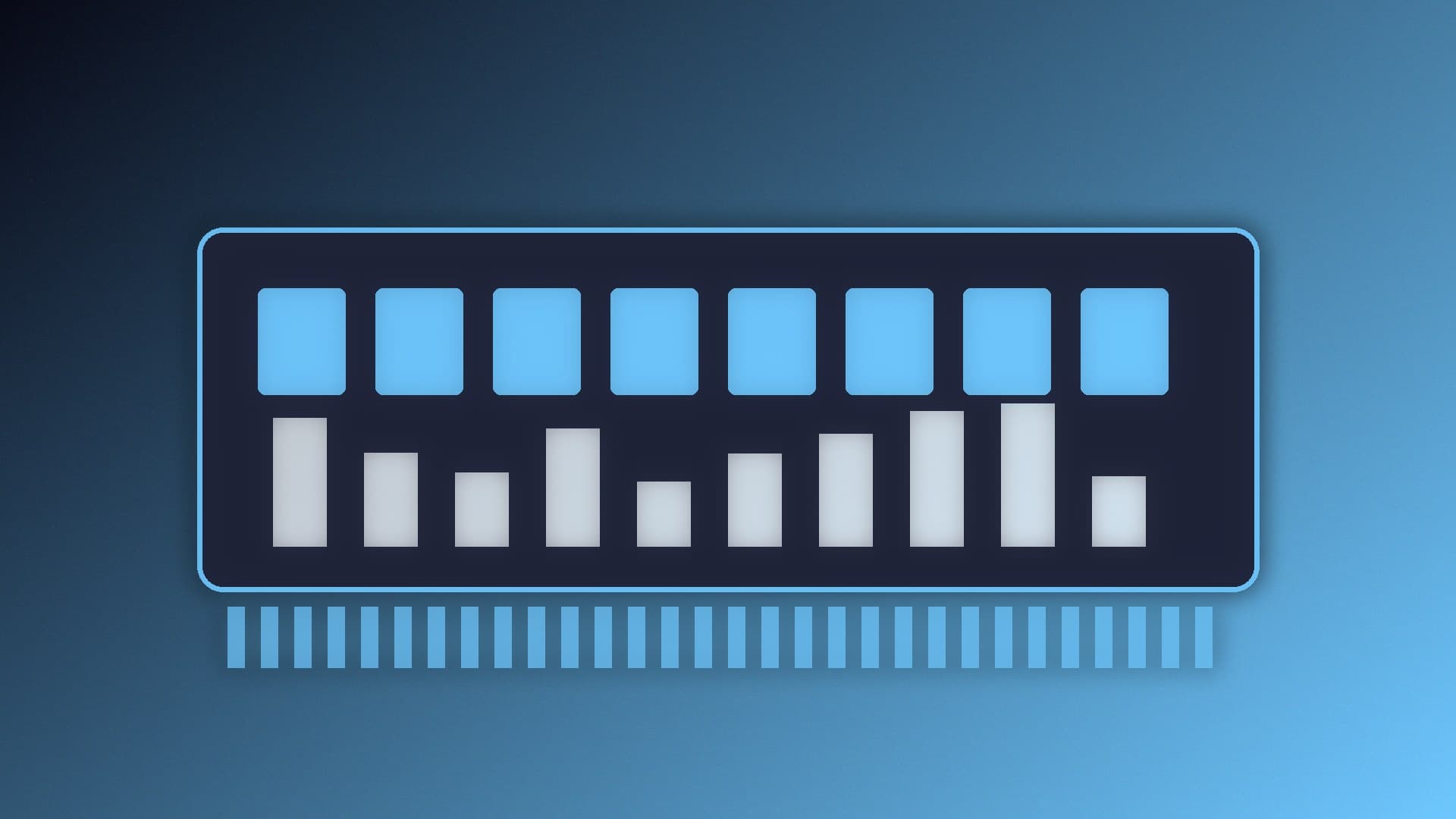
The biggest difference for local LLMs is how the memory is connected. The RTX 4070 Ti Super has a 256-bit memory interface with GDDR6X. The RTX 5060 Ti has a 128-bit interface, half the width, with newer GDDR7.
When an LLM generates text, the GPU reads through the model's weights for every new token, so memory bandwidth has a big influence on how quickly replies appear. Our memory bandwidth explainer covers why. GDDR7 is the newer, faster generation of graphics memory (see GDDR7 vs GDDR6), but the RTX 4070 Ti Super has twice the bus width to work with, so the newer memory type alone doesn't settle which card has more bandwidth. NVIDIA's spec tables don't list a bandwidth figure for either card, so we won't guess one. Before buying for chat and coding models, look for independent reviews that publish bandwidth figures or LLM token-generation results for both cards.
AI TOPS and compute
NVIDIA quotes 706 AI TOPS for the RTX 4070 Ti Super and 759 AI TOPS for the RTX 5060 Ti, so the newer card is slightly ahead on paper. Treat that with care: NVIDIA's figure is a theoretical tensor-core peak, and Blackwell's fifth-generation tensor cores are promoted for FP4 performance, which only helps if your app and model actually use FP4. Our explainers on TOPS vs TFLOPS and FP4 vs FP8 vs FP16 explain why these numbers don't compare directly.
The RTX 4070 Ti Super has far more CUDA cores, 8,448 against 4,608, though core counts across two architectures aren't a like-for-like measure either. Compute matters most for prompt processing and for image and video generation in tools such as ComfyUI, so again, independent results are the thing to check.
Power and PSU
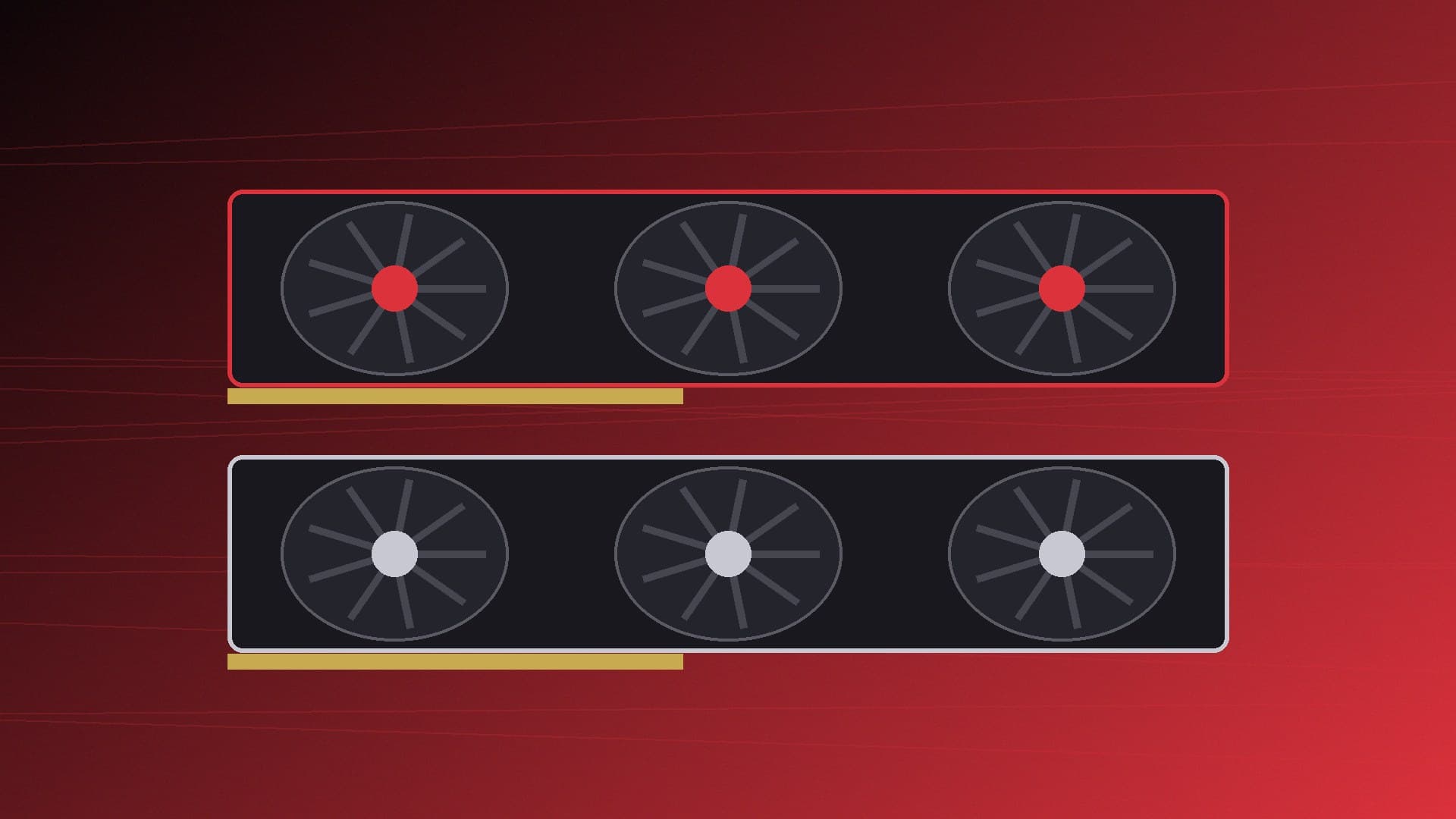
This is where the RTX 5060 Ti clearly wins. NVIDIA rates it at 180W total graphics power with a 600W recommended system PSU, against 285W and 700W for the RTX 4070 Ti Super. The reference RTX 5060 Ti needs a single 8-pin PCIe cable, while the RTX 4070 Ti Super needs two (or a 300W-plus PCIe Gen 5 cable). If you leave a PC running AI jobs for hours, lower power means less heat and noise, and it may save you a PSU upgrade in an older system. See how to choose a PSU for a local AI PC. Partner cards can differ from NVIDIA's reference figures, so check the exact model.
PCIe
The RTX 5060 Ti supports PCI Express Gen 5 and the RTX 4070 Ti Super is Gen 4. Once a model is loaded into VRAM this matters little, but it's more relevant if you regularly offload part of a model to system RAM. Check the lane count of the specific card and your motherboard slot too; our PCIe x16 vs x8 guide explains the trade-offs.
Which should you buy?
Choose the RTX 4070 Ti Super if:
You find one second-hand at a price close to a new RTX 5060 Ti 16GB.
Independent results show it ahead for the LLMs or image models you use.
Your PSU and case can handle a 285W card.
Choose the RTX 5060 Ti 16GB if:
You want a new card with a full warranty and the current Blackwell architecture.
Power, heat and noise matter, or your PSU is around 600W.
You want FP4 support for software that can use it.
If you're weighing up other 16GB options, see RTX 4060 Ti 16GB vs RTX 5060 Ti 16GB, RTX 4070 Ti Super vs RTX 5070 Ti and RTX 5060 Ti 16GB vs RTX 5070 Ti. Example RTX 5060 Ti 16GB cards in our database include the MSI RTX 5060 Ti 16GB Ventus 2X OC Plus, ASUS RTX 5060 Ti 16GB Dual OC and Gigabyte RTX 5060 Ti 16GB.