The specifications below come from NVIDIA's official UK RTX 4070 family and RTX 5070 family pages, and software support comes from Ollama's hardware documentation, all read on 24 November 2026. We haven't quoted prices, because new and used prices for these cards move from week to week.
The RTX 4070 Ti Super is the only card in NVIDIA's RTX 4070 family with 16GB of VRAM on a 256-bit bus. Its closest RTX 50-series counterpart, the RTX 5070 Ti, has the same 16GB on the same width of bus. So if you're building or upgrading a PC for local LLMs, image generation or AI coding assistants, and a second-hand 4070 Ti Super turns up at a decent price, is there any reason to pay more for the newer card?
For local AI, the short answer is that they're closer than the model numbers suggest, but the RTX 5070 Ti has the faster memory and the newer architecture. Here's what the official specs say.
Specs at a glance
| RTX 4070 Ti Super | RTX 5070 Ti |
|---|
Architecture | Ada Lovelace | Blackwell |
CUDA cores | 8,448 | 8,960 |
Tensor cores | 4th generation | 5th generation |
NVIDIA "AI TOPS" | 706 | 1,406 |
Boost clock | 2.61GHz | 2.45GHz |
Memory | 16GB GDDR6X | 16GB GDDR7 |
Memory interface | 256-bit | 256-bit |
CUDA compute capability | 8.9 | 12.0 |
PCI Express | Gen 4 | Gen 5 |
Total graphics power | 285W | 300W |
NVIDIA's required system power | 700W | 750W |
Power connectors (NVIDIA reference) | 2x PCIe 8-pin (adapter) or one 300W-plus PCIe Gen 5 cable | 2x PCIe 8-pin (adapter) or one 300W-plus PCIe Gen 5 cable |
NVENC video encoders | 2x 8th generation | 2x 9th generation |
NVIDIA's tables list length, width and slot count as "varies by manufacturer" for both cards, so check the exact model's dimensions against your case.
VRAM: the same 16GB
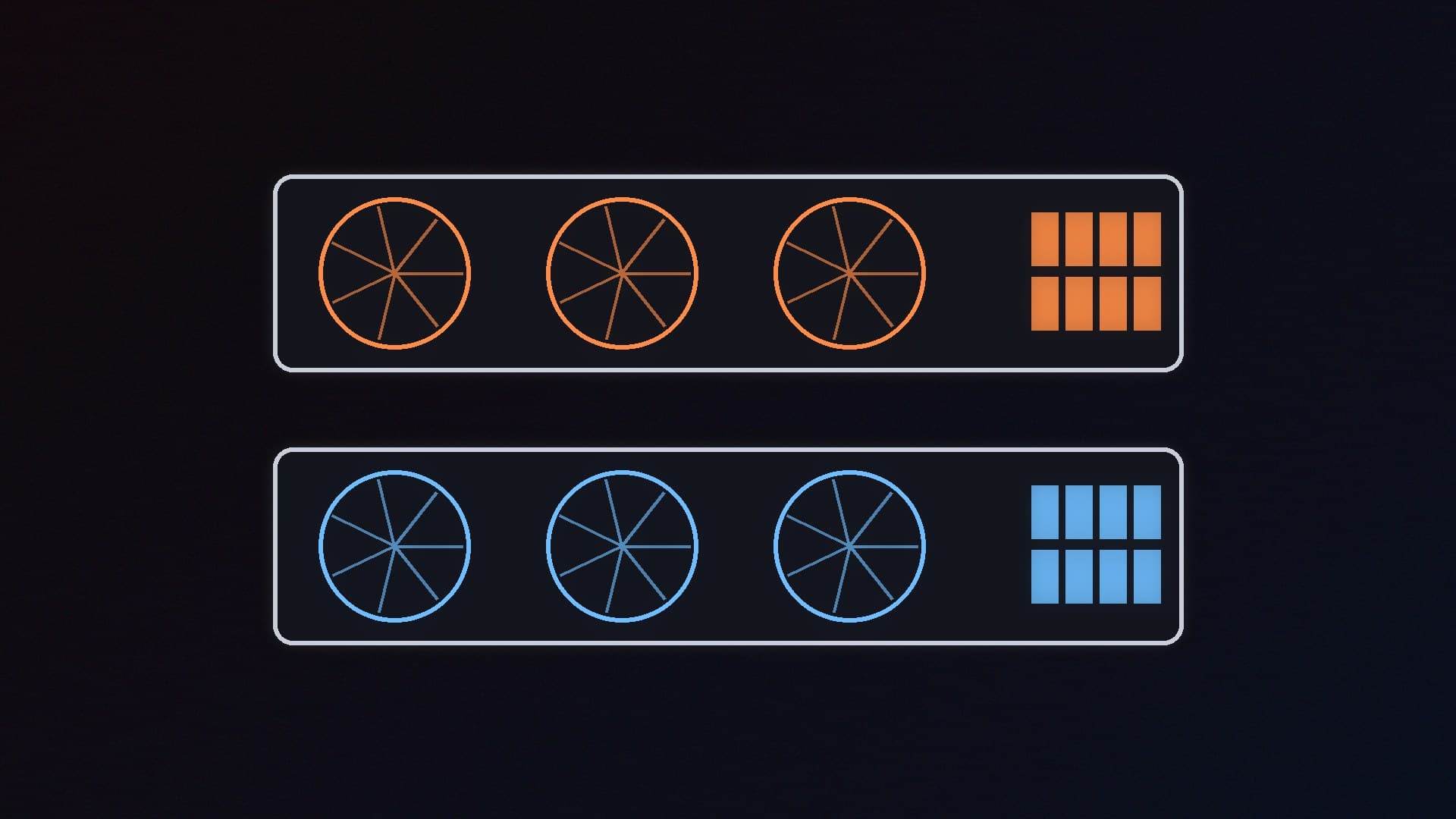
For local AI, the amount of video memory decides which models you can run entirely on the GPU, and both cards have exactly the same amount: 16GB on a 256-bit bus. A model and context that fit on one will fit on the other. Models that don't fit will spill into slower system RAM on both cards.
That matters because it removes the most common reason to upgrade. If you're moving from a 16GB RTX 4070 Ti Super to a 16GB RTX 5070 Ti, you won't be able to load a bigger model. For that, you'd need a card with more than 16GB. Our best GPU for local LLMs guide covers the options, and our context length and VRAM explainer shows how long conversations eat into that 16GB.
Memory type: GDDR6X vs GDDR7
The difference is the type of memory. The RTX 4070 Ti Super uses GDDR6X, while the RTX 5070 Ti uses newer GDDR7. NVIDIA's spec tables don't list a memory bandwidth figure for either card, but GDDR7 is the faster generation of graphics memory (see our GDDR7 vs GDDR6 explainer).
For chatting with a local LLM, that's arguably the most important spec. When a model is generating text, the GPU has to read through the model's weights for each new token, so memory bandwidth has a big effect on how fast the words appear. Our memory bandwidth explainer covers this in detail. On the same 256-bit bus, faster memory gives the RTX 5070 Ti the edge for text generation, but we can't tell you by how much without testing. Look for independent reviews that publish LLM results for both cards.
AI TOPS: don't take the 2x at face value
NVIDIA quotes 706 AI TOPS for the RTX 4070 Ti Super and 1,406 AI TOPS for the RTX 5070 Ti, roughly double. That figure is a theoretical peak for the tensor cores, and NVIDIA promotes Blackwell's fifth-generation tensor cores for their FP4 (4-bit floating point) performance. It doesn't mean local AI apps will run twice as fast.
There are two reasons to be cautious. First, as above, LLM text generation is often limited by memory bandwidth rather than raw compute. Second, the headline figure depends on precision, and you'll only see the benefit of FP4 if your software and model actually use it. Our explainers on TOPS vs TFLOPS and FP4 vs FP8 vs FP16 explain why the numbers aren't directly comparable.
Where extra tensor performance can help more is in compute-heavy work: processing a long prompt before the reply starts, and image and video generation in tools such as ComfyUI.
Software support
Both cards are fully supported by today's local AI software. Ollama's hardware documentation lists the RTX 4070 Ti Super under compute capability 8.9 and the RTX 5070 Ti under compute capability 12.0. Ollama supports NVIDIA GPUs with compute capability 5.0 or later and driver 550 or newer.
The newer compute capability is the RTX 5070 Ti's long-term advantage, because it's NVIDIA's current consumer generation. But the RTX 4070 Ti Super is well within Ollama's requirements, and Ollama lists it at the same compute capability as the RTX 4090. If you're not sure what compute capability means, our CUDA compute capability explainer covers it.
Power, PSU and PCIe
The two cards are close on power. NVIDIA rates the RTX 4070 Ti Super at 285W total graphics power with a 700W recommended system PSU, and the RTX 5070 Ti at 300W with 750W. Both take two 8-pin PCIe cables through an adapter, or a single 300W-plus PCIe Gen 5 cable, on NVIDIA's reference design. Partner cards can differ, so check the model you're buying. If you're planning a PC that runs AI jobs for hours, see our guide to choosing a PSU for a local AI PC.
The RTX 5070 Ti supports PCI Express Gen 5, while the RTX 4070 Ti Super is Gen 4. For a model that fits in VRAM, that shouldn't matter much once the model has loaded. It's more relevant if you regularly offload part of a model to system RAM, since that traffic travels over PCIe.
Video encoding
Both cards have two NVENC encoders. The RTX 5070 Ti's are 9th generation and the RTX 4070 Ti Super's are 8th generation. That doesn't affect LLMs, but it's worth knowing if the same PC is used for streaming or video editing.
New or used?
The RTX 4070 Ti Super makes most sense as a used buy. If one is available for noticeably less than a new RTX 5070 Ti, you get the same 16GB of VRAM and compute capability 8.9 support, which covers today's local AI software. Read our guide to buying a used GPU for local AI in the UK before you buy, and check that the remaining warranty and the seller's returns policy suit you.
The RTX 5070 Ti is the better choice if you're buying new or the price gap is small. You get faster GDDR7 memory, fifth-generation tensor cores with FP4 support, PCIe Gen 5 and the current architecture. If you're considering the next step up, our RTX 5070 Ti vs RTX 5080 for local AI comparison looks at whether the extra cost is worth it, since both have 16GB.
We have several RTX 5070 Ti cards in our database, including the ASUS TUF Gaming RTX 5070 Ti OC, the Gigabyte RTX 5070 Ti Eagle OC and the MSI RTX 5070 Ti Ventus 3X OC.
Choose the RTX 4070 Ti Super if:
You can find a used one for clearly less than a new RTX 5070 Ti.
You mostly run LLMs that fit in 16GB and don't need FP4.
Your PC is on PCIe Gen 4 anyway.
Choose the RTX 5070 Ti if:
You're buying new, or the price difference is small.
You want faster GDDR7 memory for text generation.
You want FP4 support for newer AI models and tools, plus the longest software support.
Our verdict
For local AI, the RTX 4070 Ti Super and RTX 5070 Ti have the same 16GB of VRAM on a 256-bit bus, so they can run the same size of models. The RTX 5070 Ti has faster GDDR7 memory, fifth-generation tensor cores with FP4 support and PCIe Gen 5, which make it the better card if you're buying new. Ignore the doubled AI TOPS figure, which isn't a like-for-like measure of LLM speed. A used RTX 4070 Ti Super is still a sensible 16GB AI card if it's clearly cheaper, but don't upgrade from one to the other expecting to run bigger models.