MangoHud, the open-source overlay that many Linux gamers use to see their frame rate, frame times and CPU and GPU load in-game, has started a major transition. Version 0.8.5-rc1, published on the project's GitHub page on 25 November 2026 at about 16:32 GMT and marked as a pre-release, introduces MangoHud-next, a server/client rewrite that sits alongside the existing overlay rather than replacing it.
What MangoHud is
The project describes itself as "A Vulkan and OpenGL overlay for monitoring FPS, temperatures, CPU/GPU load and more", and it's released under the MIT licence. It fills a similar role on Linux to the on-screen display many Windows players get from MSI Afterburner and RivaTuner. If you're new to it, our best free Linux gaming tools round-up explains where it fits alongside Proton, Lutris and GameMode.
MangoHud-next vs MangoHud-classic
The key point for existing users: nothing changes unless you opt in. The developer says MangoHud-next "is still in beta and will coexist with the existing implementation for now". The current overlay is now called MangoHud-classic, but that's "purely a naming distinction": classic is still launched with the mangohud command, and existing configurations and usage stay the same.
The longer-term plan is clear, though. The release notes say the intention is "to eventually replace classic", with new features and hardware support aimed primarily at MangoHud-next, while fixes to classic are still welcome as the project works towards feature parity.
What's new in MangoHud-next
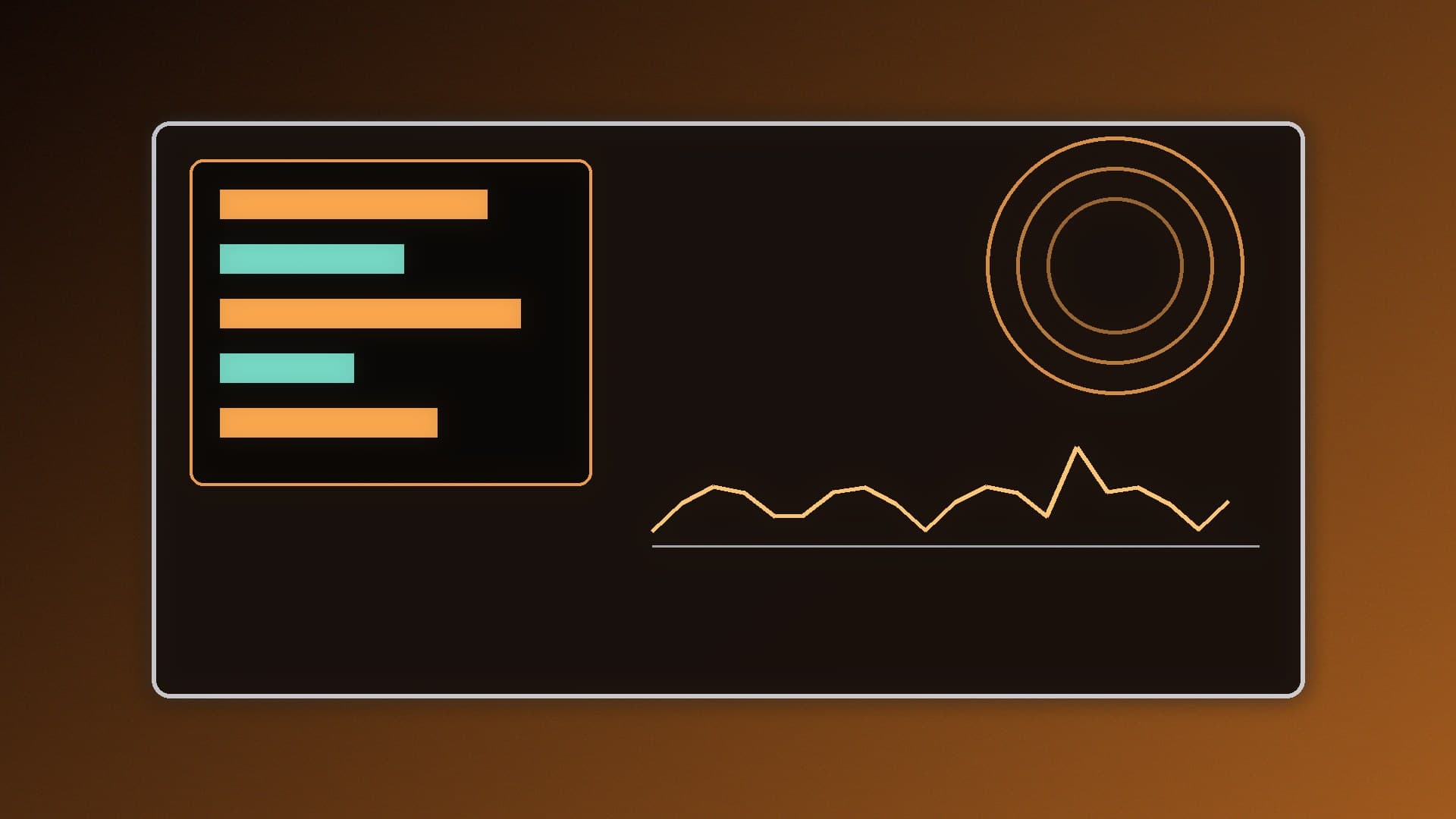
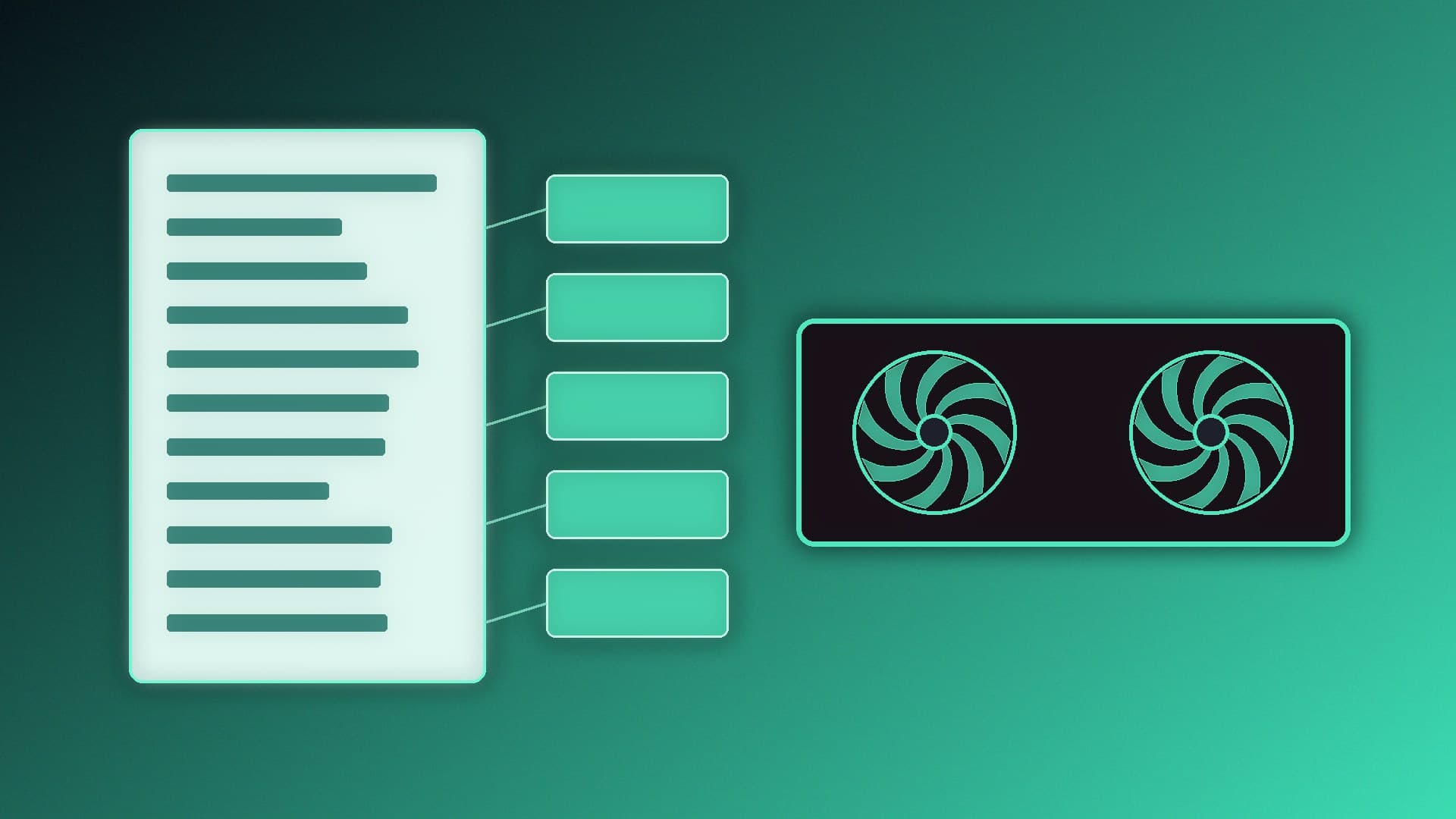
The headline change is architectural. Instead of each game collecting its own statistics, MangoHud-next uses a separate HUD server with shared metric collection. The release notes list a long set of changes that come with it:
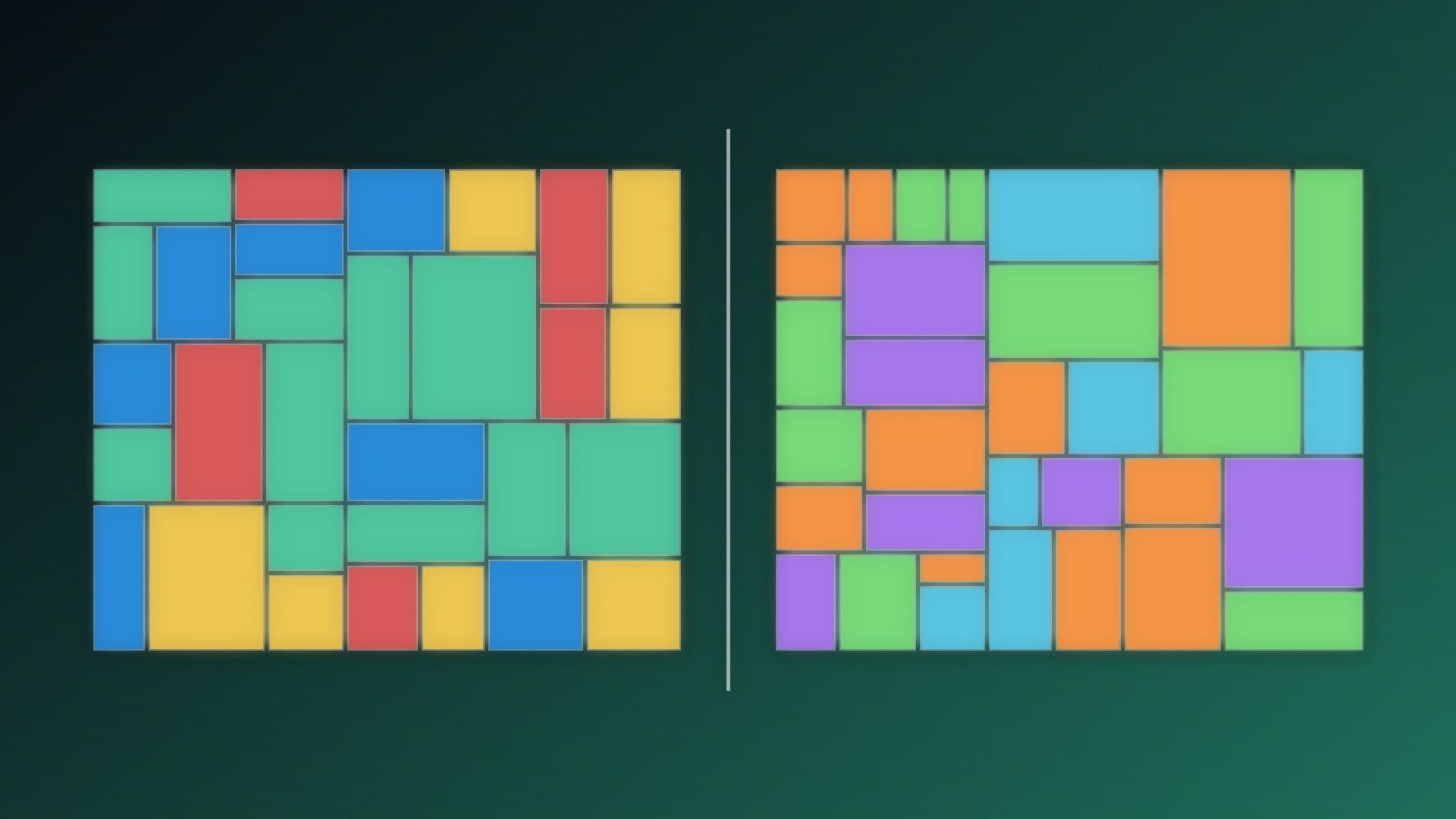
Configuration: YAML configuration files that reload automatically, and a deterministic layout with configurable rows, columns and cell sizes.
Layout and display: multiple HUD windows; text, formatted values, graphs, progress bars and shell command output; and configurable font sizes, colours, alignment, spacing and units.
Graphics APIs and output: Vulkan and OpenGL support, plus Wayland application subsurface, layer-shell and graphics API injection output.
Gamescope: you can run mangohud-next gamescope ... directly, without needing mangoapp.
FPS limiter: a reworked limiter that paces Vulkan games before image acquisition and OpenGL games before buffer swaps.
New metrics: application, display refresh and HUD presentation timing; per-core CPU load and frequency; per-process GPU load, VRAM and GTT; a separate RAPL uncore power reading; and application HDR status.
Control: metric queries and HUD visibility controls over D-Bus, with on-demand server activation, systemd integration and idle shutdown.
Other: support for lsfg-vk.
For anyone who checks VRAM usage while tuning settings, per-process VRAM reporting is a useful addition; our guide to checking VRAM usage on Linux covers the other ways to see it.
What's still missing
Because MangoHud-next is a rewrite, it doesn't yet do everything classic does. The project's tracking issue (#2227, "MangoHud-next: feature parity and known issues") lists gaps including per-application configuration, custom font files, FPS/load-based text colours, process RAM and disk read/write rates, battery readings, a custom CPU temperature sensor, GPU throttling status, DirectX API and engine version reporting, present mode/VSync status, and Gamescope upscaler information. The developer says testing and feedback are very welcome, so this is a build for enthusiasts who are happy to report issues rather than one to rely on for a tournament night.
Fixes and changes for everyone
The release candidate isn't only about the rewrite. The notes list a range of fixes and changes that affect MangoHud-classic and shared components, including:
Steam Frame support for CPU, GPU, memory, battery, power and thermal metrics;
total VRAM reporting for Intel's xe and i915 drivers;
reduced polling frequency for slow NVIDIA metrics, and handling of failed NVML metric queries;
AMD fixes: skipping invalid gpu_metrics samples, and falling back to hwmon when amdgpu reports a CPU temperature of 0;
a fix for CPU core type detection and Zenergy power sensor selection;
mangoapp now limits HUD rendering to one update per game frame and shows Gamescope's measured panel refresh rate and labels for Gamescope upscalers;
two new parameters: cpu_max_core_load, which shows the busiest CPU core's load, and cgroup_mem, which shows memory use from the application's systemd cgroup.
The cpu_max_core_load option is handy when a game is limited by one busy thread: an overall CPU load figure can look low even when a single core is maxed out.
Should you try it?
If you build MangoHud yourself or use a distro that packages release candidates, you can try MangoHud-next without losing your existing setup, since classic keeps its command and config. The release notes also mention a new with_mangohud_next build option and a minimum Meson version of 1.7.0, which matters if you compile from source. Everyone else can simply wait: classic keeps working as before, and the fixes above should reach you once a final release is packaged by your distro or package manager.
Windows users who want similar on-screen data have other options; our guide to monitoring temperatures and FPS with HWiNFO and MSI Afterburner and our best free FPS counter software round-up cover them. And if you're weighing up a move, see Windows 11 vs Linux for gaming.