Skip to content

VersusNetworking

Netgear Orbi 970 vs Orbi 870: Which Wi-Fi 7 Mesh System Do You Need?

Netgear's Orbi 970 and Orbi 870 are both Wi-Fi 7 mesh systems with a 10 Gig internet port, but the quad-band 970 adds a dedicated backhaul band and 10Gbps LAN ports on every unit, while the tri-band 870 sticks to 2.5Gbps. Using Netgear's UK spec pages, we show which suits your home and PC.

By , Senior Hardware Editor

4 min read

Netgear Orbi 970 vs Orbi 870: Which Wi-Fi 7 Mesh System Do You Need?

Netgear sells two Wi-Fi 7 Orbi families in the UK: the flagship quad-band Orbi 970 Series and the tri-band Orbi 870 Series. Both are whole-home mesh systems sold as a router plus satellites, both have a 10 Gig internet port and both use the Orbi app. The differences are in the radios, the wired ports, the processor and how the satellites talk to each other, and those decide which one suits a home with a gaming PC and a fast full-fibre line. We've compared the 3-pack versions using Netgear's own UK product pages. Netgear itself says actual throughput and coverage will be lower depending on your home and devices.

Specs compared (3-packs)

Orbi 970 Series (RBE973S)

Orbi 870 Series (RBE873)

Wi-Fi class

BE27000, quad-band

BE21000, tri-band

Bands

6GHz, 5GHz-1, 5GHz-2, 2.4GHz

Tri-band; fronthaul and backhaul on 5GHz and 6GHz

Wireless backhaul

Enhanced Dedicated Backhaul

Shared 5GHz and 6GHz (Enhanced Backhaul)

Multi-Link Operation

Not listed on spec page

Listed: combines two Wi-Fi bands

Max Wi-Fi speed (Netgear)

Up to 27Gbps

Up to 21Gbps

Coverage, 3-pack (Netgear)

Up to 8,200 sq ft

Up to 7,500 sq ft

Coverage per unit

Up to 2,700 sq ft

Up to 2,500 sq ft

Concurrent devices

Up to 200

Up to 150

Router processor

Quad-core 2.2GHz

Quad-core 1.5GHz

Antennas per unit

12 internal, with high-power amplifiers

8 internal, with high-power amplifiers

Router ports

1x 10 Gig internet, 1x 10Gbps LAN, 4x 2.5Gbps LAN

1x 10 Gig internet, 4x 2.5Gbps LAN

Satellite ports (each)

1x 10Gbps LAN, 2x 2.5Gbps LAN

4x 2.5Gbps LAN

Wired backhaul option

10Gbps

2.5 Gig

Size, Netgear technical details (H x W x D)

294.03 x 144.38 x 130.79mm

270.3 x 146.8 x 112.4mm

Separate networks

Main, IoT and guest

Main, IoT and guest

Security

WPA3, Access Control, automatic firmware updates, VPN support; optional Netgear Armor subscription (trial included)

WPA3, Access Control, automatic firmware updates, VPN support; optional Netgear Armor subscription

Both pages note that the 6GHz band is limited to indoor range.

Radios and backhaul: the biggest difference

The Orbi 970's fourth radio is the key upgrade. Netgear says it has "patented Quad-Band technology with Enhanced Dedicated Backhaul", so the satellites have their own link back to the router while your devices use the other bands. The 870 has three bands and shares its 5GHz and 6GHz radios between your devices and the backhaul, which Netgear calls Enhanced Backhaul. On paper, that makes the 970 the better choice for big homes where satellites are far from the router and many devices are busy at once. If you're unsure which bands your PC and phone will actually use, our 2.4GHz vs 5GHz vs 6GHz explainer and Wi-Fi 7 MLO guide help.

Wired ports: why PC users should care

This is where the two systems differ most for a gaming or workstation PC:
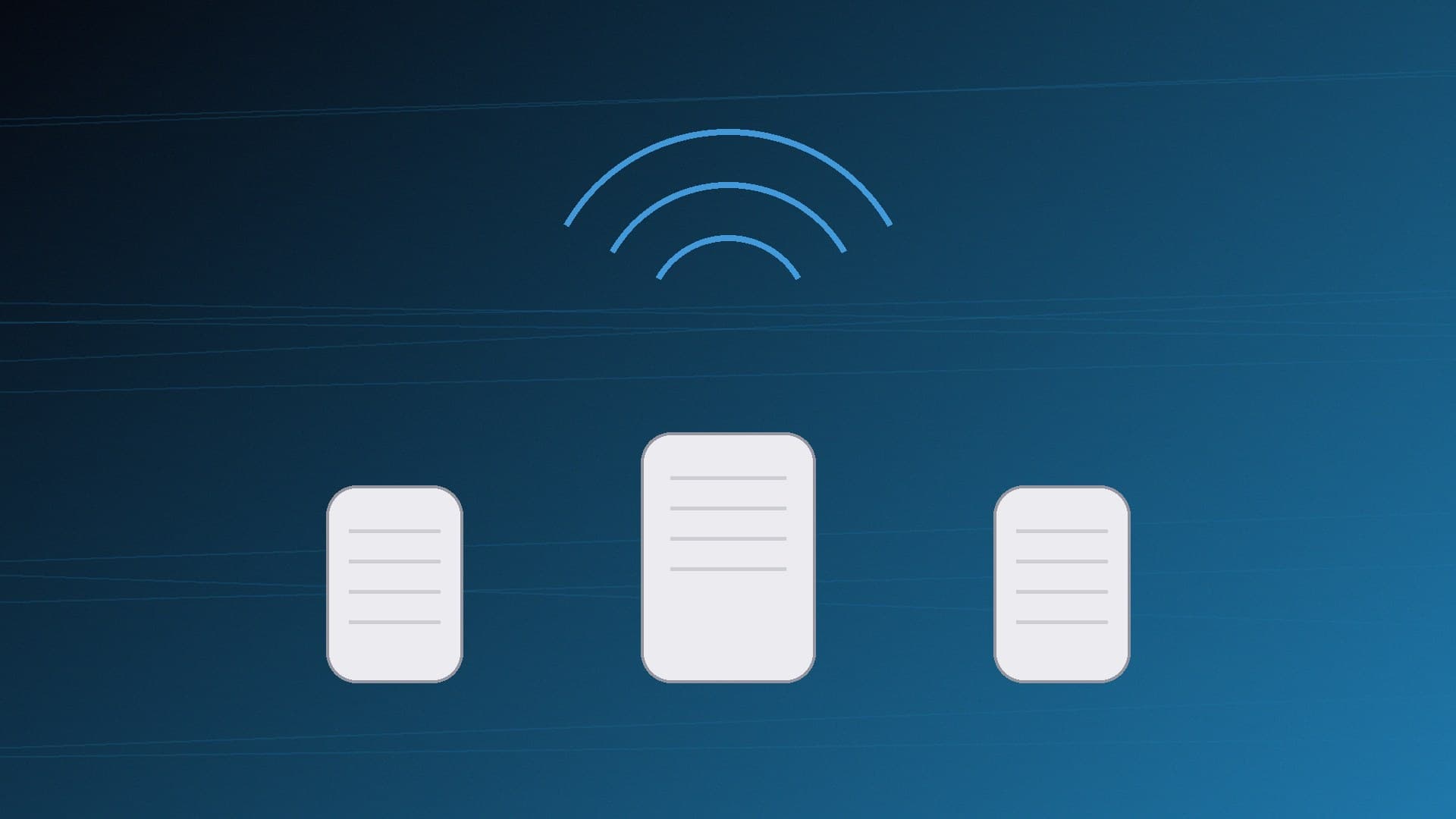
  • Orbi 970: a 10Gbps Ethernet LAN port on the router and on every satellite, plus 2.5Gbps ports, and a 10Gbps wired backhaul option. If you have (or plan) a 10GbE network card, a NAS or a multi-gig fibre line, this is the one that won't hold you back. See 10GbE vs 2.5GbE and our guide to setting up a 10GbE home network.

  • Orbi 870: a 10 Gig internet port, but its LAN ports are 2.5Gbps, and its wired backhaul tops out at 2.5 Gig. That's a good match for a PC with a 2.5GbE port; see 2.5GbE vs 1GbE.

If you can run Ethernet between the units, both systems support a wired backhaul, and our mesh Wi-Fi Ethernet backhaul guide explains how to set one up.

Size, processing and devices

Netgear lists the 970 as taller and deeper (about 294mm high and 131mm deep, against 270mm and 112mm for the 870). Its router has a faster 2.2GHz quad-core processor against the 870's 1.5GHz, and each 970 unit has 12 antennas against eight. Netgear rates the 970 for up to 200 concurrent devices and the 870 for up to 150. Netgear's pages list 2-pack and 3-pack versions and add-on satellites for both, and a standalone router for the 970.

Which should you buy?

  • Buy the Orbi 970 if you have a large home, lots of connected devices, a multi-gig fibre line or 10GbE kit you want to use at full speed from any room via a satellite's 10Gbps port.

  • Buy the Orbi 870 if you want Wi-Fi 7 mesh with 2.5Gbps wired ports throughout and your connection and devices don't need 10GbE. It still has a 10 Gig internet port and supports Multi-Link Operation according to Netgear.

For other options, including TP-Link alternatives, see our best mesh Wi-Fi system guide and TP-Link Deco BE25 vs Deco BE65.

The bottom line

The Netgear Orbi 970 is the better system if you need the most from wired and wireless networking: it adds a fourth band for a dedicated backhaul, a 10Gbps LAN port on the router and every satellite, a 10Gbps wired backhaul option and Netgear's higher 27Gbps, 8,200 sq ft and 200-device ratings. The Orbi 870 is enough for most UK homes and PCs with 2.5GbE ports, giving you Wi-Fi 7 with Multi-Link Operation, a 10 Gig internet port and 2.5Gbps ports throughout in a smaller unit.

Sources

  1. 01Netgear UK, Orbi 970 Series Quad-band WiFi 7 Mesh 3-Pack (RBE973S) product page and specifications
  2. 02Netgear UK, Orbi 870 Series Tri-Band WiFi 7 Mesh System 3-Pack (RBE873) product page and specifications

About the author

Callum Reid

Senior Hardware Editor

Callum leads GPU, CPU and platform architecture coverage at Forge PC. Before joining the editorial desk, he spent nine years specifying, assembling and stress-testing custom gaming and workstation systems in the UK, with a focus on PCIe bandwidth, VRM thermal design, DDR5 memory tuning and 1440p/4K frame-time consistency.

More from Callum Reid

Read next

Best ASUS ZenWiFi Mesh System 2026: Wi-Fi 7 Models Compared

Best Picks

Best ASUS ZenWiFi Mesh System 2026: Wi-Fi 7 Models Compared

ASUS's ZenWiFi Wi-Fi 7 mesh range runs from the dual-band BD4 to the tri-band BT8 and quad-band BQ16 and BQ16 Pro. Using ASUS's spec pages, we compare bands, 6GHz support, 2.5G and 10G ports and pack options to pick the right system for your home and gaming PC.

Hannah Vance5 min

How to Find Your Wi-Fi Password in Windows 11

How-To

How to Find Your Wi-Fi Password in Windows 11

Forgotten your Wi-Fi password? How to see it on a Windows 11 PC that has already connected, using Settings, the Wireless Properties dialog or the netsh wlan command.

Marcus Thorne4 min

Best TrueNAS Apps for Local AI in 2026

Best Picks

Best TrueNAS Apps for Local AI in 2026

The TrueNAS Apps Market now lists dozens of AI apps. We pick the most useful for local AI on a home server, from Ollama, Open WebUI, LocalAI and vLLM to Anything LLM, Faster Whisper, Wyoming Piper, Immich, Paperless AI, Vane and Frigate.

Hannah Vance5 min

How to Run Ollama on TrueNAS with GPU Acceleration

How-To

How to Run Ollama on TrueNAS with GPU Acceleration

TrueNAS's Apps Market has community apps for Ollama and Open WebUI, so a home server can run language models for every PC in the house. We explain each setting, from the ROCm image and port 30068 to raising the default limits and passing through a GPU.

Marcus Thorne5 min