OpenClaw is an open-source AI assistant (its GitHub repository showed more than 395,000 stars on 28 November 2026) that runs on your own computer and you talk to it through WhatsApp, Telegram, Slack or Discord. NemoClaw is NVIDIA's open-source stack that runs OpenClaw inside a locked-down container. They aren't really rivals, as NemoClaw uses OpenClaw rather than replacing it, but the choice between installing OpenClaw on its own and installing it through NemoClaw makes a real difference to security, setup and the hardware you need. This comparison is based on both projects' official documentation and Ollama's integration guides, read on 28 November 2026.
The short version
| OpenClaw on its own | NemoClaw |
|---|
What it is | The assistant itself | NVIDIA's reference stack that runs OpenClaw (or other agents) in an OpenShell sandbox |
Who makes it | OpenClaw Foundation, an independent non-profit | NVIDIA |
Licence | MIT | Apache 2.0 |
Platforms | macOS, Linux and Windows | Linux with Docker as primary; macOS (Apple Silicon) and Windows via WSL2 supported, per Ollama's guide |
Sandboxing | Optional, off by default; the gateway stays on the host | Every agent runs in an OpenShell sandbox |
NemoClaw's own requirements | n/a | 4 vCPU, 8GB RAM (16GB recommended), 20GB free disk (40GB recommended), before local model needs |
Ollama support | Built in; ollama launch openclaw | Local Ollama "tested with limitations"; Ollama calls its support experimental |
Status | Stewarded by the OpenClaw Foundation | Alpha project; NVIDIA calls it an early-preview reference stack |
What OpenClaw gives you on its own
OpenClaw's GitHub page describes an assistant whose state, memory and credentials live on your hardware, with models treated as swappable plugins, so you can use hosted models or local ones through Ollama. A single gateway handles sessions, tools and connections to messaging apps, and there are companion apps for desktop and mobile.
The security defaults are reasonable. OpenClaw's documentation says that on a regular install the gateway binds to loopback, most chat channels answer unknown senders with a pairing code instead of processing their messages, and group access is allowlisted. An openclaw security audit command checks for drift from those defaults.
The catch is what happens when the assistant uses tools. OpenClaw's README says tools run on the host for the main session unless you configure sandboxing, and its sandboxing documentation confirms sandboxing is off by default. When you turn it on, only tool execution moves into the sandbox; OpenClaw describes it as "not a perfect security boundary". It also says one gateway is meant for one trusted operator or team, not for users who don't trust each other.
If you want to try it, our guide to using OpenClaw with Ollama covers setup, including the 64k-token context window Ollama recommends for local models.
What NemoClaw adds
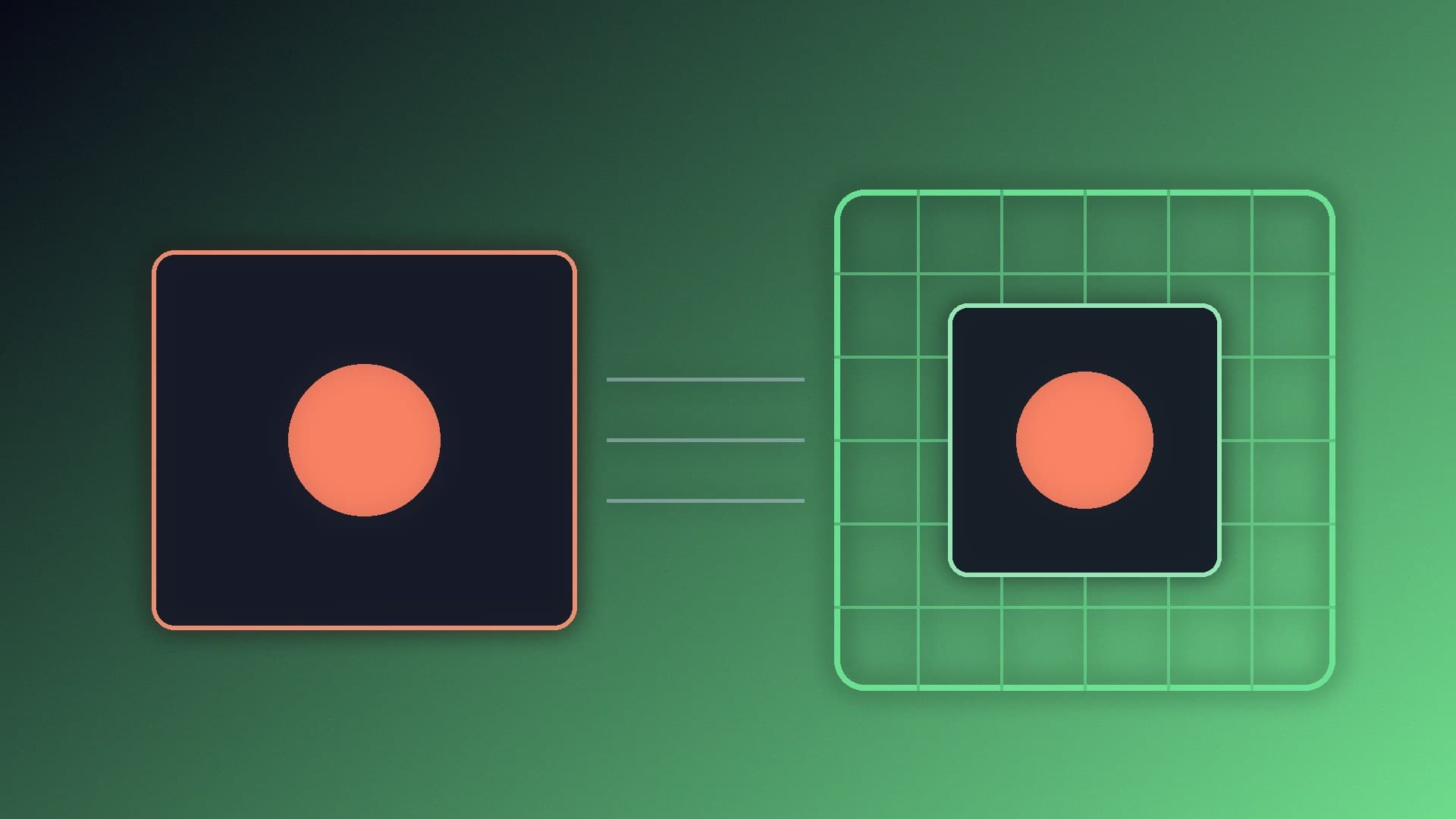
NVIDIA describes NemoClaw as an open-source reference stack for running always-on AI agents more safely inside OpenShell containers. OpenClaw is the default agent, and NemoClaw also supports Hermes and LangChain Deep Agents Code. NVIDIA's ecosystem page splits the stack into three layers: OpenClaw is the assistant, OpenShell is the sandbox and policy engine, and NemoClaw is the host-side tooling that sets it all up.
According to NVIDIA's documentation, the main differences from running OpenClaw directly are:
Kernel-level isolation. OpenShell applies seccomp filters, Landlock filesystem restrictions, privilege dropping, network namespace isolation and no-new-privileges enforcement, and NemoClaw adds a more restrictive policy on top.
Network control. Network policy is written in YAML; OpenShell blocks unapproved destinations and surfaces requests for the operator to review.
Credentials kept out of the sandbox. Inference credentials stay outside the container, and NemoClaw filters sensitive variables such as provider API keys and Discord, Slack and Telegram bot tokens from the sandbox build.
A slimmer image. NemoClaw removes build tools such as gcc and make, and network probes such as netcat, from the runtime image.
Read-only system paths. System folders such as /usr, /lib and /etc are read-only inside the sandbox.
Lifecycle tools. NemoClaw reports host readiness, shows sandbox status and logs, and can rebuild a sandbox while keeping the agent's home folder.
Setup and hardware
NemoClaw asks more of your PC. NVIDIA's prerequisites list 4 vCPU, 8GB of RAM (16GB recommended) and 20GB of free disk (40GB recommended), and say the sandbox image is about 2.4GB compressed. On machines with less than 8GB of RAM, NVIDIA warns that pushing the image during setup can trigger the out-of-memory killer. Those requirements are separate from the memory your local model needs. NVIDIA says its primary tested platforms are Linux and DGX Spark. Ollama's NemoClaw guide says Windows users need WSL2 with Docker Desktop, as Command Prompt and PowerShell aren't supported. Our guide to setting up WSL2 for local AI covers that part.
For local models, NVIDIA lists local Ollama as "tested with limitations", with validated defaults of qwen3.6:35b for high-VRAM systems, nemotron-3-nano:30b for medium VRAM and qwen3.5:9b as a low-VRAM fallback. Ollama's own guide uses nemotron-3-nano:30b in its quick start and says Ollama support in NemoClaw is still experimental. Our guide to how much VRAM you need will help you work out which tier your graphics card falls into.
OpenClaw on its own is simpler: with Ollama installed, ollama launch openclaw installs it and configures the model for you.
Which should you choose?
Choose OpenClaw on its own if you're trying a personal assistant on your own PC, you're on Windows without WSL2, or you want the quickest setup. Turn on its sandbox, keep the gateway on loopback and only pair people you trust.
Choose NemoClaw if the assistant will run unattended, connect to messaging apps or reach services where a mistake would be costly, and you're comfortable with Docker on Linux or WSL2. Bear in mind NVIDIA calls NemoClaw alpha software, and its documentation describes it as an early-preview reference stack for a trusted operator on one host, not a multi-user service.
If you're still choosing an assistant, our roundup of the best local AI agent apps compares OpenClaw with alternatives such as Hermes Agent, and our Windows Sandbox vs Hyper-V comparison covers other ways to isolate risky software on Windows.