This comparison is based on Intel's official specifications for the Arc A770 16GB and Arc B580, model sizes listed in the Ollama library, Ollama's hardware documentation and FAQ, and Intel's PyTorch prerequisites page, all read on 27 November 2026. We haven't included speed figures because we haven't measured them ourselves.
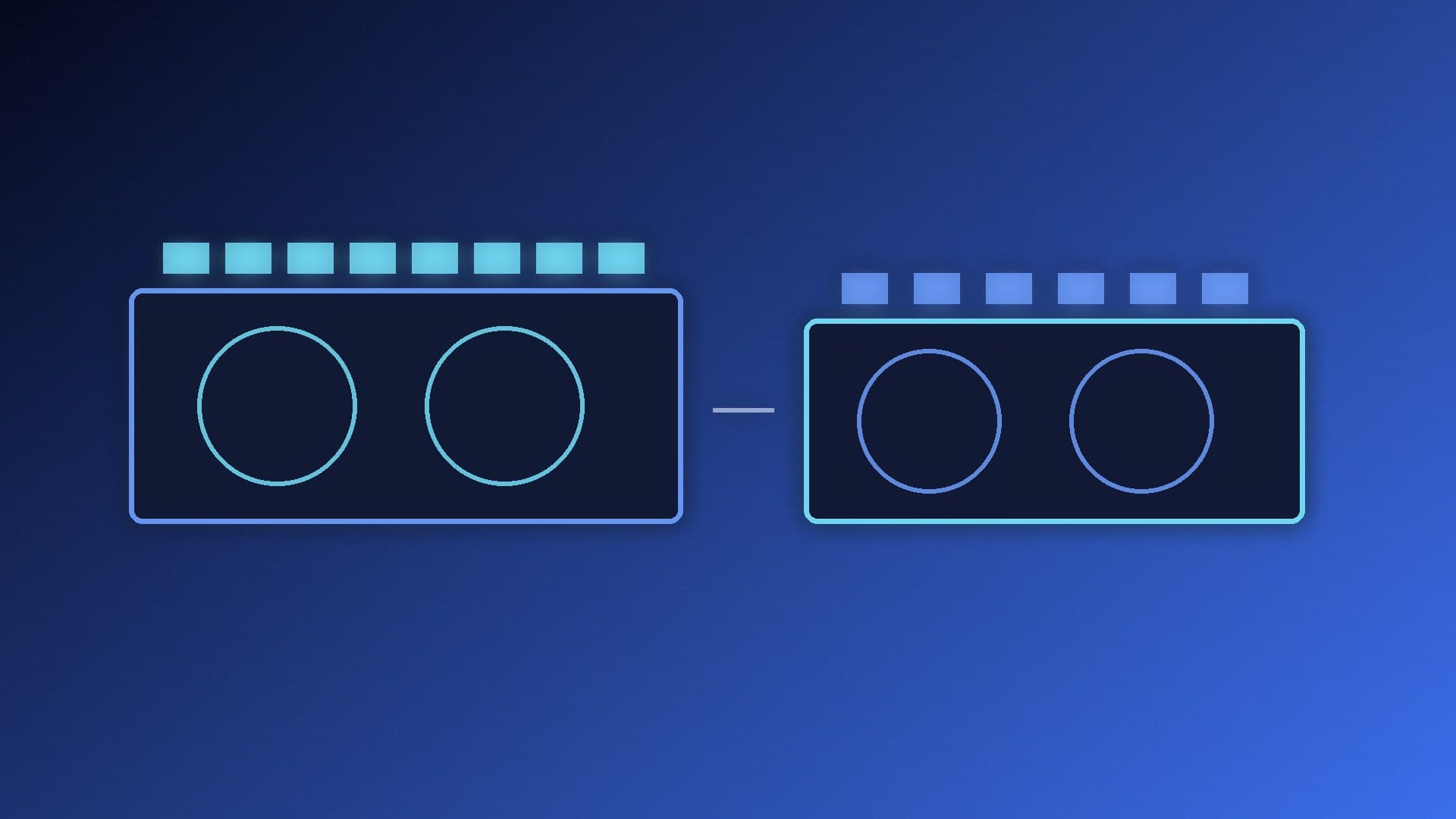
If you're building a budget local AI PC around an Intel graphics card, you'll quickly run into an awkward choice. The Arc B580 is the newer card, built on Intel's Xe2 (Battlemage) architecture. The Arc A770 16GB is a 2022 card on the older Alchemist design, but it has 4GB more memory and a wider memory bus. For gaming, newer usually wins. For running language models, where memory capacity and bandwidth decide what you can load and how quickly it replies, the answer is less obvious.
The A770 has also been in the news this week because of community software tuned specifically for it; our news story on inferzero pushing the Arc A770 past 1,700 tokens per second explains what that project does and where its figures come from.
Arc A770 16GB vs Arc B580 at a glance
Intel specification | Arc A770 16GB | Arc B580 |
|---|
Architecture | Xe HPG (Alchemist), TSMC N6 | Xe2 (Battlemage), TSMC N5 |
Launched | Q3 2022 | Q4 2024 |
Xe-cores / XMX engines | 32 / 512 | 20 / 160 |
Graphics clock | 2,100MHz | 2,670MHz |
Peak INT8 (Intel figure) | 262 TOPS | 233 TOPS |
Memory | 16GB GDDR6, 256-bit | 12GB GDDR6, 192-bit |
Memory speed / bandwidth | 17.5Gbps / 560GB/s | 19Gbps / 456GB/s |
Board power (TBP) | 225W | 190W |
PCIe | Up to PCIe 4.0 x16 | PCIe 4.0 x8 |
All figures are from Intel's product specification pages. For the B580, Intel also lists its own reference card as a dual-slot, 272 x 115mm design with one 8-pin power connector and a 600W minimum power supply. Partner cards for both GPUs vary.
Memory: 16GB gives you more room
For local language models, video memory is the first thing to check. If a model and its working memory (the context, or KV cache) don't fit on the card, apps such as Ollama load part of it into system memory instead, which Ollama's FAQ shows as a CPU/GPU split, and that part runs much more slowly.
The Ollama library shows why the extra 4GB matters. The default Qwen3 14B download (the Q4_K_M quantisation) is listed at 9.3GB. That loads on both cards, but on the B580 it leaves roughly 2.7GB of the 12GB for context and overheads, while on the A770 it leaves roughly 6.7GB. In practice that means you can run longer conversations or feed in bigger documents on the A770 before the model starts to spill out of video memory. Our explainer on LLM context length and VRAM shows how quickly context eats memory.
Neither card is a good home for larger models. Ollama lists Qwen3 14B at the higher-quality Q8_0 level at 16GB, which would fill the A770's entire memory with nothing left for context, and the Qwen3 30B and 32B downloads at 19GB and 20GB. Smaller 8B models such as Qwen3 8B (5.2GB at Q4_K_M, 8.9GB at Q8_0) fit comfortably on both. Before downloading anything, use our guide to checking whether a model fits your GPU.
Bandwidth and compute: the A770 wins on paper
Once a model fits, the speed at which a card writes its reply is mostly limited by memory bandwidth, because the GPU has to read the model's weights for every token it generates. Intel lists 560GB/s for the A770 against 456GB/s for the B580, about 23% more, thanks to its wider 256-bit bus. On paper that favours the A770 for generation speed on models both cards can hold. Our memory bandwidth explainer covers why this matters more than raw compute.
Intel's headline AI compute figures are closer: 262 INT8 TOPS for the A770 and 233 for the B580, about 12% apart. Compute matters most when the model is reading a long prompt rather than writing a reply.
Specifications aren't the whole story, though. The B580's Xe2 architecture is two years newer, and how well each card performs depends heavily on how well your software is optimised for it. We haven't measured either card, so treat these as on-paper differences, not a speed ranking.
Software support
Both cards share the same broad Intel software stack. Intel lists oneAPI, OpenVINO and Intel Extension for PyTorch support for both, and Intel's PyTorch prerequisites page names both Arc A-Series and Arc B-Series graphics as verified on Windows 11 and on Ubuntu 26.04 and 24.04. If you want to use PyTorch directly, our guide to installing PyTorch for an Intel Arc GPU on Windows applies to either card.
For everyday chat apps, Ollama's documentation says additional GPU support on Windows and Linux comes through Vulkan, which is enabled by default, and that on Windows most GPU drivers already include Vulkan support. Our guide to running local AI on an Intel Arc GPU walks through the main apps.
The inferzero project mentioned above is a reminder that specialised engines can change the picture for a particular card, but it's experimental, and its results come from its contributors rather than independent testing.
Power, size and PCIe
The A770 is the hungrier card, with a 225W board power rating against 190W for the B580, a difference of 35W. Intel lists a 600W minimum power supply for its own B580 card; for an A770, or any partner B580, check the card maker's recommended PSU.
The PCIe difference is worth knowing about if you're upgrading an older PC. The B580 uses eight PCIe 4.0 lanes, while the A770 can use up to 16. In an older PCIe 3.0 motherboard, the B580's eight lanes run at PCIe 3.0 speed, roughly half the bandwidth of PCIe 4.0 x8. For local AI that mostly affects how long a model takes to load and how badly performance drops if a model spills into system RAM, rather than generation speed once the model is loaded. Our PCIe x16 vs x8 comparison explains the details.
Because the A770 launched in 2022, many of the cards you'll see for sale are likely to be second-hand. Our guide to buying a used GPU for local AI covers what to check before you buy.
Which should you buy?
Choose the Arc A770 16GB if local AI is the main job, you want longer context on 14B-class models, and you can find one in good condition. Its extra memory and wider bus are the specifications that matter most for language models.
Choose the Arc B580 if you also play games, want the newer architecture and lower power rating, or are buying new with a warranty. The Intel Arc B580 Limited Edition 12GB is Intel's own version.
Look elsewhere if you want to run 30B-class models; neither card has enough memory. See our best Intel Arc GPUs for local AI and best 16GB graphics cards for local AI. If you're weighing the B580 against other budget cards, see Arc B580 vs RTX 3060 12GB.
Our verdict
For local AI specifically, the older Arc A770 16GB has the better specifications: Intel lists 16GB of memory and 560GB/s of bandwidth against the Arc B580's 12GB and 456GB/s, which gives you more room for context on 14B-class models and, on paper, an edge in generation speed, though we haven't measured it. The Arc B580 is the better all-round card if you also game or want a newer card with lower power draw. Neither is enough for 30B-class models, so if that's your goal, budget for a card with more memory.