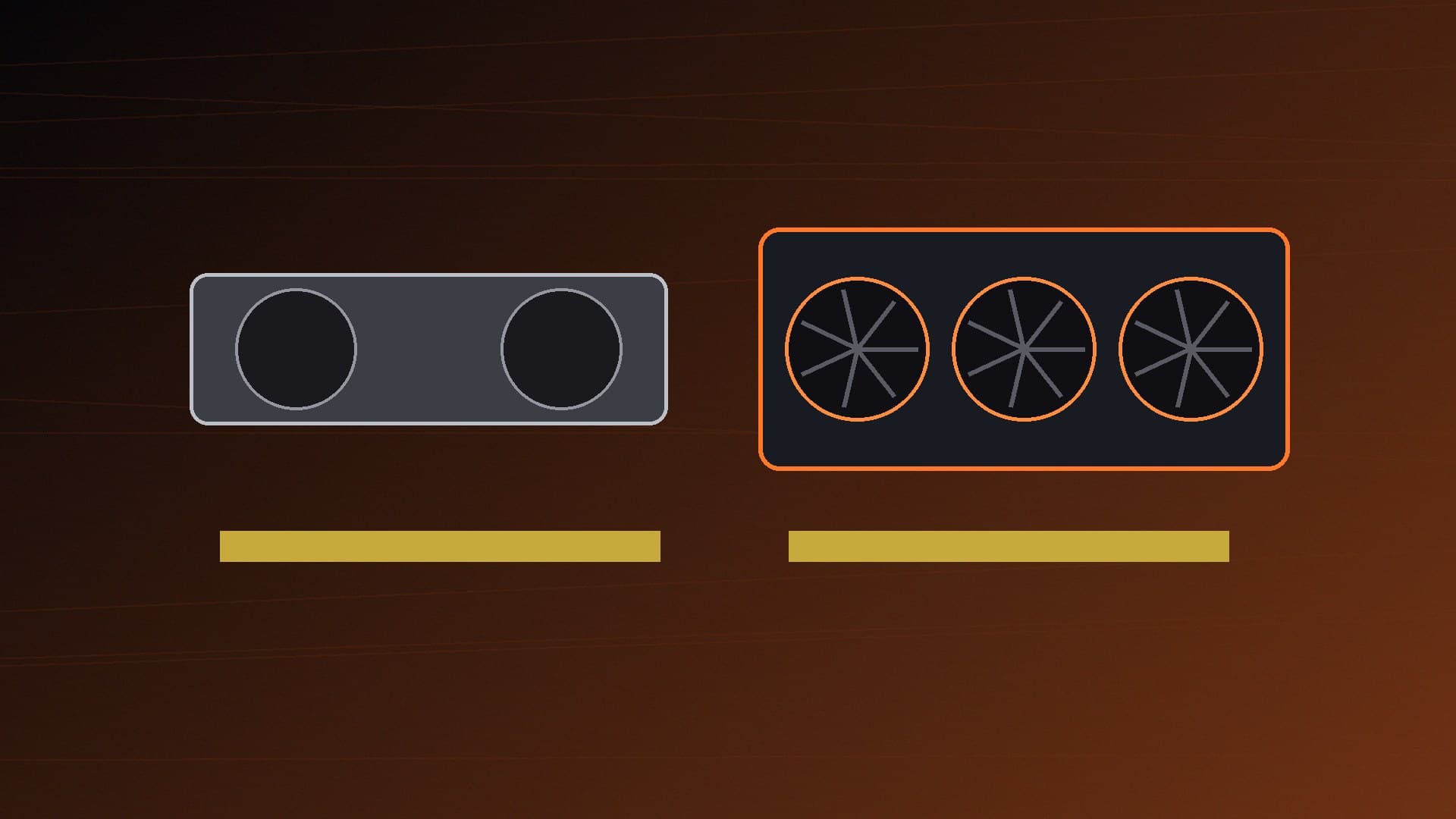
Every GeForce RTX 50-series GPU is sold in several versions: NVIDIA's own Founders Edition, where one exists, and many partner cards from companies such as ASUS, MSI and Gigabyte. They use the same GPU, but they're different products, with different sizes, power connectors, clocks, warranties and ways of buying them in the UK. This guide compares the two, using NVIDIA's published Founders Edition specifications, ASUS's specifications for two of its partner cards and NVIDIA's warranty pages.
The short answer
| Founders Edition | Partner (add-in-board) cards |
|---|
Made by | NVIDIA | ASUS, MSI, Gigabyte and other partners |
Models available | RTX 5090, RTX 5080 and RTX 5070, per NVIDIA's spec pages (not the RTX 5070 Ti) | Partner versions of each RTX 50-series GPU |
Size | Two slots on the RTX 5090, 5080 and 5070 | Varies by card; the two ASUS cards below are 3.125 and 3.8 slots |
Warranty handled by | NVIDIA, directly | The card's maker (the partner) |
Where to buy in the UK | Via links on NVIDIA's website | UK PC retailers |
Which GPUs have a Founders Edition?
NVIDIA's UK spec pages list a Founders Edition for the GeForce RTX 5090, RTX 5080 and RTX 5070. On the RTX 5070 family page, the RTX 5070 Ti's card dimensions are listed as "Varies by manufacturer" rather than given for a Founders Edition, so if you want a 5070 Ti, you're buying a partner card. In our specs database you'll find the NVIDIA GeForce RTX 5090 Founders Edition and NVIDIA GeForce RTX 5080 Founders Edition alongside partner versions.
Size: Founders Edition cards are unusually slim
This is where the difference is most obvious. NVIDIA lists all three Founders Edition cards as two-slot designs:
Card | Length | Width (height) | Slots |
|---|
RTX 5090 Founders Edition | 304mm | 137mm | 2 |
RTX 5080 Founders Edition | 304mm | 137mm | 2 |
RTX 5070 Founders Edition | 242mm | 112mm | 2 |
NVIDIA calls the RTX 5090 Founders Edition's cooler "the highest-performance dual-slot graphics card cooler ever made", using a 3D vapour chamber with integrated heat pipes. That's NVIDIA's claim; for independent temperature and noise results, check reviews from established outlets.
Partner cards are often much bigger. Two examples from ASUS's own spec pages:
ASUS ROG Astral GeForce RTX 5090: 357.6 x 149.3 x 76mm, listed as a 3.8-slot card.
ASUS TUF Gaming GeForce RTX 5070 Ti: 329 x 140 x 62.5mm, listed as 3.125 slots.
Not every partner card is huge, though. NVIDIA's spec pages list the RTX 5090, 5080 and 5070 Founders Editions as "SFF-Ready Enthusiast GeForce" cards and say this varies by manufacturer for partner cards, and our best SFF-ready graphics cards guide covers those. Before buying any card, follow our guide to checking a graphics card fits your case. Even for the two-slot RTX 5090 Founders Edition, NVIDIA's "prepare your system" checklist asks for three unused expansion slots and space for a 304 x 137mm, 3-slot (61mm) card, plus 36mm of extra space for power cables. It says leaving clearance equal to an unused expansion slot around the card will typically improve airflow.
A long, thick card can also sag in its slot over time: see our guide to fixing GPU sag.
Clocks and power
NVIDIA's spec pages describe the GPU "as incorporated into NVIDIA's Founders Edition or reference graphics card design", and add that specifications may vary by add-in-card manufacturer. Partner cards can ship with higher boost clocks than NVIDIA's figures. NVIDIA lists the RTX 5090's boost clock as 2.41GHz, while ASUS lists the ROG Astral RTX 5090 at 2,580MHz in default mode and 2,610MHz in OC mode.
A higher clock on the box doesn't tell you how much faster the card will be in games. Independent reviews are the place to check whether a factory overclock makes a meaningful difference.
Power requirements can differ too:
RTX 5090: NVIDIA's spec table lists a 1,000W required system power (based on a PC with a Ryzen 9 9950X), though its checklist for the Founders Edition gives 850W as a minimum and says a higher rating may be needed. ASUS recommends a 1,000W PSU for the ROG Astral.
RTX 5070 Ti: NVIDIA lists a 750W system requirement, while ASUS recommends 850W for the TUF Gaming 5070 Ti.
Always use the PSU recommendation for the exact card you buy, not the GPU in general. Our PSU wattage guide explains how to work it out.
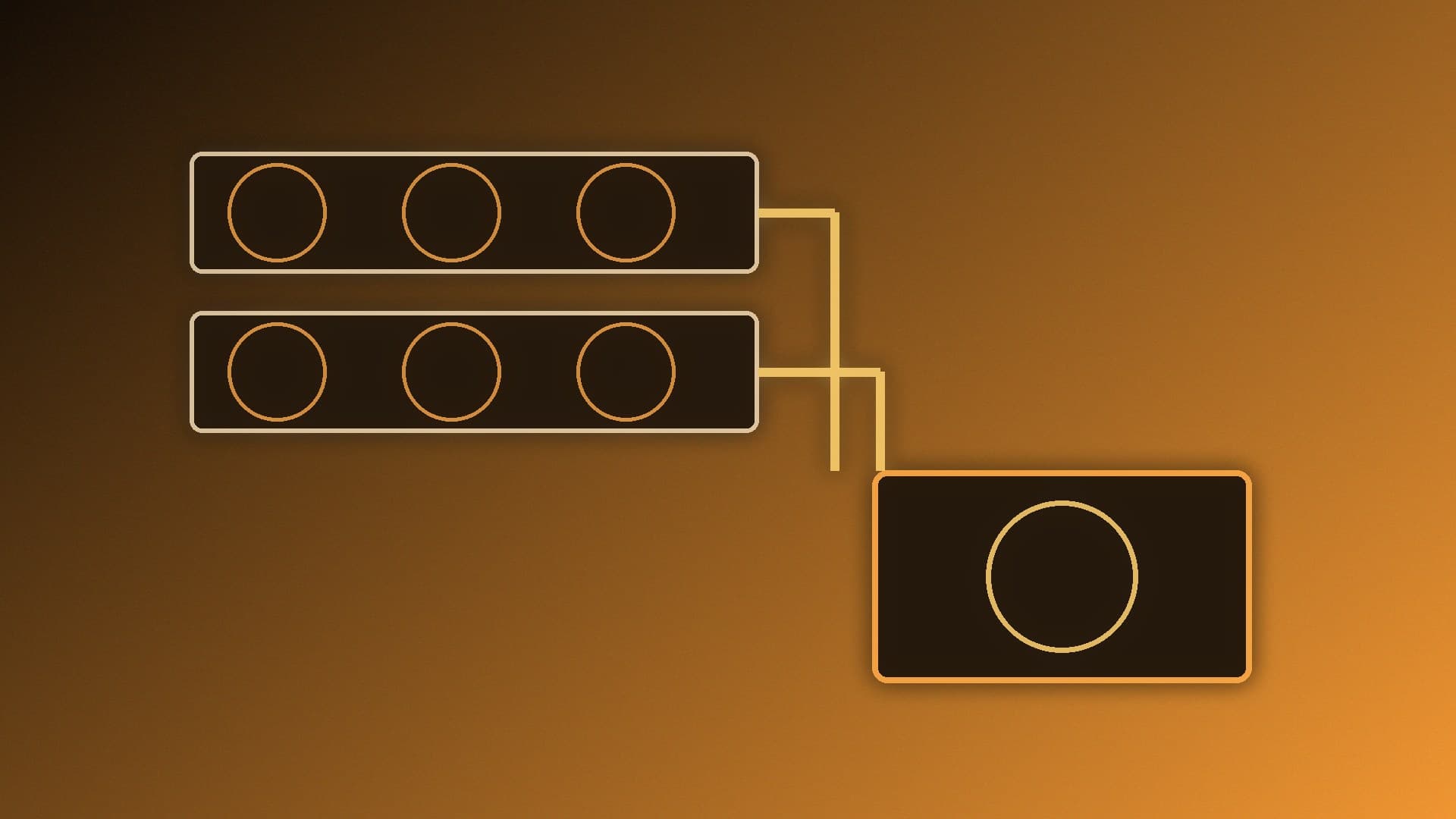
Connectors are similar but not identical. NVIDIA lists its RTX 50-series cards as taking either one PCIe Gen 5 power cable or several 8-pin PCIe cables via an adapter in the box (four for the RTX 5090, three for the 5080 and two for the 5070). The two ASUS cards above each list one 16-pin connector. Our guide to connecting a 12V-2x6 cable safely applies to all of them.
Warranty: who you deal with
NVIDIA's UK warranty page says GeForce cards bought through NVIDIA partners are warranted by the partner, such as ASUS, MSI or Gigabyte, and that you contact the partner directly. Founders Edition cards are covered directly by NVIDIA. NVIDIA's graphics card warranty page says it covers manufacturing defects and hardware failures for three years from the date of purchase on its listed Founders Edition cards, including the RTX 5090, 5080 and 5070, and that it applies only to the original purchaser, not to cards bought used.
NVIDIA's warranty pages also advise contacting your local distributor or reseller first. With either type of card, the retailer you bought from is the first place to go within your UK consumer rights.
For a partner card, check that maker's UK warranty terms for the card you're considering.
Buying in the UK
Founders Edition cards aren't listed like ordinary retail stock. Buyers on Reddit's r/nvidia forum quote Scan as saying it acts as a fulfilment partner for NVIDIA and that Founders Edition cards can only be bought direct from NVIDIA through its website, and several described them selling out quickly at the RTX 50-series launch. Treat that as buyers' experience rather than an official statement, and start from NVIDIA's UK product page if you want one. Partner cards are sold by UK PC retailers in the usual way, with many more models to choose from.
Prices vary daily at the moment, so compare the Founders Edition against partner cards on the day you buy rather than assuming either is the cheaper option.
Our verdict
Choose a Founders Edition if you want the slimmest card available for an RTX 5090, 5080 or 5070, you're building in a smaller case, and you can get one at a fair price. You also get NVIDIA's three-year warranty directly from NVIDIA.
Choose a partner card if you want an RTX 5070 Ti or any other GPU NVIDIA doesn't make a Founders Edition for, if you want a particular cooler, RGB or factory overclock, or if you simply need something that's in stock. Check the card's length, thickness and PSU recommendation before you order, because they vary widely.
Whichever you pick, independent reviews of that exact model are the best guide to temperatures and noise. For help choosing the GPU itself, see our best graphics cards and how to choose a graphics card guides.