This comparison is based on Intel's official specifications for the Arc Pro B50 and Arc Pro B60, model sizes listed in the Ollama library and the Ollama and PyTorch documentation, all read on 27 November 2026. We haven't included speed figures because we haven't measured them ourselves.
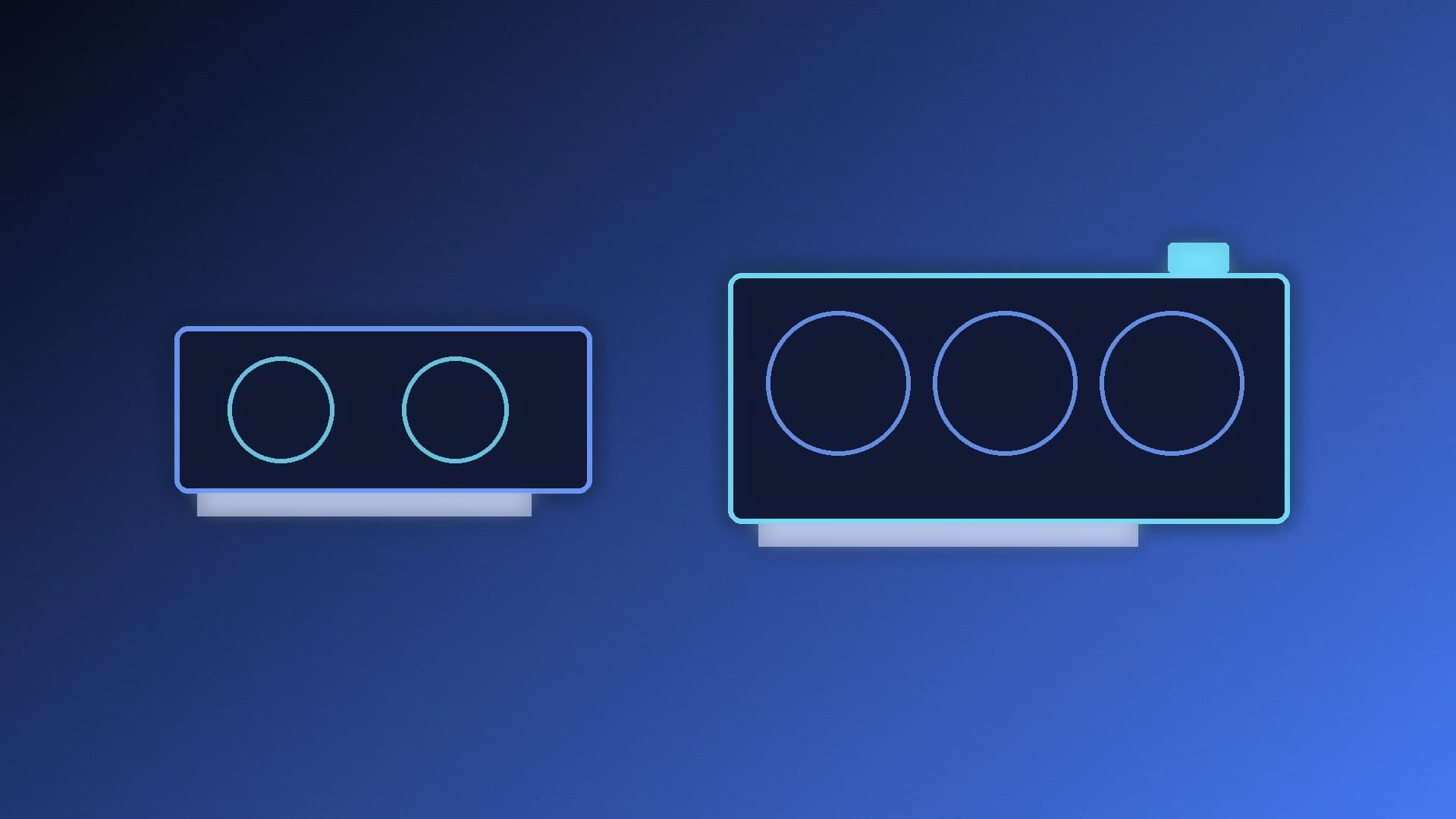
Intel's Arc Pro B50 and Arc Pro B60 are both Xe2-generation (Battlemage) workstation cards with plenty of memory for the money, which is why they keep coming up in local AI builds. They aren't simply a small and a large version of the same card, though. The B50 is a compact 70W card that runs from the slot alone, while the B60 has 8GB more memory and roughly twice the memory bandwidth, but needs a power cable and comes only in partner designs. If you're weighing either card against NVIDIA, see Arc Pro B50 vs RTX 5060 Ti 16GB and Arc Pro B60 vs RTX 5060 Ti 16GB. If you're looking further up the range, see Arc Pro B70 vs Arc Pro B60.
Arc Pro B50 vs Arc Pro B60 at a glance
| Arc Pro B50 | Arc Pro B60 |
|---|
Graphics memory | 16GB GDDR6 | 24GB GDDR6 |
Memory bus | 128-bit | 192-bit |
Memory bandwidth | 224GB/s | 456GB/s |
Xe-cores | 16 | 20 |
XMX AI engines | 128 | 160 |
Peak INT8 (Intel figure) | 170 TOPS | 197 TOPS |
Peak FP32 (Intel figure) | 10.65 TFLOPS | Up to 12.28 TFLOPS |
Board power | 70W | 120-200W |
Power connector | None needed | Varies by partner |
PCIe | PCIe 5.0 x8 | PCIe 5.0 x16 slot (x8 electrical) |
Size | Intel reference card: dual-slot, 6.6in x 2.7in | Varies by partner |
All figures are from Intel. The B60 numbers are Intel's reference specification, and Intel says partner designs may vary.
Memory: 24GB opens up a bigger class of model
For local large language models, memory size decides what you can load at all, so this is the biggest difference. The B60's 24GB is 50% more than the B50's 16GB.
Model sizes from the Ollama library show where that matters. Qwen3 8B is listed at 5.2GB and Qwen3 14B at 9.3GB, so both fit comfortably on either card with room left for context. gpt-oss 20B is listed at 14GB, which will load on the B50 but leaves only about 2GB for context and everything else on the card. Qwen3 30B is listed at 19GB and Qwen3 32B at 20GB, which are too big for 16GB but leave a few gigabytes spare on the B60's 24GB. Larger models such as gpt-oss 120B, listed at 65GB, don't fit on either card on its own.
Remember that the model file isn't the whole story. The context (the conversation and documents the model is working with) needs memory too, and longer context needs more. Our context length and VRAM explainer covers how to budget for it.
Bandwidth: the B60 should generate text faster
Generating text is usually limited by how fast the graphics card can read the model from its memory, rather than by raw compute. That's why the B60's 456GB/s matters: Intel lists it at a little over twice the B50's 224GB/s. On a model that fits on both cards, we'd therefore expect the B60 to produce tokens noticeably faster, though we haven't measured how much. Our memory bandwidth explainer explains why.
The compute gap is much smaller. Intel lists 197 INT8 TOPS for the B60 against 170 for the B50, about 16% more, and up to 12.28 TFLOPS FP32 against 10.65. That helps with prompt processing and image generation, but it's memory and bandwidth that separate these two cards for chatbots.
Power, size and fitting it in
This is where the B50 earns its place. Intel lists a 70W board power, says no power connector is needed and gives a 280W minimum power supply for its reference card, which is dual-slot and 6.6 inches (about 168mm) long. That makes it one of the easier ways to add 16GB of graphics memory to a small office PC, a compact server or a system with a modest power supply, as long as there's a free full-length slot and room for a dual-slot card. For more options in this class, see our best low-power GPUs for local AI.
The B60 is a bigger commitment. Intel's reference specification gives 120-200W total board power, and leaves the power connector, form factor and dimensions to each partner. Intel also notes that its own version of the B60 isn't available to buy, so you'll be choosing a partner card and should check its length, slot width and power connector against your case and power supply before ordering.
Both cards use a PCIe 5.0 x8 connection. The B50 is listed as PCIe 5.0 x8, and the B60 as a Gen 5.0 x16 card wired at x8. That's worth knowing if you plan two cards: a motherboard that splits its slots x8/x8 doesn't cost either card any lanes. Our best motherboards for dual-GPU local AI covers boards that do this.
Software: same driver stack, with one Windows caveat
Because both cards use Intel's Xe2 architecture, the software story is the same. Ollama's GPU documentation says extra GPU support on Windows and Linux comes through Vulkan, which is enabled by default, and that on Windows most GPU drivers already include Vulkan support. Intel lists oneAPI and OpenVINO support for both, and Intel Extension for PyTorch support for the B50. Our guide to running local AI on an Intel Arc GPU walks through the main apps.
If you want to use PyTorch directly, check Intel's hardware list first. Intel's PyTorch prerequisites page lists the Arc Pro B50, B60, B65 and B70 as verified on Ubuntu 26.04 and 24.04, but its Windows 11 verified list names Arc A-Series and Arc B-Series graphics and doesn't mention the Arc Pro cards. Intel also offers its OMIX software stack for building PyTorch from source only on the Arc Pro cards, on Ubuntu. Intel's B60 data sheet pitches the card for Linux multi-GPU setups, so if you're buying a B60 mainly for AI, Linux is the better-supported route.
Which should you buy?
Choose the Arc Pro B50 if you want to add 16GB to a compact or low-power PC, you run models up to about 14B parameters, or gpt-oss 20B with a short context, and you value a card that needs no power cable.
Choose the Arc Pro B60 if you want to run 30B-class models such as Qwen3 30B or 32B, want longer context on smaller models, or care about generation speed, and your case and power supply can take a 120-200W partner card.
Look elsewhere if you need more than 24GB on a single card; see our best 24GB graphics cards for local AI and the Arc Pro B70 comparison above. If you also want to play games, a consumer card such as the Intel Arc B580 Limited Edition 12GB is the more usual choice, though it has less memory.
Our verdict
The Arc Pro B60 is the better card for local AI if your PC can take it: Intel lists 24GB of memory and 456GB/s of bandwidth against the B50's 16GB and 224GB/s, which lets it load 30B-class models the B50 can't and should make it noticeably quicker on models both can run, though we haven't measured how much. The Arc Pro B50 is the one to pick for small or low-power systems, because Intel rates it at 70W with no power connector in a compact dual-slot design. Whichever you choose, Linux currently has the more complete Intel AI software support for these Arc Pro cards.