This comparison is based on NVIDIA's official specifications for the GeForce RTX 4080 Super and RTX 5080, model sizes listed in the Ollama library and Ollama's hardware documentation and FAQ, all read on 27 November 2026. We haven't included speed figures because we haven't measured them ourselves.
The RTX 4080 Super and RTX 5080 sit in the same place in NVIDIA's line-up, one generation apart. Both have 16GB of video memory on a 256-bit bus, so if you're thinking of moving from one to the other, or choosing between a used 4080 Super and a new 5080 for running AI models at home, the key question is simple: what do you actually gain when the memory size stays the same?
RTX 4080 Super vs RTX 5080 at a glance
NVIDIA specification | RTX 4080 Super | RTX 5080 |
|---|
Architecture | Ada Lovelace | Blackwell |
CUDA cores | 10,240 | 10,752 |
Tensor Cores | 4th generation | 5th generation |
AI TOPS (NVIDIA figure) | 836 | 1,801 |
Boost / base clock | 2.55GHz / 2.29GHz | 2.62GHz / 2.30GHz |
Memory | 16GB GDDR6X, 256-bit | 16GB GDDR7, 256-bit |
Total graphics power | 320W | 360W |
Required system power | 750W | 850W |
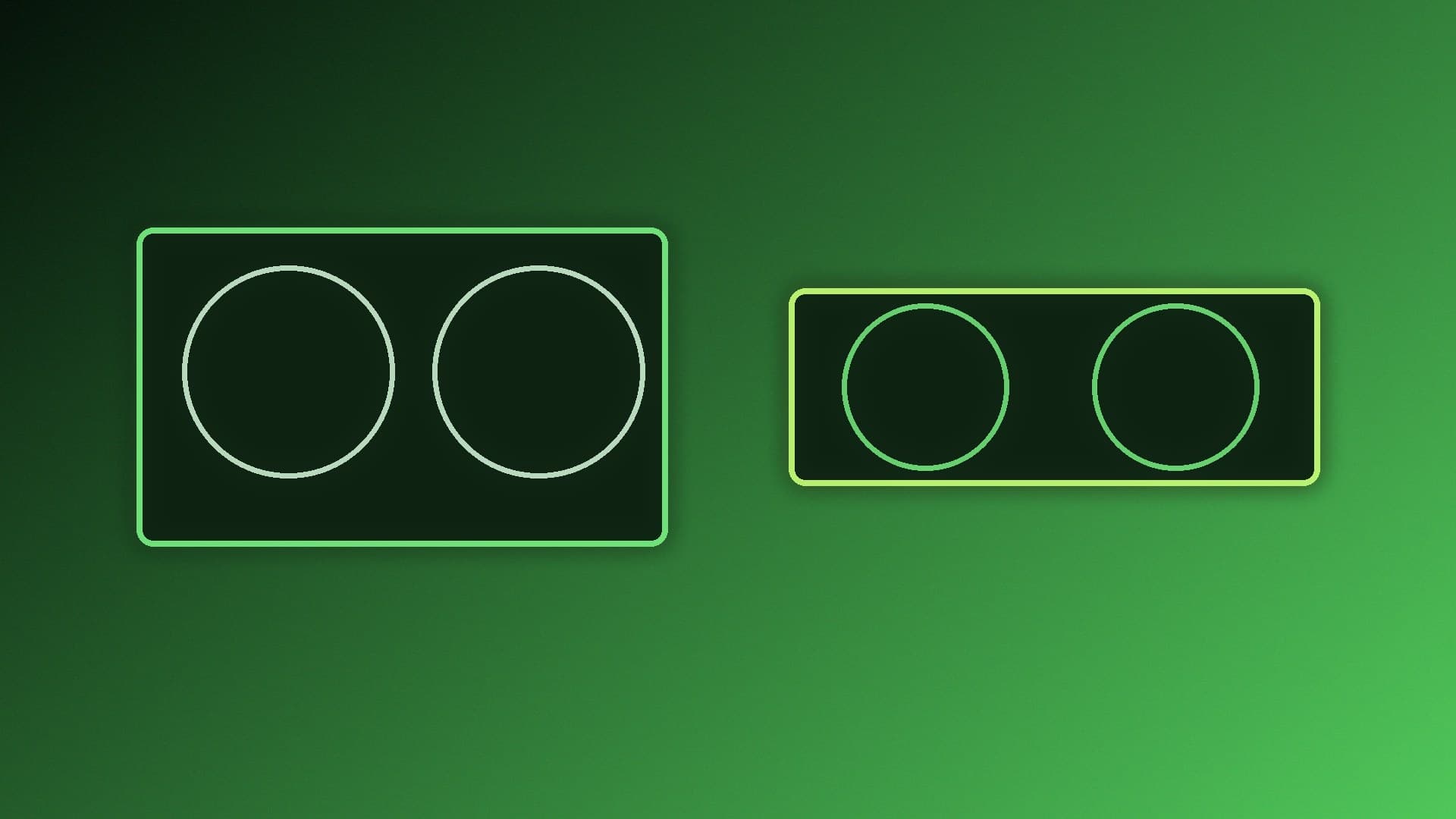
Founders Edition size | 304 x 137mm, 3-slot | 304 x 137mm, 2-slot |
All figures are from NVIDIA's UK product pages. Partner cards vary in size, clocks and power.
Memory: no difference in what fits
Because both cards have 16GB, they can load exactly the same models. The Ollama library lists the default Qwen3 14B download (Q4_K_M) at 9.3GB, which fits on either card with several gigabytes left for context. Qwen3 14B at the higher-quality Q8_0 level is listed at 16GB, which would fill either card with nothing left over, and the Qwen3 30B and 32B downloads (19GB and 20GB) won't fit entirely on either. If you mainly want to run bigger models, upgrading from a 4080 Super to a 5080 won't help; you need a card with more memory. Our best 16GB graphics cards for local AI and RTX 5080 vs RTX 4090 pieces cover the options.
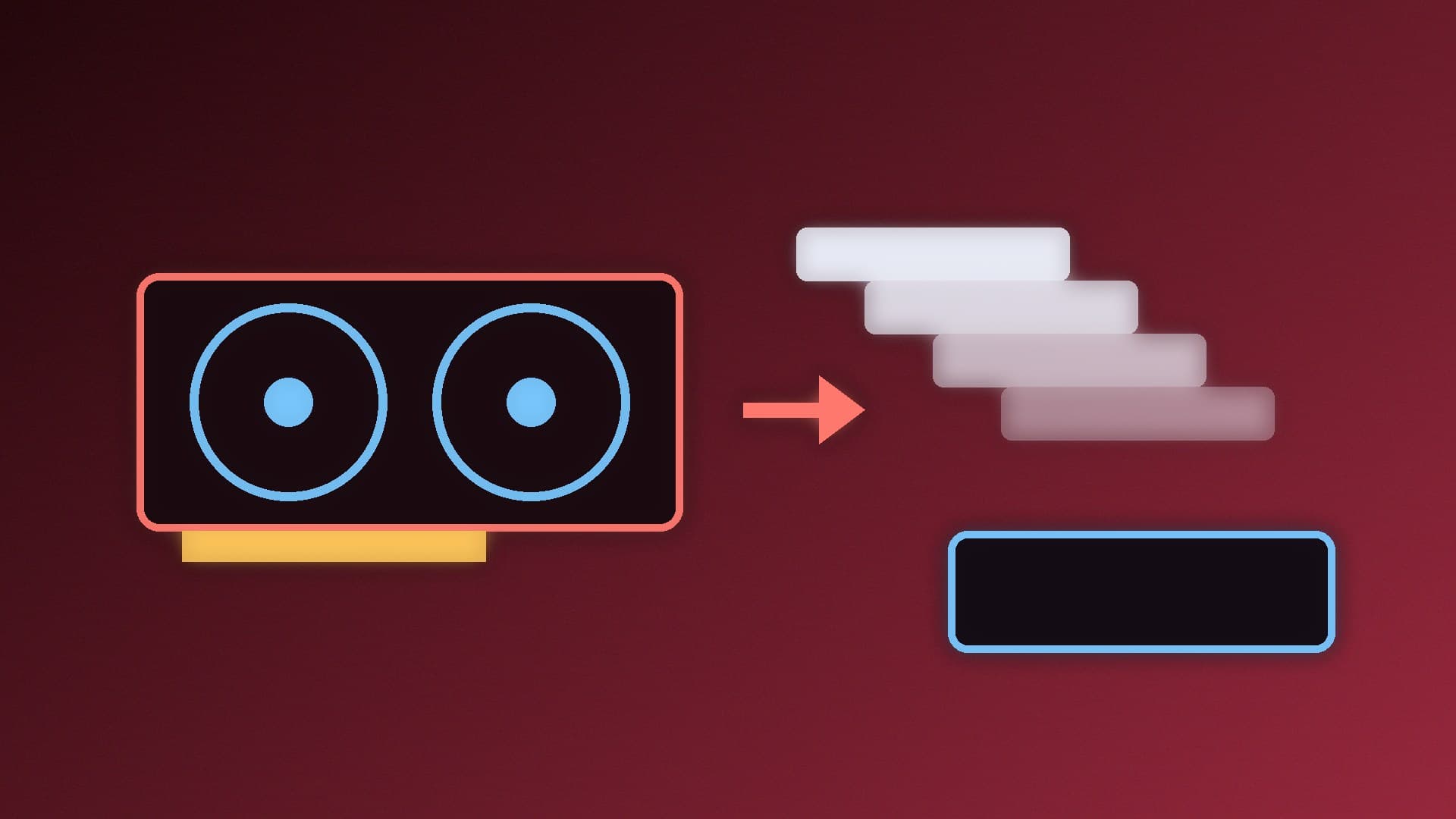
When a model is too big, Ollama's FAQ explains that it can be loaded partly onto the GPU and partly into system memory, and the ollama ps command shows the split, such as 48%/52% CPU/GPU. The part held in system memory runs much more slowly. Our guide to checking VRAM usage in Windows shows how to see whether that's happening.
Memory type: GDDR7 is the real upgrade
The biggest difference for language models is the memory itself. The RTX 5080 uses GDDR7, which NVIDIA describes as "blistering-fast", while the RTX 4080 Super uses GDDR6X, both on a 256-bit bus. When a model is generating text, the card has to read the model's weights for every token, so faster memory generally means quicker replies. NVIDIA's product pages don't list memory speed or bandwidth, so we haven't quoted figures here, and we haven't measured how much difference it makes in practice. Our GDDR7 vs GDDR6 explainer and memory bandwidth explainer cover why it matters.
NVIDIA lists 1,801 AI TOPS for the RTX 5080 and 836 for the RTX 4080 Super, about 2.15 times as much. That looks like a huge jump, but it isn't a like-for-like measure of everyday local AI speed. NVIDIA highlights FP4 support as a feature of the RTX 5080's fifth-generation Tensor Cores, and headline TOPS figures depend on the number format being used. The models most people run in Ollama are offered at quantisation levels such as Q4_K_M and Q8_0, as the Ollama library's Qwen3 listings show, rather than as FP4 versions. Our explainer on FP4 vs FP8 vs FP16 covers where FP4 can help.
The CUDA core count is much closer: 10,752 on the RTX 5080 against 10,240 on the RTX 4080 Super, 512 more, or about 5%. Both cards use NVIDIA's CUDA platform, and both are well within Ollama's NVIDIA support, which its hardware documentation lists as GPUs with compute capability 5.0 or newer and driver version 550 or newer.
Power and size
The RTX 5080 is rated at 360W total graphics power, 40W more than the RTX 4080 Super's 320W, and NVIDIA recommends an 850W power supply for it against 750W for the 4080 Super. Both accept either three 8-pin cables through the adapter in the box or a single 450W-or-greater PCIe Gen 5 cable. If you're using the 16-pin connector, see our guide to connecting a 12V-2x6 cable safely.
The Founders Editions share the same 304 x 137mm footprint, but NVIDIA lists the RTX 5080 Founders Edition as a 2-slot card and the RTX 4080 Super as a 3-slot card. That's useful if you're thinking about fitting a second card later.
Should you upgrade?
From an RTX 4080 Super to an RTX 5080: for local language models, probably not. You get the same 16GB, so nothing new fits. Faster GDDR7 memory should make replies quicker, but we haven't measured how much, and you'd be paying for a new card to run the same models.
Choosing between a used RTX 4080 Super and a new RTX 5080: the 5080 brings GDDR7, FP4 support, a slimmer Founders Edition and a full warranty. A used 4080 Super runs the same models and is worth considering if it costs noticeably less. Read our guide to buying a used GPU for local AI first.
If you need more than 16GB: neither card is the answer. Look at 24GB and 32GB cards instead.
RTX 5080 cards in our specs database include the NVIDIA GeForce RTX 5080 Founders Edition and partner cards such as the ASUS Prime RTX 5080 16GB. If you're also considering a step down, see RTX 5070 Ti vs RTX 5080.
Our verdict
For local AI, the RTX 4080 Super and RTX 5080 are closer than NVIDIA's AI TOPS figures suggest: both have 16GB on a 256-bit bus, so they run exactly the same models. The RTX 5080's real advantages are faster GDDR7 memory, FP4 support for apps that use it and a slimmer 2-slot Founders Edition, at the cost of 40W more power. If you already own a 4080 Super, it isn't worth upgrading for local AI; if you're buying, choose the 5080 new or a 4080 Super only if a used one is clearly cheaper.