Hard drives are still the cheapest way to add lots of storage to a PC or NAS, and spindle speed is usually the first spec you'll see in a listing: 5400 RPM, 7200 RPM, or occasionally an in-between figure such as 5640 RPM. Faster sounds better, but the spec sheets tell a more nuanced story. This guide compares the two using Western Digital's own published specifications for its WD Blue and WD Red Plus drives, so you can see the real trade-offs in speed, power and noise.
The short answer
| 5400 RPM class | 7200 RPM class |
|---|
Sequential speed | Lower on like-for-like drives, but not always | Usually higher, especially on large-capacity models |
Access time | Slower (longer wait for the platter to come round) | Quicker |
Power use | Lower | Higher |
Noise | Quieter on WD's spec sheets | Louder on WD's spec sheets |
Best for | Bulk storage, backups, media libraries, quiet PCs, NAS boxes | Game libraries on HDD, working with large files, busier NAS use |
If the drive is for your Windows install or the games you play most, the real answer is neither: use an SSD. Our HDD vs SSD for a gaming PC comparison explains why.
What RPM actually changes
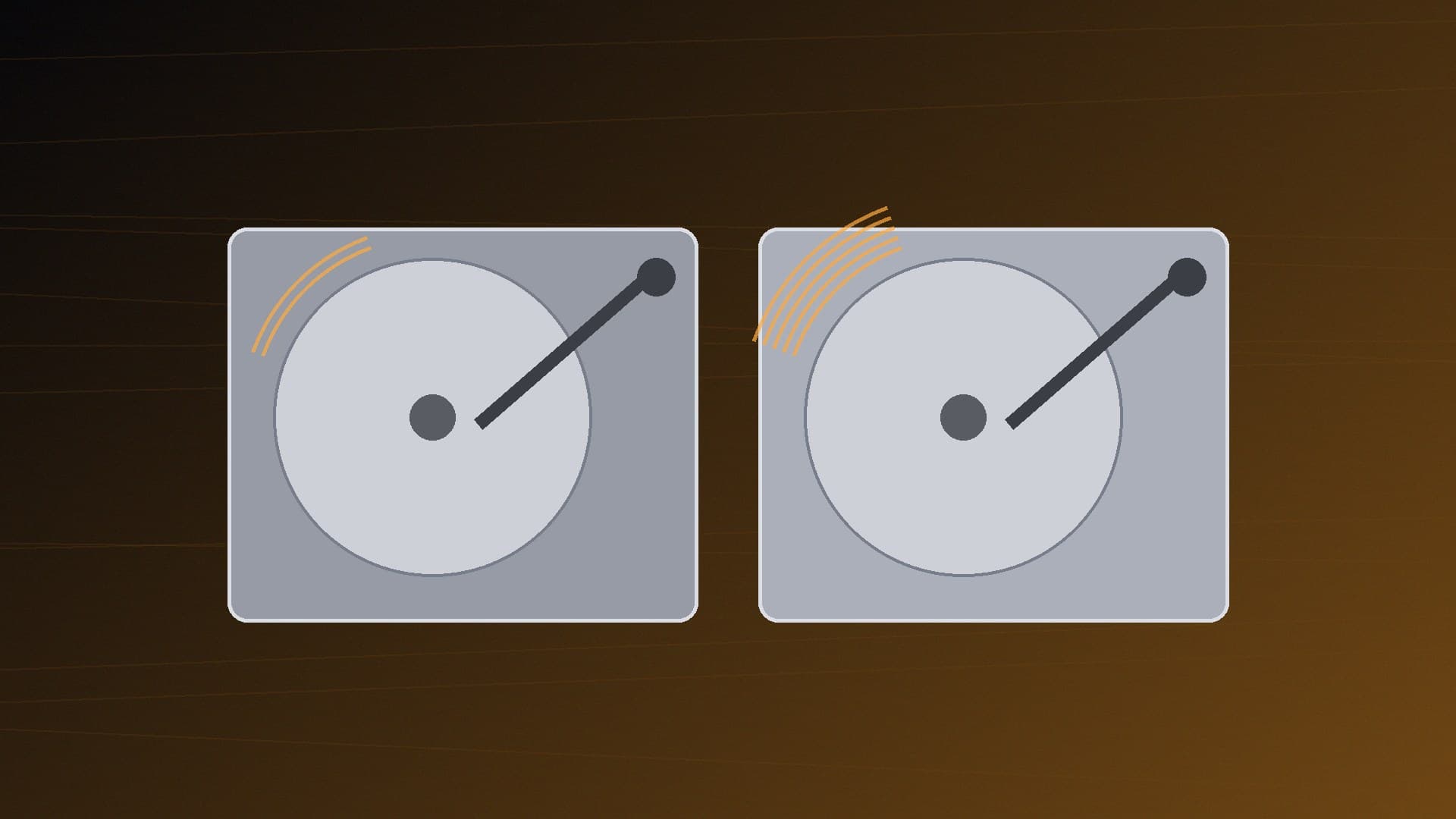
A hard drive reads data from spinning platters. RPM is how many times those platters turn every minute. Higher RPM helps in two ways:
Shorter rotational latency. When the drive needs a piece of data, it has to wait for that part of the platter to spin under the head. On average that's half a turn. At 7200 RPM a full turn takes about 8.3 ms, so the average wait is about 4.2 ms; at 5400 RPM a turn takes about 11.1 ms, so the average wait is about 5.6 ms. (That's simple arithmetic: 60,000 ms divided by RPM, then halved.) It's a real difference for lots of small, scattered reads, but both figures are vastly slower than any SSD.
More data under the head per second. All else being equal, a faster spin means a higher sequential transfer rate.
The catch is "all else being equal". Capacity, platter density, cache and recording technology also affect speed, which is why RPM on its own is a poor guide.
What Western Digital's spec sheets show
WD's product brief for the 3.5-inch WD Blue PC hard drive lists 5400 RPM and 7200 RPM models side by side, which makes for a useful like-for-like comparison. All figures below are WD's.
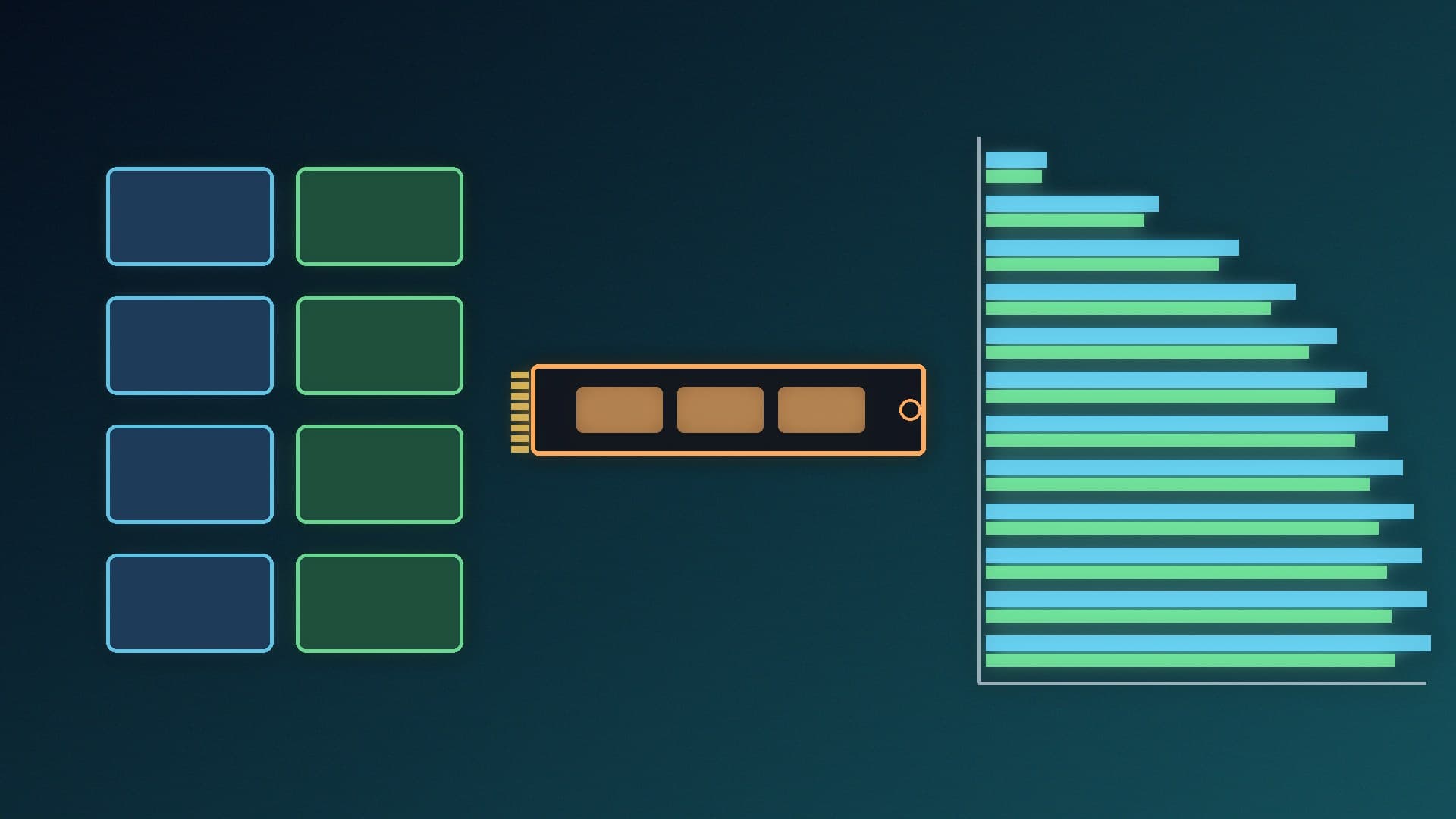
WD Blue model | Capacity | RPM | Max internal transfer rate | Cache | Avg power (read/write) | Idle noise |
|---|
WD10EZRZ | 1TB | 5400 | 150 MB/s | 64MB | 3.3W | 21 dBA |
WD10EZEX | 1TB | 7200 | 150 MB/s | 64MB | 6.8W | 29 dBA |
WD20EZAZ | 2TB | 5400 | 180 MB/s | 256MB | 4.1W | 21 dBA |
WD20EZBX | 2TB | 7200 | 215 MB/s | 256MB | 5.6W | 25 dBA |
WD60EZAZ | 6TB | 5400 | 180 MB/s | 256MB | 4.8W | 23 dBA |
WD120EAGZ | 12TB | 7200 | 260 MB/s | 512MB | 8.8W | 34 dBA |
A few things stand out:
At 1TB, the 7200 RPM drive has no sequential advantage on paper. WD lists the same 150 MB/s maximum internal transfer rate for both, yet the 7200 RPM model's average read/write power is roughly double (6.8W vs 3.3W) and its idle noise is 8 dBA higher. Its benefit is quicker access to scattered data, not faster copying.
At 2TB, 7200 RPM is quicker. WD lists 215 MB/s for the 7200 RPM WD20EZBX against 180 MB/s for the 5400 RPM WD20EZAZ, for 1.5W more average power and 4 dBA more idle noise.
The biggest drives are the fastest and the loudest. The 12TB WD120EAGZ is rated at 260 MB/s, but also at 8.8W read/write and 34 dBA idle, the noisiest in the range. WD rates seek noise at 39 dBA for that model, against 27 dBA for the 6TB 5400 RPM WD60EZAZ.
The in-between speeds
You'll sometimes see figures such as 5640 RPM. WD's WD Blue brief lists two 8TB models at 5640 RPM, rated at 185 MB/s and 215 MB/s, so a 5640 RPM drive can match a 7200 RPM 2TB model on sequential transfer rate. On WD's WD Red Plus NAS range, spindle speed depends on capacity: WD's store lists 5400, 5640 and 7200 RPM models, with the 10TB and 12TB drives listed at 7200 RPM. Always check the speed for the exact capacity you're buying.
Don't forget SMR vs CMR
WD's table also shows that some WD Blue models use SMR (shingled magnetic recording) and others CMR, including the 7200 RPM 2TB WD20EZBX, which WD lists as SMR. SMR drives can slow down during long, sustained writes, and that can matter more than RPM, especially in a NAS. Our CMR vs SMR hard drive guide covers it in detail.
Which should you buy?
Choose 5400 RPM (or 5640 RPM) if:
The drive is for backups, photos, videos or a media library, where you mostly read and write big files in one go.
You care about noise, for example in a quiet desktop or a NAS that lives in a living room or bedroom.
You're filling a multi-bay NAS and want lower power and heat across several drives.
Choose 7200 RPM if:
You're keeping a game library on a hard drive and want quicker access than a 5400 RPM drive can offer (though any hard drive is far slower than an SSD).
You regularly work with large project files stored on the HDD itself.
You're buying a high-capacity drive anyway, where 7200 RPM models often have the highest rated transfer rates.
Our pick for most people
For most PC owners adding a second drive for storage, a 5400 RPM-class CMR drive is the sensible choice: quieter, cooler and plenty fast for files you don't open constantly. In our database, the WD Blue 4TB Desktop Hard Drive is a typical desktop example, and the WD Red Plus 4TB NAS Hard Drive is the NAS equivalent; WD lists a 3-year limited warranty for WD Red Plus, compared with 2 years for WD Blue. Check the exact model number in the listing, because WD Blue capacities include both CMR and SMR versions.
For more options, see our best hard drive and best NAS hard drive guides, our WD Red Plus vs Seagate IronWolf comparison, and our guide to installing a SATA SSD or hard drive.
Our verdict
A 7200 RPM drive isn't automatically faster in the way that matters to you. WD's own figures show a 7200 RPM 1TB WD Blue with the same rated transfer rate as the 5400 RPM version, but double the average power and more noise, while at higher capacities 7200 RPM models do pull ahead on speed.
Buy 5400 or 5640 RPM for bulk storage, backups and quiet systems; buy 7200 RPM if you need quicker access to files that live on the hard drive. Either way, check whether the model is CMR or SMR, and put Windows and your favourite games on an SSD.