This comparison is based on AMD's official specification pages, AMD's ROCm compatibility table and Ollama's hardware support documentation, all read on 26 November 2026. We haven't included speed figures because we haven't measured them ourselves.
If you're buying an AMD graphics card partly for running AI models at home, the Radeon RX 9070 GRE and the 16GB Radeon RX 9060 XT present an awkward choice. The RX 9070 GRE is the bigger chip with a wider memory bus, but it has 12GB of memory. The RX 9060 XT is smaller and slower on paper, yet it comes with 16GB. We've already compared the RX 9060 XT 16GB with the RX 9070 XT for local AI; here we look at the GRE.
Specifications compared
| Radeon RX 9070 GRE | Radeon RX 9060 XT 16GB |
|---|
Video memory | 12GB GDDR6 | 16GB GDDR6 |
Memory interface | 192-bit | 128-bit |
Memory bandwidth (official) | Up to 432GB/s | Up to 320GB/s |
Compute units / AI accelerators | 48 / 96 | 32 / 64 |
Peak FP16 matrix performance | 137 TFLOPs | 103 TFLOPs |
Typical board power | 220W | 160W |
Minimum PSU recommendation | 650W | 450W |
Make sure you buy a 16GB RX 9060 XT if local AI matters to you; our RX 9060 XT 8GB vs 16GB comparison explains why.
Capacity versus bandwidth
Two numbers matter most for local language models. The amount of video memory decides which models and how much context will fit on the card. Memory bandwidth has a big influence on how fast a model that does fit can generate text. Our explainers on memory bandwidth and local LLM speed and context length and VRAM go into more detail.
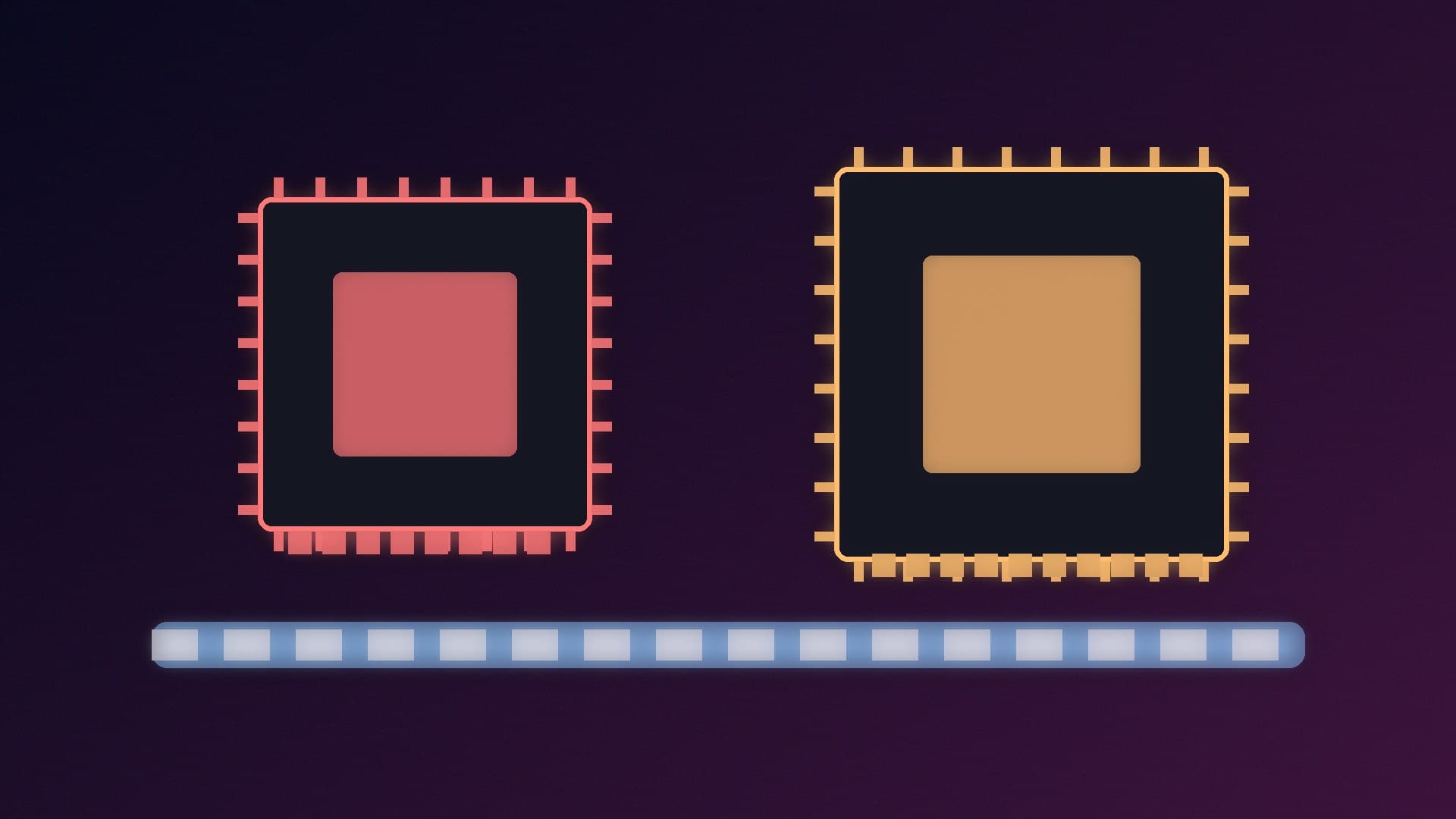
On those measures the two cards pull in opposite directions. The RX 9070 GRE has 35% more bandwidth (432GB/s against 320GB/s), so it should be quicker with models that fit in 12GB. The RX 9060 XT has a third more memory (16GB against 12GB), so it can load larger models, or the same model with a longer context, without spilling into much slower system memory.
For image generation the picture is similar. The RX 9070 GRE has more compute units and a higher FP16 figure, but larger image and video models can need more than 12GB. If you want to use tools such as ComfyUI, see our best GPUs for local AI image generation.
Software support is the same
Because both are RX 9000-series cards, their software situation is identical. Ollama's hardware page lists both the RX 9070 GRE and the RX 9060 XT as supported through ROCm v7 on Linux, and AMD's ROCm compatibility table for Radeon cards on native Linux includes both. On Windows, Ollama's ROCm list currently covers RX 7000-series and Radeon PRO W7000 cards rather than the RX 9000 series, and Ollama says extra GPU support on Windows and Linux comes through its Vulkan backend. Our guide to running local AI on an AMD Radeon GPU covers the setup.
Power and size
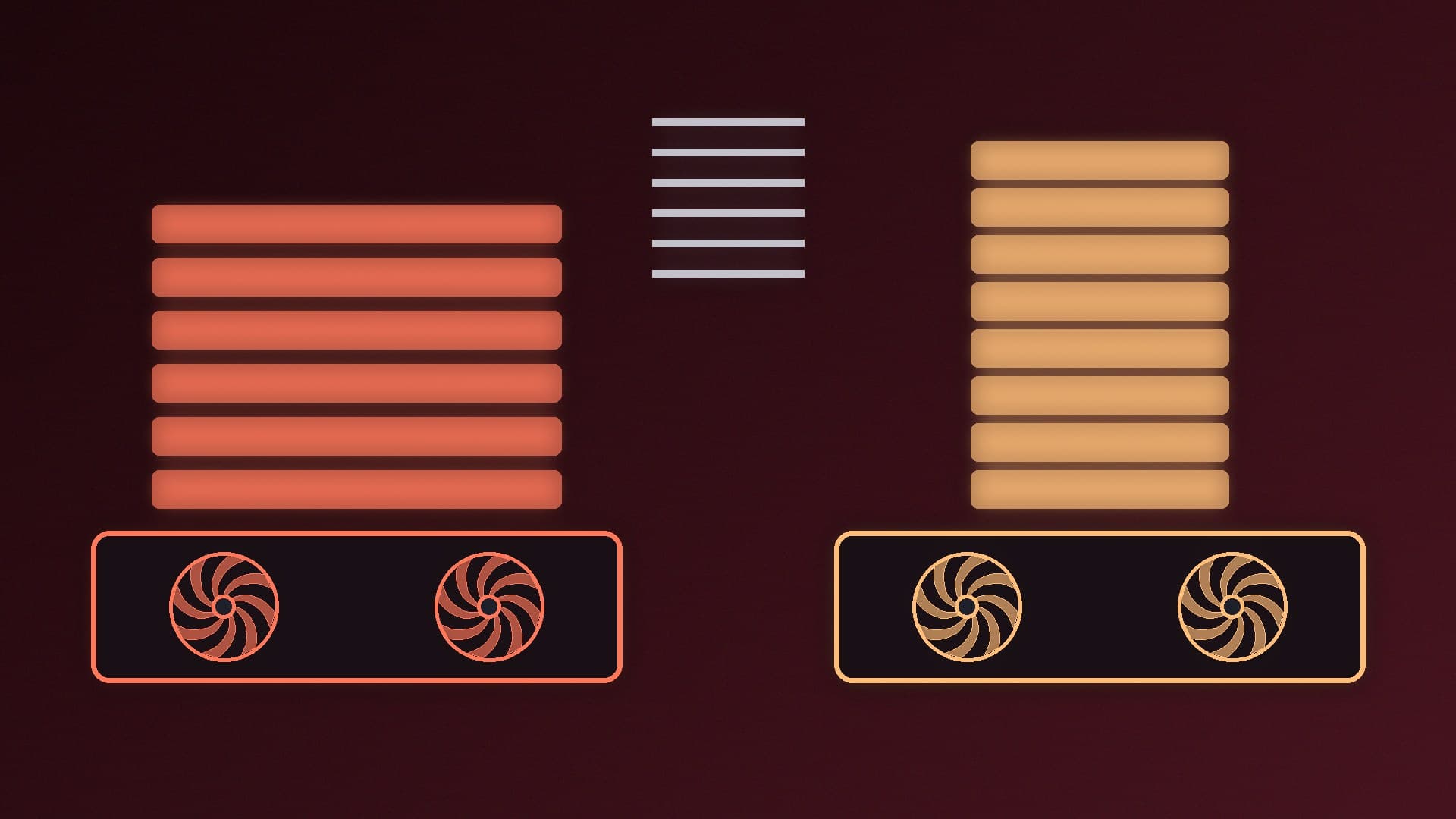
The RX 9060 XT is the easier card to live with. AMD rates it at 160W typical board power with a 450W minimum PSU recommendation, compared with 220W and 650W for the RX 9070 GRE. If you're upgrading an older PC with a modest power supply, that may decide it. Our guide to choosing a PSU for a local AI PC can help.
Which should you buy?
Choose the RX 9060 XT 16GB if you mainly want to run language models and value fitting larger models over raw speed. Choose the RX 9070 GRE if you mainly want a faster card for gaming and smaller models, and can accept the 12GB limit. Prices change often, so check them before you buy.
Both are in our database: the ASUS RX 9070 12GB Prime GRE EVO OC, Gigabyte RX 9070 GRE 12GB Gaming OC and PowerColor RX 9070 GRE 12GB, plus the PowerColor RX 9060 XT 16GB Reaper and ASUS RX 9060 XT 16GB Dual. For other AMD options, see our best AMD graphics cards for local AI.
Our verdict
The RX 9070 GRE has more bandwidth and compute, so it should be faster with models that fit in its 12GB. The RX 9060 XT 16GB has a third more memory and needs less power, so it can load larger models and longer contexts. For running language models at home we'd lean towards the RX 9060 XT 16GB, because running out of memory hurts more than slower generation. Both have the same software support.