8 or Gemma 4 itself. This comparison is based on Qwen's Hugging Face model card, Google's Gemma 4 announcement and the Ollama library pages for both models, all read on 27 November 2026. Benchmark scores below are the developers' own figures.
Qwen3.8 and Gemma 4 are two of the most popular open-weight model families you can download and run on your own PC, and both are free to use under the Apache 2.0 licence. They take quite different approaches, though. Qwen3.8 is, for local use, essentially one model: a 27-billion-parameter dense model with vision built in. Gemma 4 is a whole family, from tiny "effective 2B" edge models up to a 31B dense model, with a mixture-of-experts (MoE) option in between.
So the real question isn't just "which is smarter?" but "which one fits my graphics card and the jobs I want it to do?"
Qwen3.8 vs Gemma 4 at a glance
| Qwen3.8 (27B) | Gemma 4 |
|---|
Developer | Qwen | Google DeepMind |
Sizes in Ollama | 27B only | E2B, E4B, 12B, 26B (MoE, about 4B active) and 31B |
Architecture | Dense, 64 layers | 31B dense; 26B A4B mixture-of-experts (25.2B total, 3.8B active) |
Context window | 262,144 tokens (256K) natively, extensible to 1 million | 128K on E2B/E4B, 256K on the larger models |
Inputs | Text, images and video | Text and images (all sizes); audio on E2B and E4B |
Thinking mode | On by default, can be turned off per request; adjustable reasoning effort | Configurable thinking modes |
Ollama download (default tag) | 18GB (27B) | 16-19GB (26B), 19-20GB (31B), 7.7-8.0GB (12B) |
Licence | Apache 2.0 | Apache 2.0 |
Model sizes: one big model vs a family
This is the biggest practical difference. Ollama's qwen3.8 library only offers the 27B model, in different precisions: the default tag and the q4_K_M build are both 18GB, q8_0 is 30GB and the full bf16 weights are 56GB. If you want Qwen3.8, you need a PC that can hold an 18GB model plus room for its context.
Gemma 4 gives you choices at every level. Ollama lists the E2B and E4B edge models (the "E" stands for "effective" parameters, and Google says they're made for edge devices), a 12B model at 7.7-8.0GB, the 26B MoE at 16-19GB and the 31B dense model at 19-20GB. On a laptop or a graphics card with 8GB to 12GB of memory, Gemma 4 12B or E4B is something you can actually run; Qwen3.8 27B isn't, at least not without spilling heavily into system RAM.
If you're not sure what your card can hold, our explainer on LLM context length and VRAM shows why you need headroom above the download size.
Architecture: dense vs mixture-of-experts
Qwen3.8 27B is a dense model: all 27 billion parameters take part in generating every token. Its model card describes a hybrid layout that mixes Gated DeltaNet linear-attention layers with standard gated-attention layers, and says it was trained with multi-token prediction.
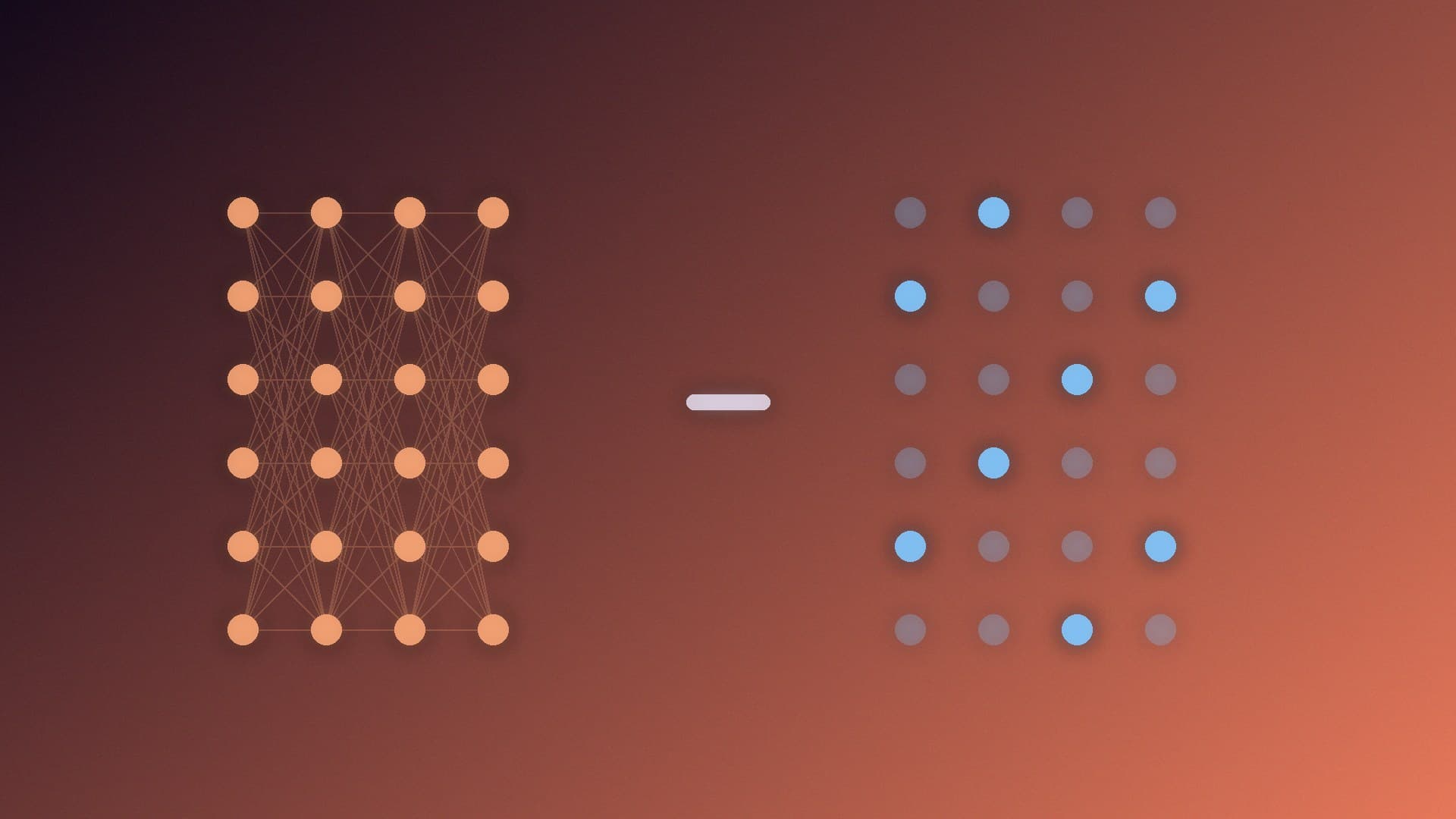
Gemma 4 offers both styles. The 31B is dense. The 26B A4B is a mixture-of-experts model with 25.2B parameters in total but only 3.8B active per token (8 of 128 experts plus one shared expert, according to the model information on Ollama's page). The whole model still has to fit in memory, but only a fraction of it is used for each token. Our MoE vs dense explainer covers what that means for speed and memory.
Benchmarks: what the developers report
Both developers publish scores on a couple of the same benchmarks, but they ran them themselves, with their own settings, so treat this as a rough guide rather than a head-to-head test.
Benchmark (developer-reported) | Qwen3.8 27B | Gemma 4 31B | Gemma 4 26B A4B |
|---|
GPQA Diamond (scientific reasoning) | 89.2 | 84.3% | 82.3% |
LiveCodeBench v6 (competitive coding) | 90.3 | 80.0% | 77.1% |
On those two shared benchmarks, Qwen's own numbers for Qwen3.8 27B are higher than Google's numbers for Gemma 4 31B. Qwen also highlights agentic coding results, such as Terminal Bench 2.1 and SWE-bench Pro, and describes Qwen3.8 as delivering "substantial gains across coding, professional work, research, and long-horizon agentic tasks".
Google, for its part, describes Gemma 4 (in the model information on Ollama's page) as designed to deliver "frontier-level performance at each size", and its strength is the spread: the smaller models score far lower than the 31B on Google's own table, but they run on hardware that can't load a 27B model at all.
Features: video, audio and languages
Vision and video: Qwen3.8 is a native vision-language model; its card says it understands images and video, "from STEM diagrams and documents to hour-scale videos". Gemma 4 accepts images at every size, with a configurable visual token budget (70 to 1,120 tokens) so you can trade detail for speed.
Audio: only Gemma 4's E2B and E4B models take audio input, with roughly 300M-parameter audio encoders. The larger Gemma 4 models and Qwen3.8 don't list audio input.
Languages: Google says Gemma 4 was natively trained on over 140 languages.
Context: Qwen3.8's native window is 262,144 tokens (256K), the same class as Gemma 4's larger models, and Qwen says it can be extended to a million tokens. Gemma 4's edge models offer 128K. Remember that long contexts use a lot of extra memory locally.
Thinking: Qwen3.8 thinks by default; you can switch thinking off per request and tune reasoning depth with reasoning_effort. Gemma 4 also has configurable thinking modes. Our guide on turning off thinking in Ollama applies to both.
Both are tagged for tool calling in Ollama, so either will work with agents and coding tools that use function calls.
What hardware do you need?
Based on the Ollama download sizes:
8GB graphics card or a laptop: Gemma 4 E2B (4.6-7.5GB in Ollama) or E4B (6.6-9.5GB), choosing a smaller build. Qwen3.8 27B won't fit on the card.
12GB graphics card: Gemma 4 12B (7.7-8.0GB) fits with room for context. Qwen3.8 27B still won't fit.
16GB card: Gemma 4 12B fits comfortably. The 26B MoE (16-19GB) and Qwen3.8 27B (18GB) are larger than the card's memory, so parts will run from system RAM and slow down. A card like the MSI RTX 5060 Ti 16GB Ventus 2X OC Plus is a good match for Gemma 4 12B. See our best 16GB graphics cards for local AI.
24GB card: Qwen3.8 27B at q4_K_M, Gemma 4 26B or Gemma 4 31B, with some room left for context. Our best 24GB graphics cards for local AI covers the options.
32GB card: more room for long contexts, or the 30GB q8_0 build of Qwen3.8 if you're prepared to keep context short. A card such as the PowerColor AI Pro R9700 32GB sits in this class; see our best 32GB graphics cards for local AI.
Which should you choose?
Choose Qwen3.8 if:
You have a 24GB or larger graphics card.
Coding, agents and long multi-step tasks are your priority; that's where Qwen focuses its claims and its benchmark table.
You want video understanding, or a context window that Qwen says can be extended to a million tokens.
Choose Gemma 4 if:
Your graphics card has 16GB or less, or you're on a laptop. The 12B and E4B models give you a capable model that actually fits.
You want speech or audio input (E2B and E4B).
You work in many languages; Google cites training on over 140.
You want a mixture-of-experts model (26B A4B) that only activates about 4B parameters per token.
Getting started is easy with either: see how to run Qwen3.8 locally and how to run Gemma 4 locally. If you're weighing other models too, our gpt-oss-20b vs Gemma 4 26B comparison and best local LLMs round-up are good next stops.
Our verdict
If your graphics card has 24GB or more, Qwen3.8 27B is the one to try first for coding and agent work: Qwen's own benchmarks put it ahead of Google's figures for Gemma 4 31B on GPQA Diamond and LiveCodeBench v6, it handles images and video, and Qwen says its 256K native context can be extended to a million tokens. For everyone else, Gemma 4 is the more practical family. Its 12B and edge models fit on 8GB to 16GB cards and laptops, the 26B MoE activates only about 4B parameters per token, and the small models add audio input. Both are Apache 2.0 and free to download through Ollama, so on a big card it's worth trying both on your own tasks before settling.