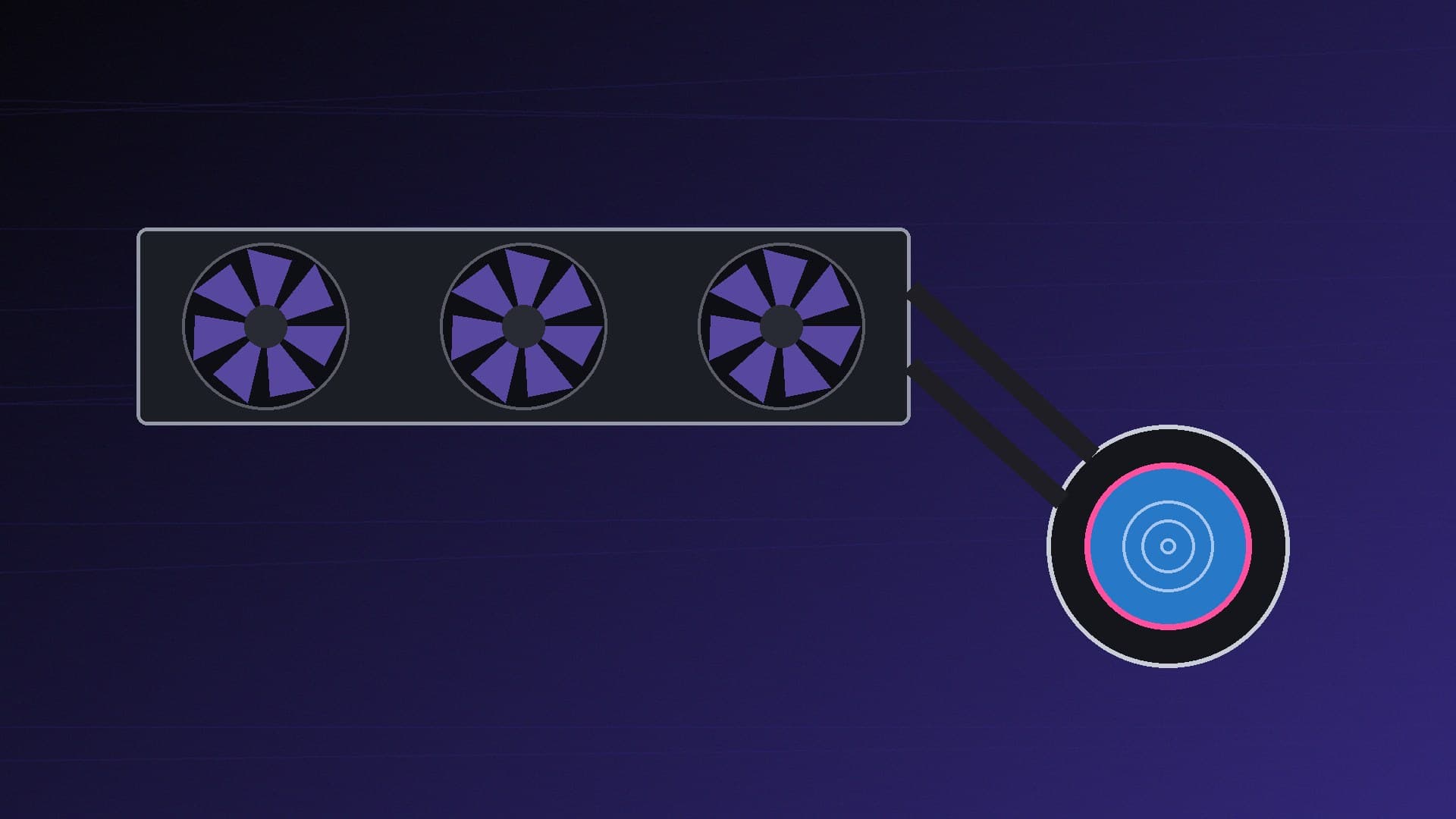
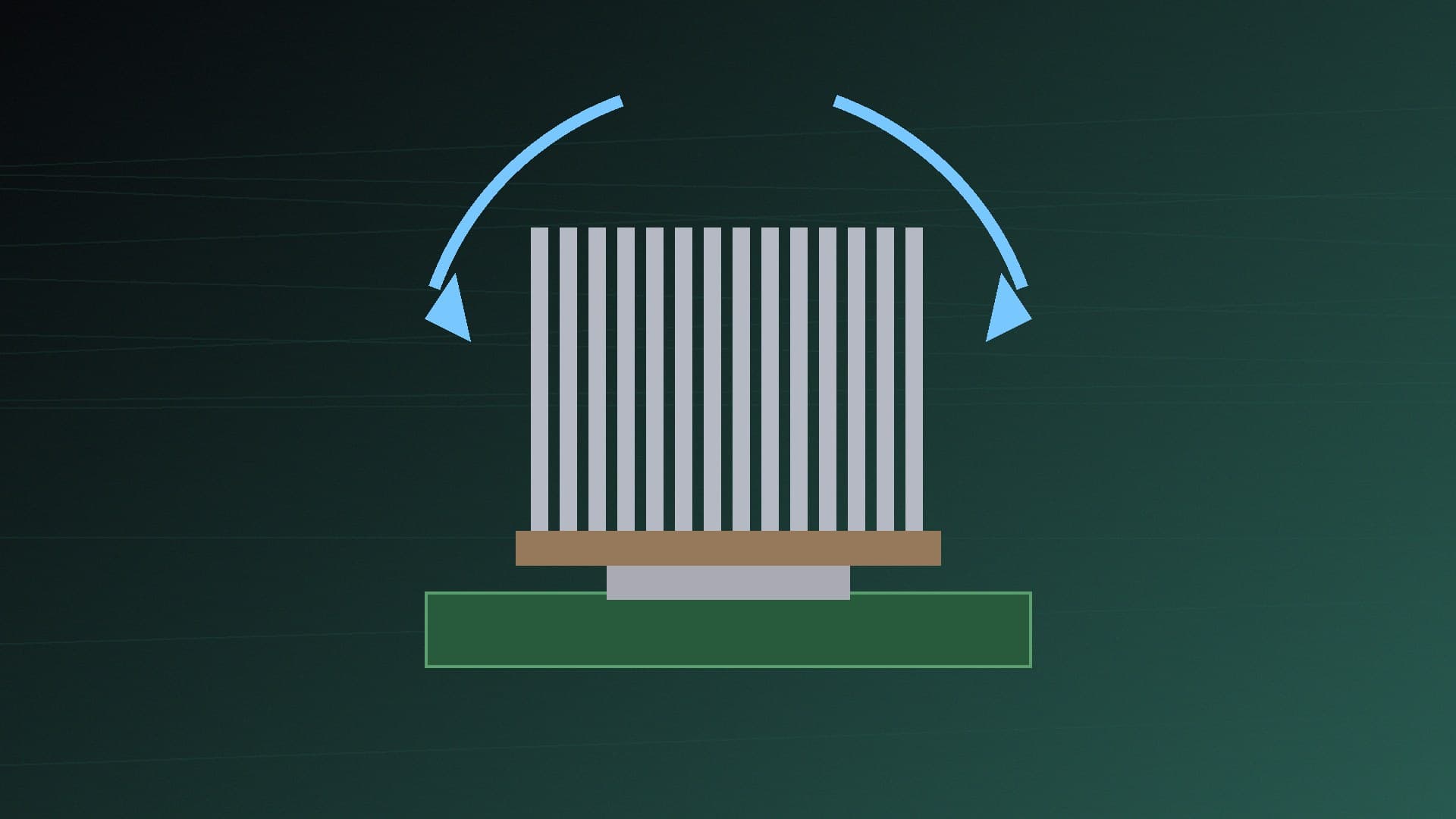
NZXT's all-in-one liquid coolers now split into two very different approaches. The new Kraken Core (2026) is deliberately minimal, with an Asetek pump, no lighting, no screen and a single fan cable to the motherboard. The Kraken Elite RGB puts a 2.72-inch LCD on the pump, adds an RGB ring and fans, and is controlled through NZXT CAM. We compare the Kraken Core 360 and 420 with the Kraken Elite 360 RGB using NZXT's own specifications.
Kraken Core vs Kraken Elite: the specs
| Kraken Core 360 (2026) | Kraken Core 420 (2026) | Kraken Elite 360 RGB |
|---|
Pump | Asetek Gen 9V, 1,200-3,000 ±300rpm | Asetek Gen 9V, 1,200-3,000 ±300rpm | NZXT Turbine, 1,200-2,800 ±300rpm |
Pump top | Translucent cap, no lighting | Translucent cap, no lighting | 2.72in IPS LCD, 640 x 640, RGB ring |
Radiator | 394 x 120 x 27mm, aluminium | 454 x 142 x 30mm, aluminium | 401 x 120 x 27mm |
Fan | F360P static pressure, 3 x 120mm single frame | F420P static pressure, 3 x 140mm single frame | F360 RGB Core, 3 x 120mm single frame |
Fan connection | One 4-pin PWM to motherboard | One 4-pin PWM to motherboard | One 8-pin connector for PWM and RGB |
Tubing | 420mm EPDM, nylon braided | 460mm EPDM, nylon braided | 420mm rubber, braided sleeve |
Intel sockets | LGA 1954, 1851, 1700 | LGA 1954, 1851, 1700 | LGA 1851, 1700, 1200, 115X |
AMD sockets | AM5, AM4 | AM5, AM4 | AM5, AM4 |
Warranty | 6 years | 6 years | 6 years |
All three come with thermal paste pre-applied and use a copper cold plate (NZXT lists 60 x 60mm on the Kraken Core).
Design and setup
The Kraken Core is built to be set and forgotten. NZXT says it has no hub, no controller and no lighting, and its fan runs on one 4-pin PWM cable straight to a motherboard header, using the fan settings already in place on your motherboard. The pump cap is translucent with concentric rings moulded inside, and the magnetic NZXT logo can be turned four ways so it stays upright however you mount the pump.
The Kraken Elite is the opposite. NZXT describes the 2.72-inch IPS screen as running at 640 x 640 and 60Hz, with brightness up to 690 nits, and it can show a GIF or image, real-time system stats, or integrate with Spotify and YouTube. NZXT CAM lets you set pump and fan speeds, customise the screen and sync the RGB ring with other lighting. Its single-frame RGB fan uses one 8-pin connector for both PWM and RGB, and NZXT includes a breakout cable set.
If you like monitoring temperatures at a glance or want the cooler to be the centrepiece of a glass-sided build, the Elite's screen is the reason to buy it. If you'd rather not install another app, the Core avoids that entirely.
Pump and fans
The Kraken Core uses Asetek's Gen 9V pump, which NZXT says is designed to run quietly and stop vibration reaching the case, and it can vary its speed from 1,200 to 3,000rpm. NZXT notes that the previous Kraken Core 360 RGB (2025) ran its pump at a fixed 3,100rpm, so the new pump's speed can now vary. Its fans are static-pressure designs on fluid dynamic bearings, which suit pushing air through a dense radiator; our airflow vs static pressure fans explainer covers why that matters.
The Kraken Elite uses NZXT's own Turbine pump at 1,200-2,800rpm. NZXT claims a 10% improvement in CPU cooling performance for the 2024 Elite over the 2023 model, based on its own thermal-resistance testing of the 240mm version. That's a manufacturer figure for one size, not an independent result. The Elite's fans run from 500 to 2,400rpm on fluid dynamic bearings, according to NZXT.
Sizes and case fit
The Kraken Core comes in two sizes. NZXT suggests the 360 for broad case compatibility, including top or side mounting in a mid-tower, and the 420 if your case has room for a 420mm radiator and you want more surface area. The 420's radiator is 454mm long and 142mm wide, so check your case's specification carefully; our 360mm vs 420mm AIO comparison explains the trade-off.
NZXT's Kraken Elite page offers 240mm, 280mm, 360mm and 420mm options, so it's the more flexible choice for smaller cases. The 360mm Elite's radiator is 401mm long, slightly longer than the Core 360's 394mm. NZXT advises checking your case for 360mm radiator support and room for the radiator length plus the 26mm-thick fan array.
Socket support
This is an easy detail to miss. The Kraken Core supports Intel LGA 1954 as well as LGA 1851 and 1700, plus AMD AM5 and AM4, but NZXT has dropped LGA 1200 and 115X. The Kraken Elite 360 RGB page lists LGA 1851, 1700, 1200 and 115X, plus AM5 and AM4, but not LGA 1954. If you're planning an Intel LGA 1954 build, the Core has the mounting covered; if you're cooling an older LGA 1200 system, the Elite does. Our how to install an AIO cooler guide covers fitting either.
Which should you buy?
Choose the Kraken Core 360 if you want a clean, lighting-free cooler that's simple to install and runs from your motherboard's fan control.
Choose the Kraken Core 420 if your case supports a 420mm radiator and you want the largest cooler NZXT offers in this range.
Choose the Kraken Elite 360 RGB if you want a screen and RGB lighting, are happy to use NZXT CAM, or need LGA 1200 or 115X support.
For other options, see our best AIO coolers, air cooler vs AIO and our news story on NZXT's H5, H7 and Kraken Core launch.
Our verdict
For most builders, the NZXT Kraken Core 360 (2026) is the better buy: a variable-speed Asetek pump, static-pressure fans on one PWM cable, no software to install and a six-year warranty. Go for the Kraken Core 420 only if your case has room for its 454mm radiator. The NZXT Kraken Elite 360 RGB makes sense if you want the LCD screen and RGB as a feature of your build. Both lines have the same six-year warranty, so the choice comes down to whether you want the screen and NZXT CAM.