This report is based on LR-LINK's product page and Wccftech's coverage, both read on 27 November 2026.
An LR-LINK expansion card that connects up to four graphics cards to a single PCIe 5.0 x16 slot is getting attention from local AI builders this week. Wccftech reported on 27 November that the LRSV9500-4I had been highlighted on X by the account Caveman Tech, and described it as a possible way to build a multi-GPU local AI machine without a server-grade motherboard. The card itself isn't brand new: LR-LINK's product page lists a test report dated June 2026, and the company presents it mainly as a data-centre NVMe and GPU expansion card.
What the card is
LR-LINK's product page describes the LRSV9500-4I as a PCIe 5.0 x16 expansion card with four MCIO 8i connectors, based on Broadcom's PEX89048 PCIe switch chip. The key specifications LR-LINK lists are:
Specification | LR-LINK LRSV9500-4I |
|---|
Host interface | PCIe 5.0 x16 |
Switch chip | Broadcom PEX89048 |
Connectors | Four MCIO 8i |
Splitting modes | 2 x16, 4 x8 or 8 x4 |
Storage | Up to eight U.2, U.3 or E3.S SSDs |
Bracket | Low profile and full height |
Cooling | Temperature-controlled fan |
Board size | 68.6 x 155.69mm |
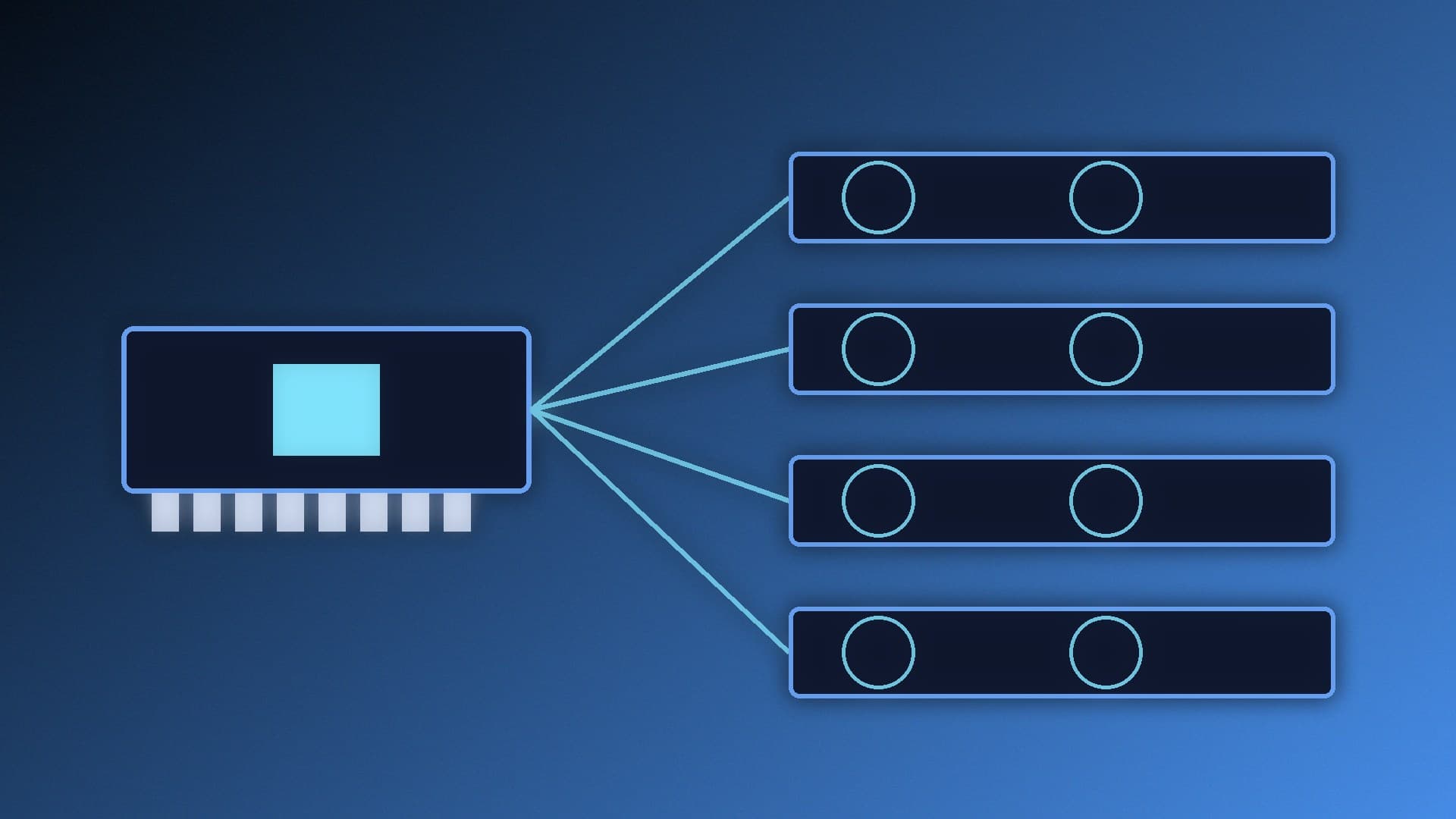
According to Wccftech, the PEX89048 has 48 PCIe 5.0 lanes: 16 go to the host and the other 32 are shared between the four MCIO connectors. That gives the three configurations: four graphics cards at PCIe 5.0 x8, two at x16, or eight NVMe SSDs at x4.
Why it's different from a bifurcation riser
Conventional passive adapters rely on bifurcation, where the motherboard itself splits one x16 slot into several smaller links, so they only work if your board supports the split you need. A switch card works differently: as Wccftech explains, the switch chip on the card handles the lane distribution itself, so the motherboard doesn't need bifurcation support.
Wccftech adds that each PCIe 5.0 x8 link gives roughly 32GB/s of theoretical bandwidth in each direction, the same as a full PCIe 4.0 x16 slot.
The catches
The card isn't a shortcut to a four-GPU workstation, and Wccftech is clear about the limits:
Shared bandwidth to the CPU. All four GPUs share the card's single PCIe 5.0 x16 link to the host, which Wccftech puts at about 64GB/s in each direction in total. Wccftech says this may matter less for inference once the model's weights are loaded into video memory, but that communication-heavy work, including some tensor-parallel inference set-ups and AI training, could hit bottlenecks.
No peer-to-peer unlock. The switch doesn't enable direct peer-to-peer (P2P) transfers between consumer graphics cards where the drivers block it, as Caveman Tech pointed out in replies to the original post, according to Wccftech.
Extra hardware. Wccftech says the four-GPU set-up needs four MCIO cables and separate PCIe adapters for the cards, which also means working out where four graphics cards physically go.
Power and cooling. Four graphics cards still need power and airflow wherever they're mounted. Wccftech notes the approach only works if the cabling, power delivery, cooling and software support are in place.
Wccftech also flags pricing as a consideration. It reports that the card is sold through AliExpress and LR-LINK's own online store, and suggests cheaper PCIe 4.0 switch-based alternatives may make more financial sense for owners of older graphics cards.
What it means for local AI builders
For most people running models at home, the simplest way to get more memory is still one card with more VRAM, or two cards in a motherboard that already provides two suitable slots. Our comparison of two 16GB GPUs vs one big GPU sets out the trade-offs, and our guide to running a local LLM across two GPUs covers the software side. If you're planning a dual-card build the normal way, see our picks for the best motherboard for dual-GPU local AI, the best power supply for dual-GPU local AI and the best case for dual-GPU local AI.
A switch card such as the LRSV9500-4I becomes interesting when you want more cards than your motherboard has slots for, such as several 16GB cards like the MSI RTX 5060 Ti 16GB Ventus 2X OC Plus, or a high-end card such as the NVIDIA GeForce RTX 5090 Founders Edition alongside others. Even then, check how your software splits the model across the cards, because Wccftech singles out tensor-parallel set-ups as the kind of communication-heavy workload that could be held back by the shared link. If you do build one, our guide to checking your GPU's PCIe link speed will confirm each card is running at the link width you expect.
Our verdict
LR-LINK's LRSV9500-4I is a genuine way to hang four graphics cards off one PCIe 5.0 x16 slot without motherboard bifurcation, using Broadcom's 48-lane PEX89048 switch. Each card gets a PCIe 5.0 x8 link, but all four share one x16 connection to the CPU, peer-to-peer transfers stay blocked where consumer drivers block them, and you'll need extra cables, adapters, power and cooling. It's a niche option for experienced builders who have run out of slots; for most local AI users, a single card with more memory or a proper two-slot motherboard remains the simpler route.