llama-swap, the small Go proxy that lets you keep many local AI models in one config file and swap between them on demand, has released version 277 with what its developer calls an important security fix. The release, published on GitHub on 27 November 2026, stops other websites from sending requests to your llama-swap server using the login your browser has already saved. It also fixes GPU temperature readings on newer NVIDIA drivers, and follows version 276 a day earlier, which added automatic model discovery for peer servers.
If you're new to the tool, our guide to hot-swapping local LLMs with llama-swap explains the basics.
What the security flaw was
llama-swap can protect its endpoints with API keys, and if you open its web UI in a browser you can log in through the browser's standard Basic-auth prompt. According to the v277 release notes, the problem was that once you'd logged in that way, your browser would attach those saved credentials to requests started by other websites, for example through image tags or form posts. Browser CORS rules hide the response from the other site, but they don't stop the request from arriving.
The release notes say this meant a hostile web page you visited could unload models, pause or resume the server, or start generations using your login. For most people that's a nuisance rather than a data leak, but on a shared home server it could interrupt work or keep your GPU busy without you knowing.
How v277 fixes it
The fix, credited to contributor willtejeda, who also reported the issue, changes llama-swap's authentication middleware so that it rejects, with an HTTP 403 error, any Basic-authenticated request that the browser marks as cross-site or same-site through the Sec-Fetch-Site header. For browsers that don't send that header, it falls back to comparing the Origin and Host headers.
Two details matter for everyday use:
The web UI still opens from links. Top-level GET navigation to /ui/ from another site keeps working, so a bookmark or a link from a dashboard page won't break.
API clients aren't affected. Requests that use a Bearer token, the x-api-key header, or that come from non-browser clients are left untouched, so chat front ends, coding tools and scripts that call llama-swap's OpenAI-compatible API should carry on as before.
The developer says the behaviour is documented in the project's API keys guide.
The GPU temperature fix
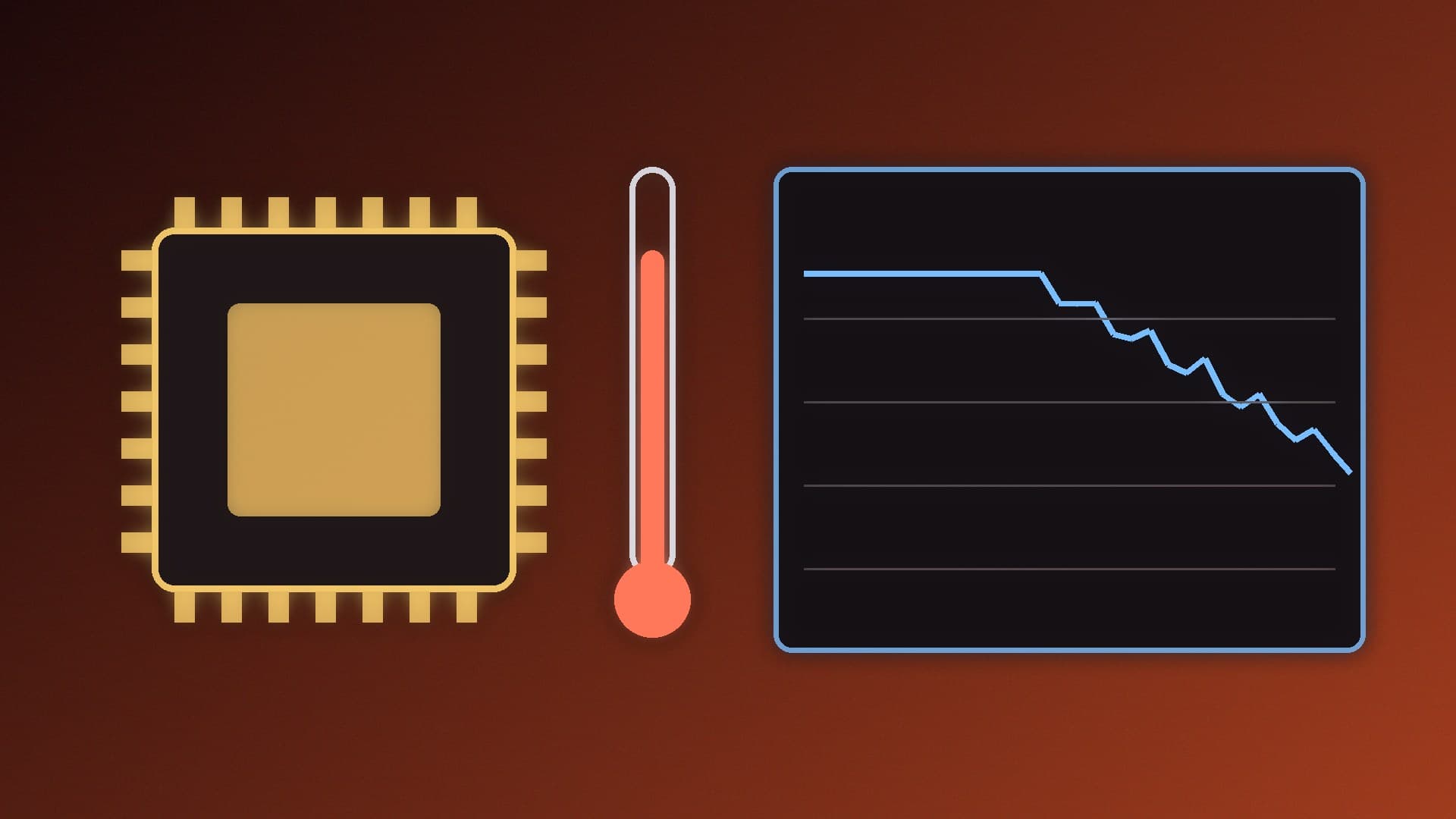
The second v277 change, from contributor JimJafar, fixes a parsing bug with newer nvidia-smi versions. The release notes explain that newer NVIDIA drivers, such as 620.70.06, report GPU temperature with decimals (for example 56.90), which llama-swap's old code couldn't read. The result was that the temperature chart on the Performance tab sat at zero. llama-swap now reads the decimal value and rounds it to the nearest degree, and older drivers that print whole numbers work as before. If you like keeping an eye on temperatures from the command line too, see how to log GPU usage with nvidia-smi.
What v276 added a day earlier
Version 276, released on 26 November 2026, is aimed at people who run llama-swap with peers, meaning other llama-swap or OpenAI-compatible servers it can route requests to. Its release notes list:
Automatic peer model discovery. Instead of listing every model ID for a peer in the config file, llama-swap can now read the peer's /v1/models list, so new models route and appear without a restart. You can filter the list with add and remove rules using regular expressions, and a new catalog block sets the path, refresh behaviour and limits. llama-swap keeps the last good list if a fetch fails.
New API endpoints. GET /api/peers lists peers, and POST /api/peers/{peer}/refresh forces a refresh.
A tidier Models page. The web UI splits models into Local, Peers, Selectors and Profiles tabs, and the Profiles tab now lists every configured profile so you can switch with one click.
FastFlowLM speed readings. llama-swap can now read FastFlowLM's prefill and decoding speed figures so they appear in the Activity view. FastFlowLM runs LLMs on AMD Ryzen AI NPUs; see how to run an LLM on an AMD NPU with FastFlowLM.
How to update
llama-swap's README lists several ways to install it, and you should update the same way you installed it:
Windows (WinGet): run winget upgrade llama-swap. The README notes the WinGet package is maintained by a community contributor rather than by the llama-swap project itself.
macOS or Linux (Homebrew): run brew upgrade llama-swap.
Release binaries: v277 builds are on the GitHub release page for Windows (x64), Linux (x64 and Arm64), macOS (Intel and Apple silicon) and FreeBSD, along with a checksums file.
Docker: pull the image tag you already use from the project's GitHub container registry and recreate the container.
After updating, restart llama-swap so the new version is the one running.
Who needs to act
If you only use API keys from scripts and apps and never log in through the browser's Basic-auth prompt, the security change makes little practical difference to you, though updating is still sensible. If you do log in to the web UI with Basic auth, update promptly, particularly if the server is reachable from other devices. Either way, a local AI server shouldn't be exposed directly to the internet: for remote access, a private network such as the one described in how to access your home PC remotely with Tailscale is a safer approach. Our best local LLM server software guide covers alternatives if you're still choosing a tool.
Our verdict
llama-swap v277 is a small release with a sensible security fix: it blocks other websites from using your saved browser login to control your model server, without breaking API clients or links to the web UI. Anyone who logs in to llama-swap's web interface through a browser should update now, and everyone else gets working GPU temperature readings on newer NVIDIA drivers, plus v276's automatic peer model discovery if they skipped that release.