A graphics card's specification page tells you most of what you need to know before you buy: whether it will fit, whether your power supply can run it and whether it can drive your monitors. It doesn't tell you how fast it is in games, which is what independent reviews are for. This guide works through a real spec sheet line by line, using ASUS UK's published specifications for its TUF Gaming GeForce RTX 5070 Ti 16GB OC and Dual Radeon RX 9060 XT 16GB as examples, read on 27 November 2026.
The two example spec sheets
Spec line | TUF Gaming RTX 5070 Ti 16GB OC | Dual RX 9060 XT 16GB |
|---|
Graphic engine | NVIDIA GeForce RTX 5070 Ti | AMD Radeon RX 9060 XT |
Bus standard | PCI Express 5.0 | PCI Express 5.0 |
Video memory | 16GB GDDR7 | 16GB GDDR6 |
Memory speed | 28Gbps | 20Gbps |
Memory interface | 256-bit | 128-bit |
Cores | 8,960 CUDA cores | 2,048 stream processors |
Boost clock | 2,610MHz (OC mode), 2,588MHz (default) | Up to 3,250MHz (OC mode), up to 3,230MHz (default) |
Outputs | 2 x HDMI 2.1b, 3 x DisplayPort 2.1b | 1 x HDMI 2.1b, 2 x DisplayPort 2.1a |
Dimensions | 329 x 140 x 62.5mm | 202 x 120 x 49mm |
Slot | 3.125 slot | 2.5 slot |
Power connectors | 1 x 16-pin | 1 x 8-pin |
Recommended PSU | 850W | 550W |
Step 1: Identify the GPU, then the card
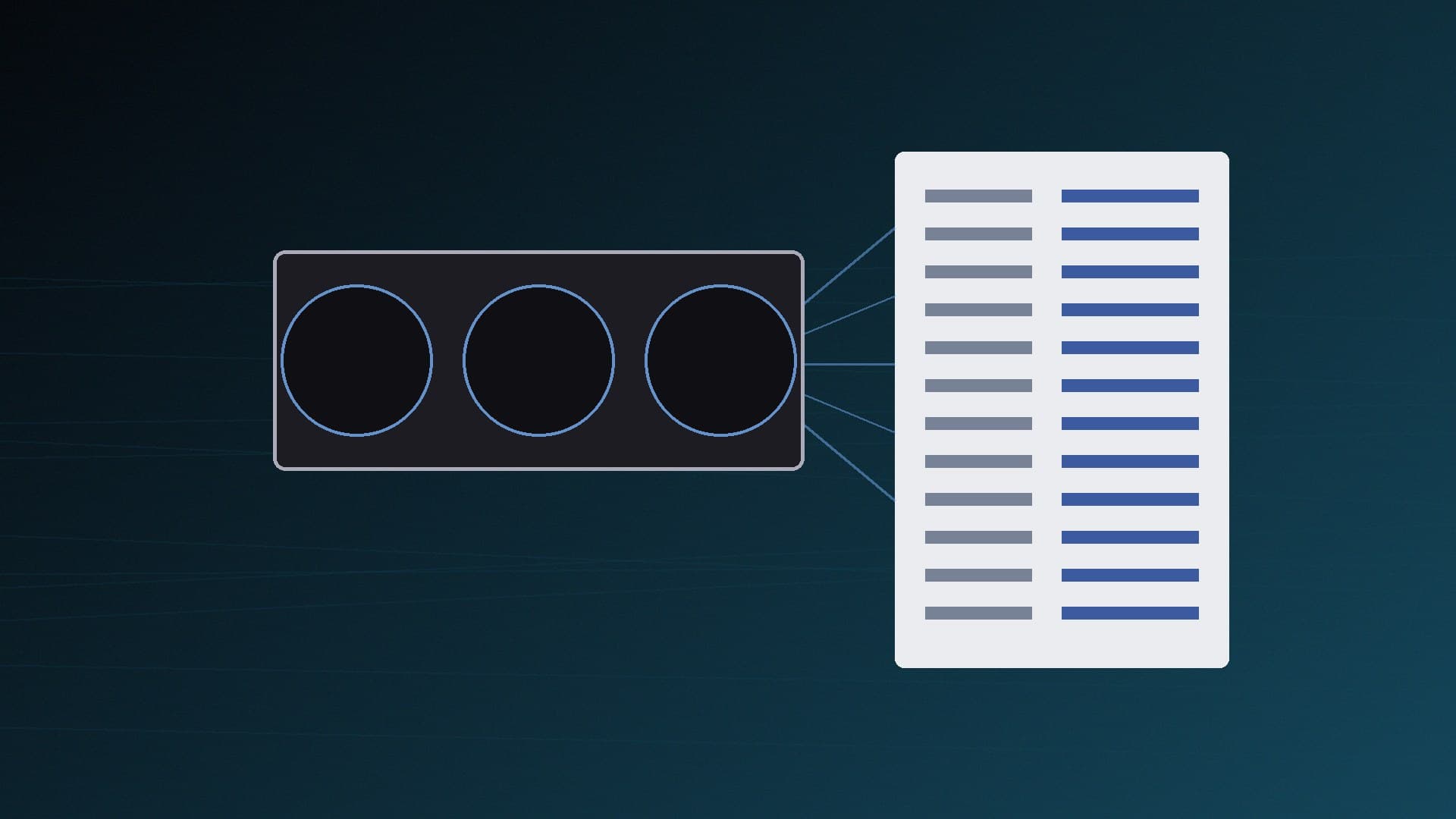
The "graphic engine" line is the chip, made by NVIDIA, AMD or Intel. Everything else on the page is the card maker's design around that chip: cooler, size, clocks, outputs and power connectors. Two cards with the same chip will be very close in performance, so compare chips using independent reviews first, then use the spec sheet to choose a card that fits your PC. Our guide to choosing a graphics card covers the first part.
Step 2: Read the memory lines together
Look at three lines as a group:
Video memory is the amount and type, such as 16GB GDDR7. More memory helps with high-resolution textures and local AI models.
Memory speed is the per-pin data rate, such as 28Gbps.
Memory interface is the bus width, such as 256-bit.
Multiply the speed by the bus width and divide by 8 to get theoretical memory bandwidth. For the TUF RTX 5070 Ti that's 28 x 256 / 8 = 896GB/s, and for the Dual RX 9060 XT it's 20 x 128 / 8 = 320GB/s. That's our calculation, not a figure from the spec sheet, and bandwidth is only one part of performance, but it explains why a wider bus usually belongs to a higher-tier card. If you're buying for local AI, our VRAM guide for Windows shows how to see how much memory your apps use.
Step 3: Don't over-read the clock speed
ASUS lists two figures for each card: a default boost clock and a slightly higher "OC mode" clock, which on the Radeon card is enabled through ASUS's GPU Tweak III software. The difference is small, 22MHz on the RTX 5070 Ti example and 20MHz on the RX 9060 XT, so it shouldn't decide which card you buy. Clock speeds also can't be compared between NVIDIA and AMD chips, or across generations, because the chips do different amounts of work per clock. The same applies to core counts: CUDA cores and stream processors aren't equivalent.
Step 4: Check the bus standard
Both example cards are PCI Express 5.0. They'll still work in a PCIe 4.0 or 3.0 slot at that slot's speed. To see what speed your card is actually running at, follow our guide to checking GPU PCIe link speed.
Step 5: Count your display outputs
The outputs line tells you which ports you get and the maximum number of displays. The TUF card has five ports with a four-display limit, while the Dual RX 9060 XT has three ports. If you run three monitors plus a TV or VR headset, that matters. Check that the port versions match your monitor: a high-refresh 4K monitor needs a cable and port that support its full mode.
Step 6: Measure for length, height and thickness
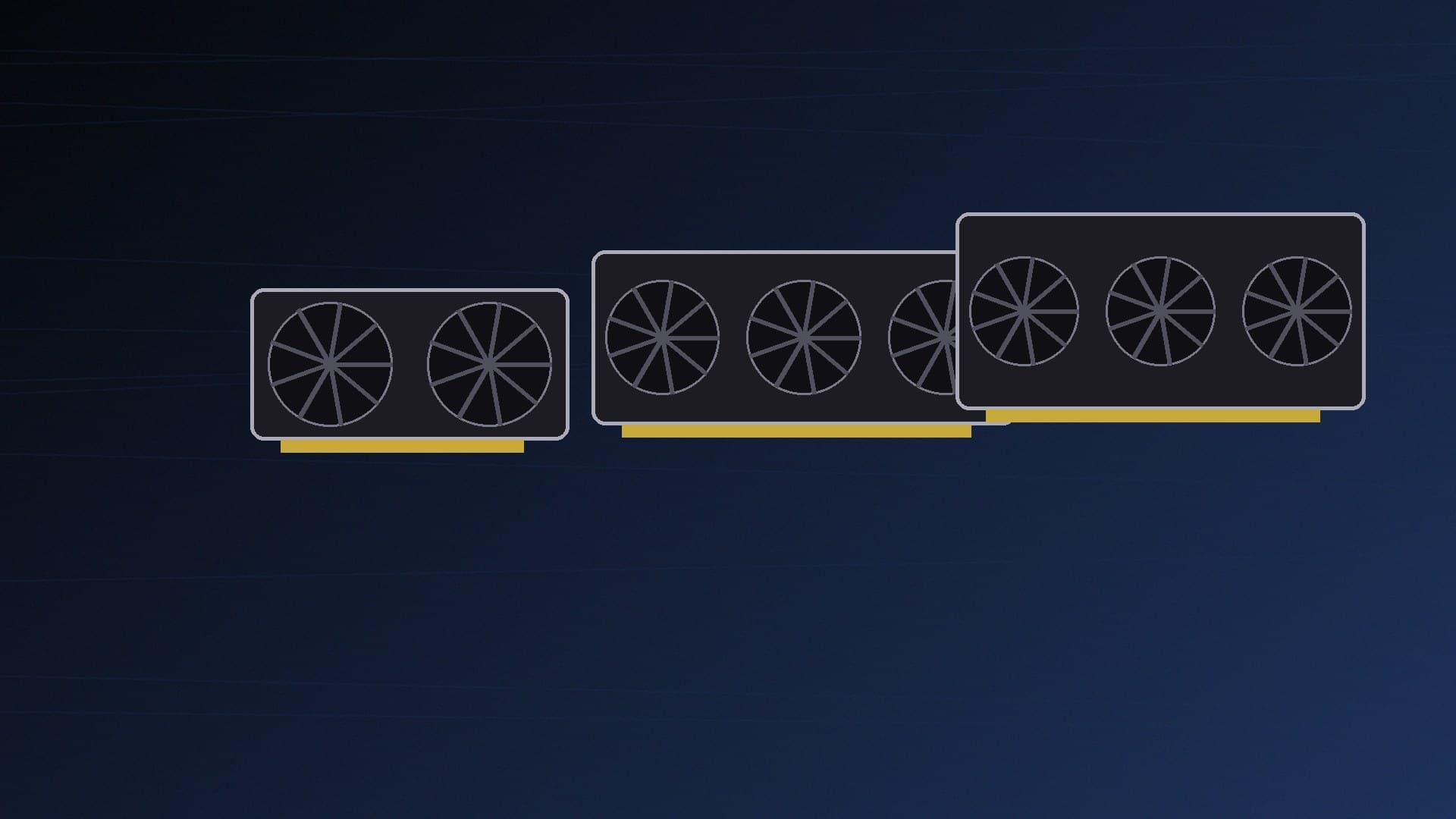
ASUS lists three dimensions, which are the card's length, height and thickness. The 329mm TUF card is 127mm longer than the 202mm Dual card, and 62.5mm thick against 49mm. The "slot" figure turns thickness into expansion slots: 3.125 slots means the card will cover more than three slot positions, which can block a second M.2 slot cover, PCIe card or front-panel header. Height matters too, because a tall card can hit a side panel or the cable. Our guide to checking a graphics card fits your case explains how to measure, and large cards may also need anti-sag support.
Step 7: Match the power connectors and PSU
The power connector line tells you which cables your power supply needs. The RX 9060 XT example uses one 8-pin PCIe connector, while the RTX 5070 Ti example uses one 16-pin connector and ASUS lists a 1-to-3 adapter cable in the box. A modern ATX 3.x power supply with a native 12V-2x6 cable avoids the adapter. Our ATX 3.1 vs ATX 3.0 comparison explains the standards.
The recommended PSU figure is a safe starting point, not an exact requirement. ASUS says its recommendations are based on a fully overclocked GPU and CPU system, so a typical build may need less, but a lower-quality PSU at the same wattage may not cope as well. Our guides to choosing a PSU and reading a PSU spec sheet go further.
Lines such as lighting (ASUS's AURA SYNC ARGB on the TUF card), bundled software and accessories don't affect performance, but they tell you what's in the box. ASUS also warns that its specifications can change without notice and that products may not be available in every market, so check the UK page for the exact model number you're buying.
Our verdict
To read a graphics card spec sheet, identify the GPU chip first, then use the card's own lines to check fit and power: memory size, type and bus width; display outputs; length, height and slot thickness; power connectors; and the maker's recommended PSU. Treat boost clocks and core counts as minor details and use independent reviews for real performance.